Last Updated on April 17, 2026
Welcome, aspiring artists and Undertale enthusiasts! In this tutorial, we’ll be guiding you through the process of drawing pixel Sans, the lovable, pun-loving skeleton from the popular game Undertale. Remember, practice makes perfect, so grab your drawing tools and let’s get started!
Materials and Tools
- Pencil (preferably with a light touch for initial sketching)
- Eraser
- Drawing paper or sketchbook
- Inking pen or marker
- Colored pencils, markers, or digital tools for coloring (optional)
Step-by-Step Drawing Guide
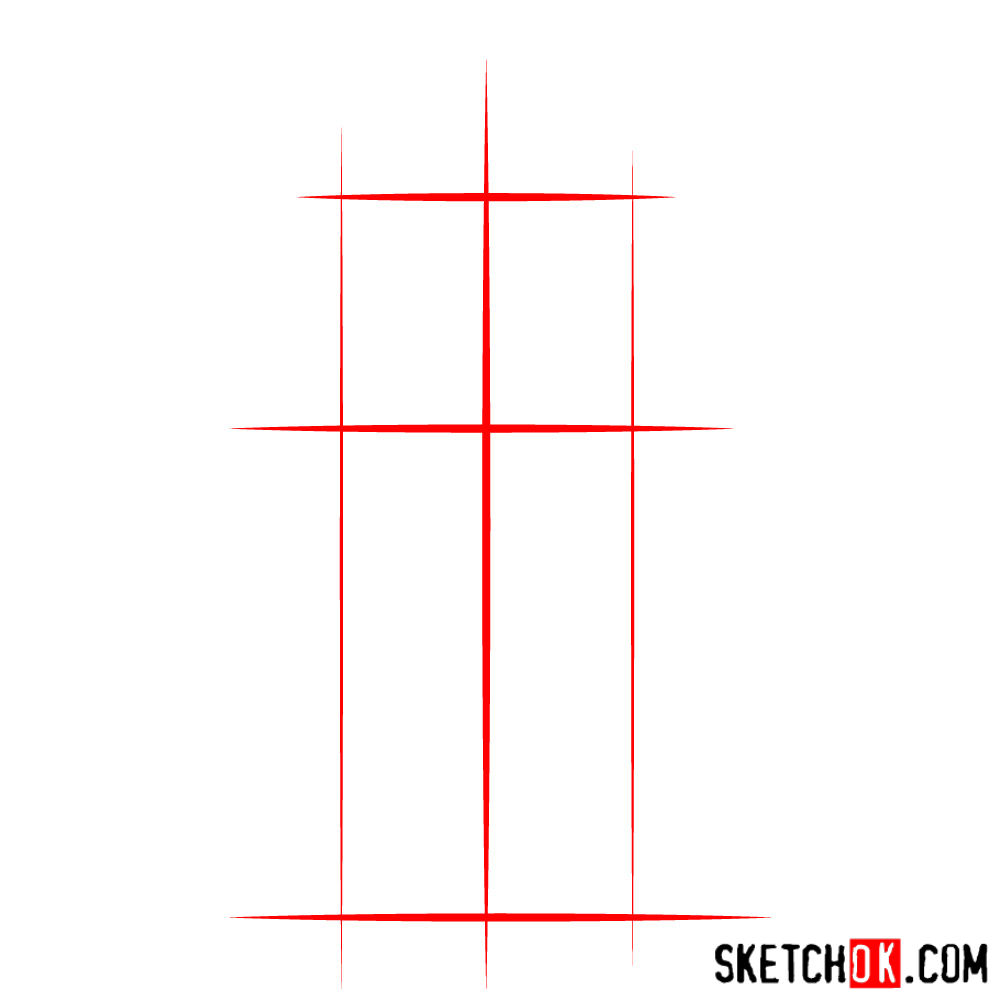
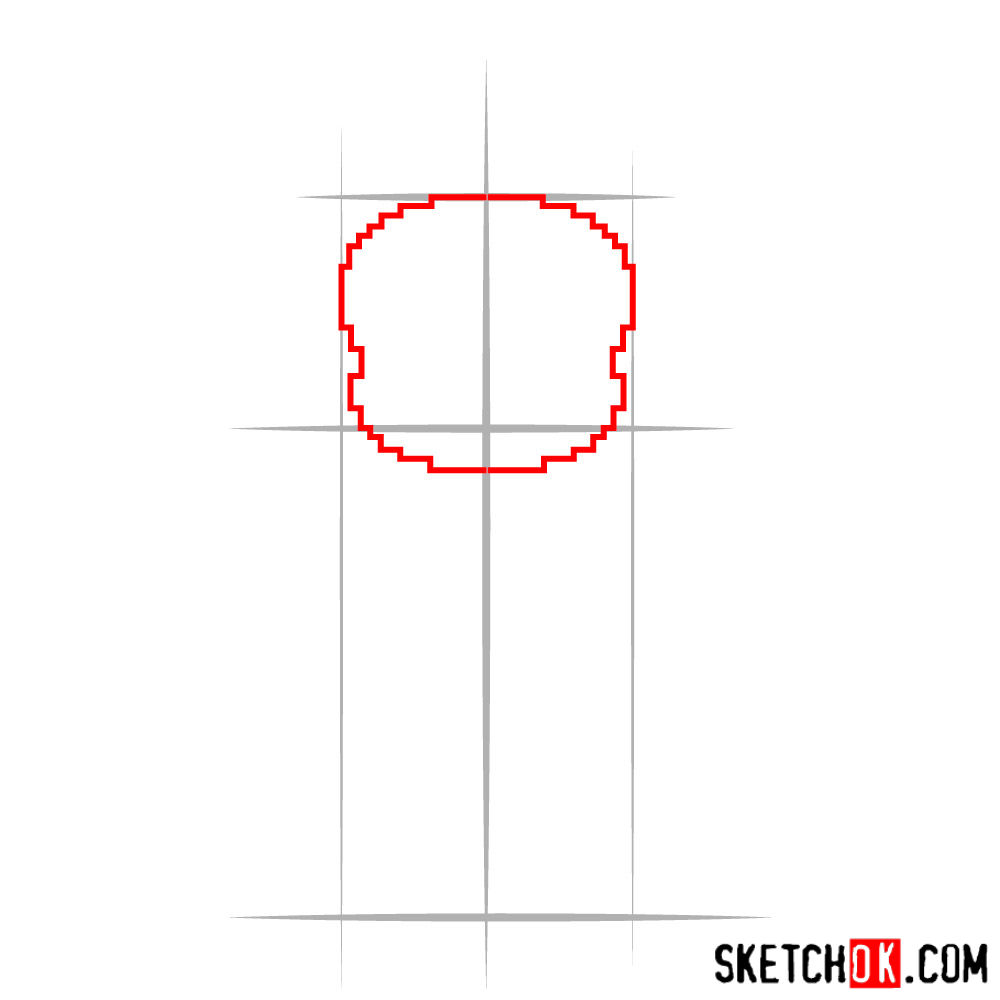
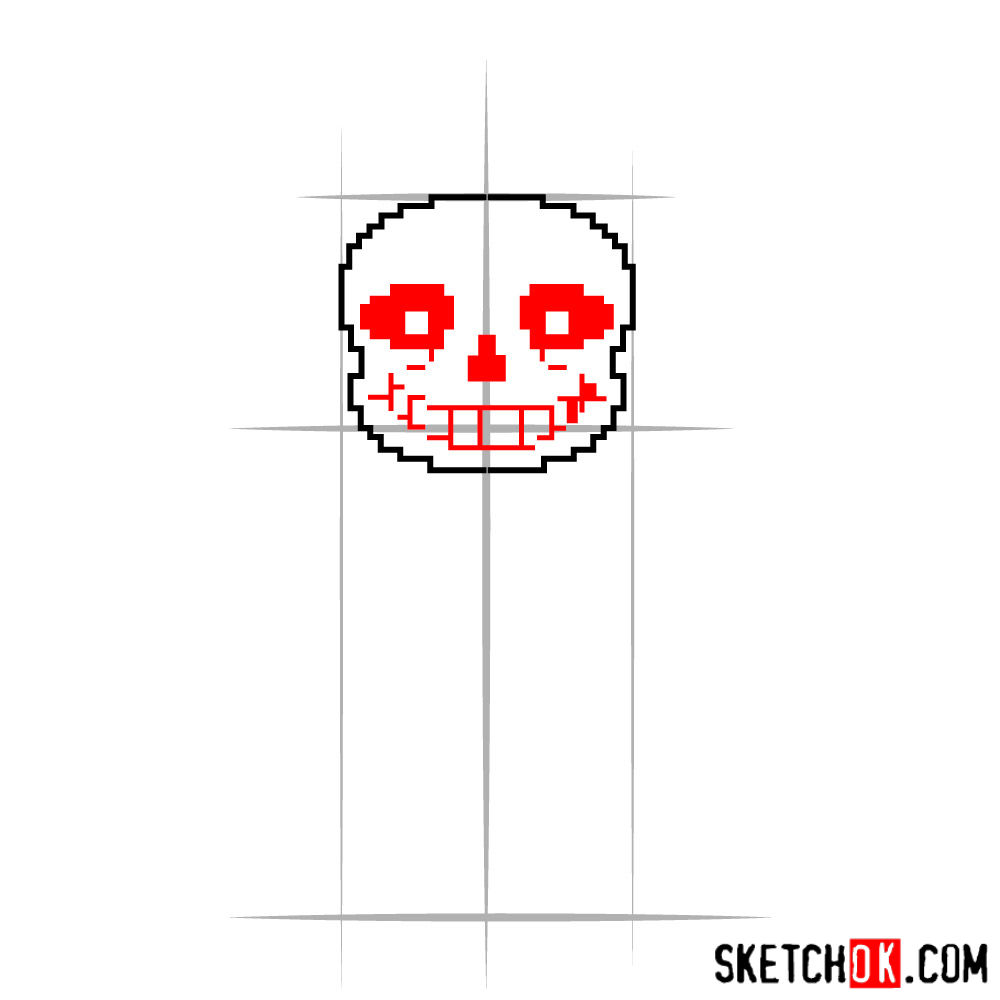
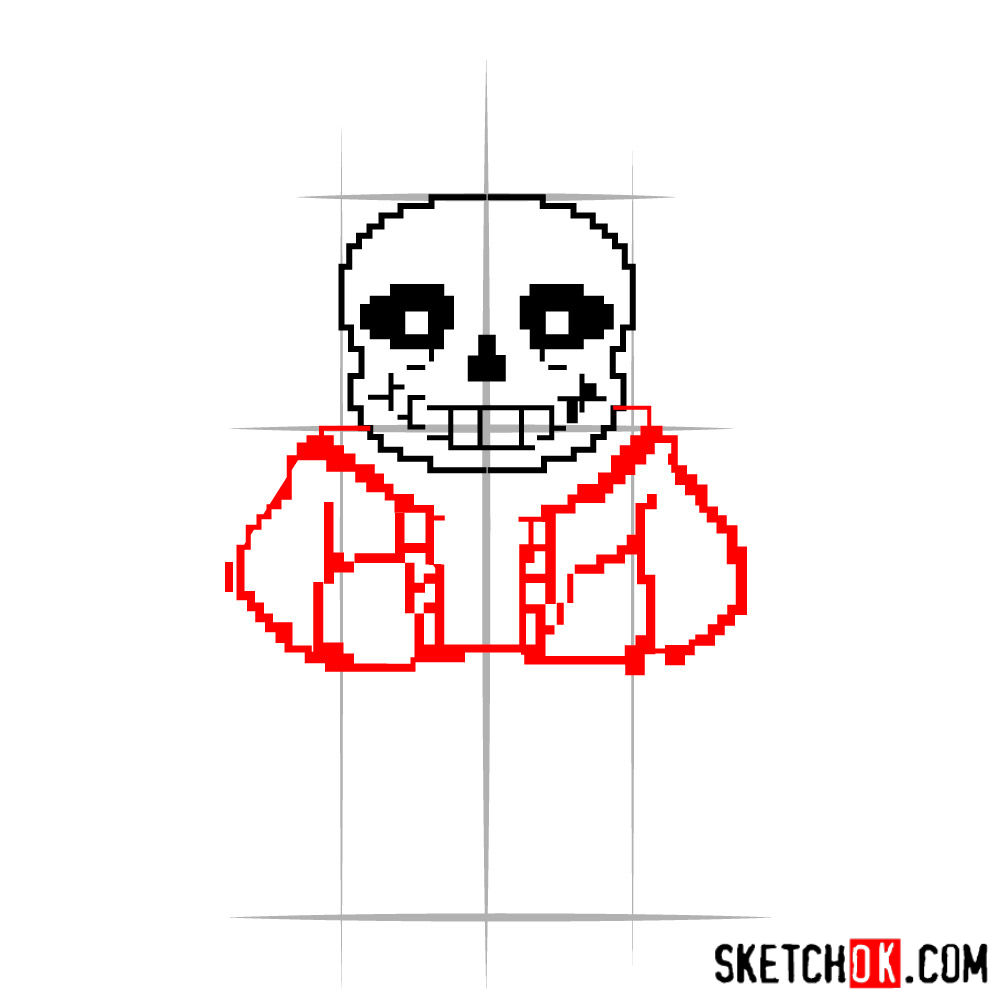
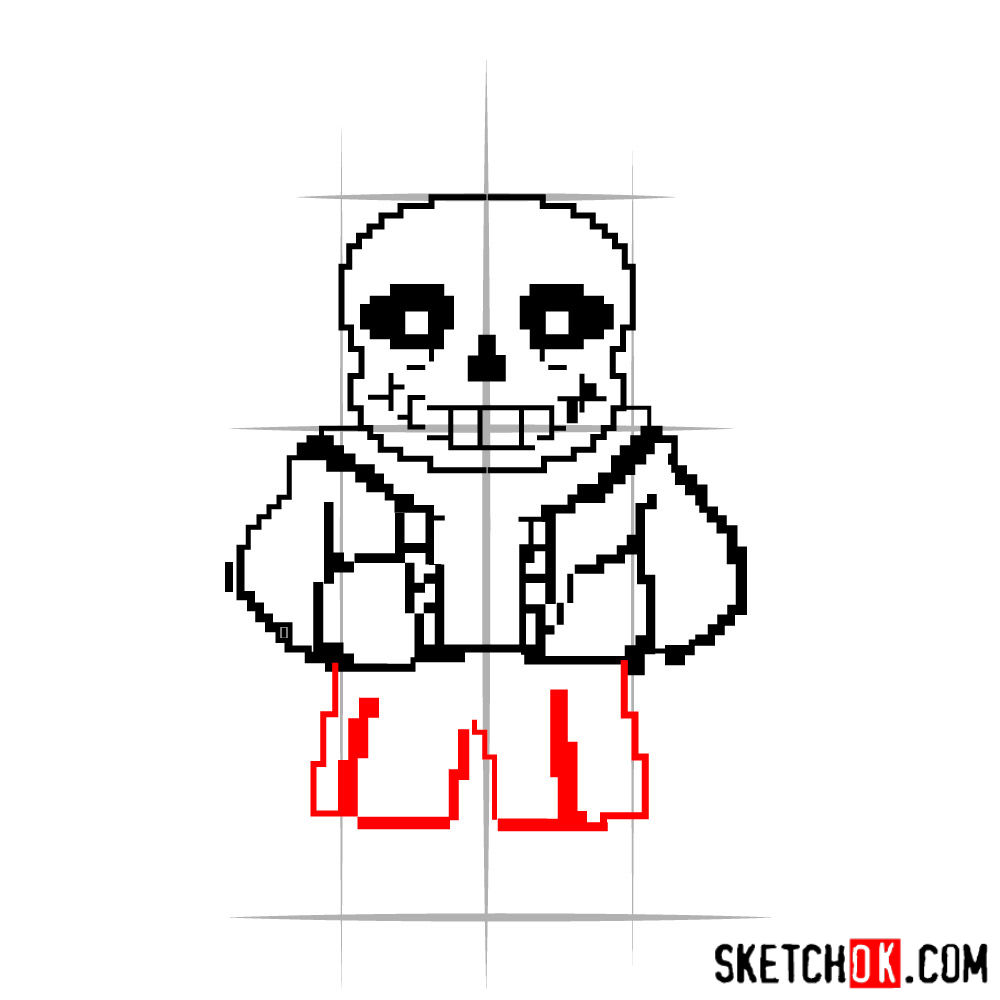
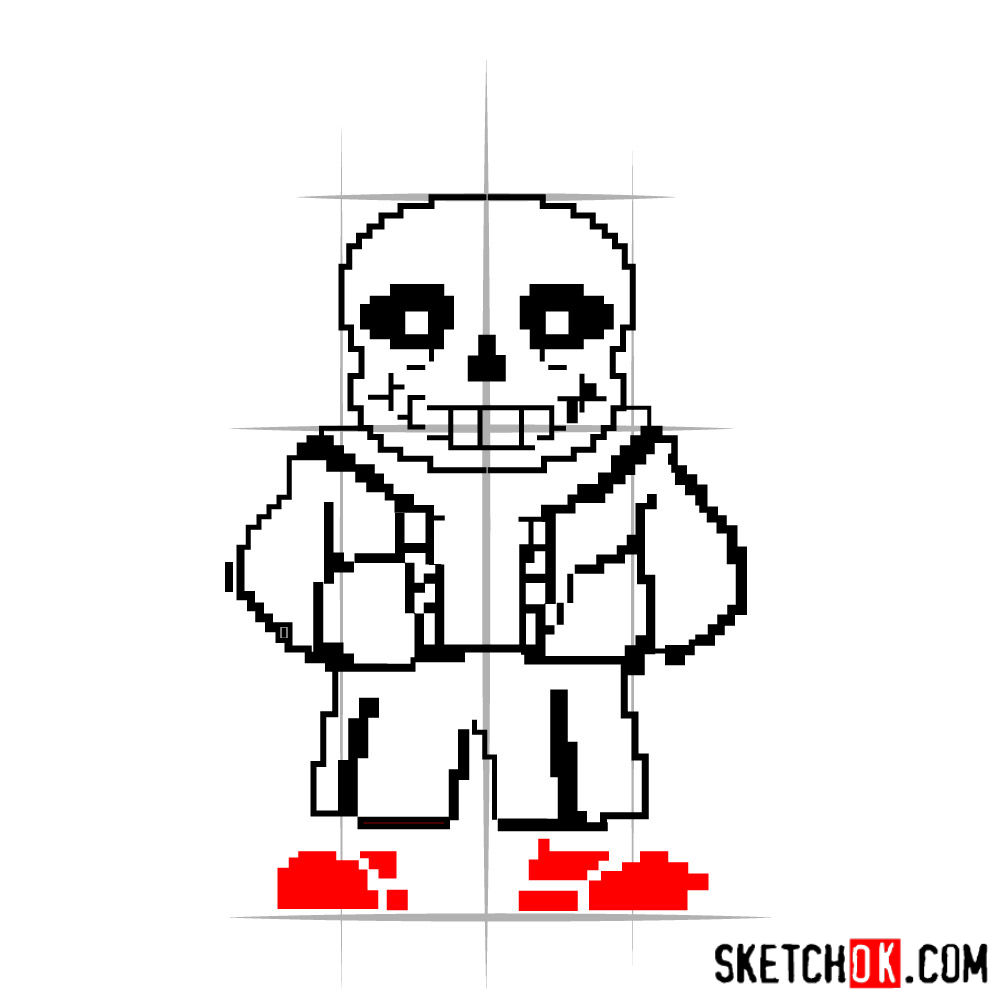
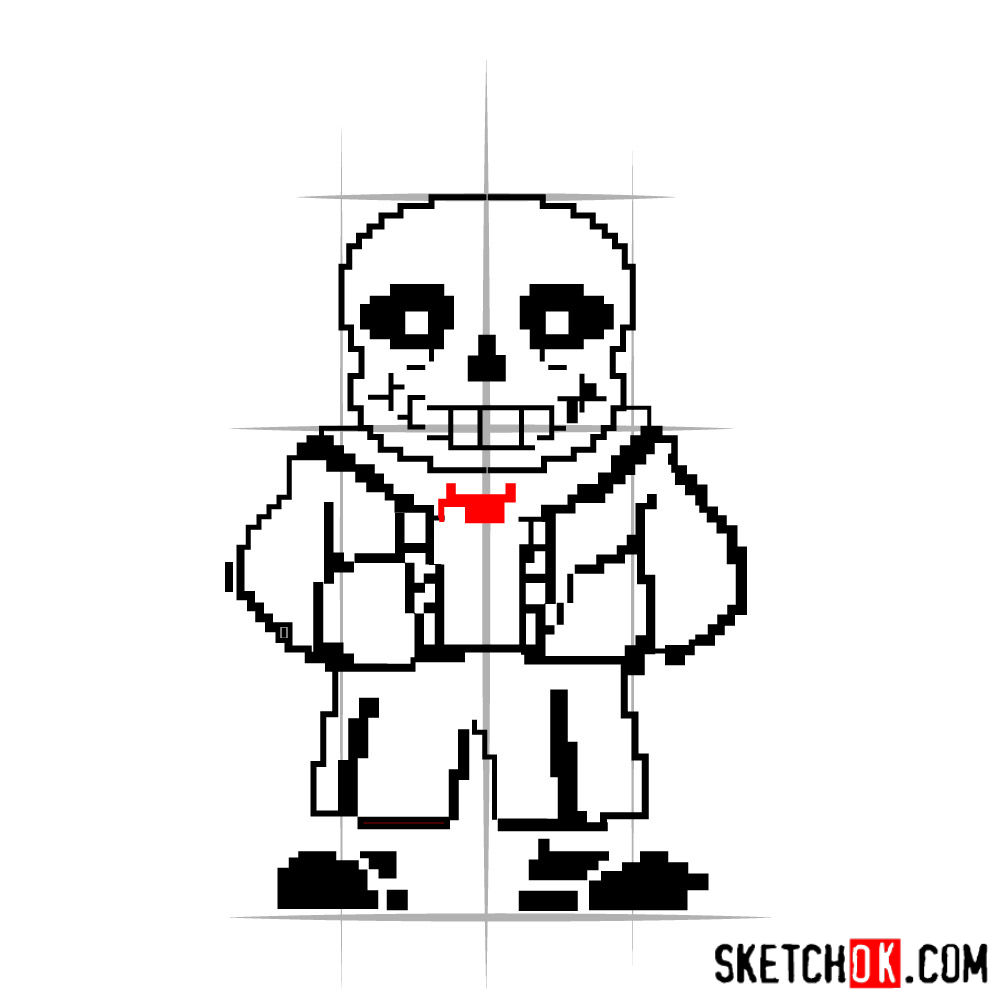
The initial images in our tutorial will guide you through this process, with red color indicating the current step, grey for the basic proportions sketch, and black for previously drawn lines.
Part 1: Basic Lines
Begin by lightly sketching the basic lines to establish the basic proportions. Focus on getting the proportions right, and remember that the first step will serve as a foundation for the rest of your drawing.
Part 2: Making the Sketch
With the basic structure in place, it’s time to make your sketch. Start adding details to Sans’ face, clothing, and other features, while keeping an eye on the proportions. Make sure his blue hoodie, black shorts and slippers are accurate. Don’t forget his signature toothy grin!
Part 3: Inking
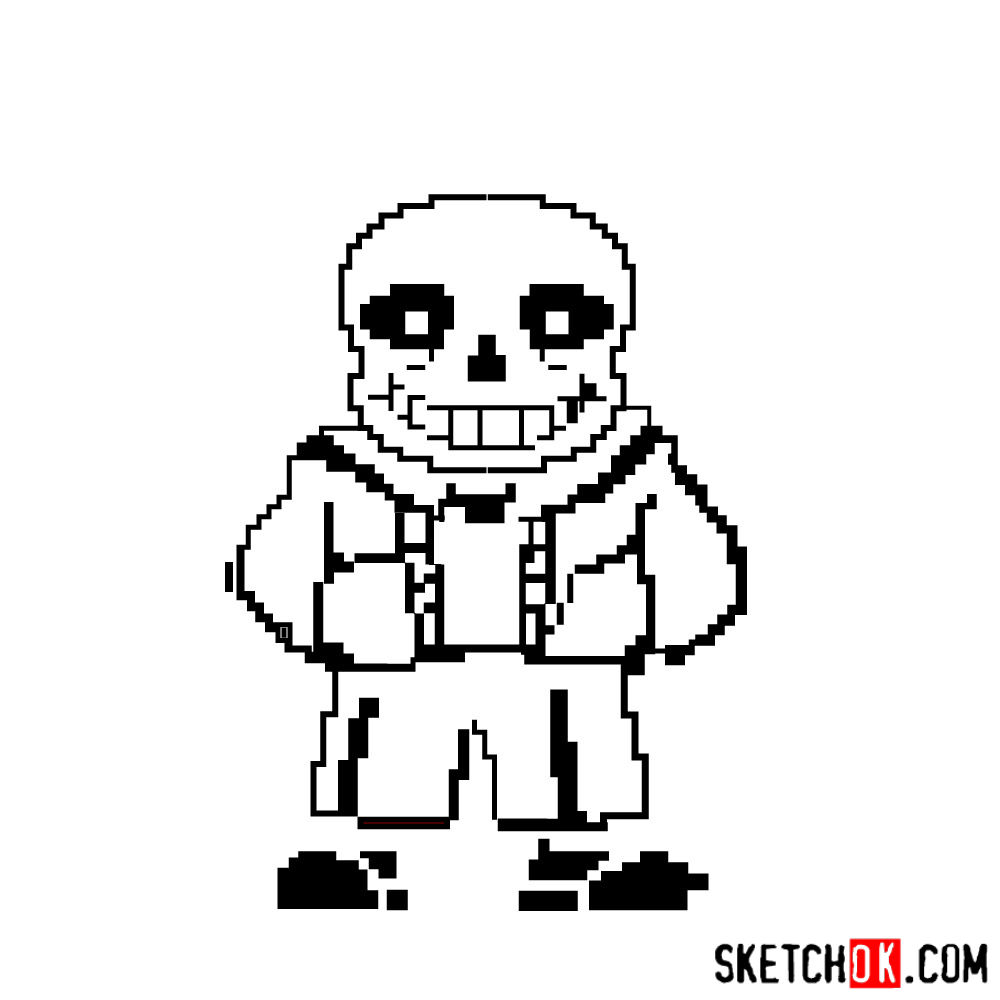
Once you’re satisfied with your refined sketch, begin by erasing the lines we made in the first step, the outlining your drawing with an inking pen or marker. Take your time, and be careful not to smudge the ink.
Part 4: Coloring and Shading
With your inking complete, you can now add color, shading, and highlights to your pixel Sans drawing. Use colored pencils, markers, or digital tools to bring your drawing to life. Pay attention to the lighting and shadows to give your artwork a sense of depth and dimension.
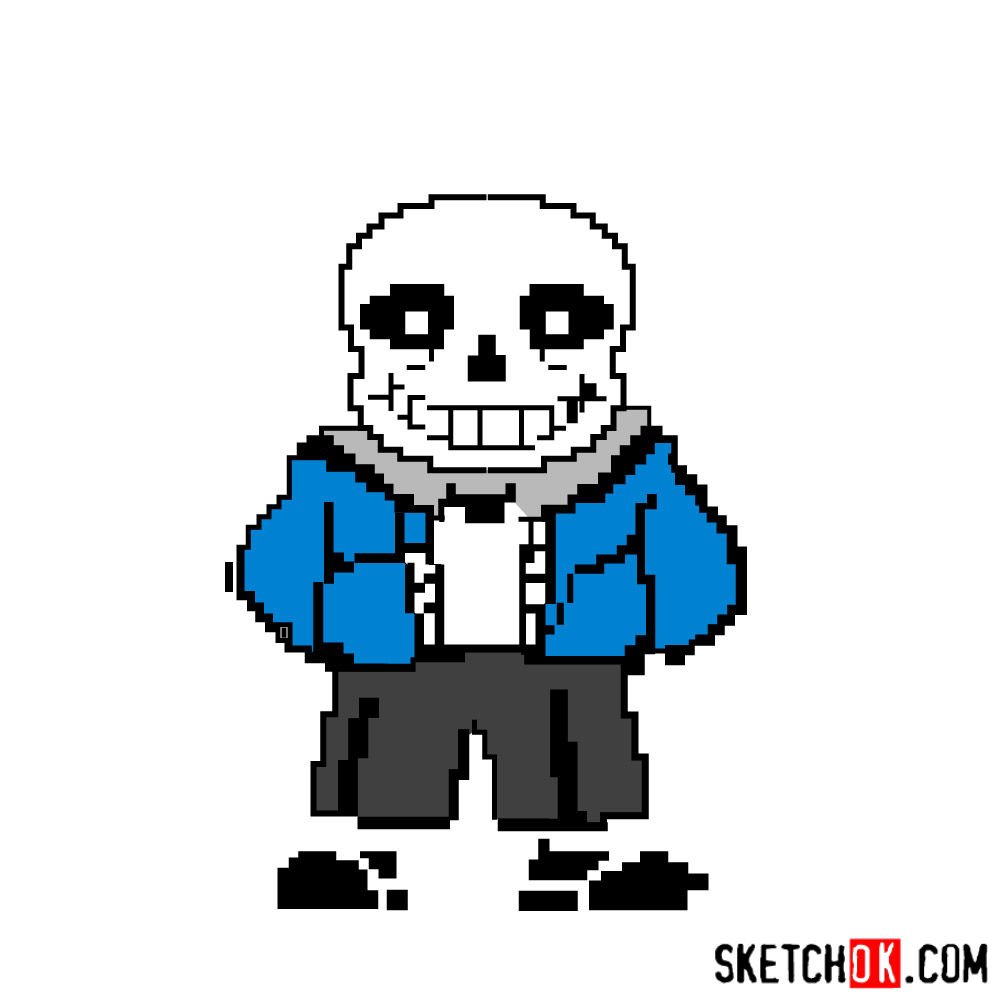
Congratulations on completing your pixel Sans drawing tutorial! Keep practicing, experimenting with techniques, and drawing other Undertale characters to hone your artistic skills.
Tips and Techniques
Experiment with different drawing techniques to find what works best for you. For example, try cross-hatching or stippling for shading, or use a blending tool to create smooth gradients in your coloring. Also, remember to practice drawing other Undertale characters like Papyrus, Asriel, or Chara to expand your artistic repertoire.

can tou make papuys pleas