Last Updated on May 14, 2026
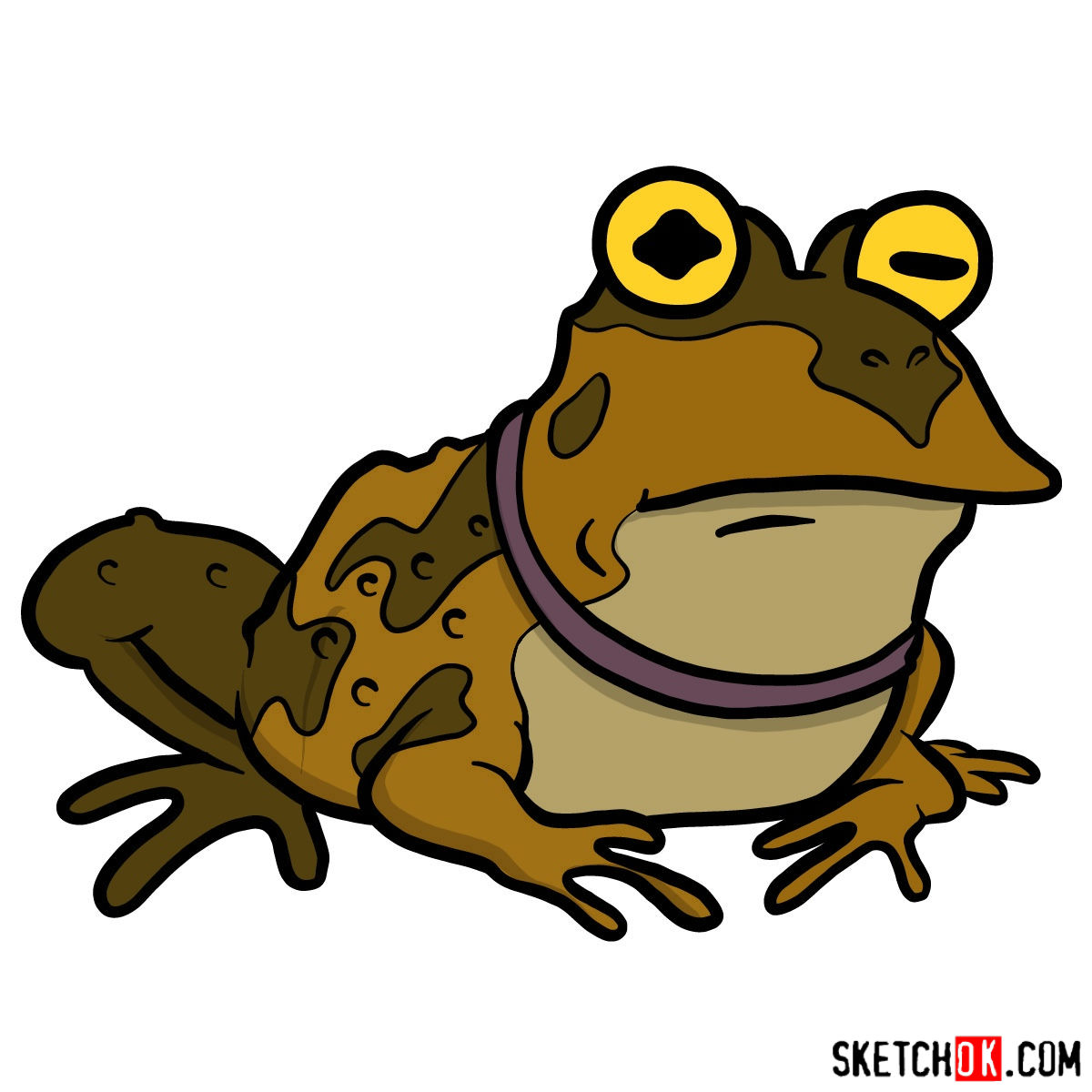
Throughout the universe of Futurama, few characters possess the captivating presence of the Hypnotoad. With its pulsating eyes and the power to mesmerize nearly anyone, this character has left an indelible mark on fans. Whether you’re a seasoned artist or just beginning your artistic journey, learning how to draw the Hypnotoad is an experience that will challenge and inspire.
Deciphering the Enigma: Hypnotoad’s Key Features
- Pulsating Eyes: Hypnotoad’s eyes aren’t just large; they oscillate with multiple colors, creating a hypnotic pattern. It’s these eyes that give the toad its mesmerizing power.
- Ample Physique: Unlike regular toads, the Hypnotoad boasts a large, imposing presence.
- Ominous Buzz: While this isn’t a visual feature, keep in mind the distinctive droning sound that accompanies the Hypnotoad. It adds to its mysterious aura.
If you’re looking to expand your drawing repertoire, consider adding other Futurama characters, like Bender or Zoidberg, alongside Hypnotoad for a full ensemble piece.
The Sketching Blueprint
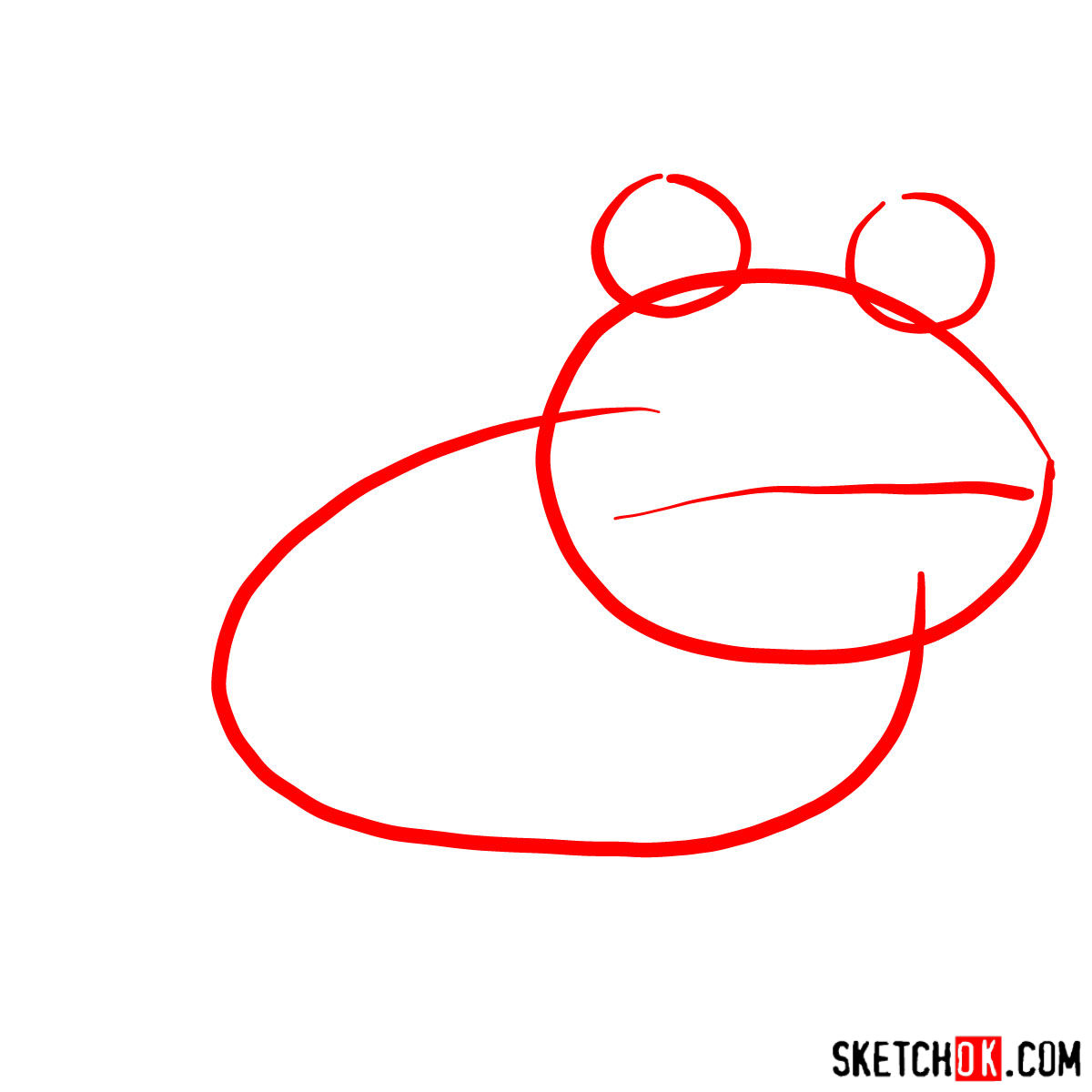
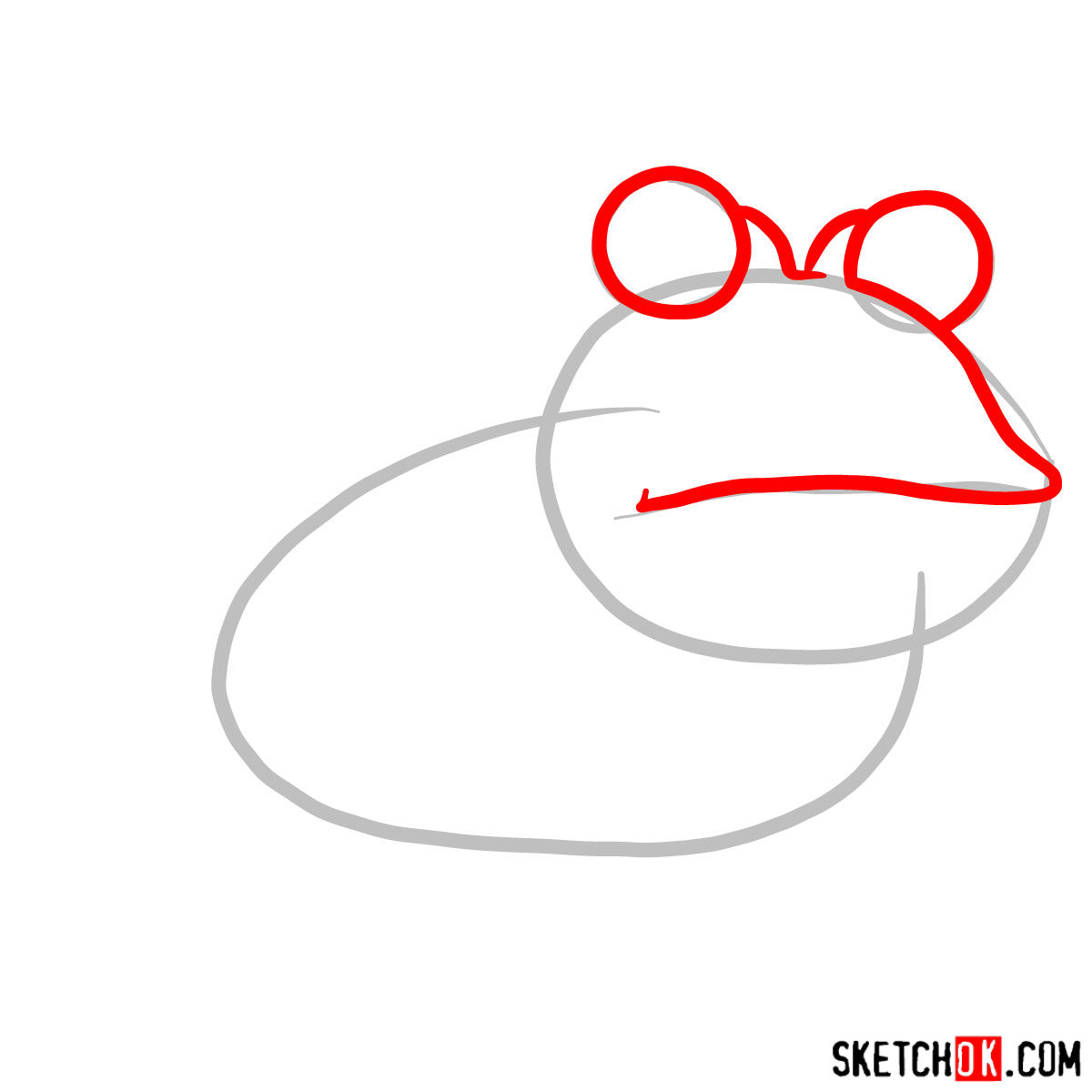
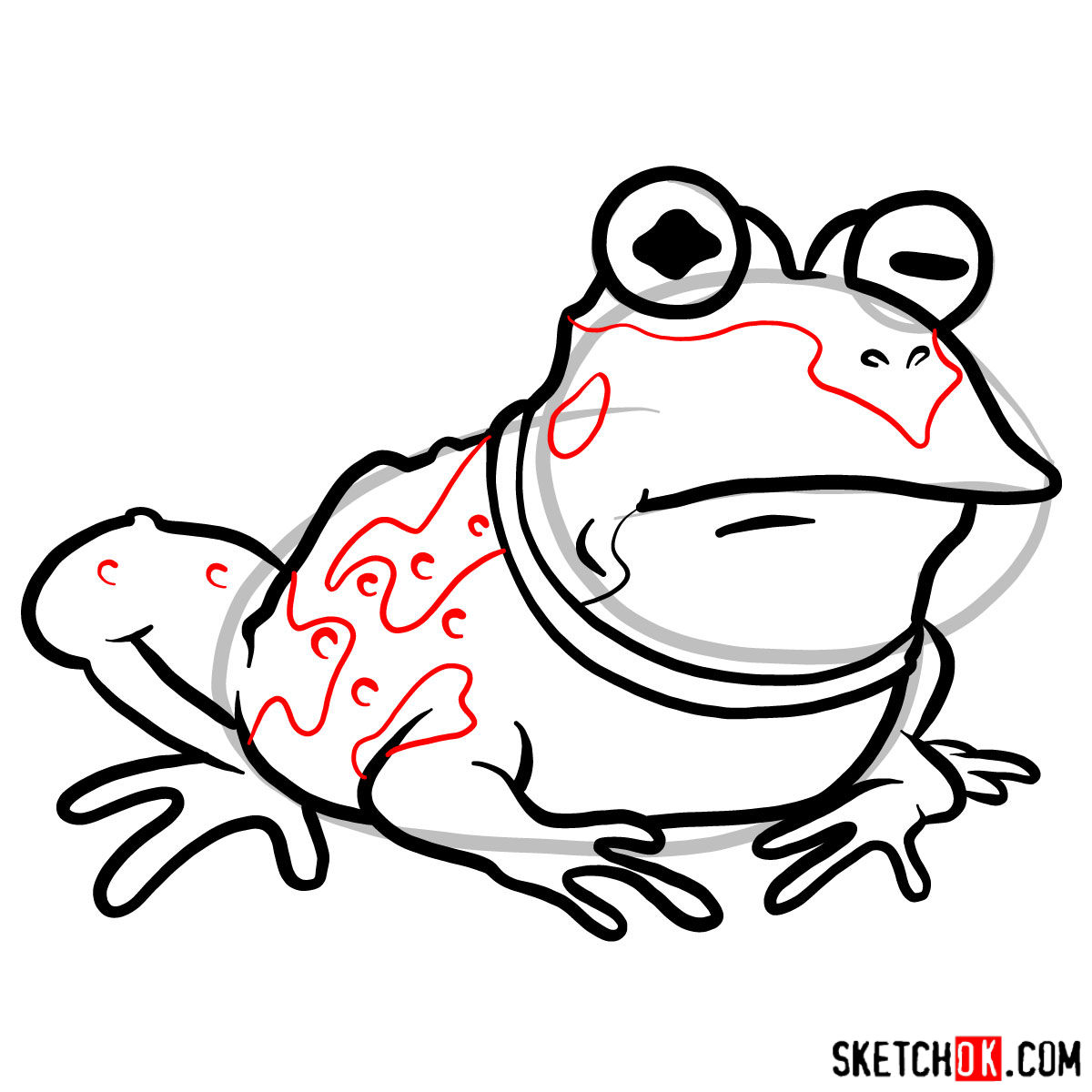
Before diving into the process of drawing the Hypnotoad, understanding the guide’s color coding will make your journey smoother.
- Red Color: This indicates the current step in your drawing journey.
- Black Color: Represents the lines you’ve sketched in previous steps.
- Grey Color: This highlights the basic proportions and structure of the sketch.
With 11 steps in total, the first one is crucial in laying down a solid foundation for the basic sketch. Once you reach the final stage, inking your sketch will give it a polished look. Remember to let the ink dry thoroughly before erasing the underlying pencil marks to avoid smudging.






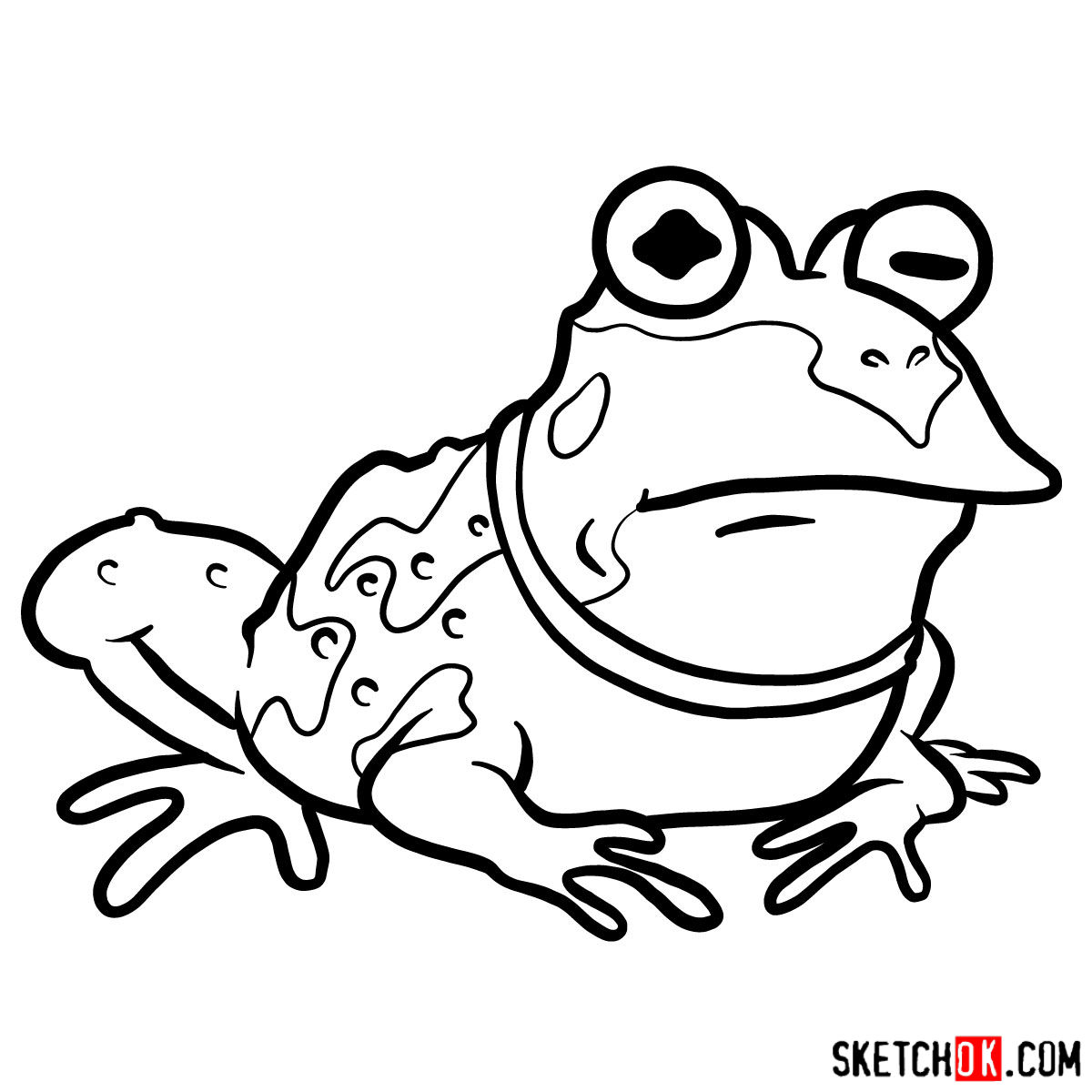
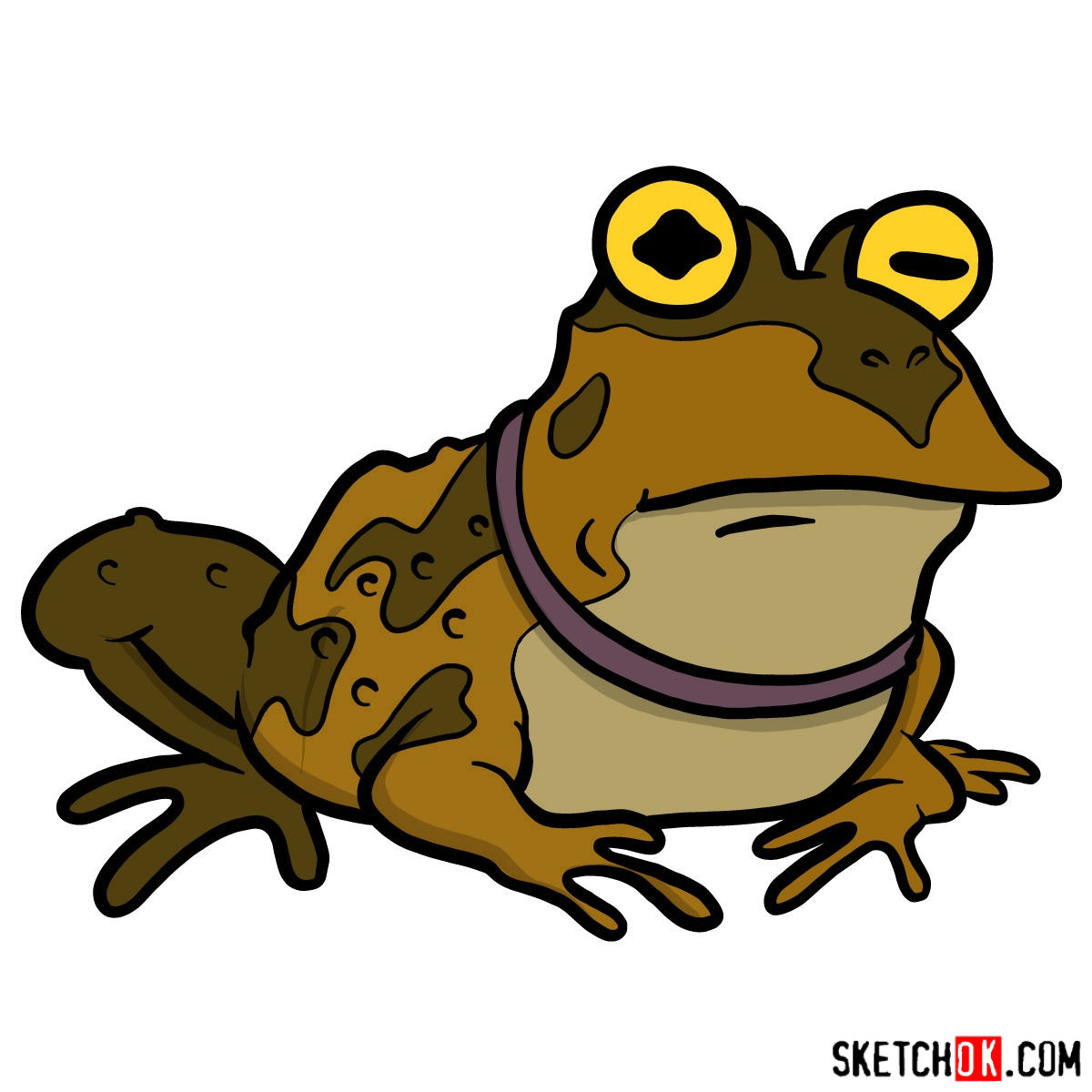
Now that you know how to draw Hypnotoad, go ahead and finish up your sketch and drop a photo or link in the comments under the pinned post on Pinterest. Seeing what everyone comes up with is genuinely one of the best parts of running this site, and Hypnotoad especially tends to produce some wild results. If you want a steady stream of new guides, the signup form at the top of the page gets you a weekly digest, and video versions of some guides pop up on the SketchOk YouTube channel too.
