Last Updated on May 14, 2026
Delving into the world of art can often lead us to depict characters that have not only made a mark on-screen but also in our hearts. One such character is Bumi, a name that resonates with the legacy of Avatar Aang and the intricacies of the Air Nomad culture. This tutorial will guide you on how to draw Bumi, a character teeming with vivacity and spirit.
Understanding Bumi’s Character and Key Drawing Elements
- Facial Expressions: Bumi’s expressions are a testament to his lively nature. Capturing this is pivotal to portraying his true self.
- Physique: Despite his comedic demeanor, Bumi has a seasoned warrior’s build, reflecting his history in the United Forces.
- Attire: Bumi’s attire resonates with a mix of military and traditional Air Nomad elements, symbolizing his dual heritage.
While mastering how to draw Bumi, you might also be interested in sketching out related characters like Tenzin, his disciplined younger brother, or even Kya.
Your Guide to Sketching Bumi
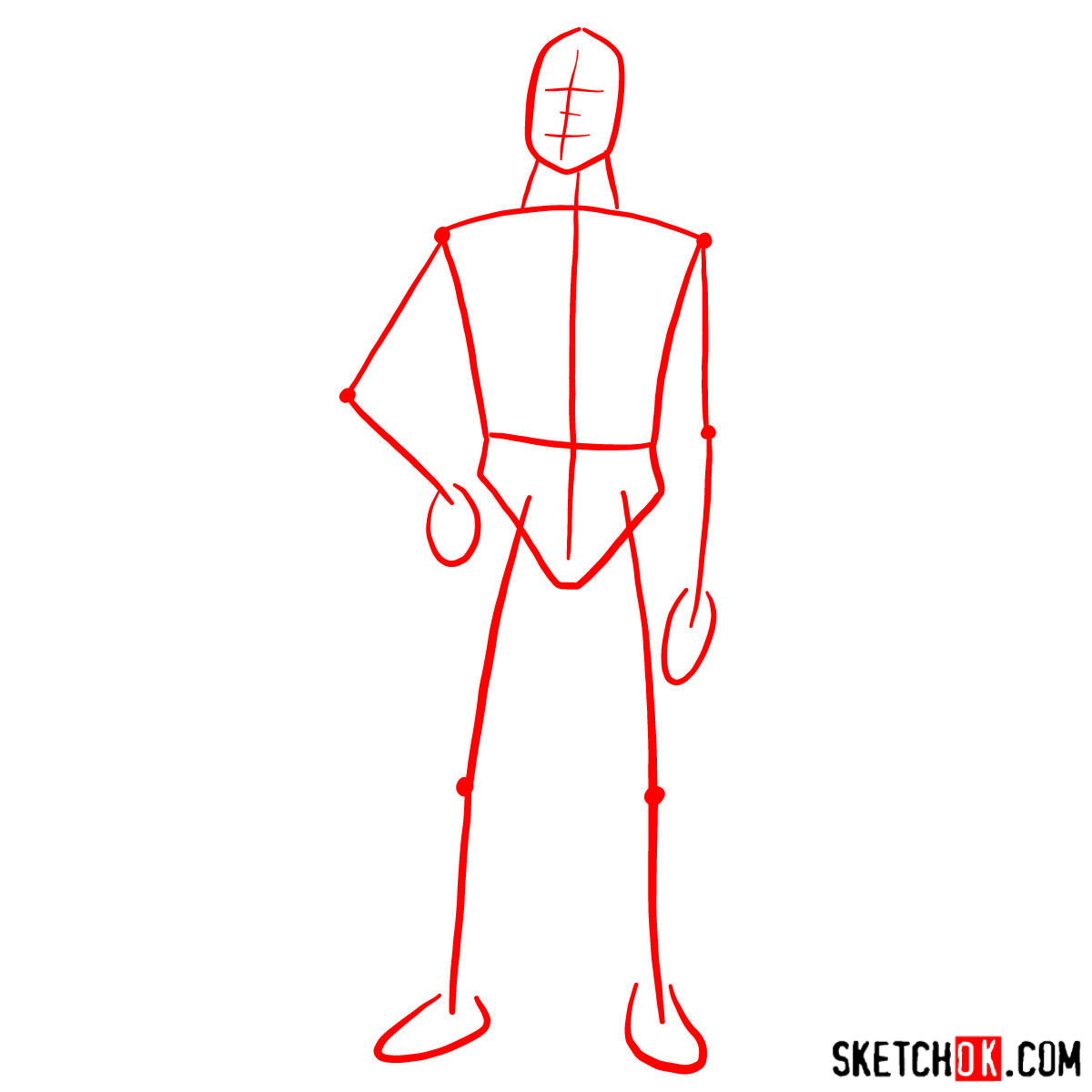
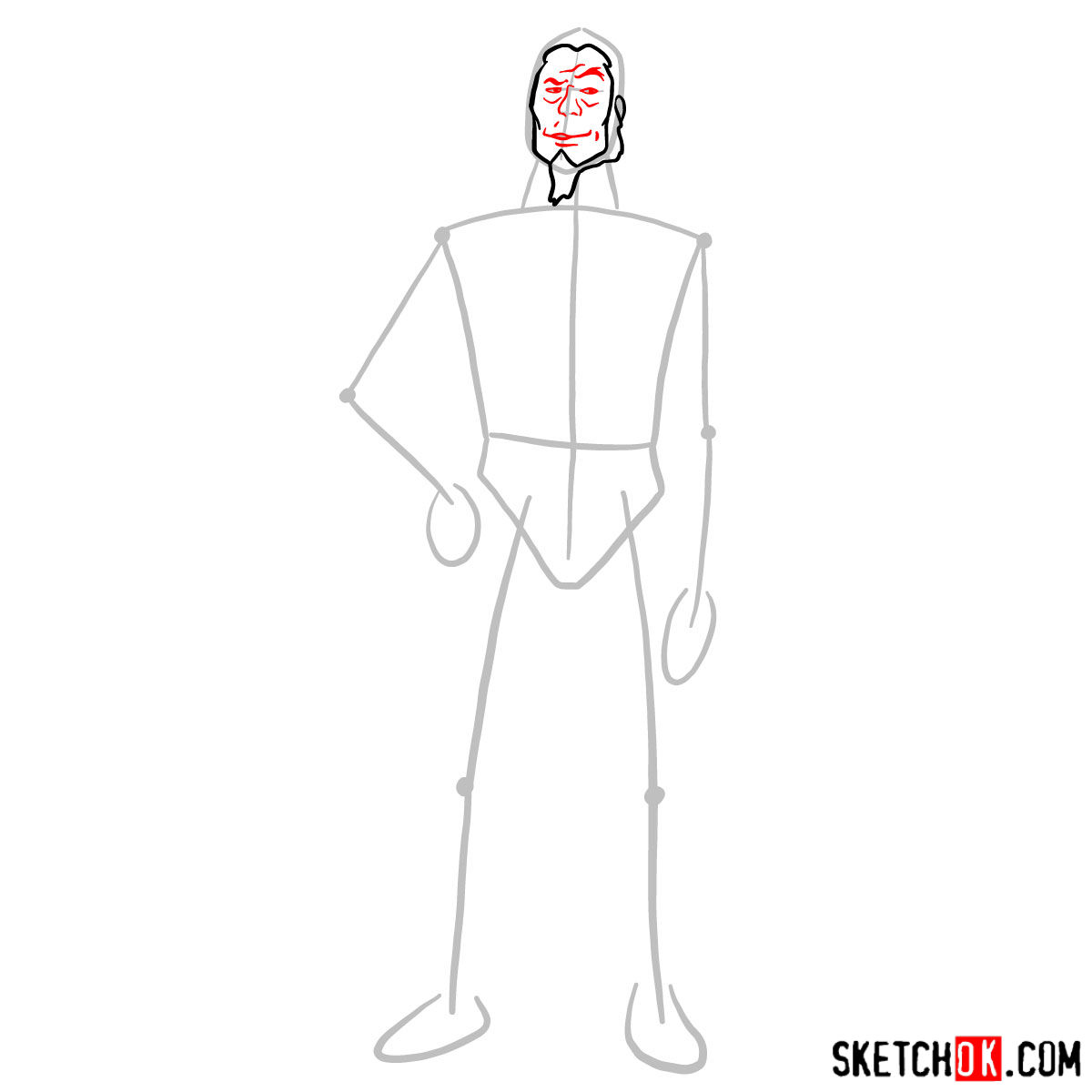
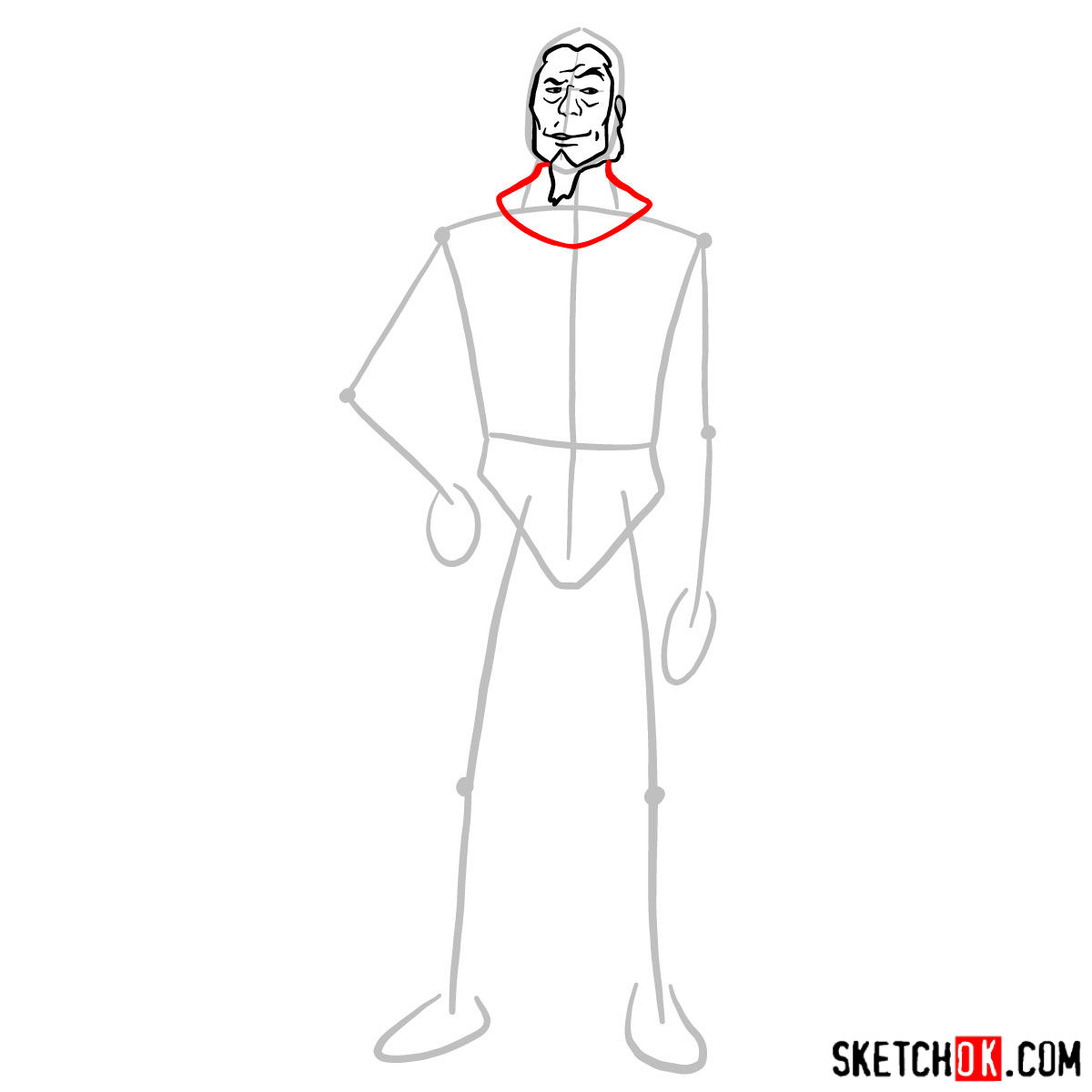
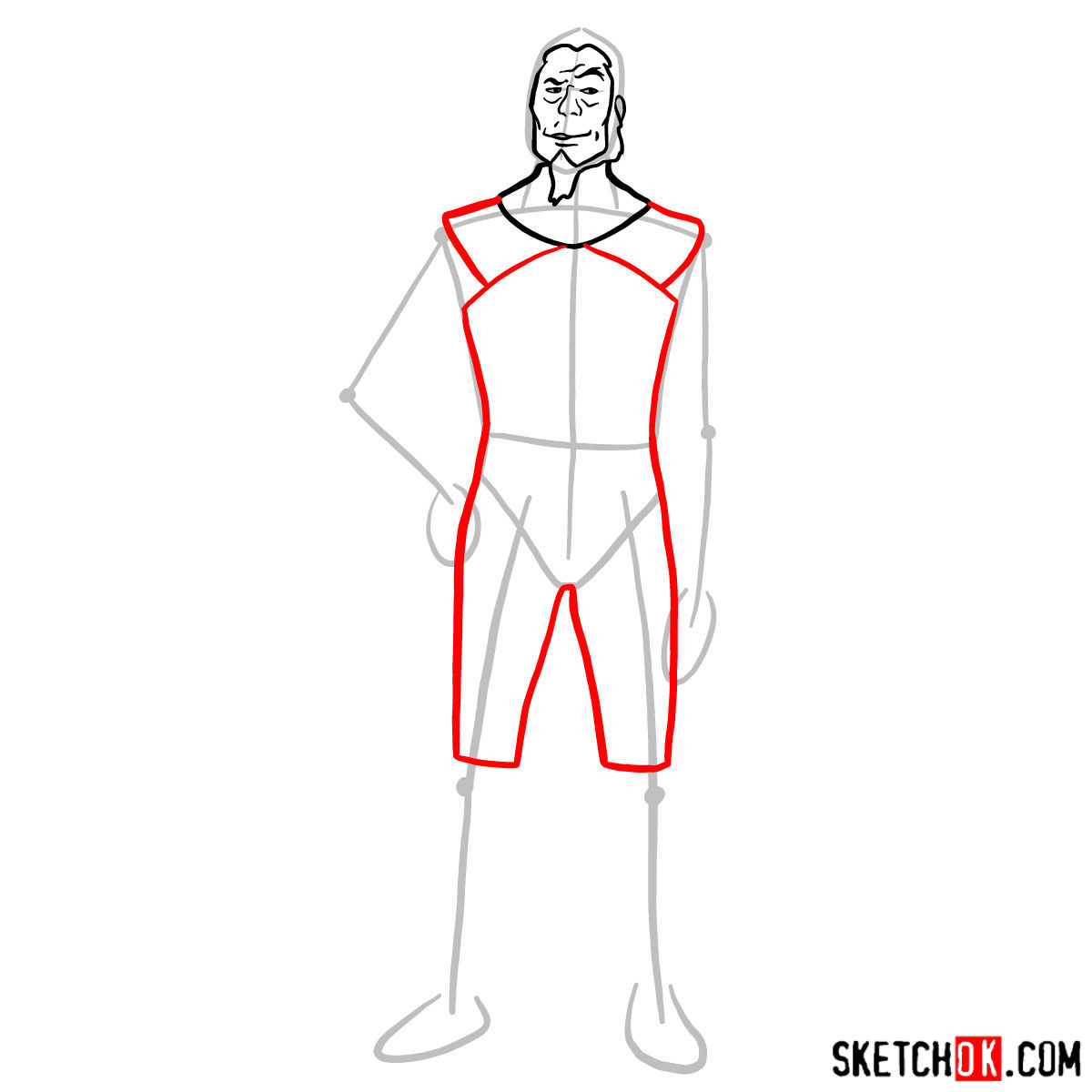
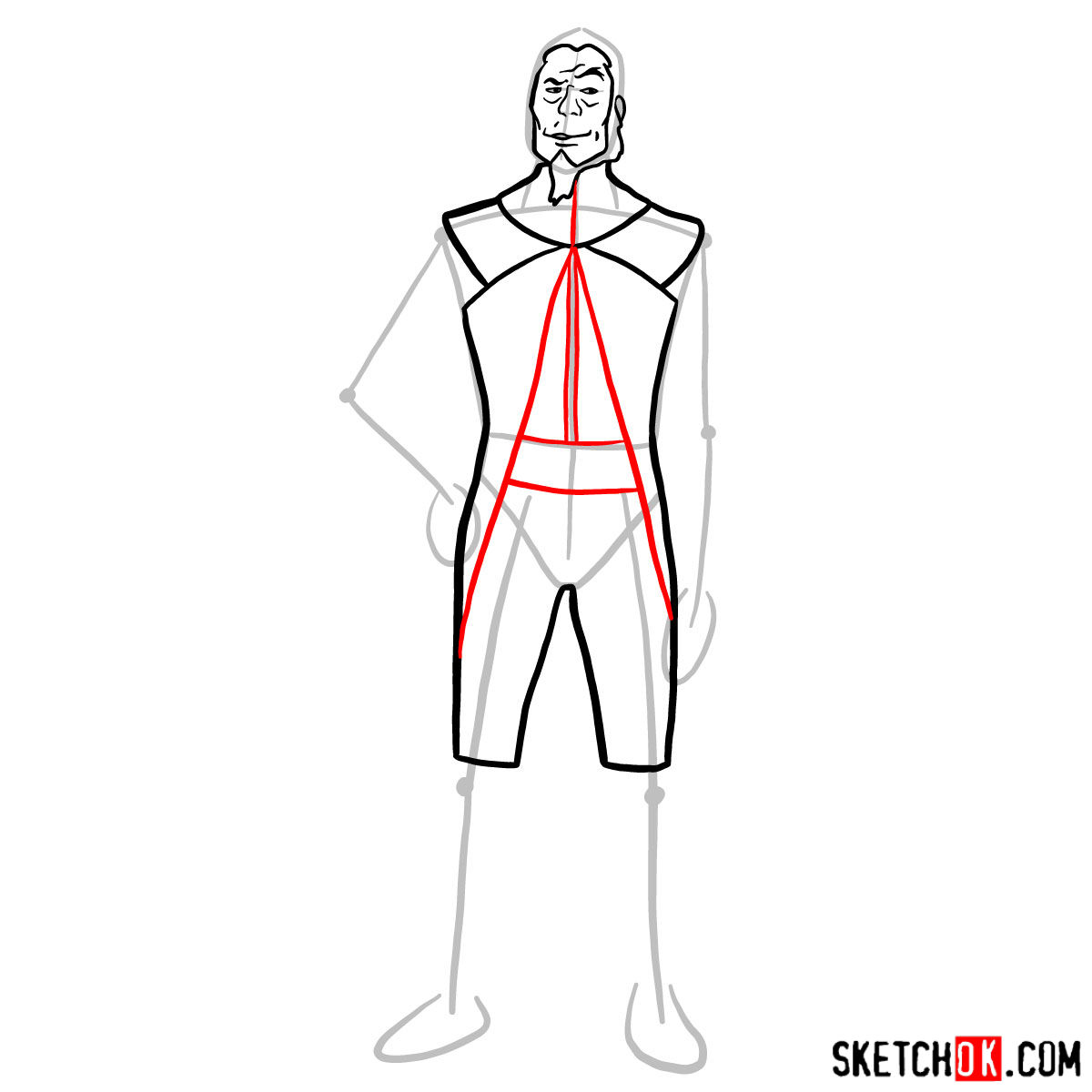
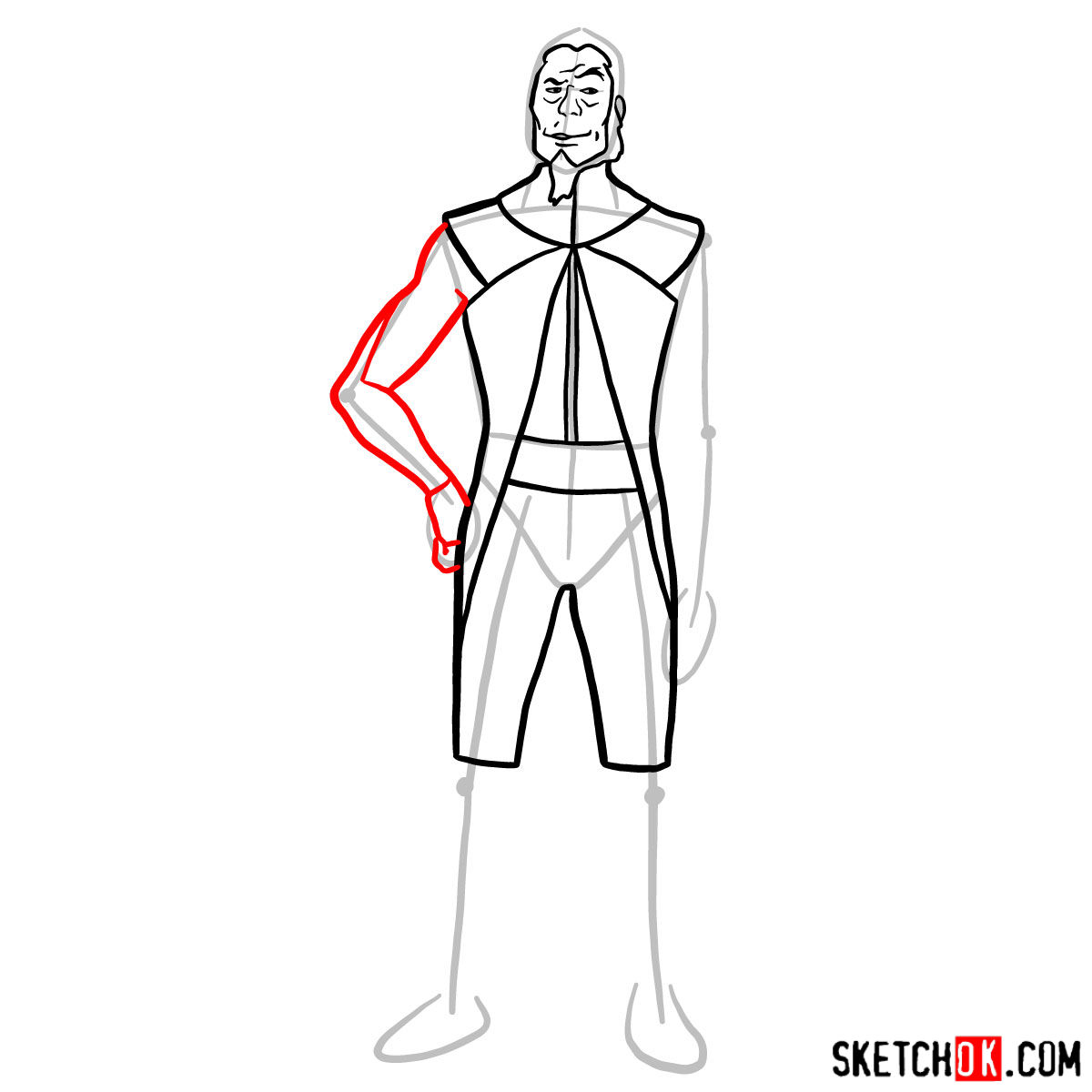
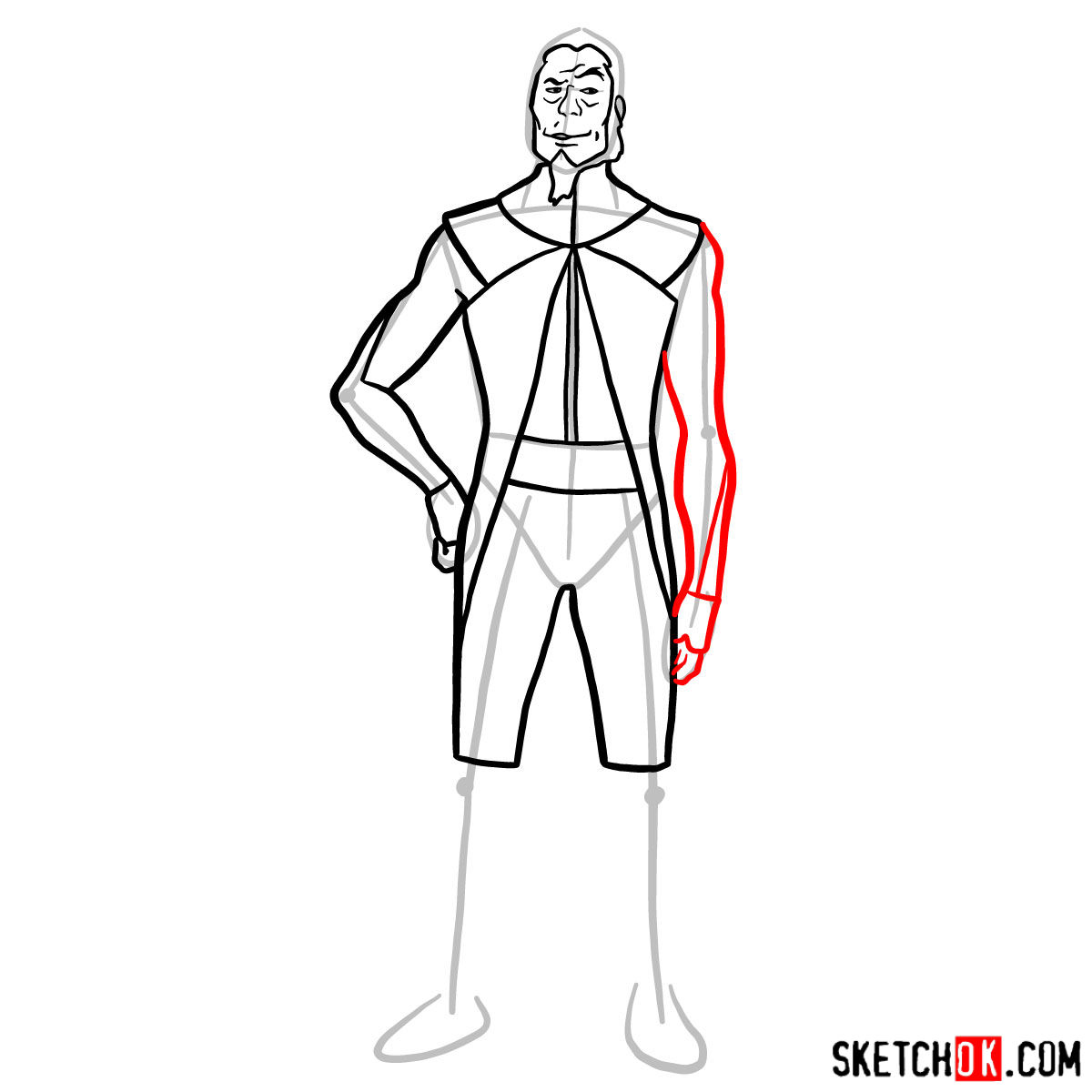
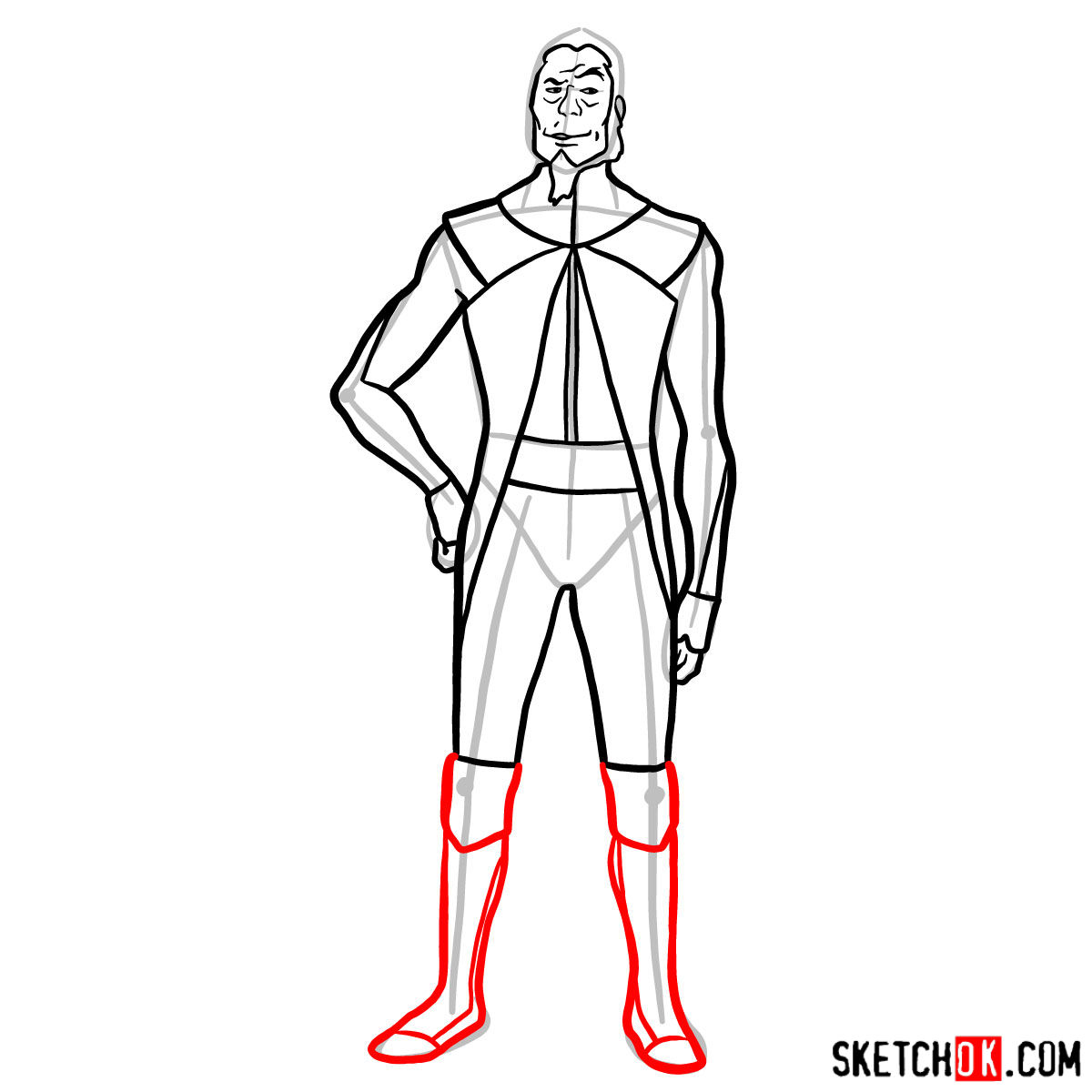
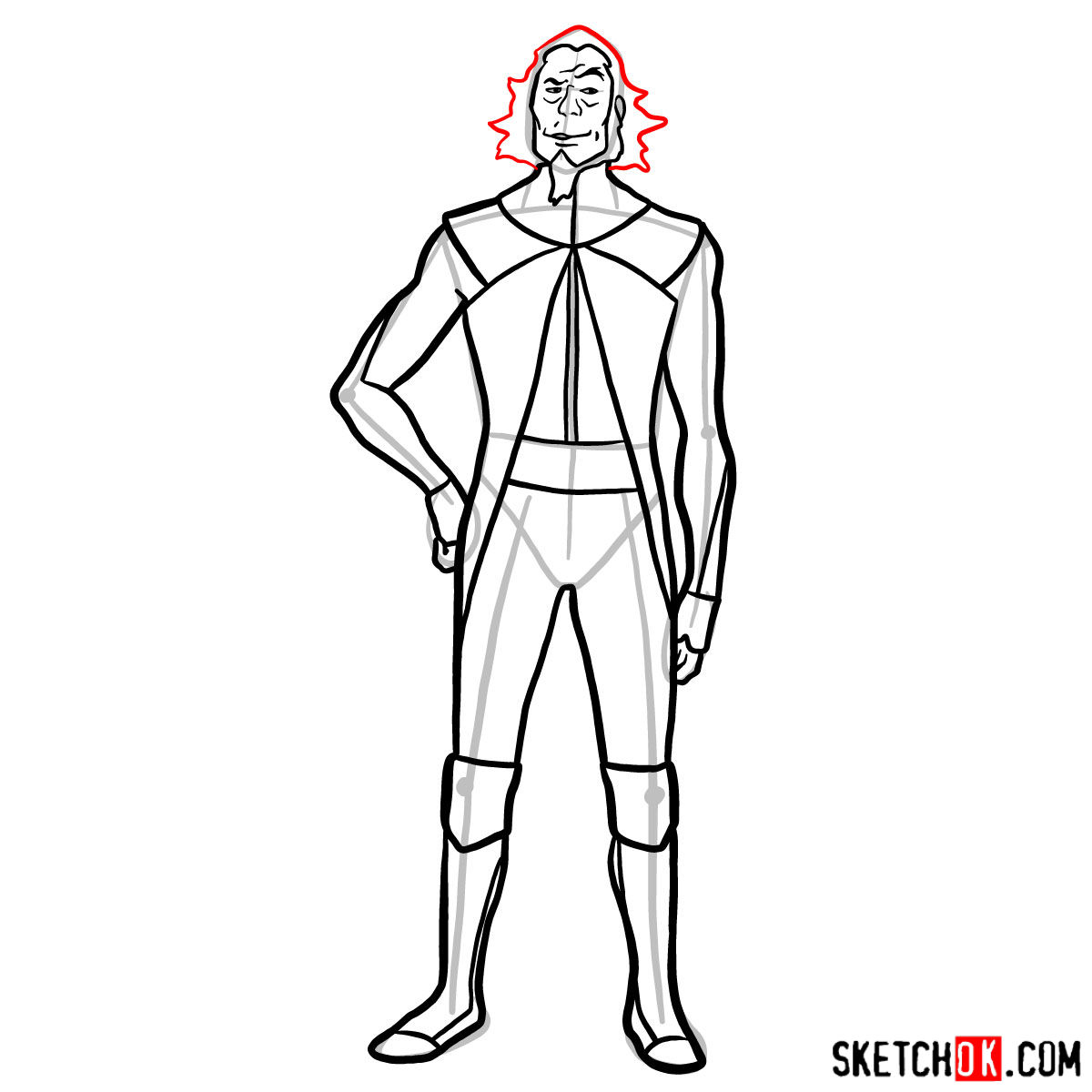
Our illustrative guide consists of 12 distinct steps that cater to both beginners and seasoned artists. Let’s dive into understanding the guide’s unique color coding:
- Red Color: Denotes the current step in the drawing process you should be focusing on.
- Black Color: Indicates the lines you’ve drawn in the previous steps.
- Grey Color: Represents the basic structure and proportion of the sketch.
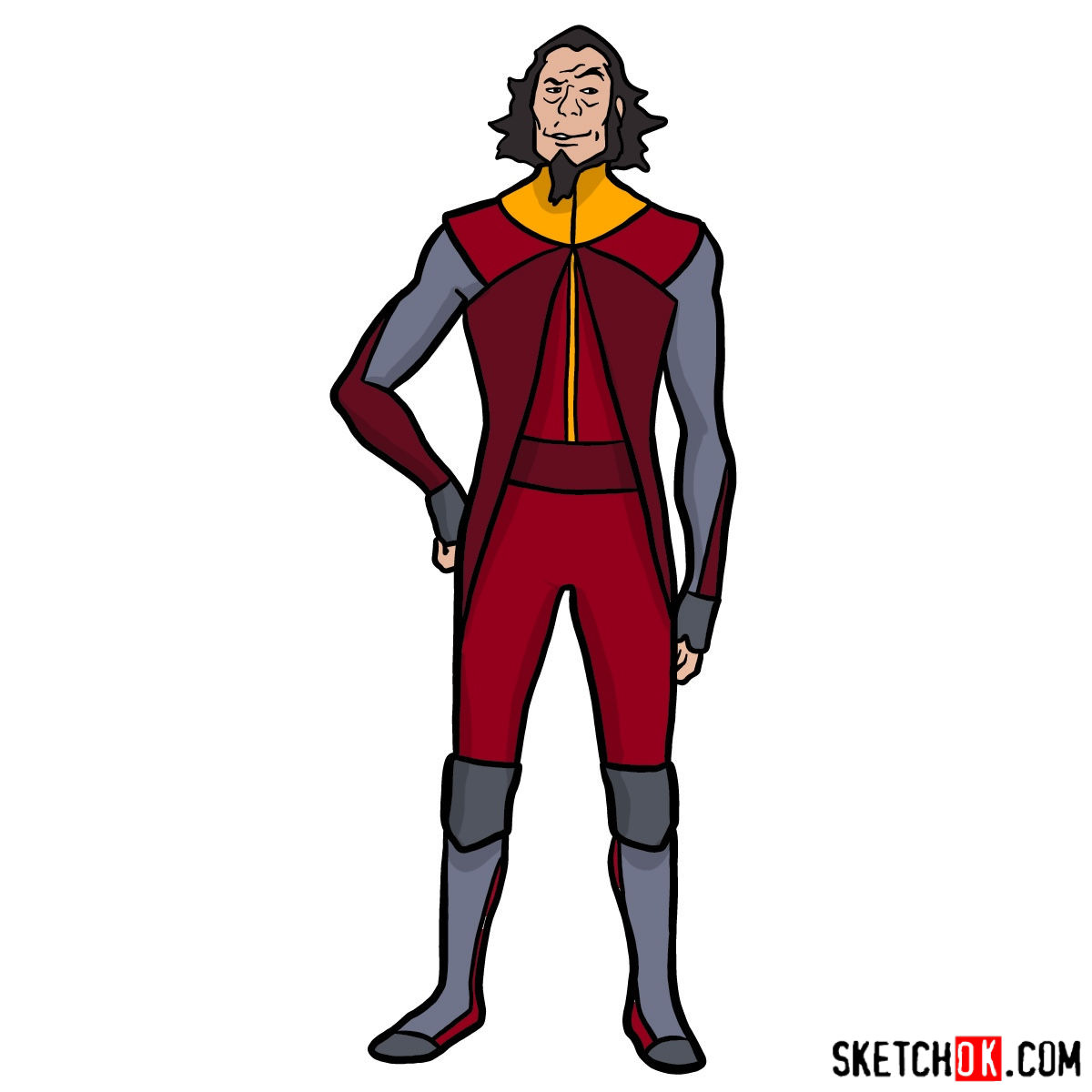
The journey begins with sketching out a basic structure, essential for maintaining proportions. Use light pencil strokes initially. As you progress, consider inking the sketch for a defined outlook. However, ensure you wait for the ink to dry before erasing the underlying pencil marks to prevent smudging. The final image showcases a vivid, colored depiction of Bumi, serving as a reference for artists who wish to take their drawing to the next level.


That covers how to draw Bumi, the eccentric Earth King with the wild hair and even wilder personality. If any step felt unclear or you got stuck somewhere specific, drop a comment below and let me know, since that kind of feedback genuinely helps when the guide gets updated. You can also find more Avatar tutorials and other guides on the SketchOk Pinterest page, where people share their finished drawings in the comments.
