Last Updated on May 13, 2026
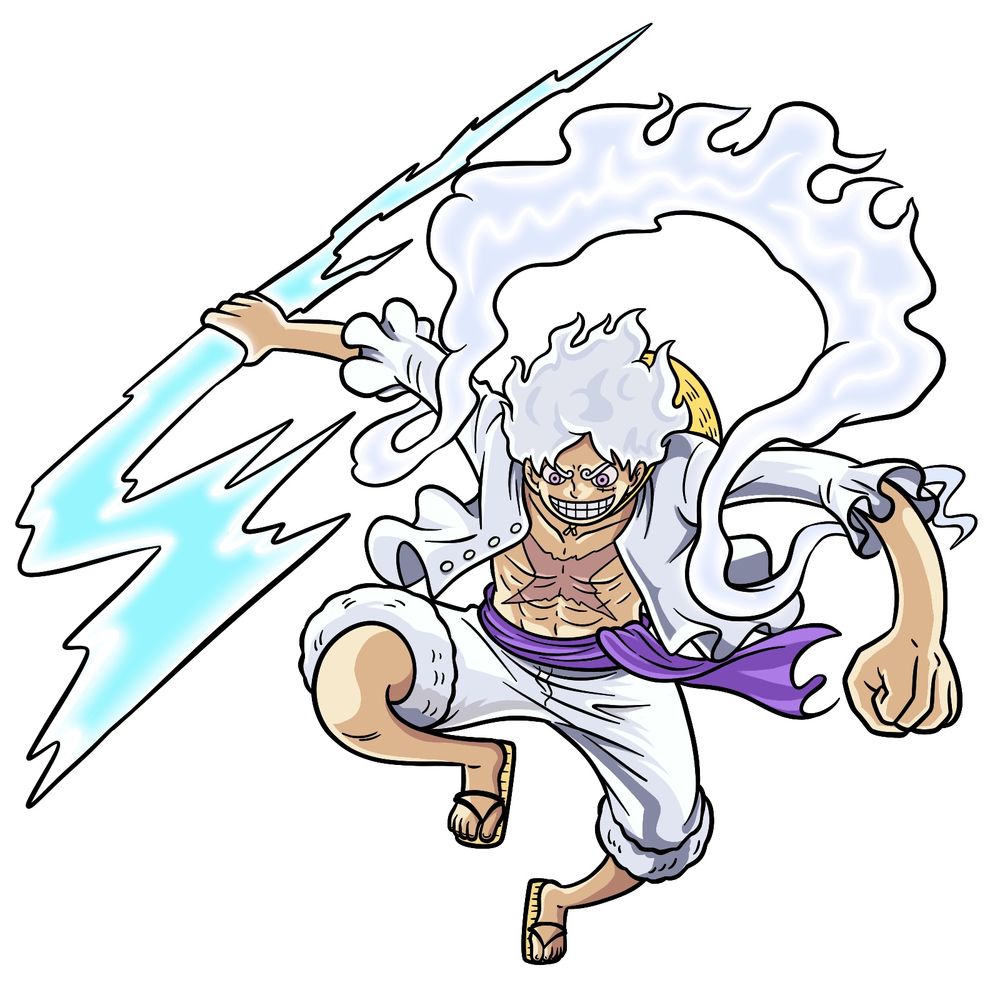
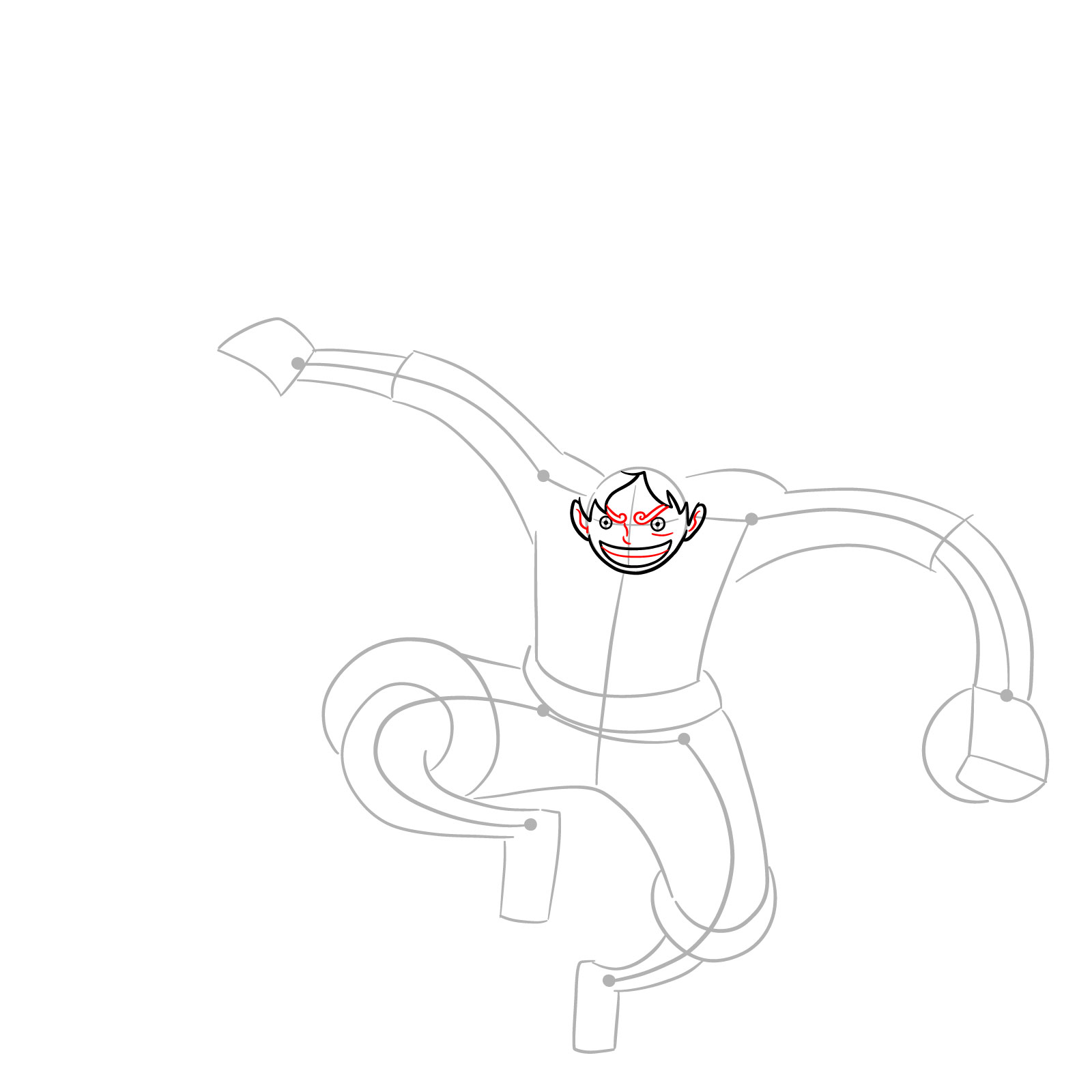
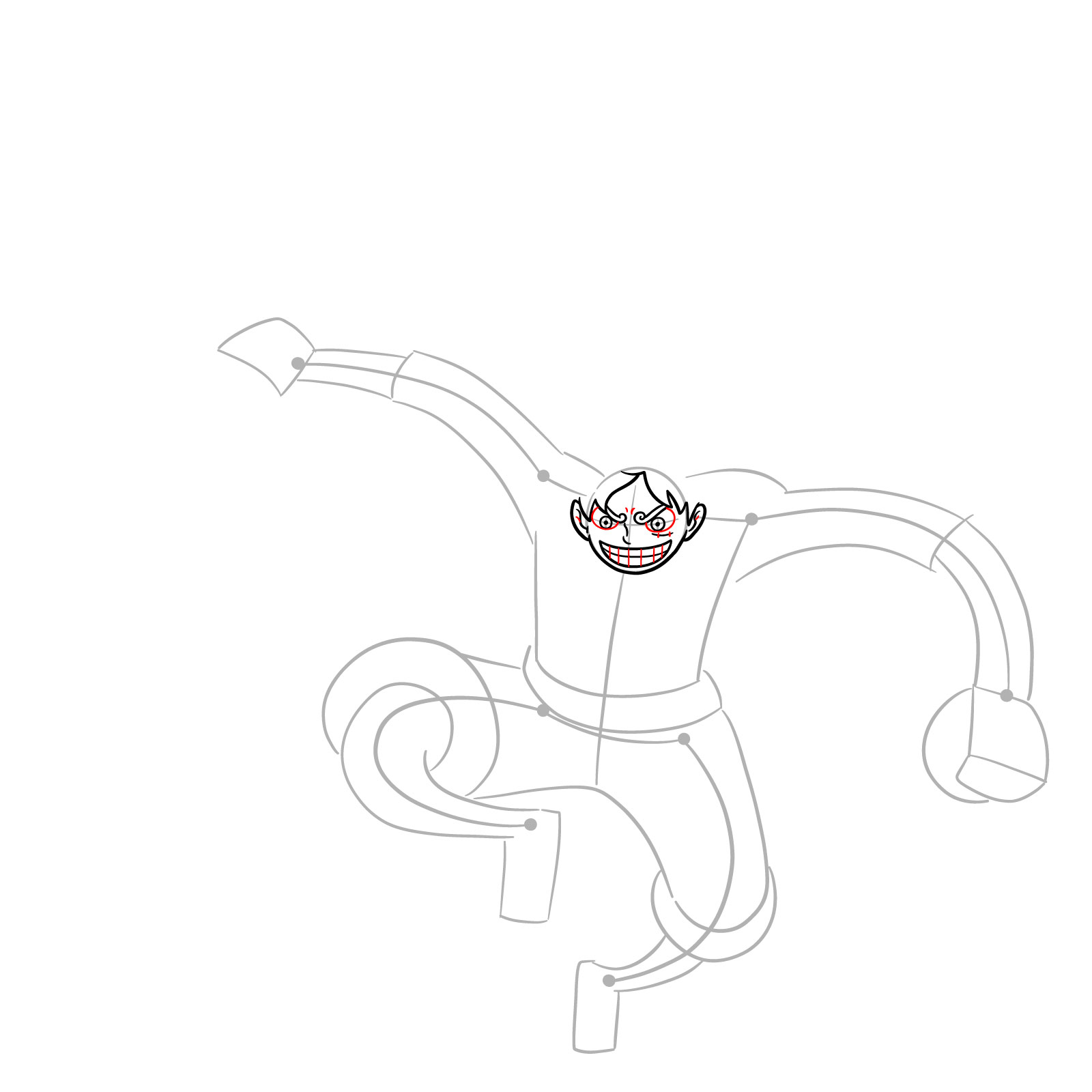
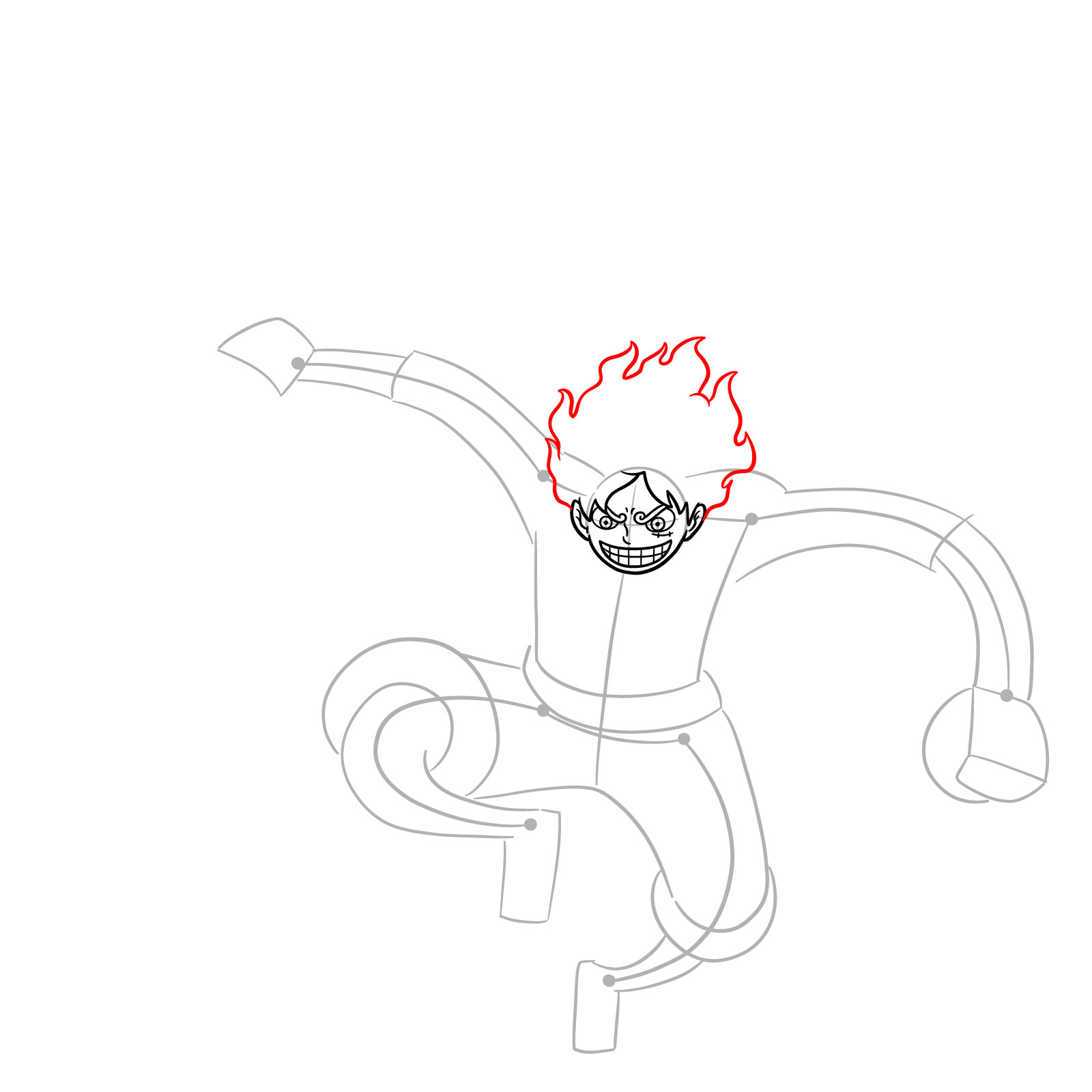
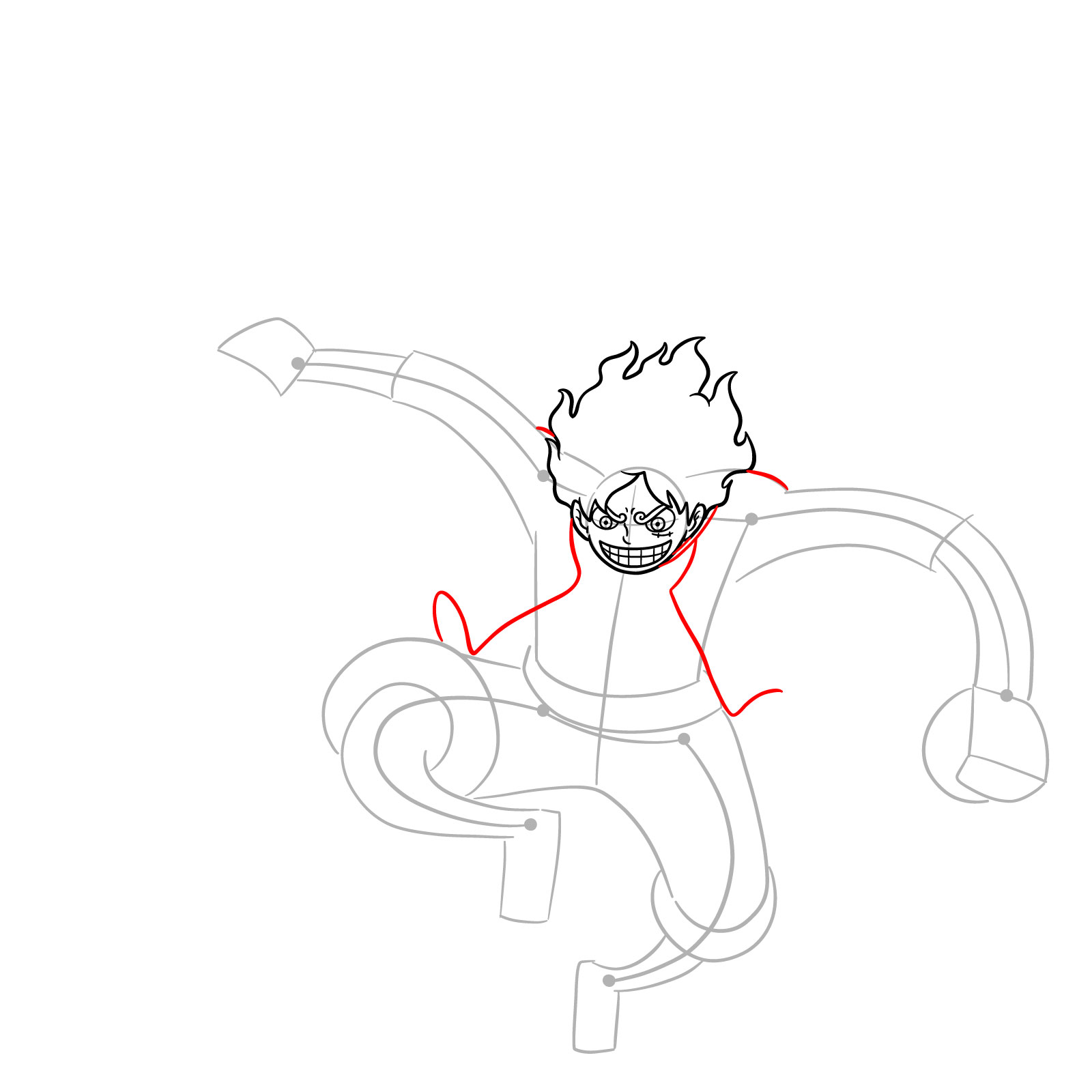
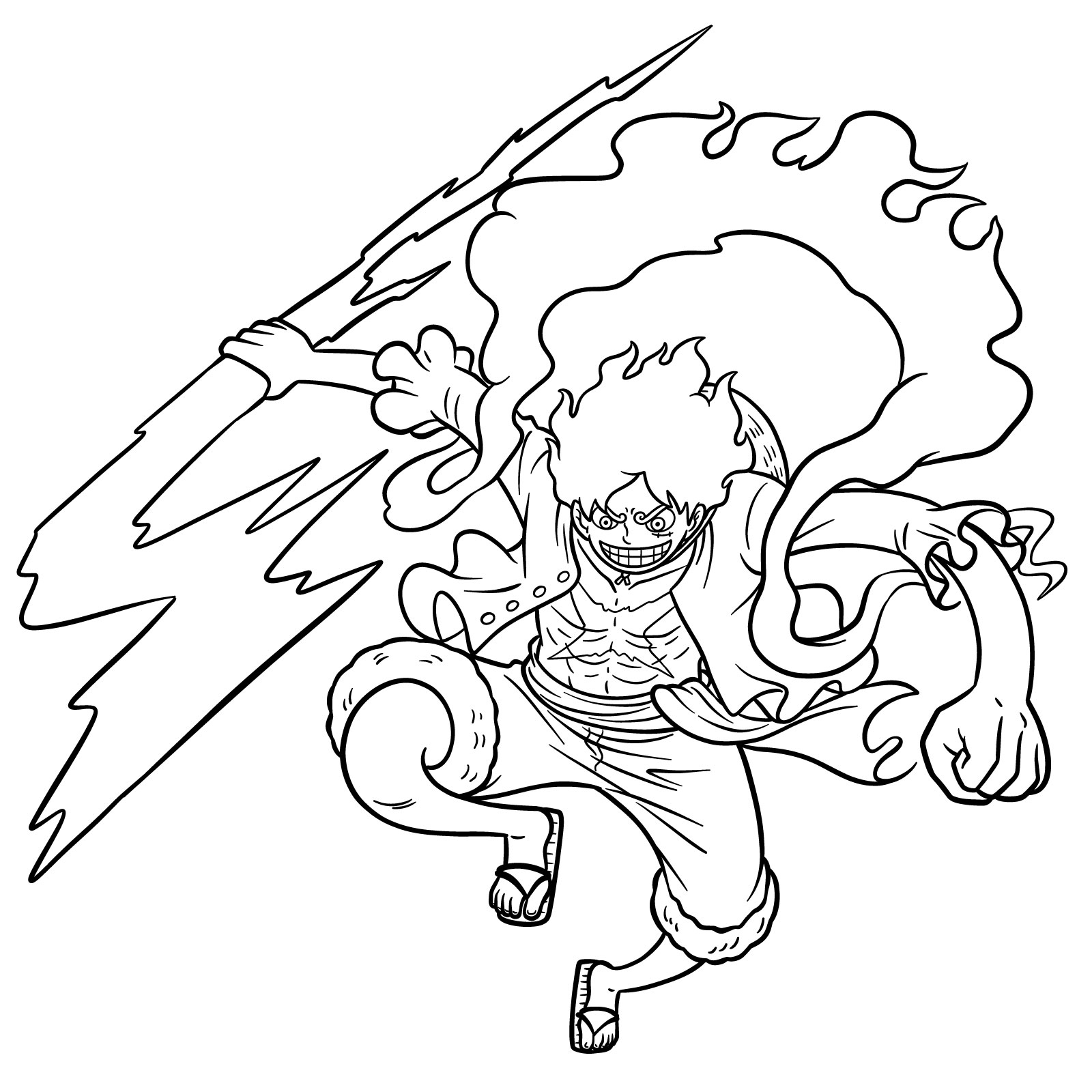
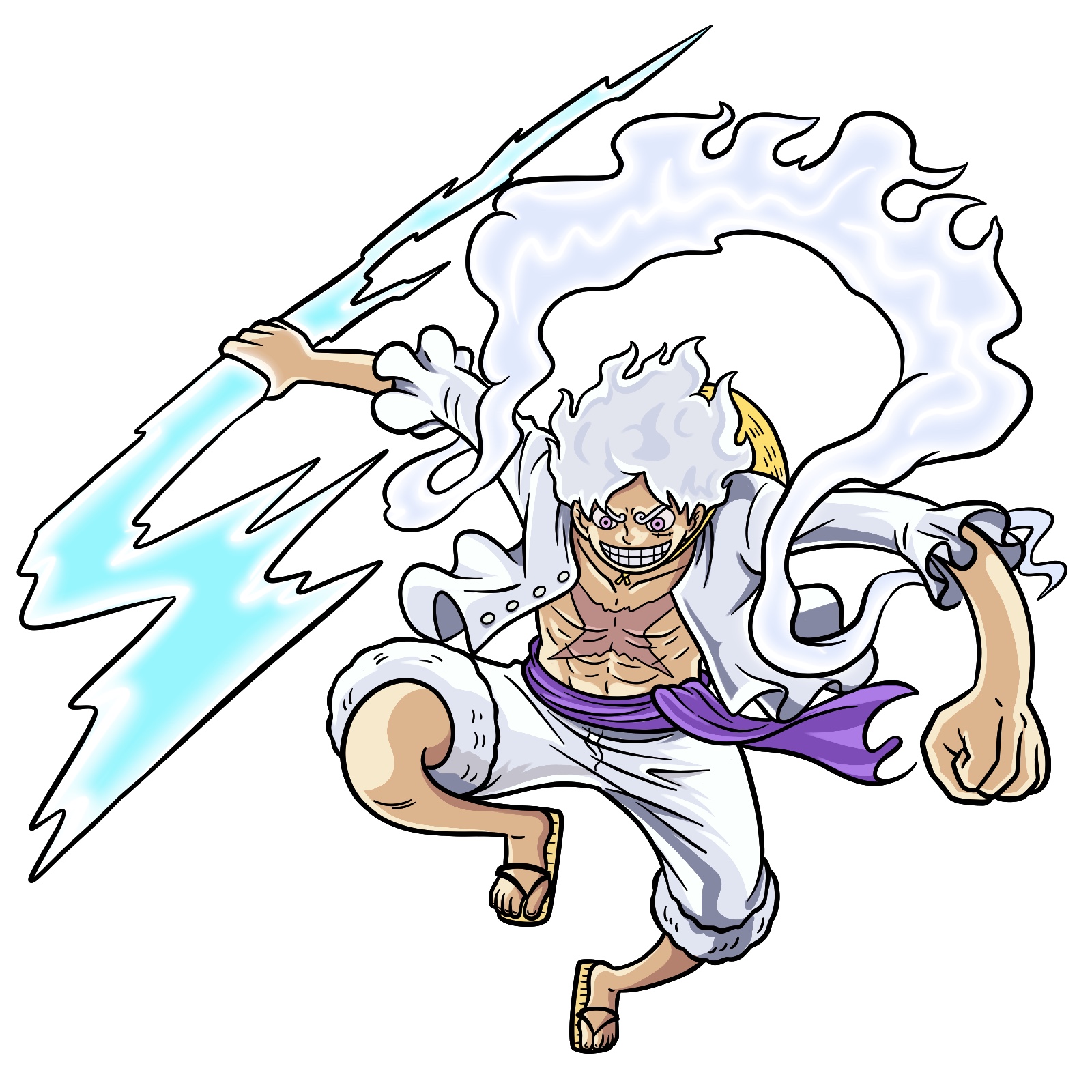
Hey, One Piece fan! If you’ve been wondering how to draw Luffy in Gear 5 holding a lightning bolt, you’re in the right place. This version of Luffy shows him during the peak of his fight with Kaidou, where he awakens the full potential of the Hito Hito no Mi, Model: Nika. In this form, he gains the ability to grab and throw lightning bolts using the Gomu Gomu no Kaminari technique, also known as Gum-Gum Lightning in English adaptations.
Key Features to Focus on When Drawing Gear 5 Luffy
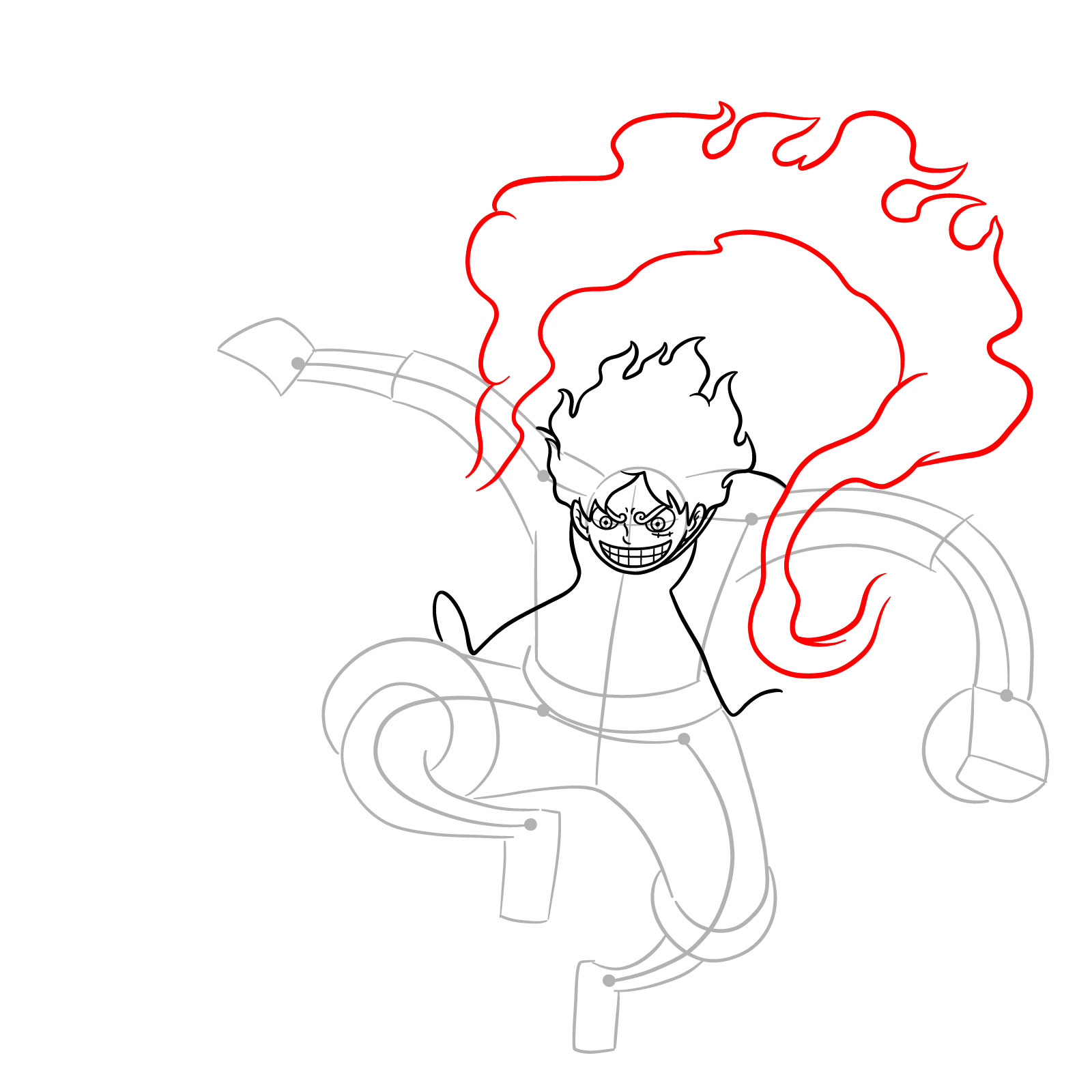
- Wild, fluffy hair that moves like smoke around his head
- Circular head with big, wide grin and intense, confident eyes
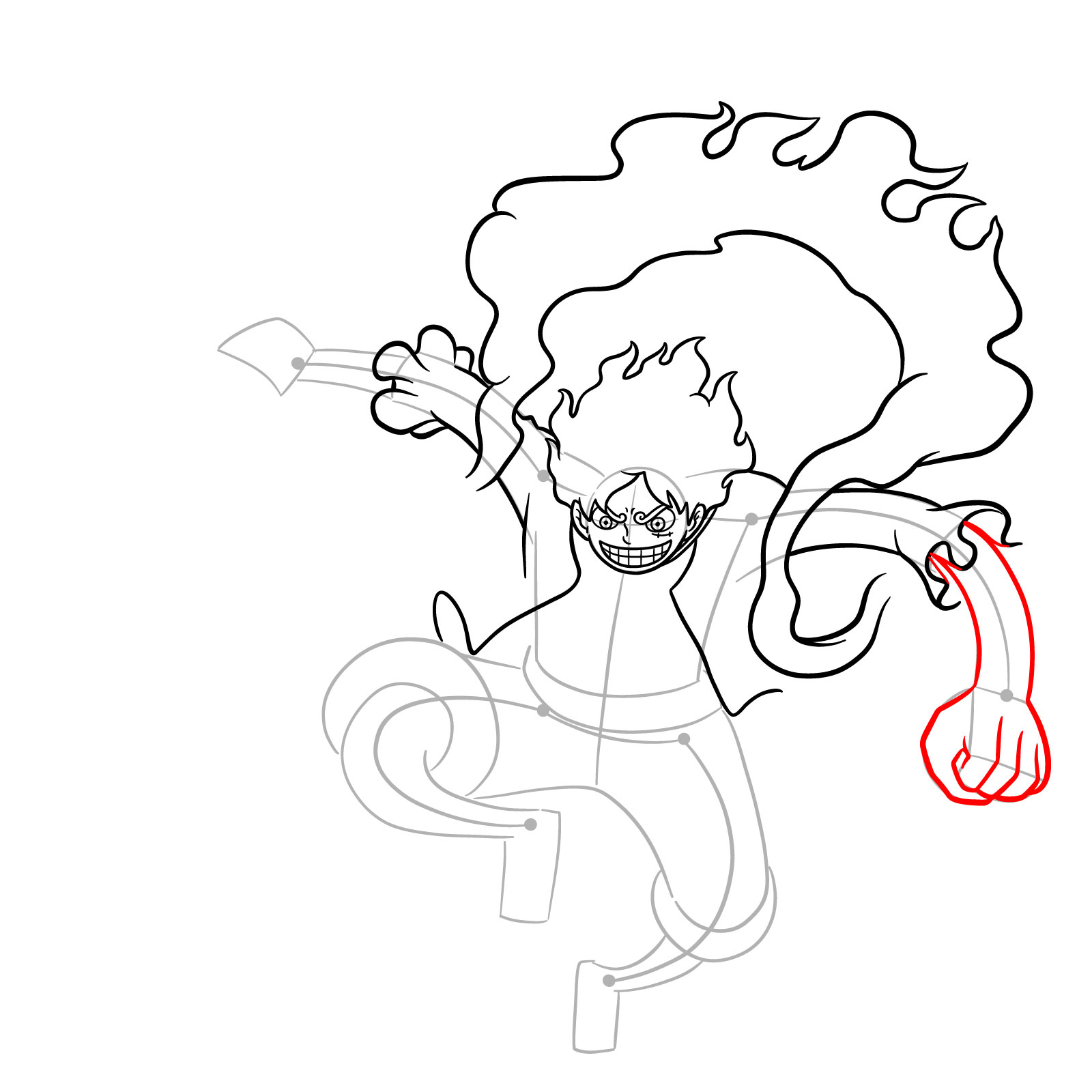
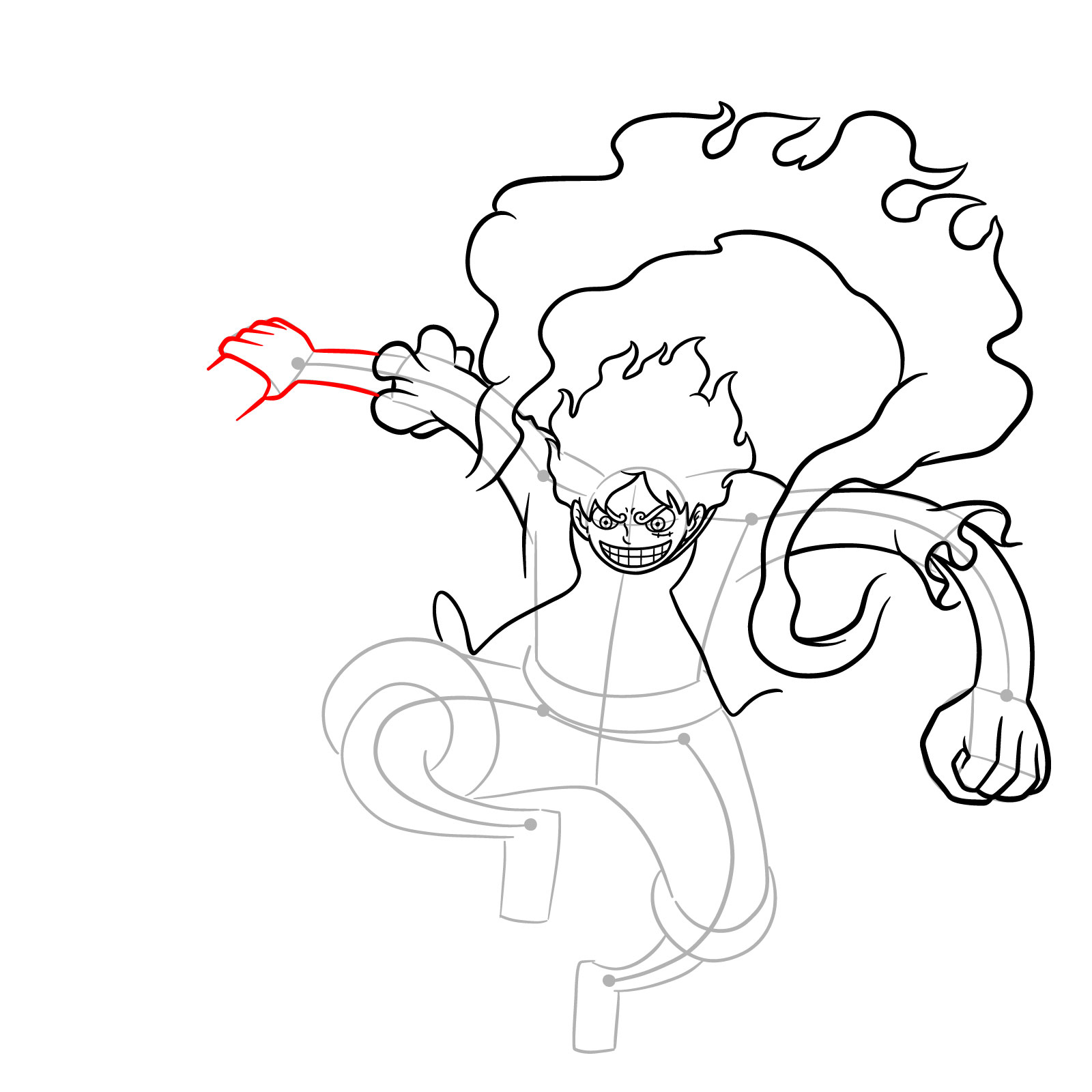
- Muscular chest and arms with clear line definition
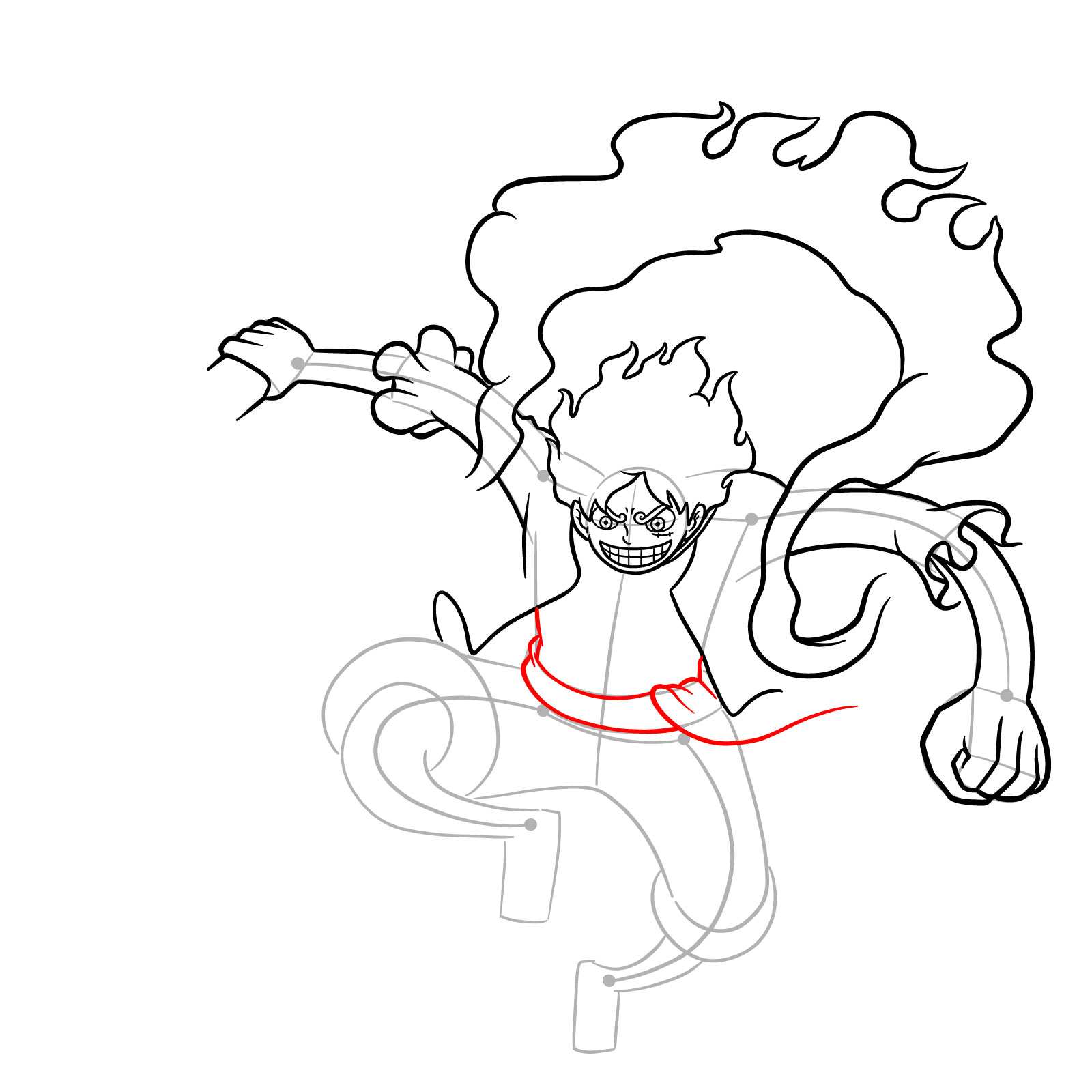
- Open white shirt and short white pants tied with a purple sash
- Simple straw sandals
- Large stylized lightning bolt
- Energetic jumping pose, one arm holding the lightning bolt
If you like drawing Gear 5 Luffy, you might also enjoy trying Gear 4 Bounce Man, Gear Third with Armament Haki, or check a guide for Gear 5th side view next.
Drawing Guide Color References
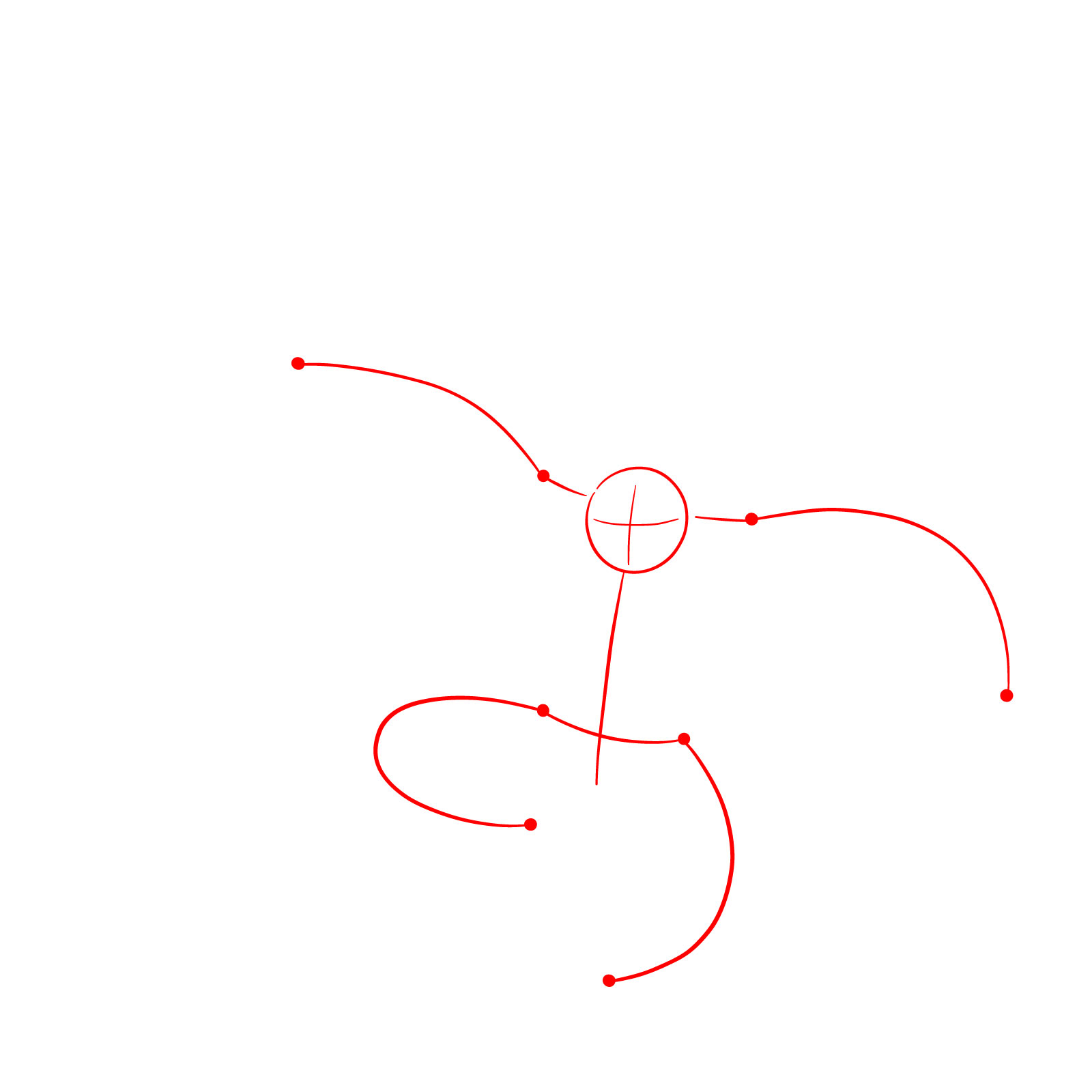
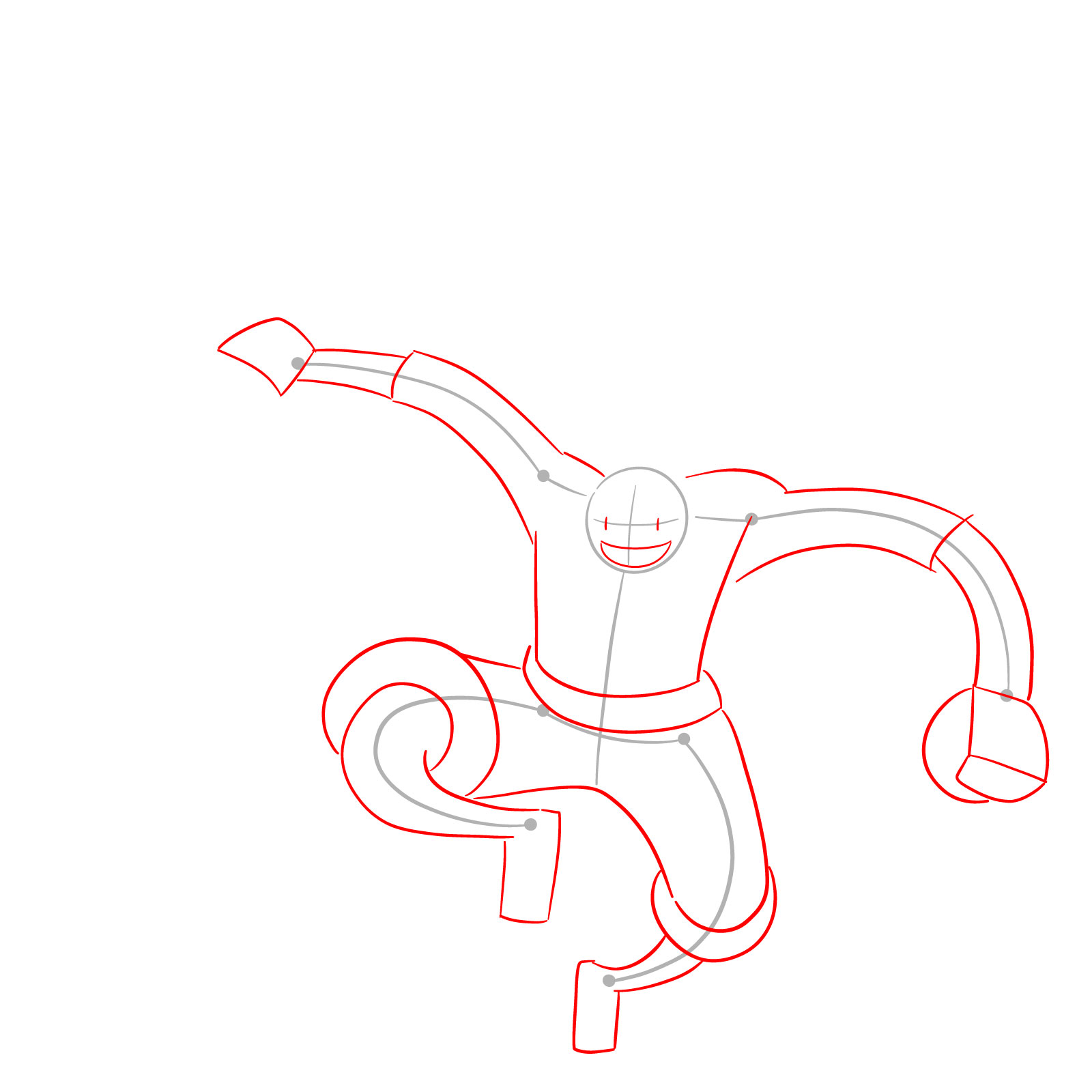
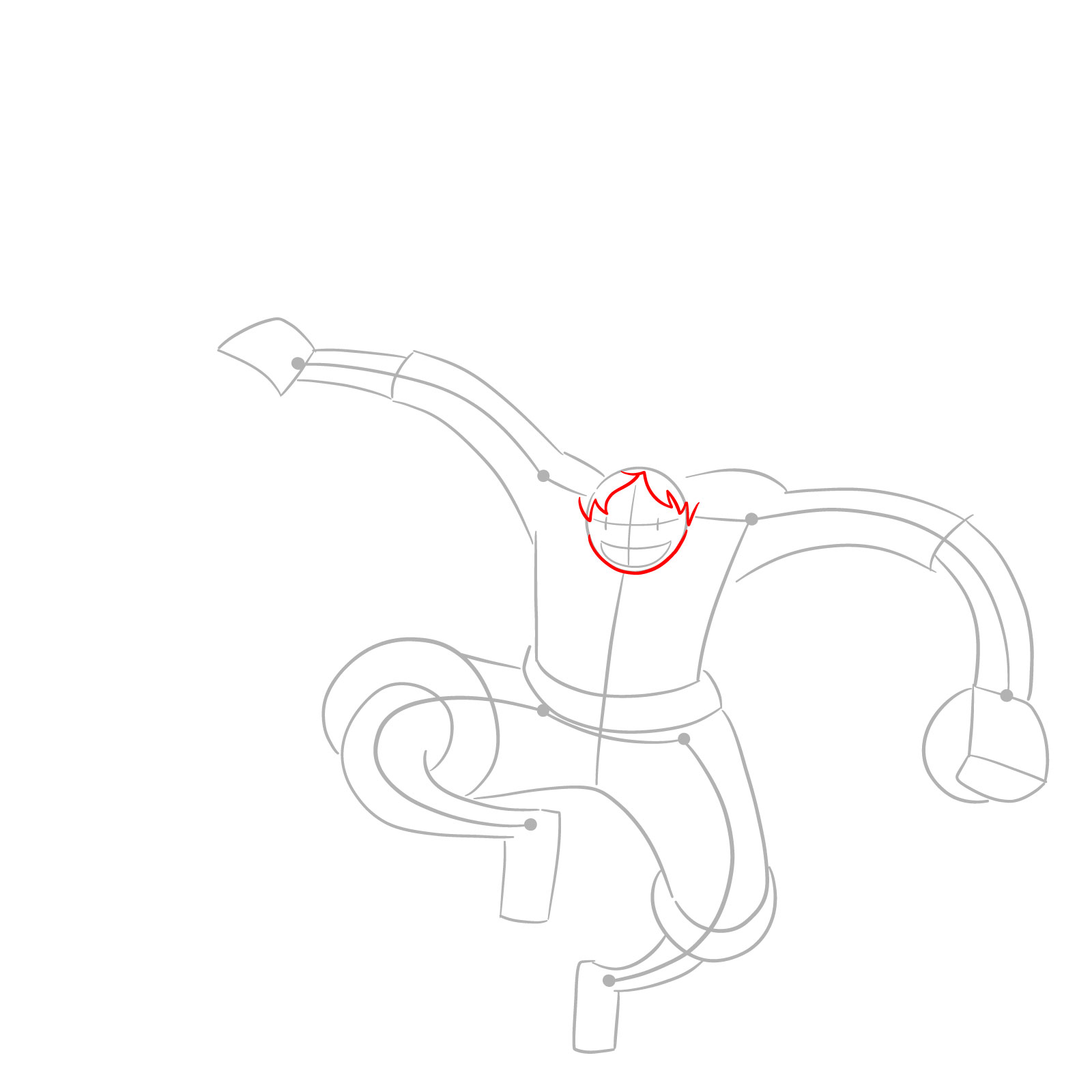
- Red Color: shows the part you should be working on in the current step
- Black Color: highlights the areas you’ve already finished
- Grey Color: lays down the basic initial sketch to set up the proportions


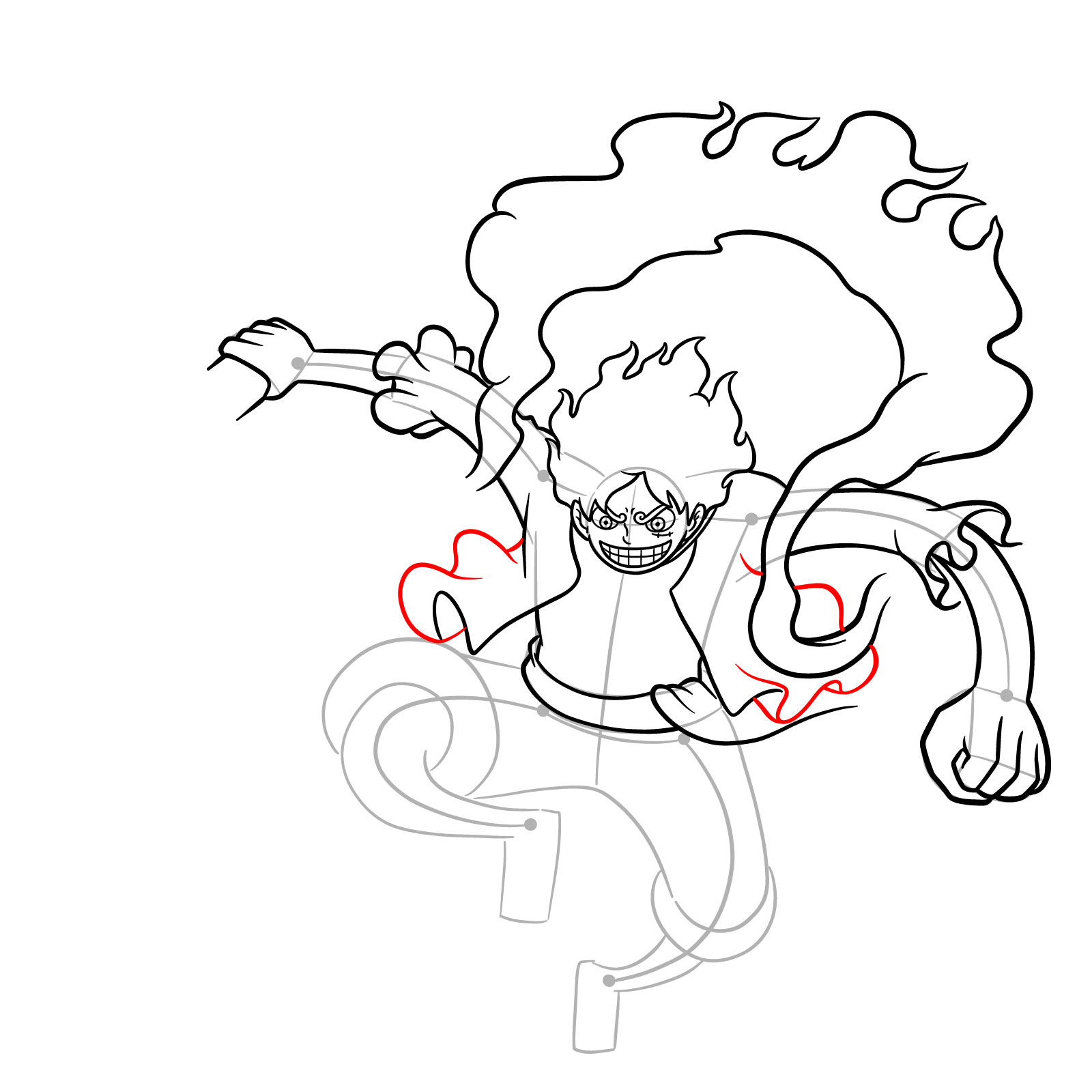
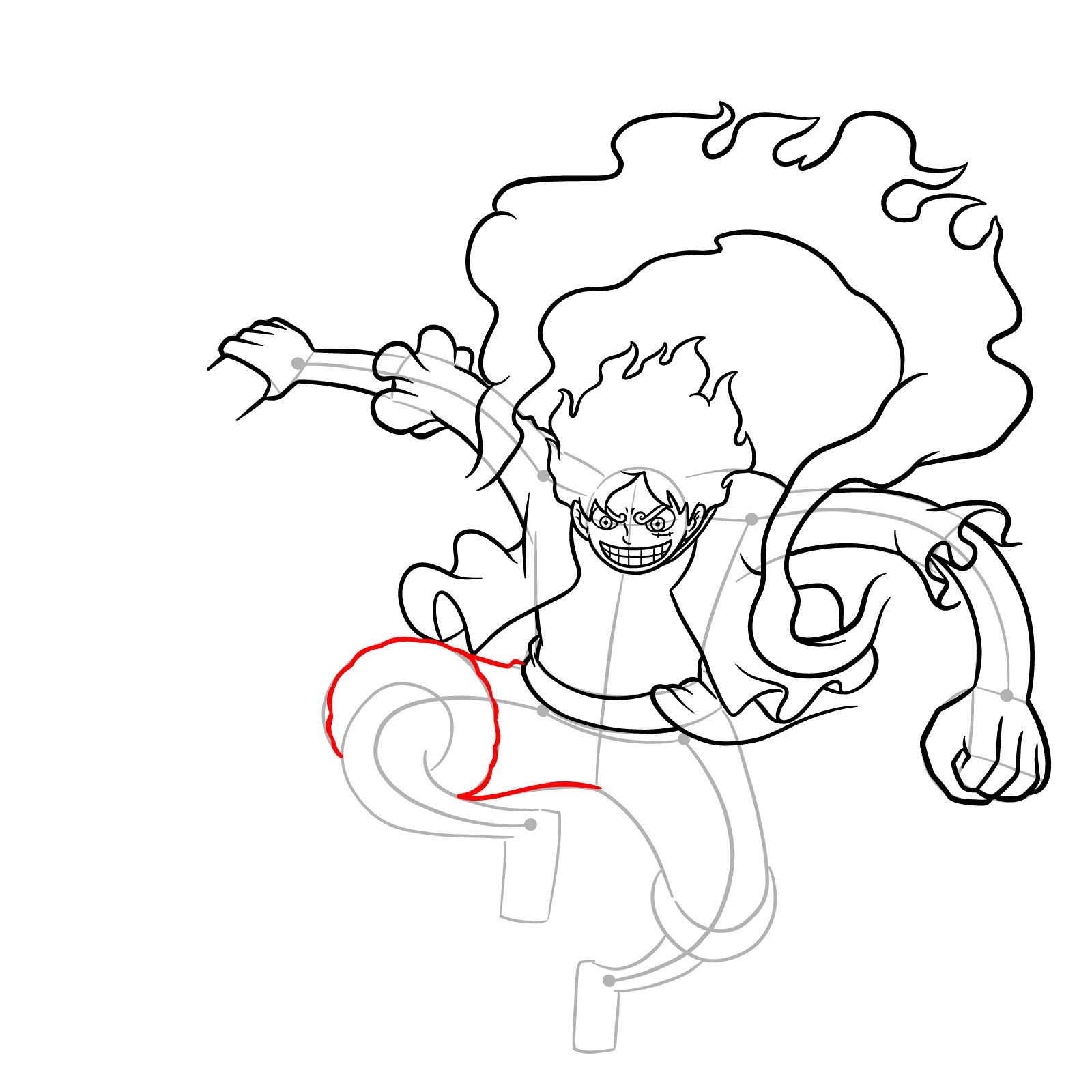
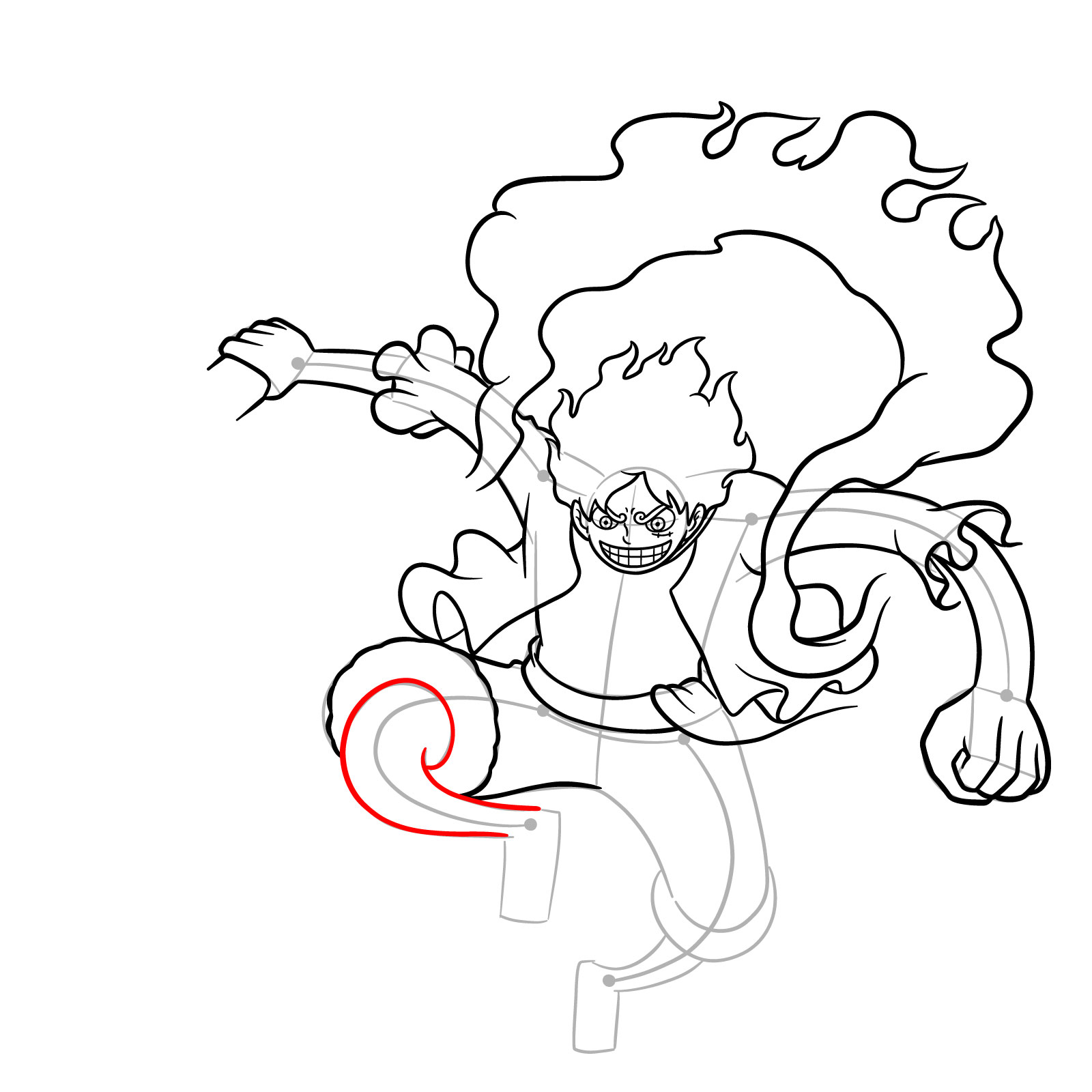
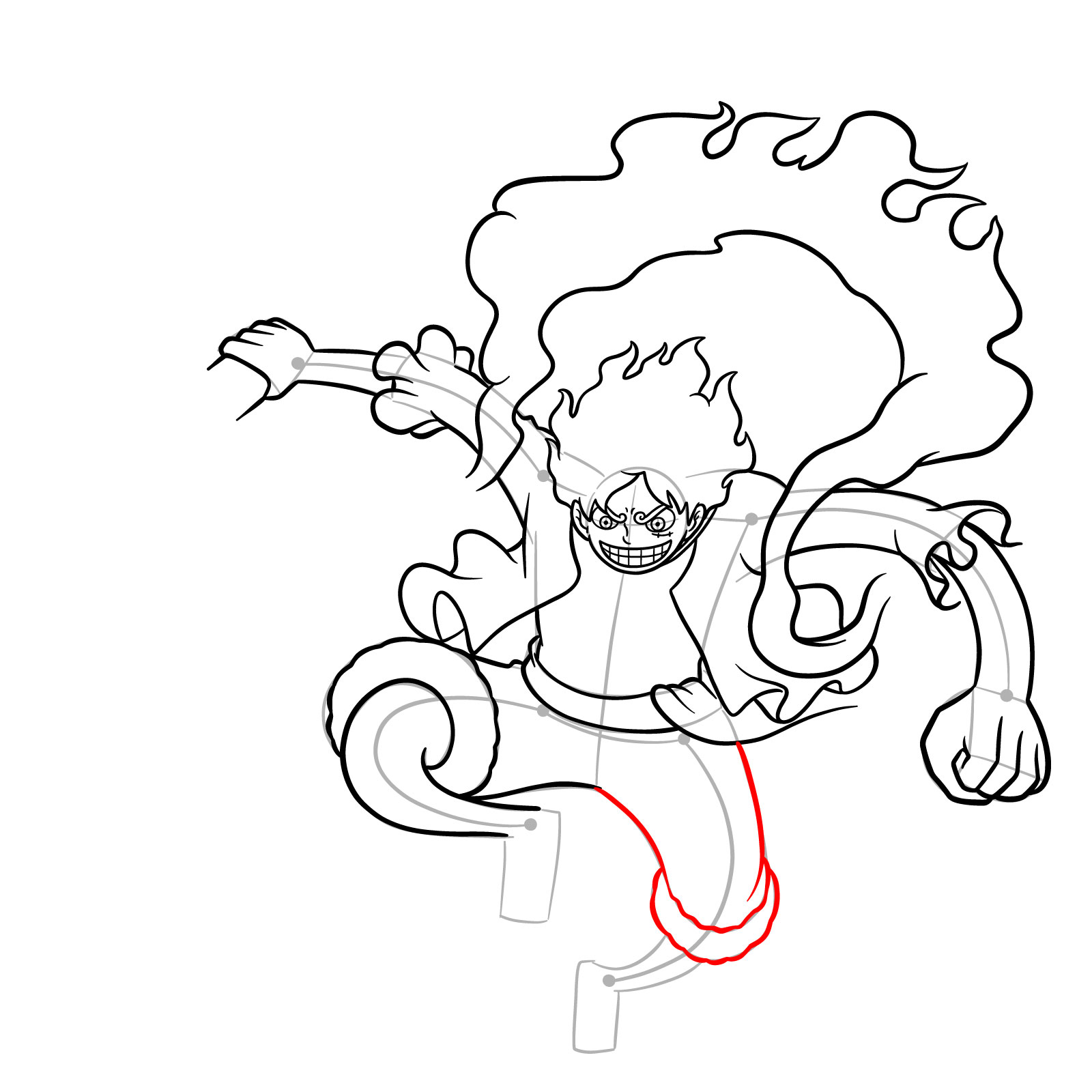
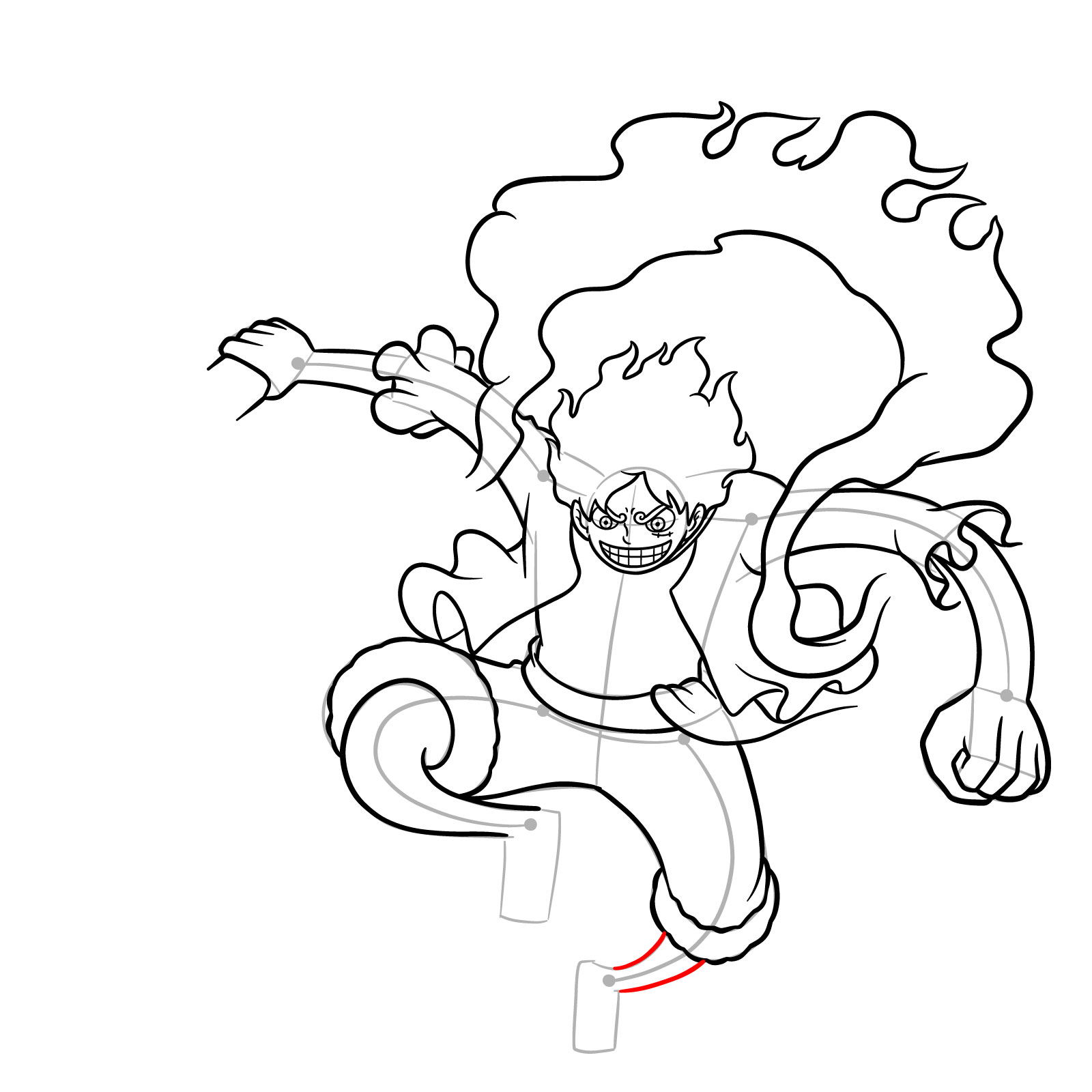
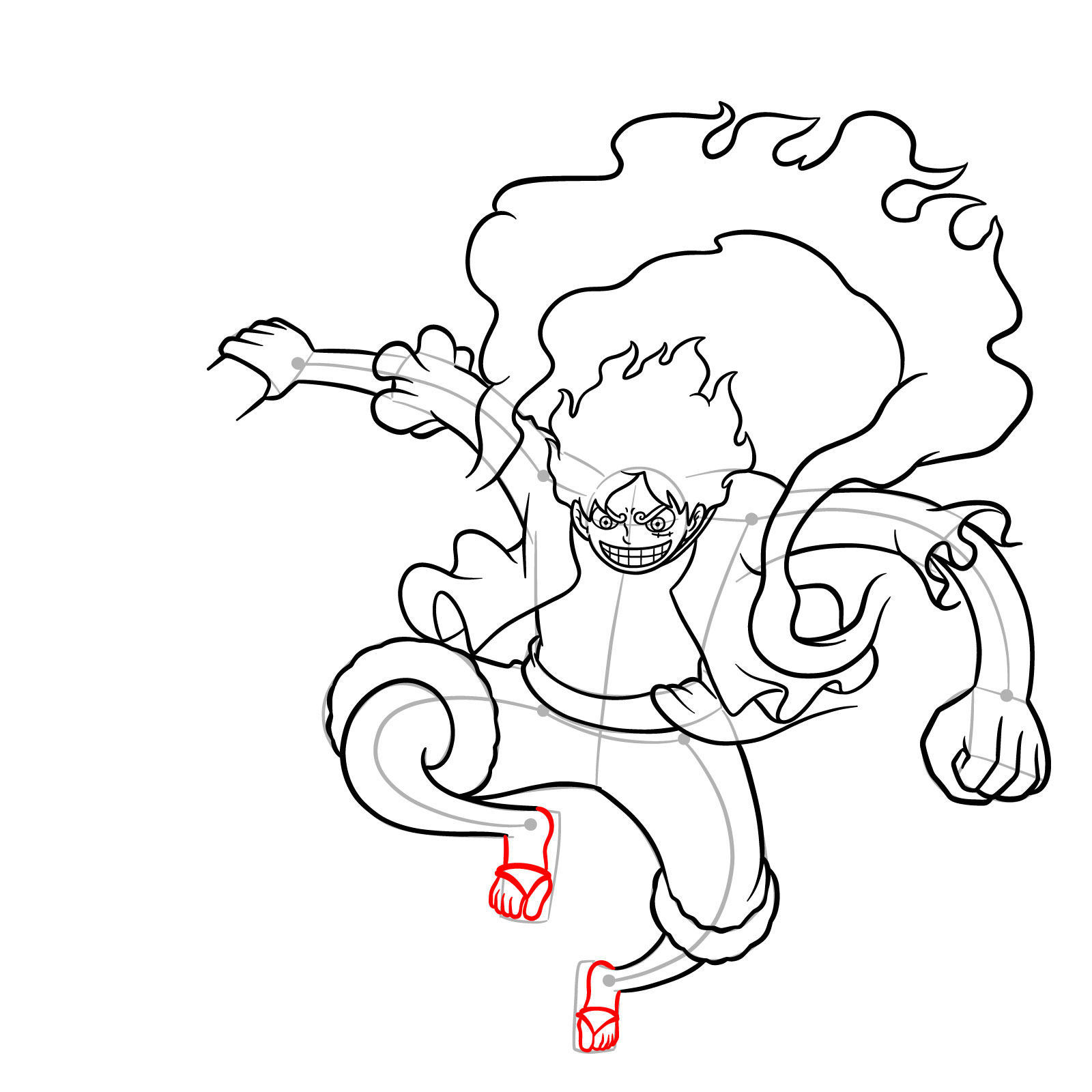
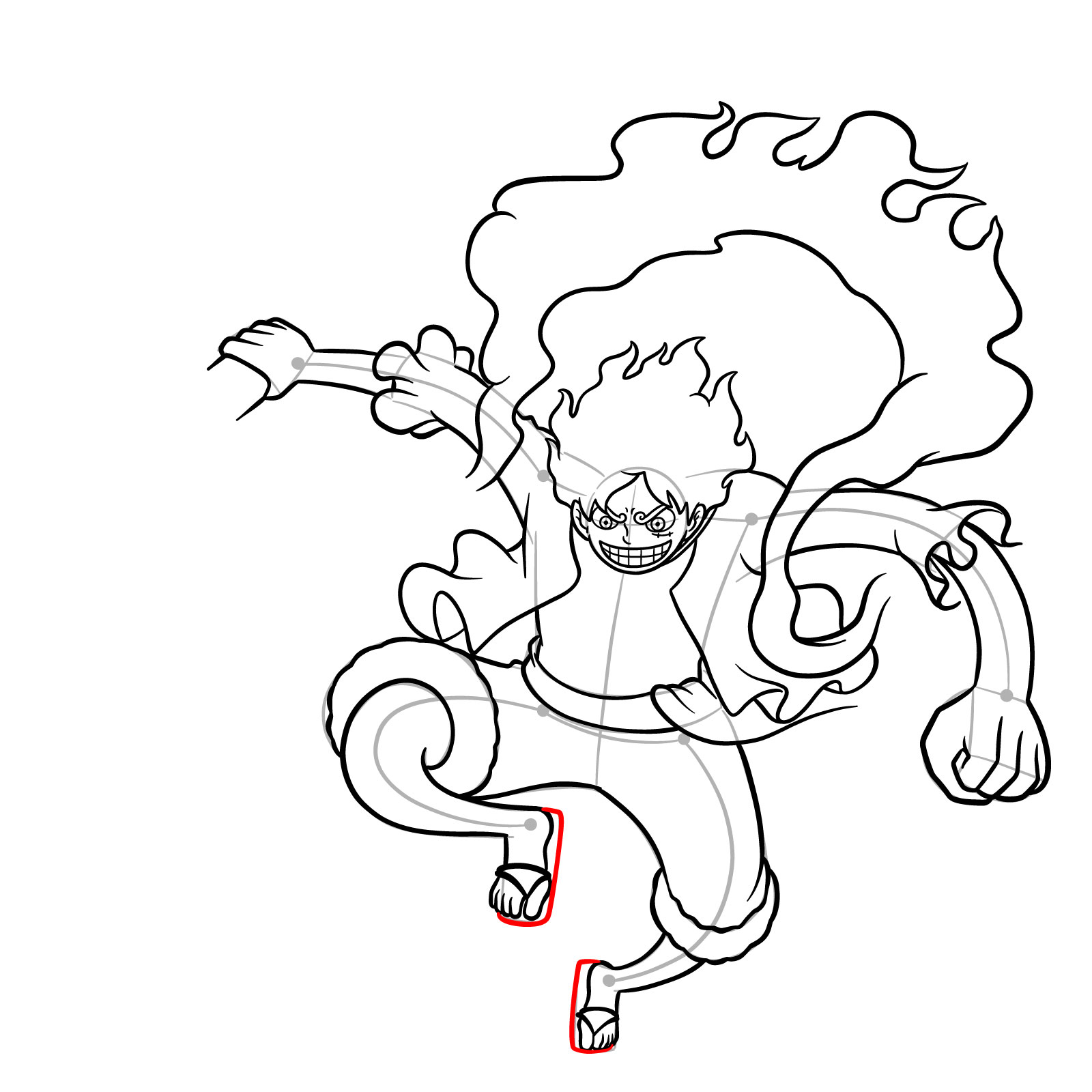
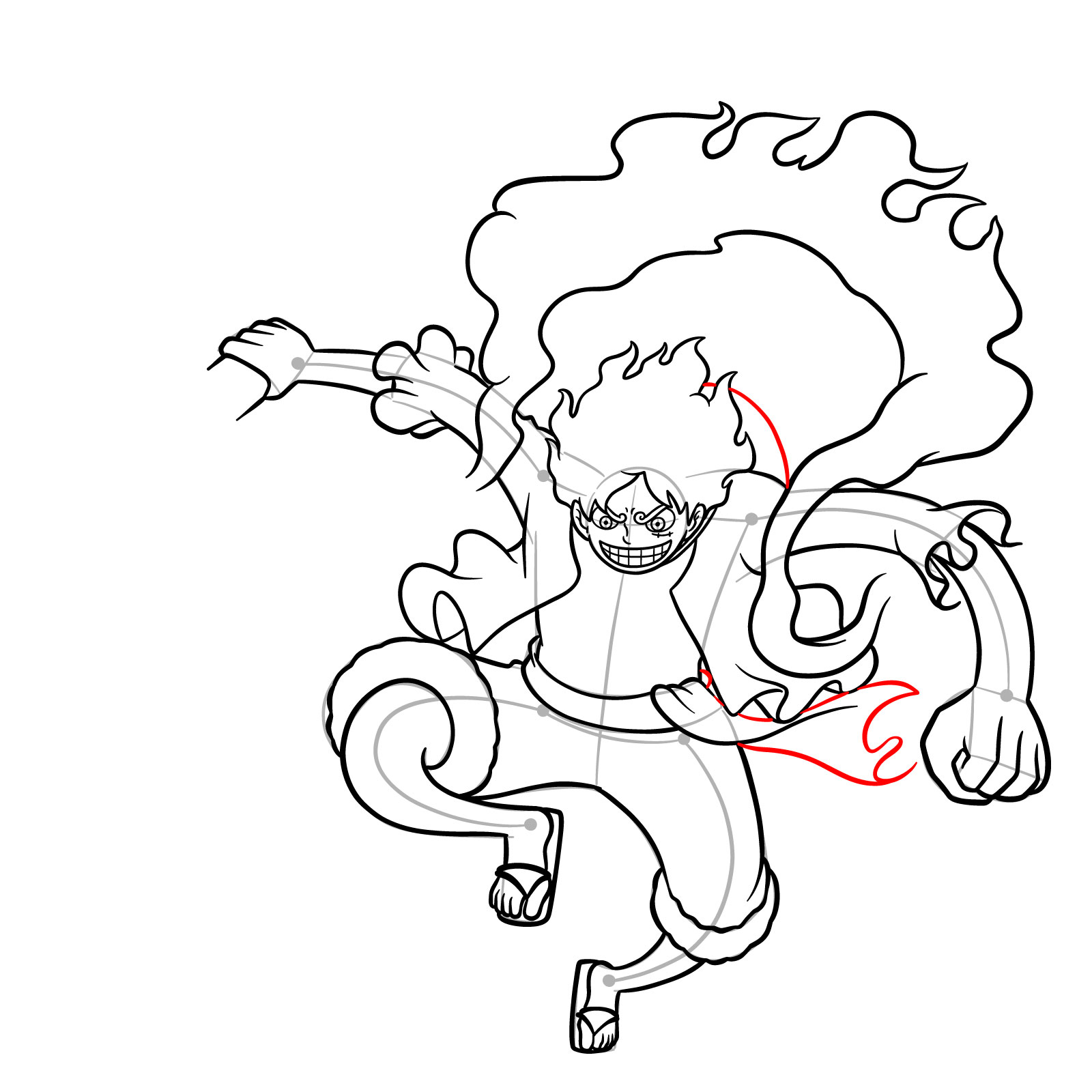
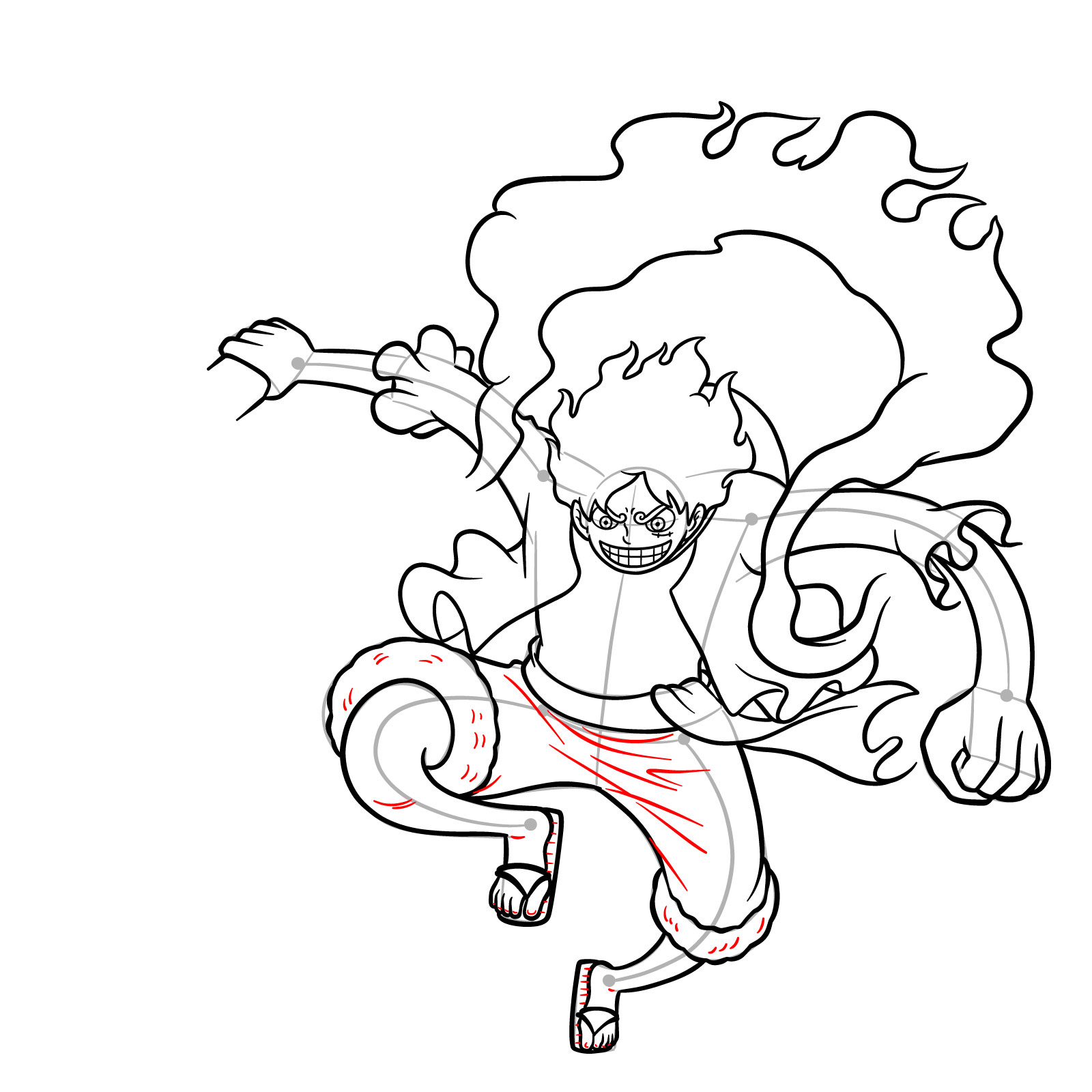
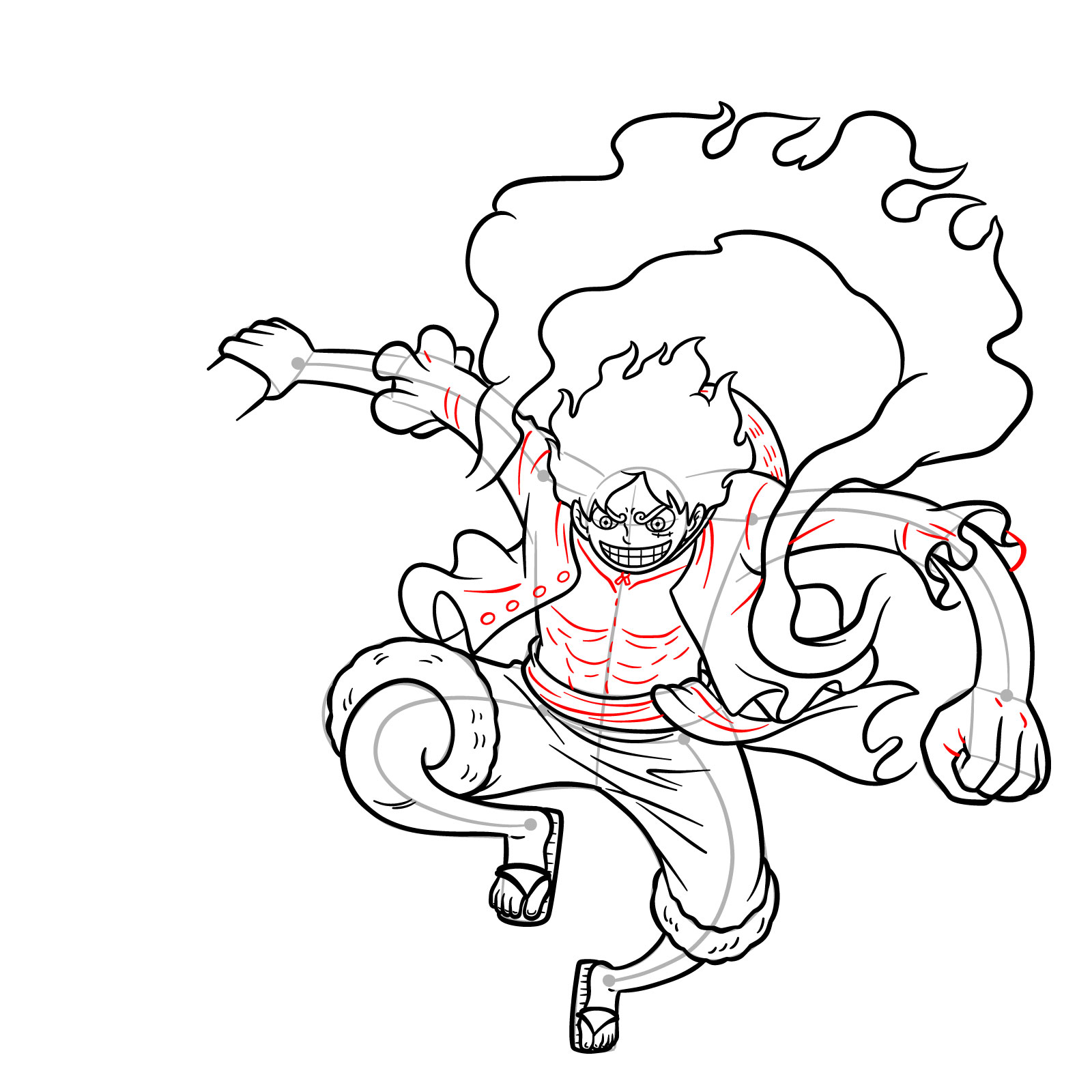
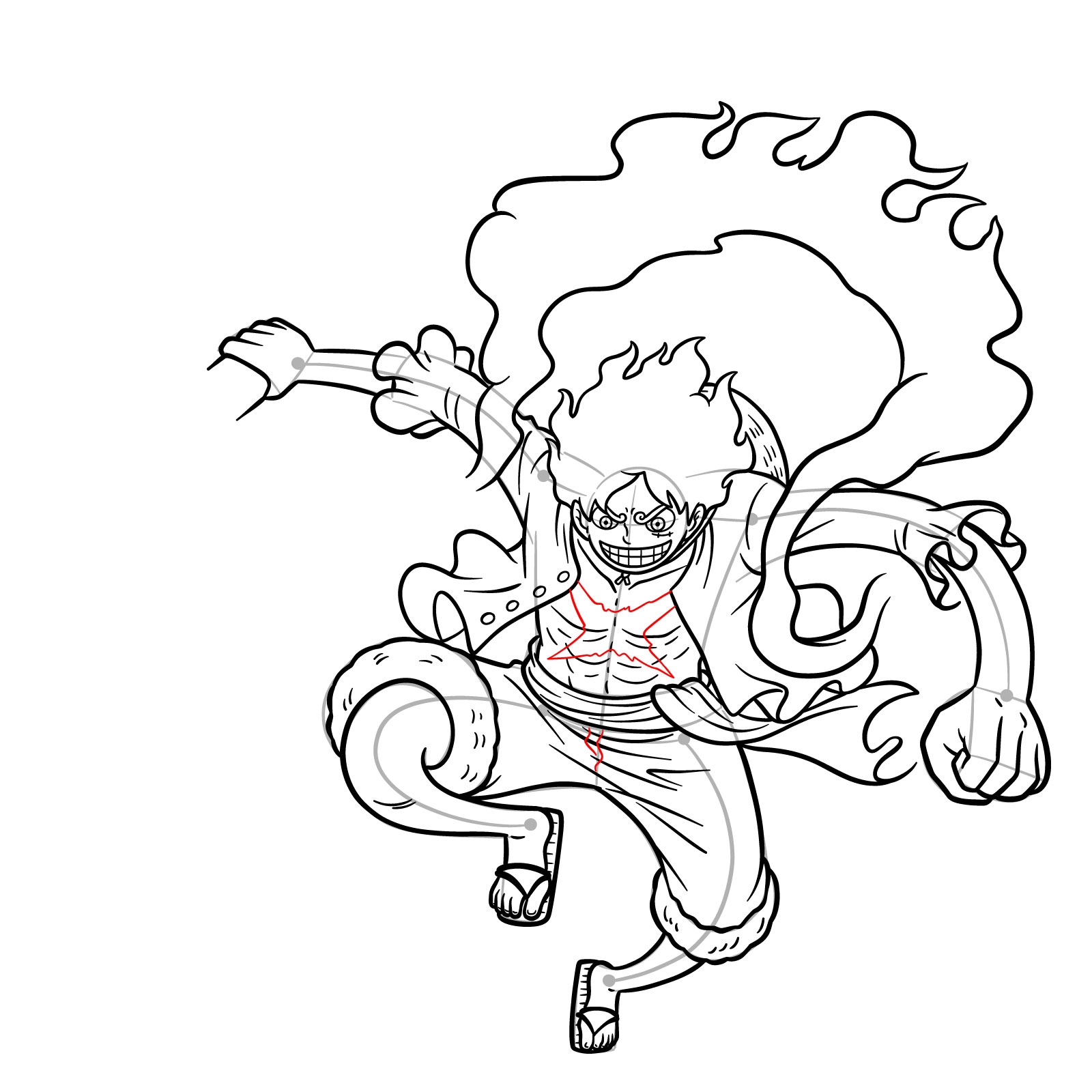
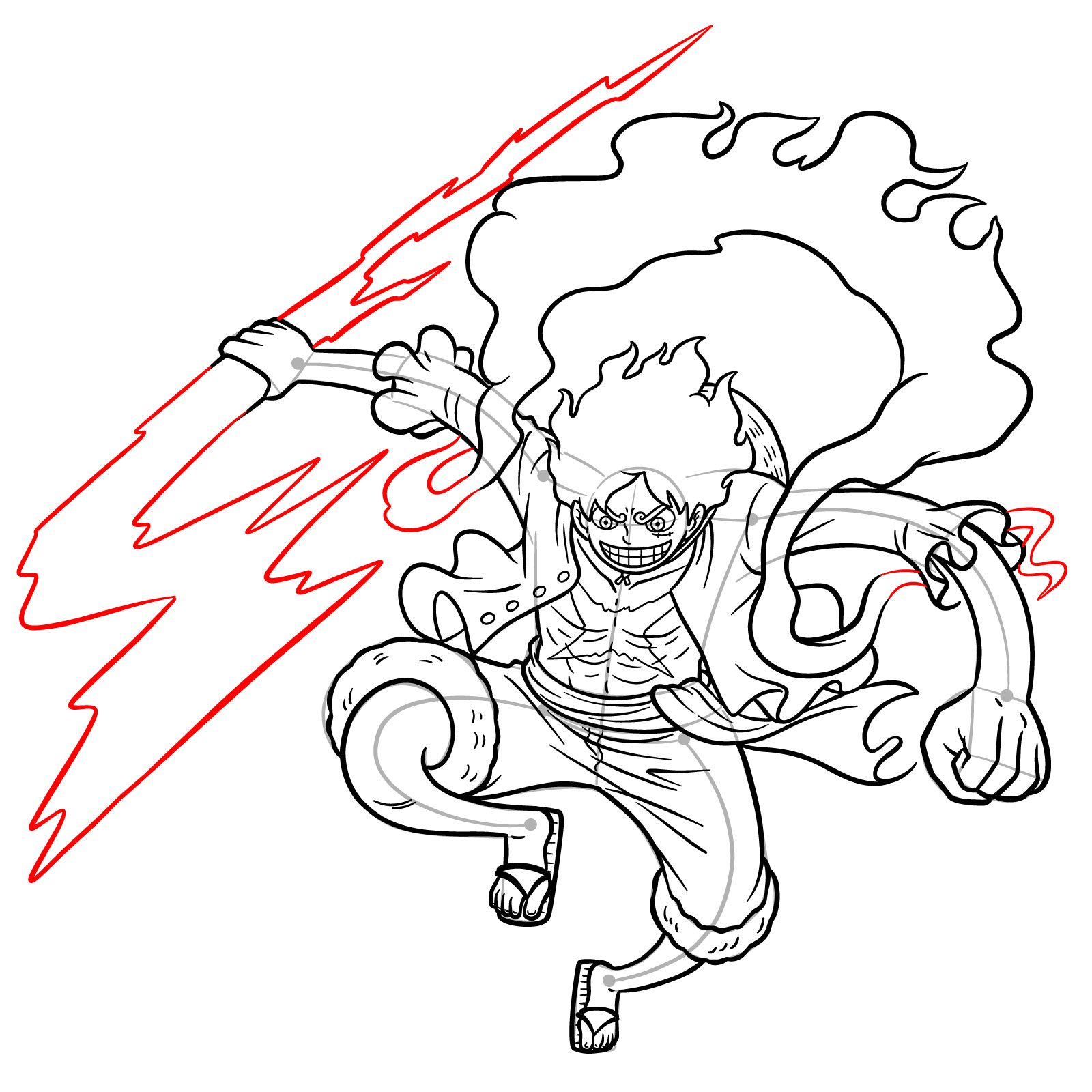
Now that you know how to draw Luffy Gear 5 Using Lightning Attack Step-by-Step, it would be great to see how yours turned out. Drop your finished drawing in the comments under the pinned post on Pinterest, since that’s where other artists working through the same guide tend to hang out and share their versions. You can also sign up for the weekly email digest at the top of the page, or follow SketchOk on Facebook and YouTube to keep up with new guides as they come out.
