Last Updated on May 13, 2026
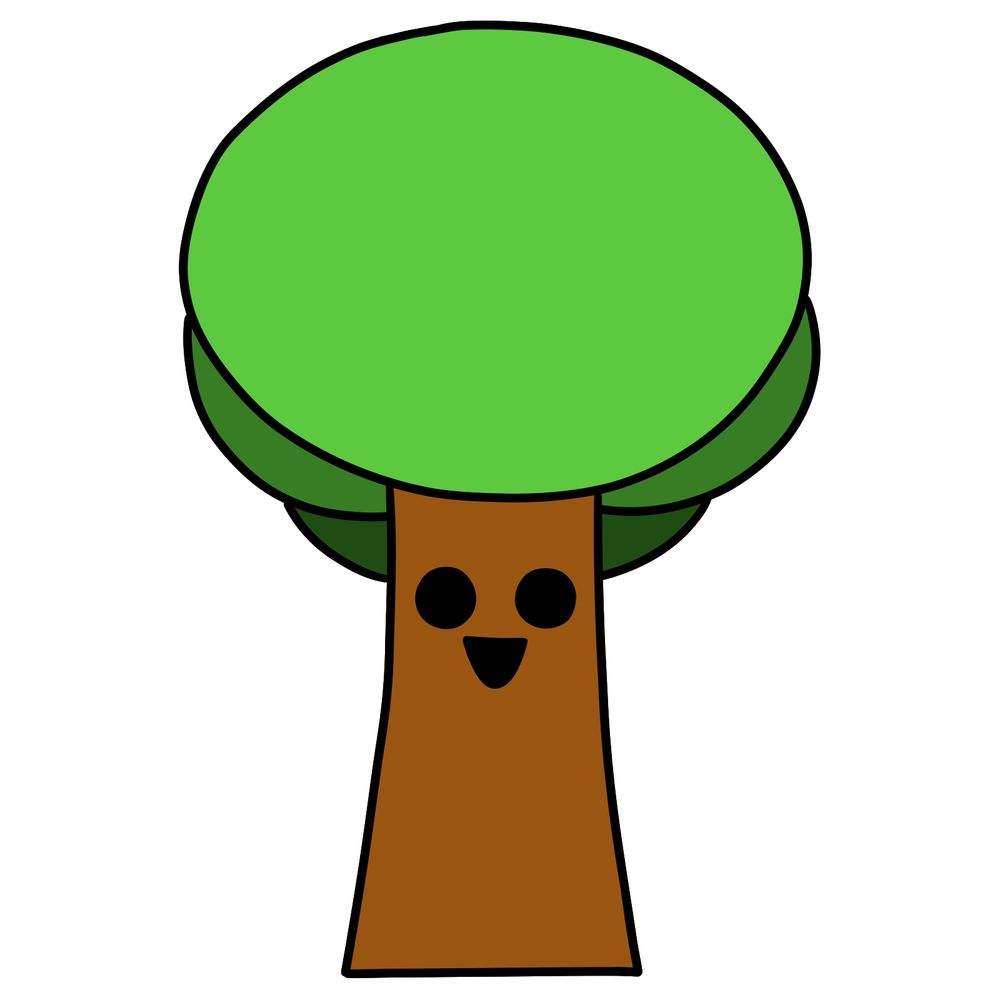
In this guide, I’ll go through how to draw Mr. Tree from the Incredibox Sprunki mod. It’s a basic cartoon-style character with clean shapes, so the complexity is very low. This one’s great for building confidence with simple forms and line control.
What to Pay Attention to When Drawing Mr. Tree
- Perfectly round leaf canopy with a smooth outline
- Simple vertical trunk with a slight inward curve
- Big circular eyes spaced evenly apart
- Triangle-shaped mouth placed between the eyes
- Layers of green in the foliage to show a bit of depth
If you’re working on more characters from the Incredibox Sprunki mod, try drawing Fun Bot, Mr. Fun Computer, or Mr. Sun next.
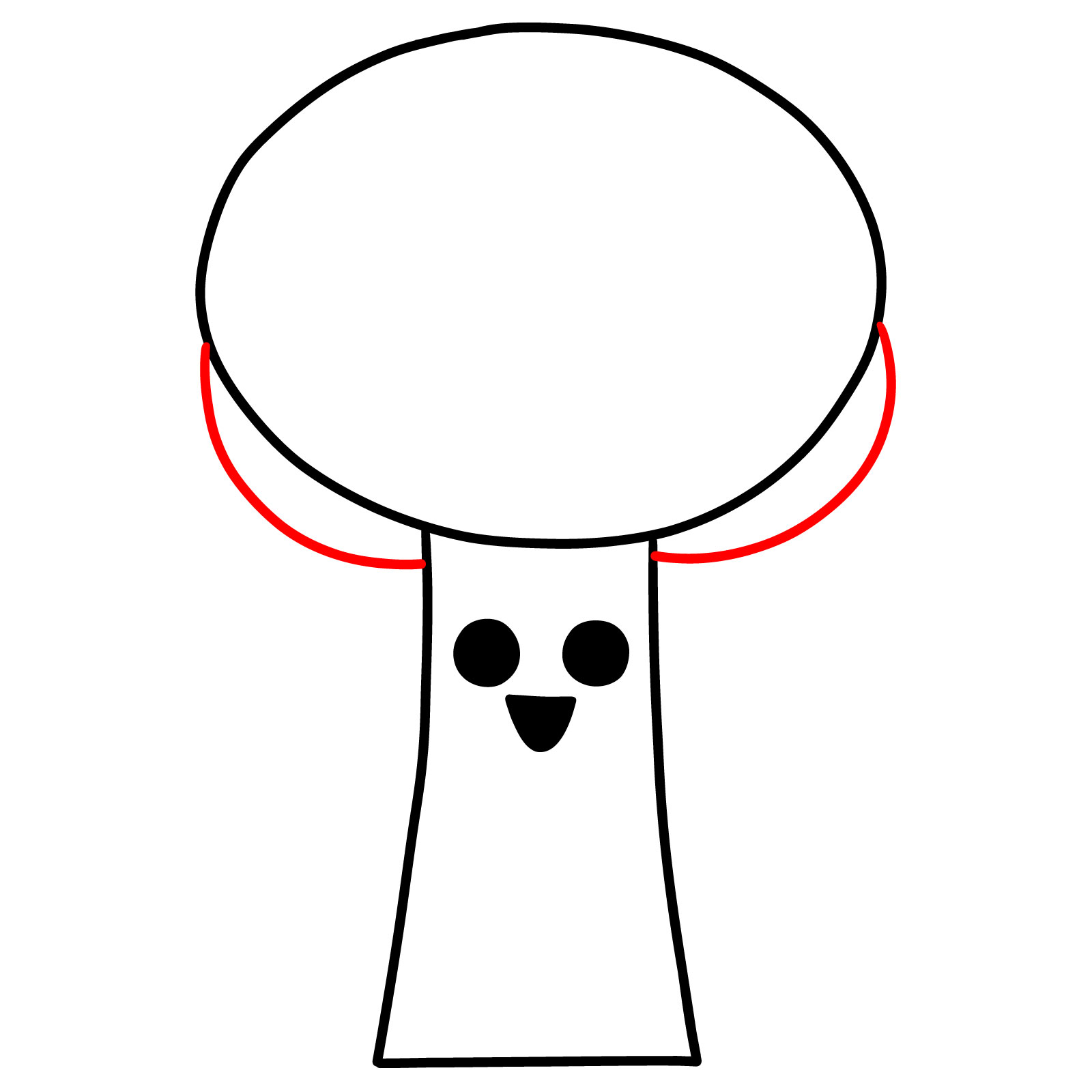
How the Color Layers Work in the Guide
The drawing tutorial uses colors to separate each part of the process:
- Red Color: These are the lines to focus on during the current step.
- Black Color: These show the previous lines that have already been drawn.
This is a straightforward drawing, but it’s important to keep the proportions of the eyes and canopy consistent to maintain the cartoon look. The mouth placement and curve of the trunk can also affect the expression, so I recommend sketching lightly first.




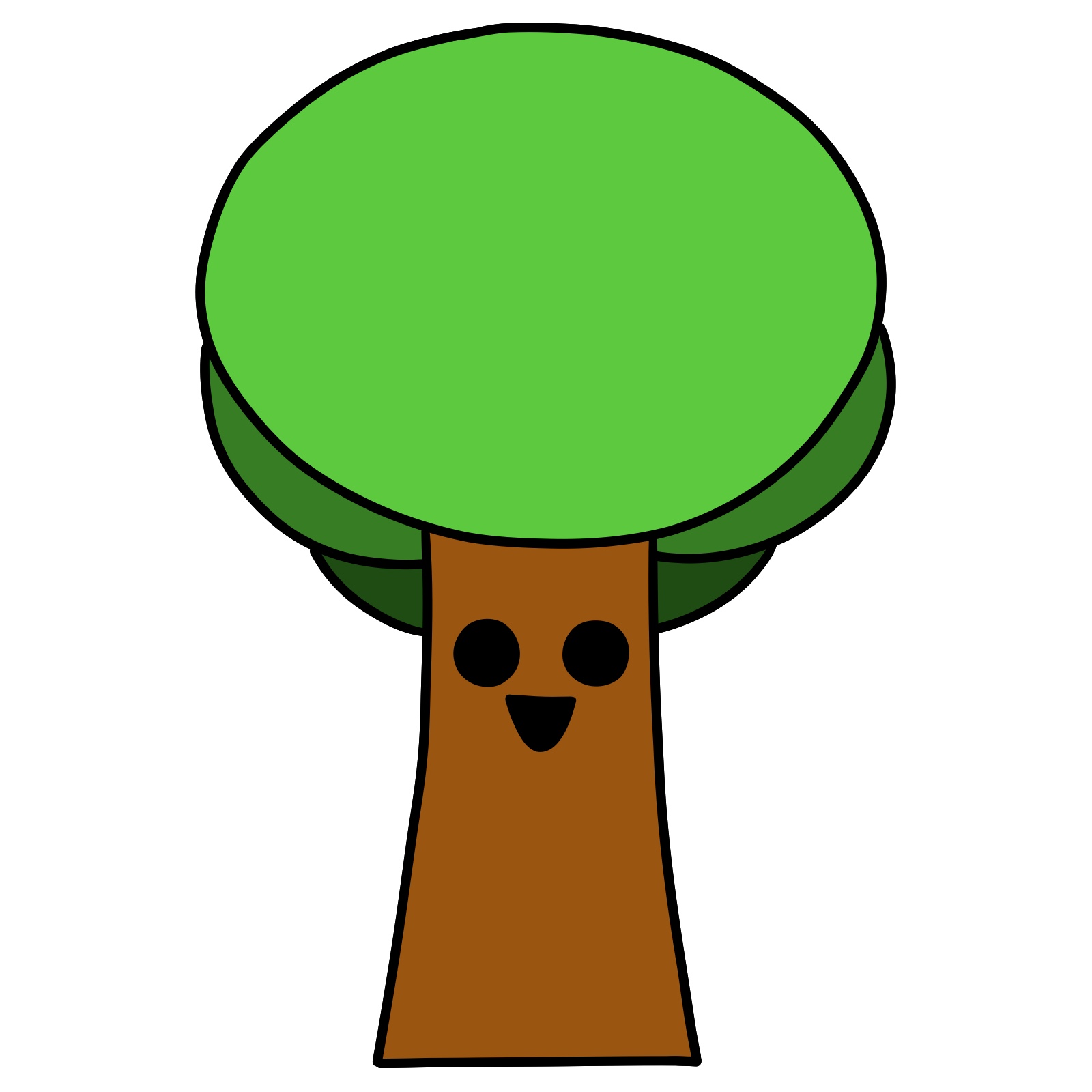
Now you know how to draw Mr. Tree Step-by-Step from Incredibox Sprunki, so go show off that tall, eerie look you pulled off. Drop your finished drawing in the comments on the pinned Pinterest post, it’s always fun to see everyone’s take on him.
