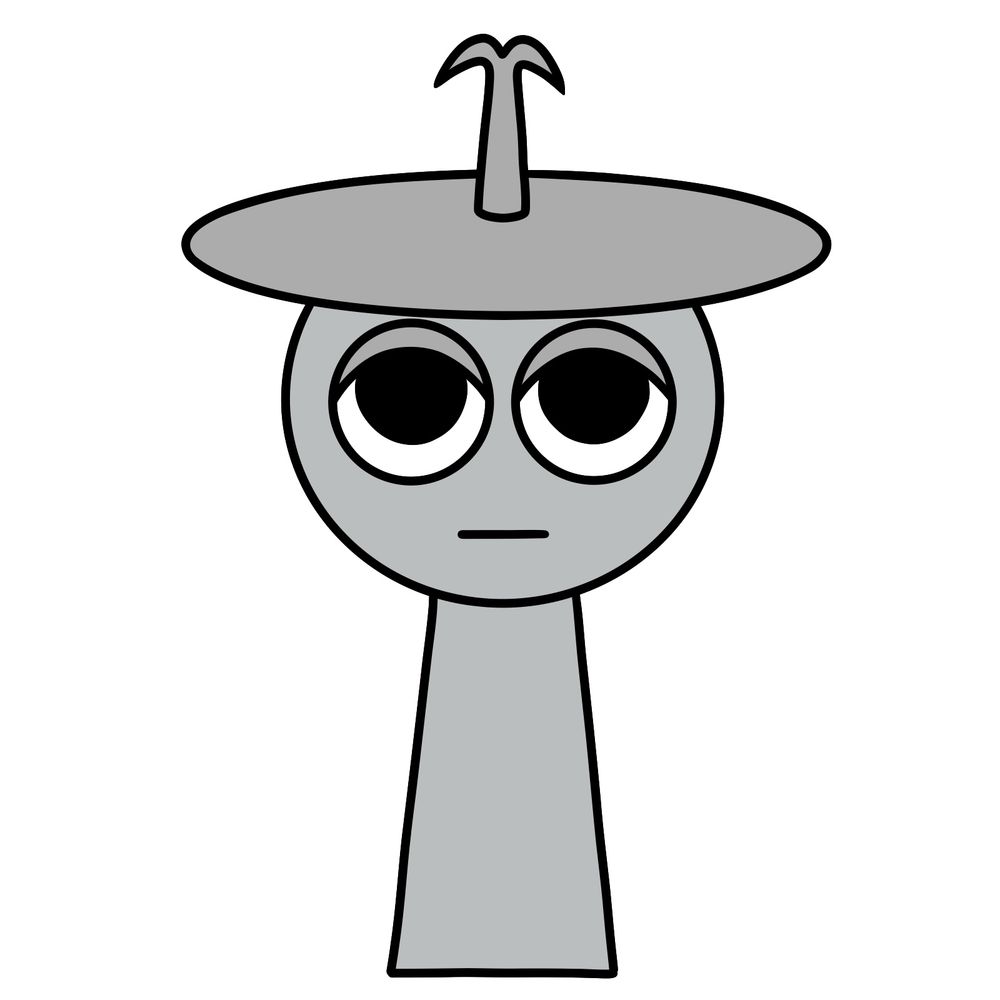
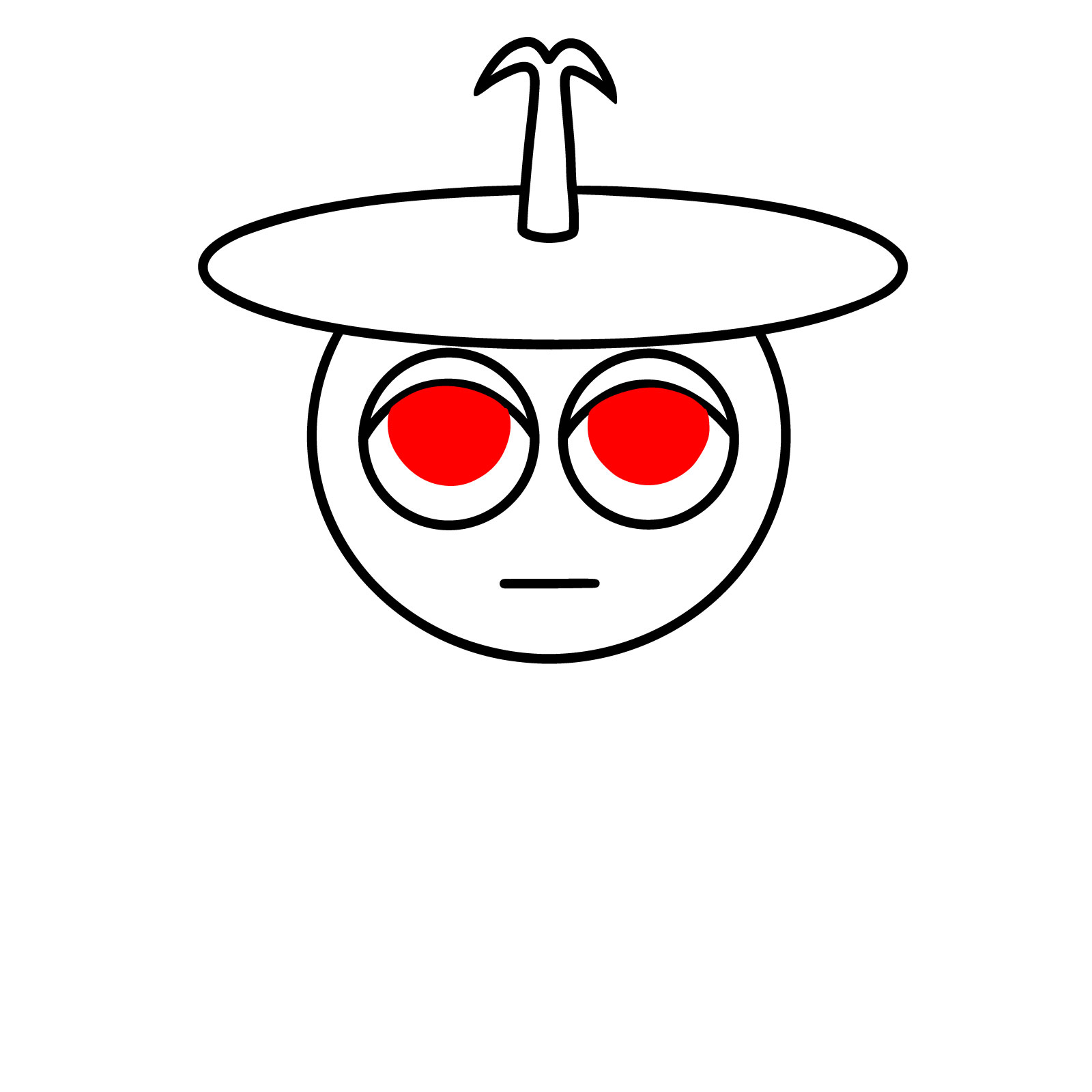
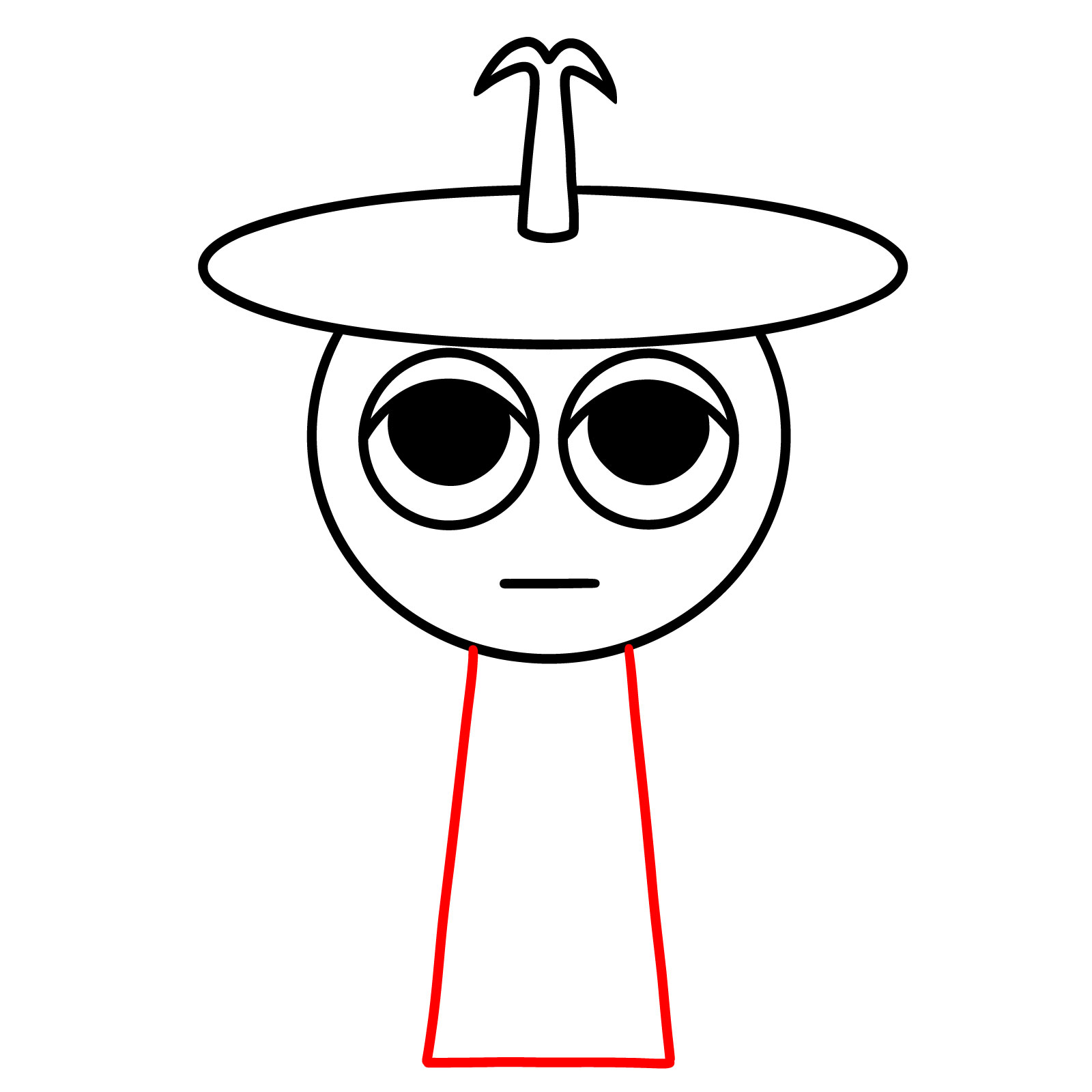
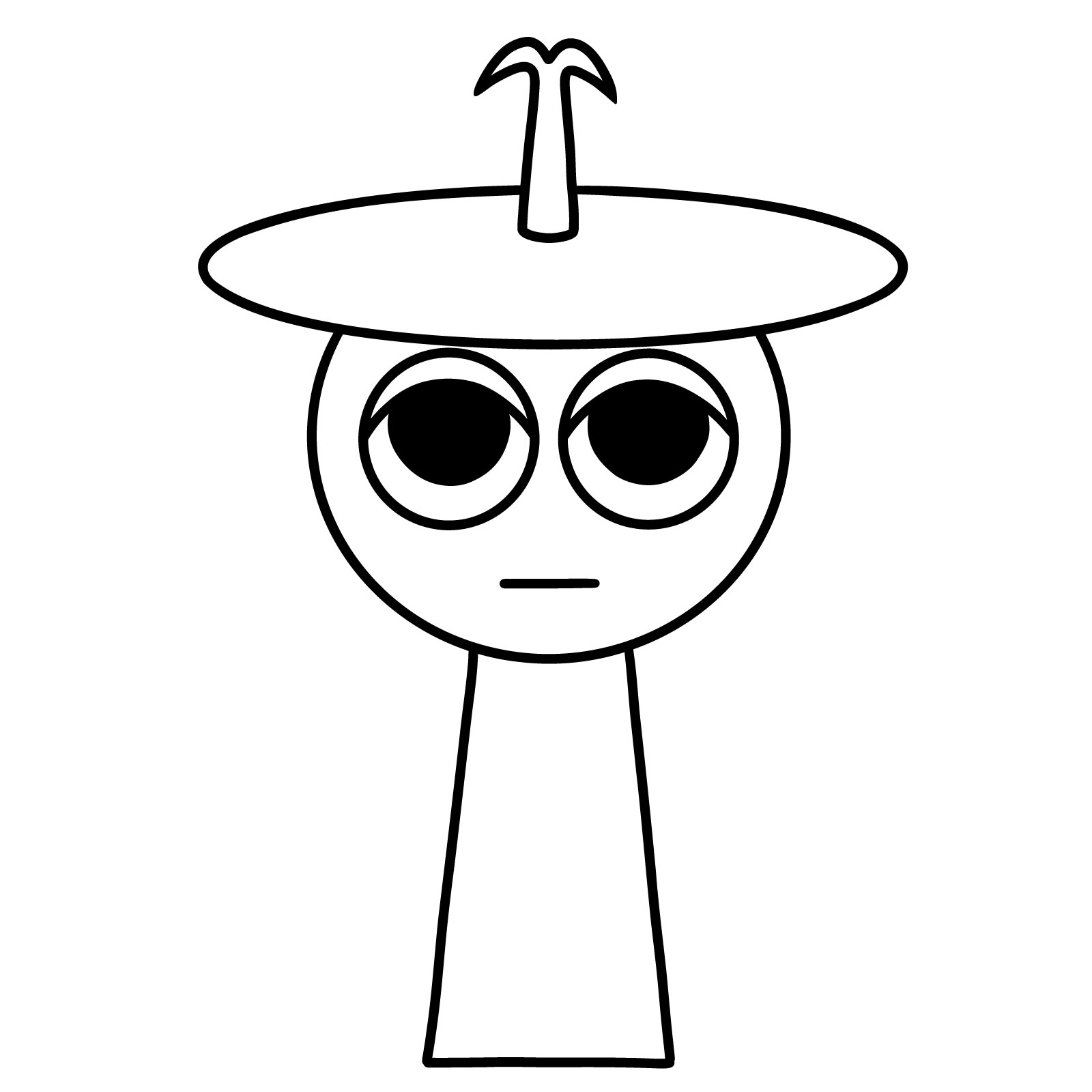
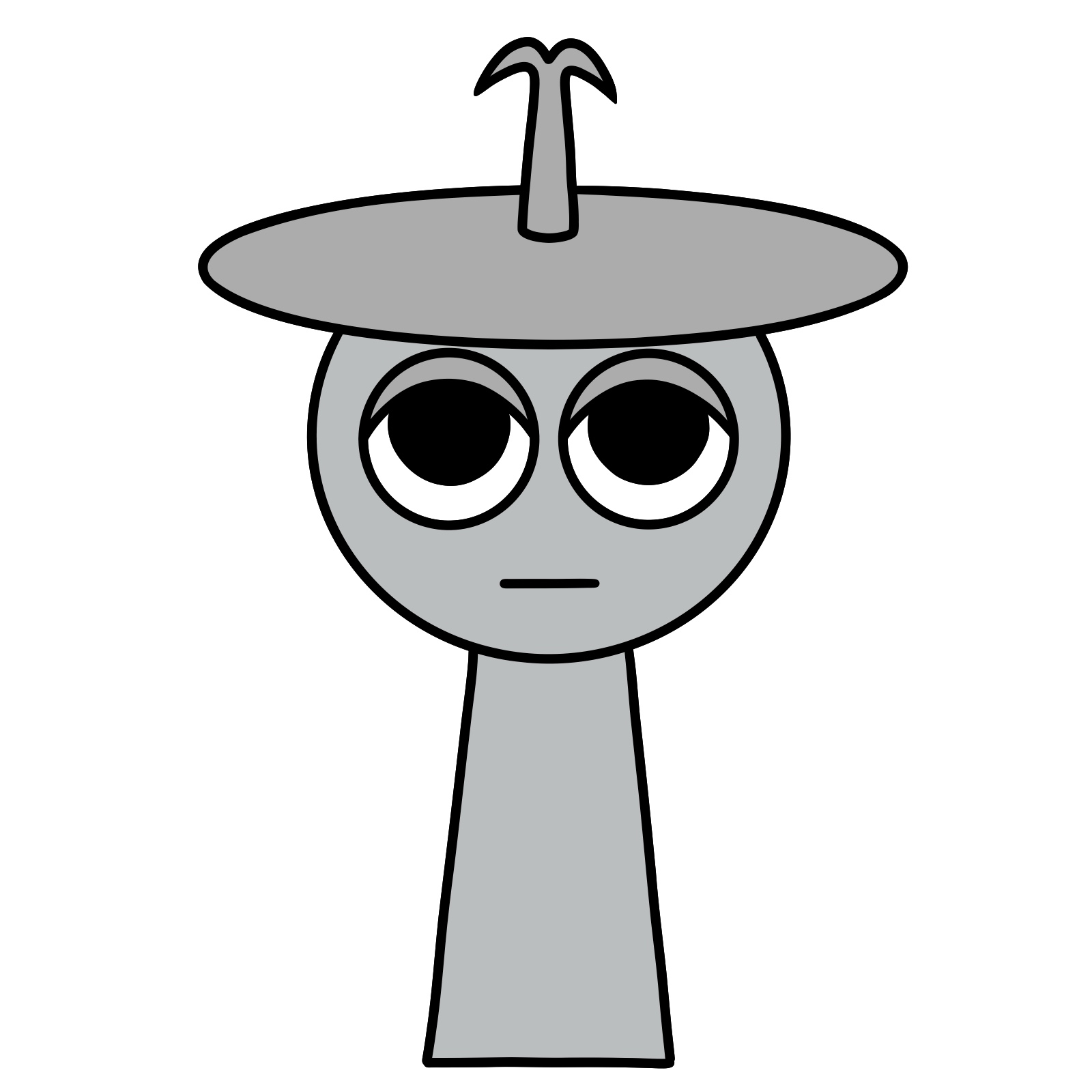
Today I’m showing you how to draw Clukr from Incredibox Sprunki. Clukr is the 3rd character and the 3rd beat sound in the Sprunki mod. He’s a silver Sprunki with a large cymbal resting on top of his head, supported by an antenna-like rod that splits into two small hooks. His design is simple but has a few small details that are easy to miss if you’re not careful while sketching.
Main Features to Focus on When Drawing Clukr
- Simple, tapered silver body without arms or legs.
- Large round eyes with a tired or relaxed look.
- Thin mouth line without any strong emotion.
- Wide cymbal balanced across the top of his head.
- Center rod shaped like an antenna with two hooks at the end.
After finishing Clukr, you can also try drawing other mod characters like Brud, Fun Bot, or Durple to build your collection of Sprunki drawings.
Understanding the Color Codes in the Drawing Guide
- Red Color: Focuses on the current step you are working on.
- Black Color: Shows the parts that you have already drawn.
- Grey Color: Represents the basic construction sketch at the start.

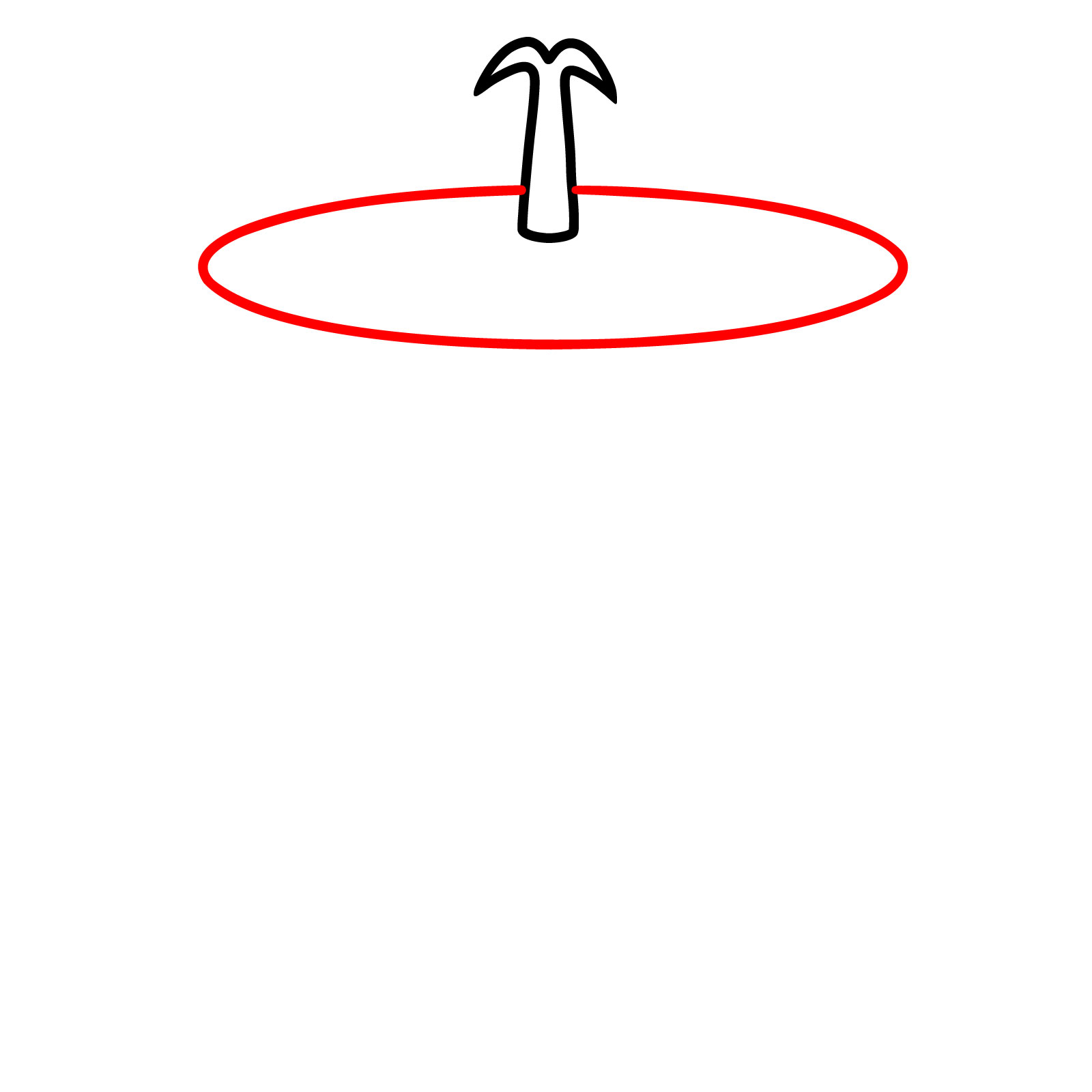
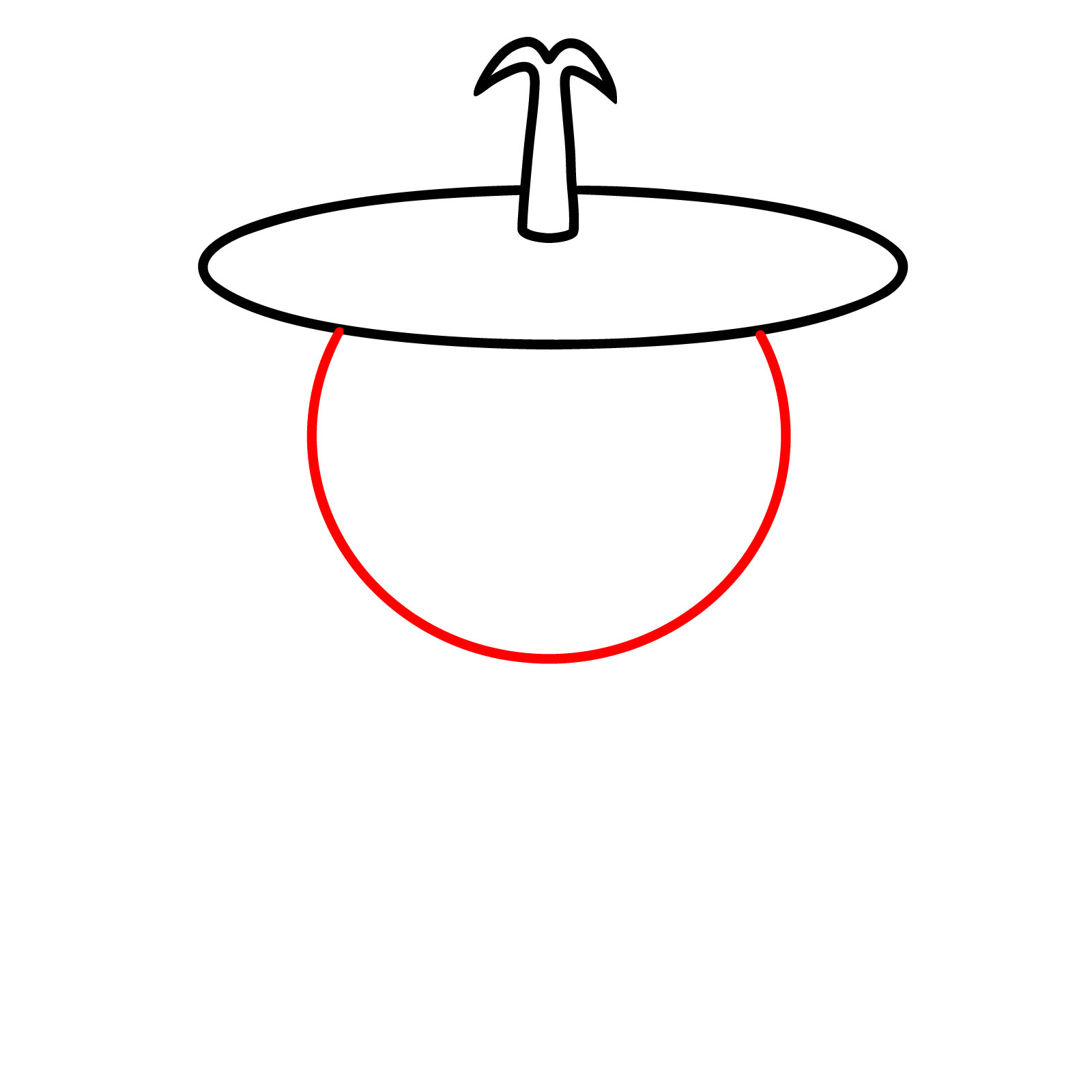
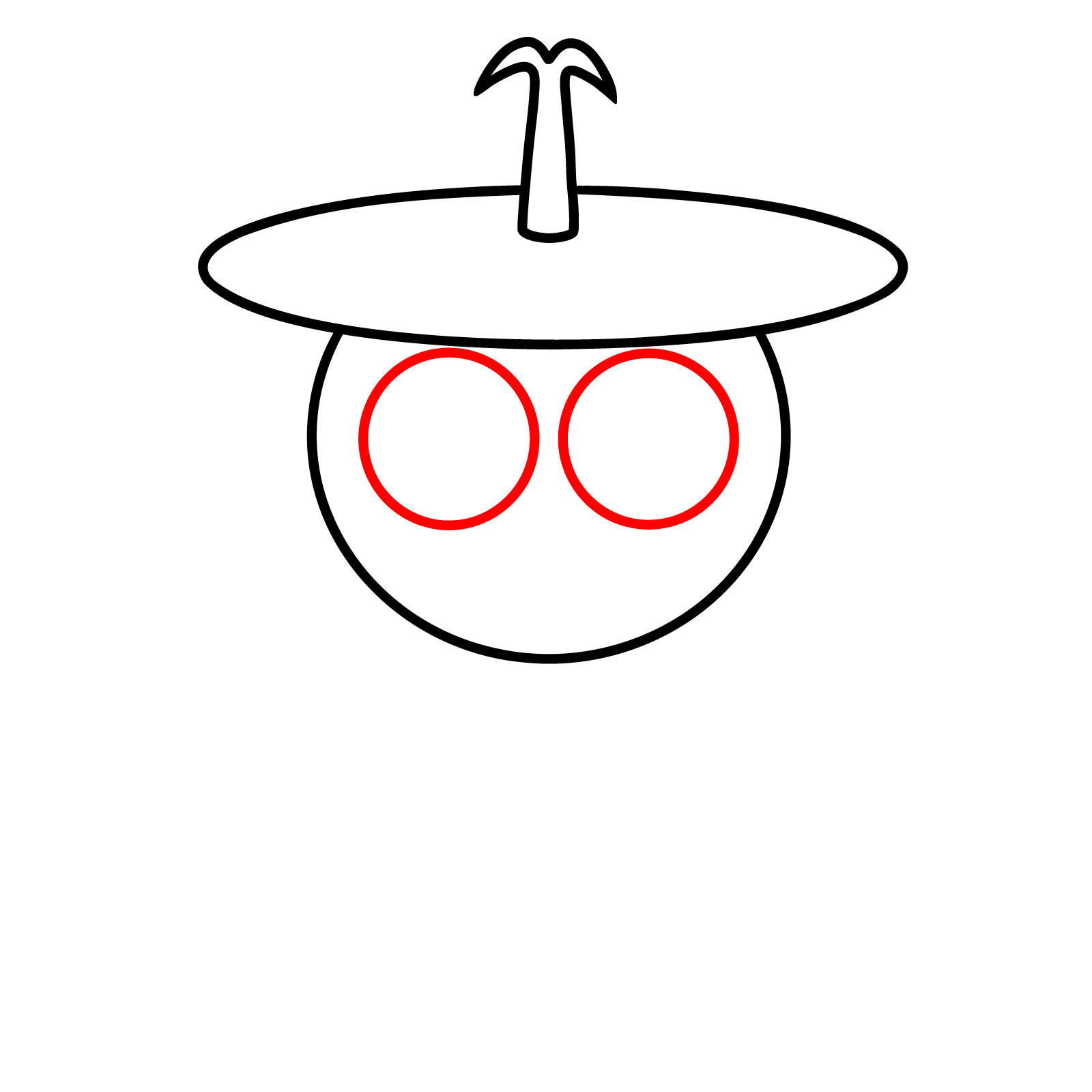

Now that you know how to draw Clukr from Incredibox Sprunki, feel free to drop your finished piece in the comments under the pinned version of this tutorial on Pinterest, where other artists working through the same steps will actually see it and appreciate the details you put in. It’s a pretty cool spot to compare your take on Clukr with everyone else’s interpretations. If you want a steady stream of new guides like this one, the signup form at the top of the page will send a weekly digest straight to your inbox, and you can also follow along on Facebook or catch video versions of some guides over on the YouTube channel.