Published on September 7, 2026
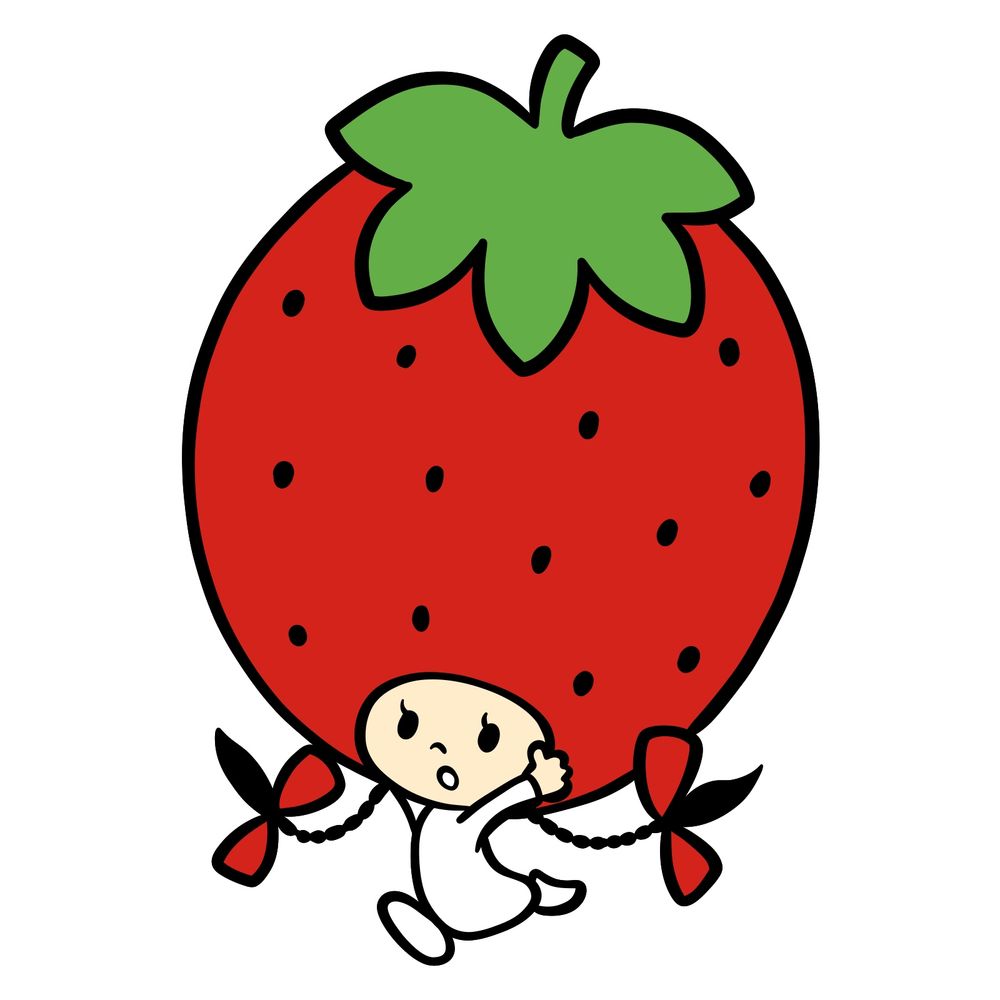
Tommy is one of the Seven Strawberry Angels running around the Strawberry Kingdom over in Sanrio Characters. This lesson covers how to draw Tommy, building up that oversized strawberry hat and flowing gown piece by piece.
Sketching This Tomboy Angel
The tutorial runs across 14 stages, ending on a fully colored version so your own palette has something to match. We start with rounded guide shapes for the head and gown, then layer in the braids, bows, and that big strawberry on top as the drawing comes together.
What Gives Tommy Her Look
- Giant strawberry worn as a hat
- Long black braided pigtails
- Red bows tying off each braid
- Single long eyelash per eye
- White long sleeve gown
- Bare feet peeking from below
Since Tommy shares the Strawberry Kingdom with a few other angels, Socrates makes a good companion piece. If you want to branch further into Sanrio, the playful My Melody or the sporty Pochacco are both worth a look.
Understanding the Line Colors
Every image sticks to a three-color system so the newest marks always stand out:
- Red Color: lines added in the current step.
- Black Color: lines completed earlier.
- Gray Color: base sketch for structure.
How to Draw Tommy: Step-by-Step


Post Your Tommy in the Comments
Once that strawberry hat is colored in, share your version below so I can see how it turned out. There’s a feature in the works that would let you attach your drawing straight to the comment section, and it might already be live by the time you check. With how to draw Tommy done, the sharp-witted Socrates or the cheerful Pompompurin make solid follow ups. New lessons go up on Facebook and Telegram as soon as they publish, a fresh video lands on YouTube every day pulled from these guides, and Pinterest gets updated regularly too, so if you’d like to support the work, my Patreon has hand drawn coloring pages waiting for you.

Hello once again, Ilnur! I wanted to ask if you can draw Lacey, Maisie and Jay from Lacey’s Webisodes?
https://pbs.twimg.com/media/HEHT9qOWcAAADUD?format=jpg&name=large
Hey! Sure, I’ll make them soon!