Home » Cartoon Characters » Ben 10

How to Draw Crashhopper Ben 10 Omniverse Classic Version

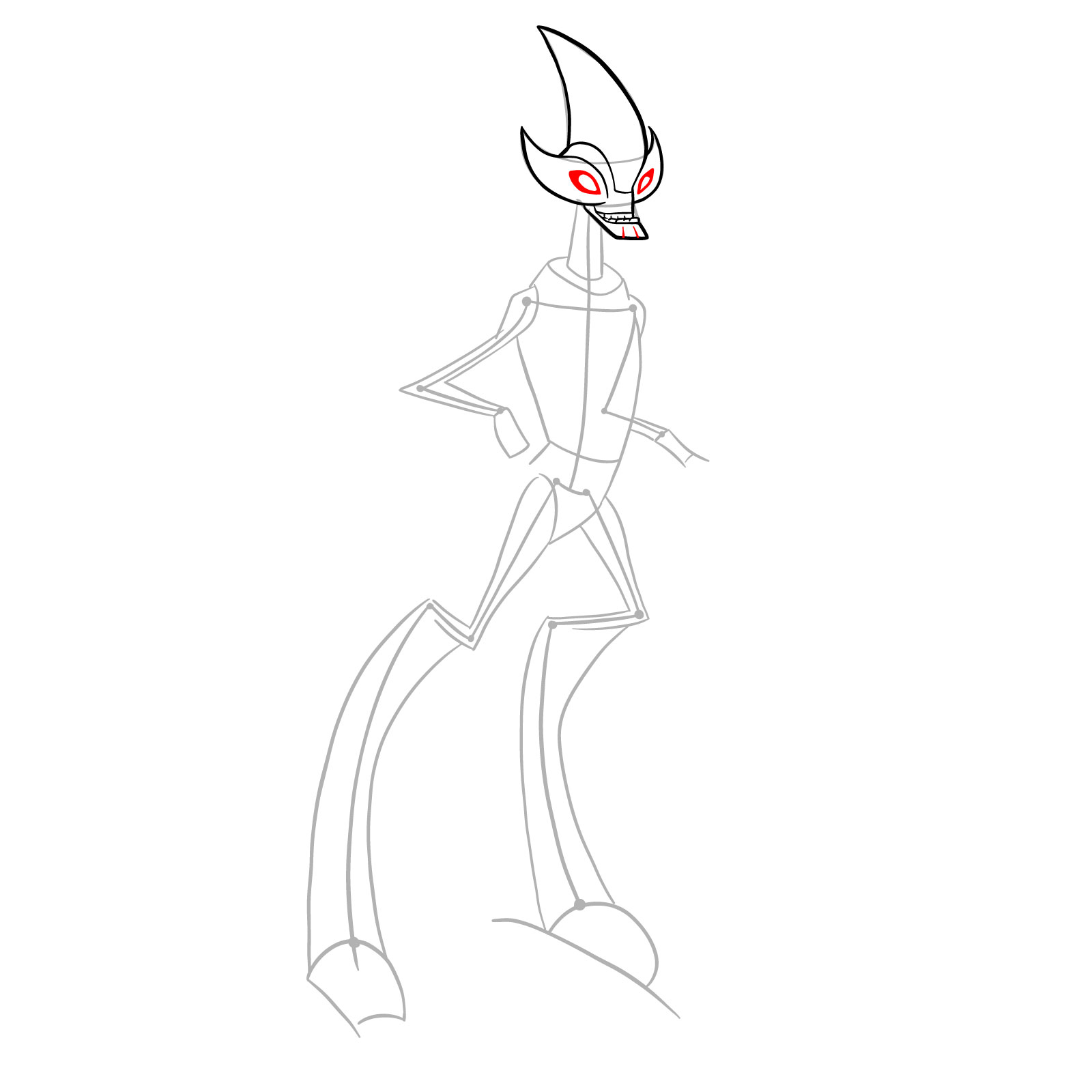
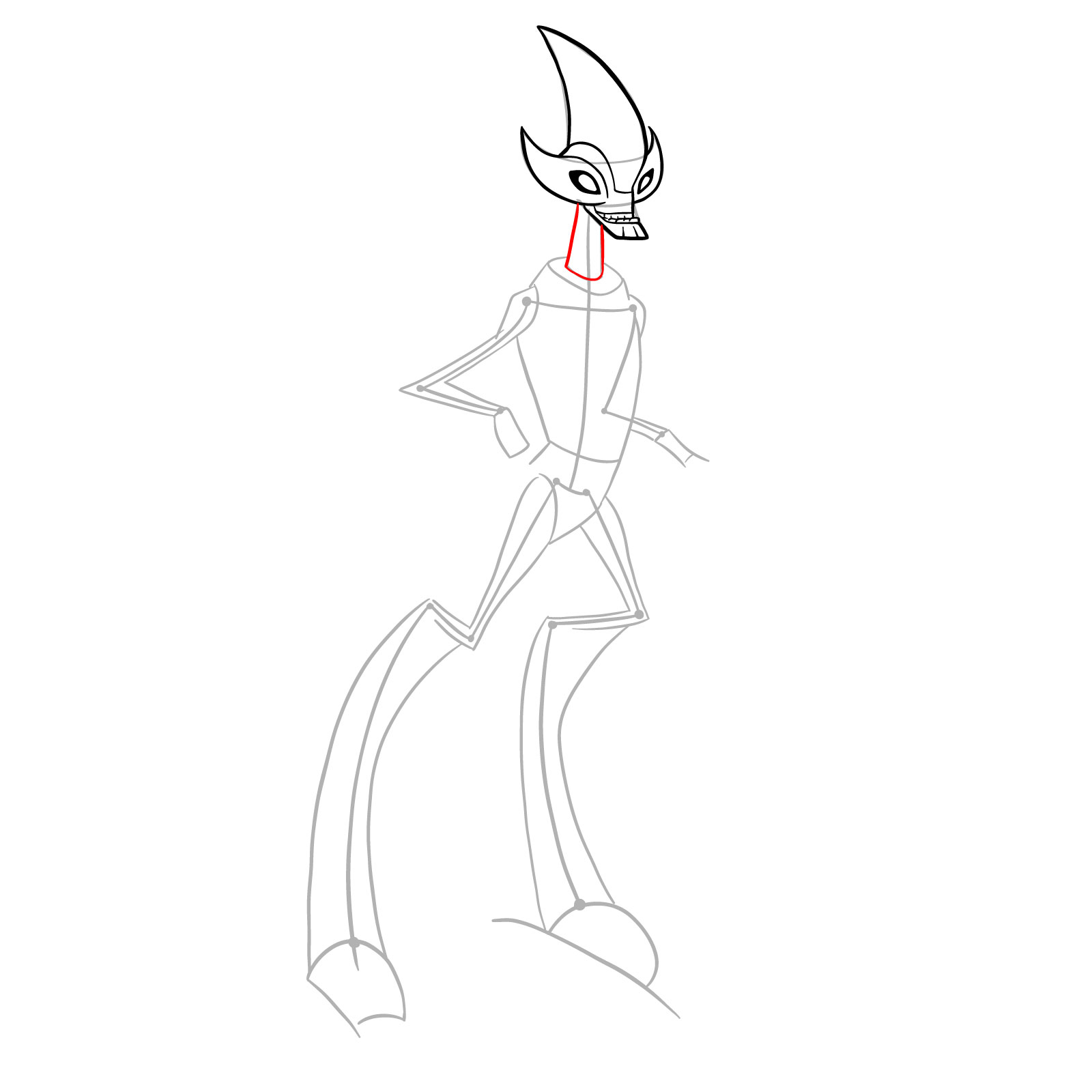
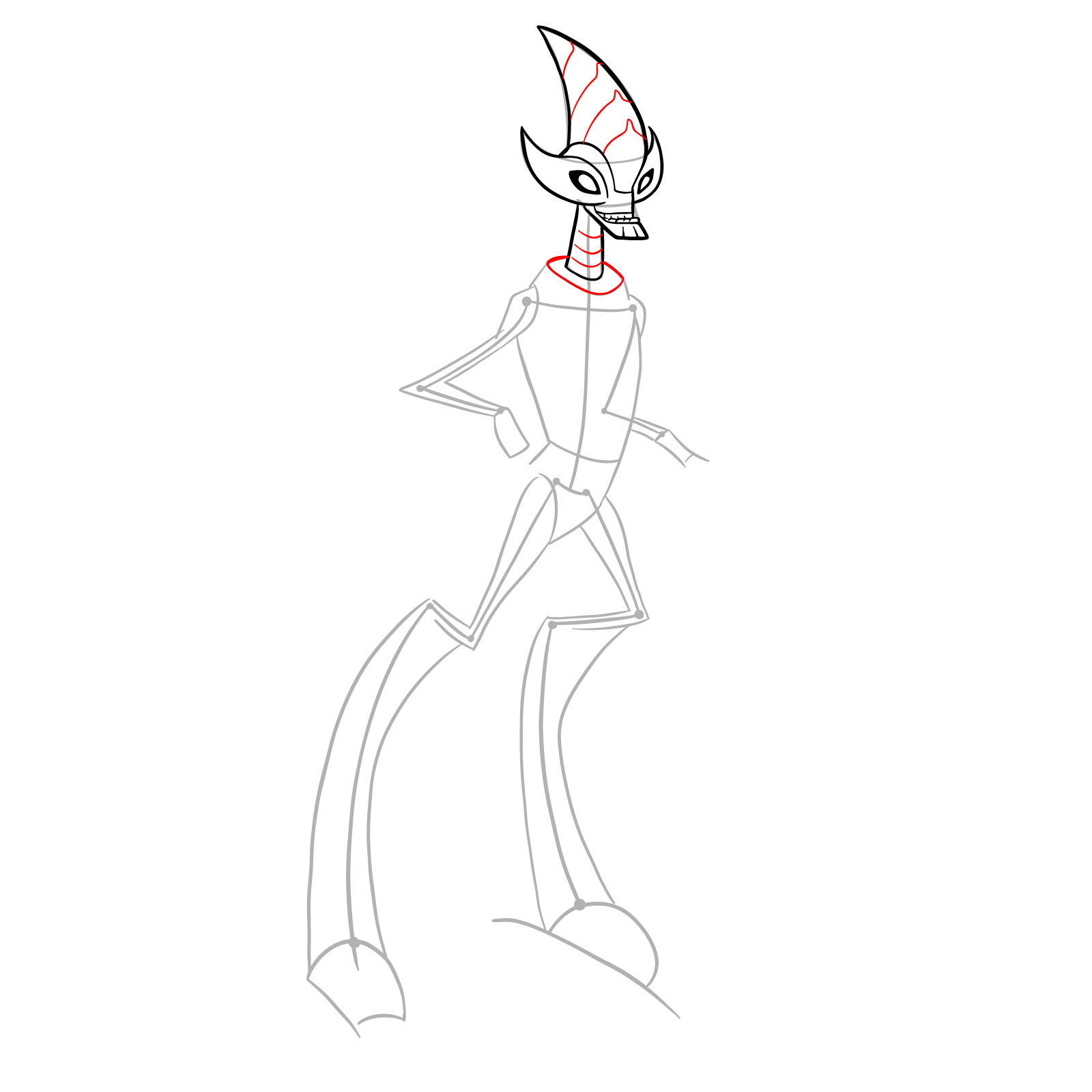
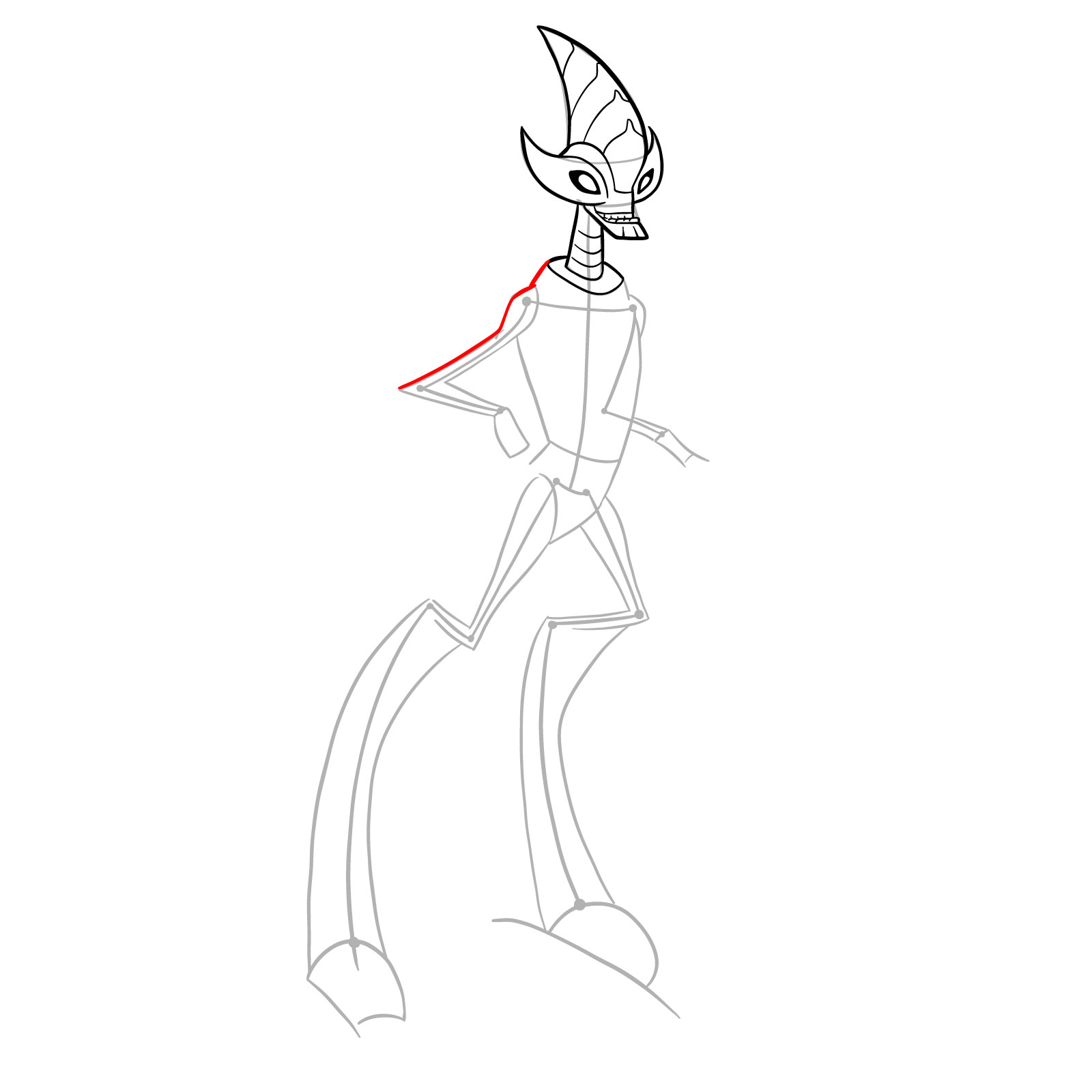
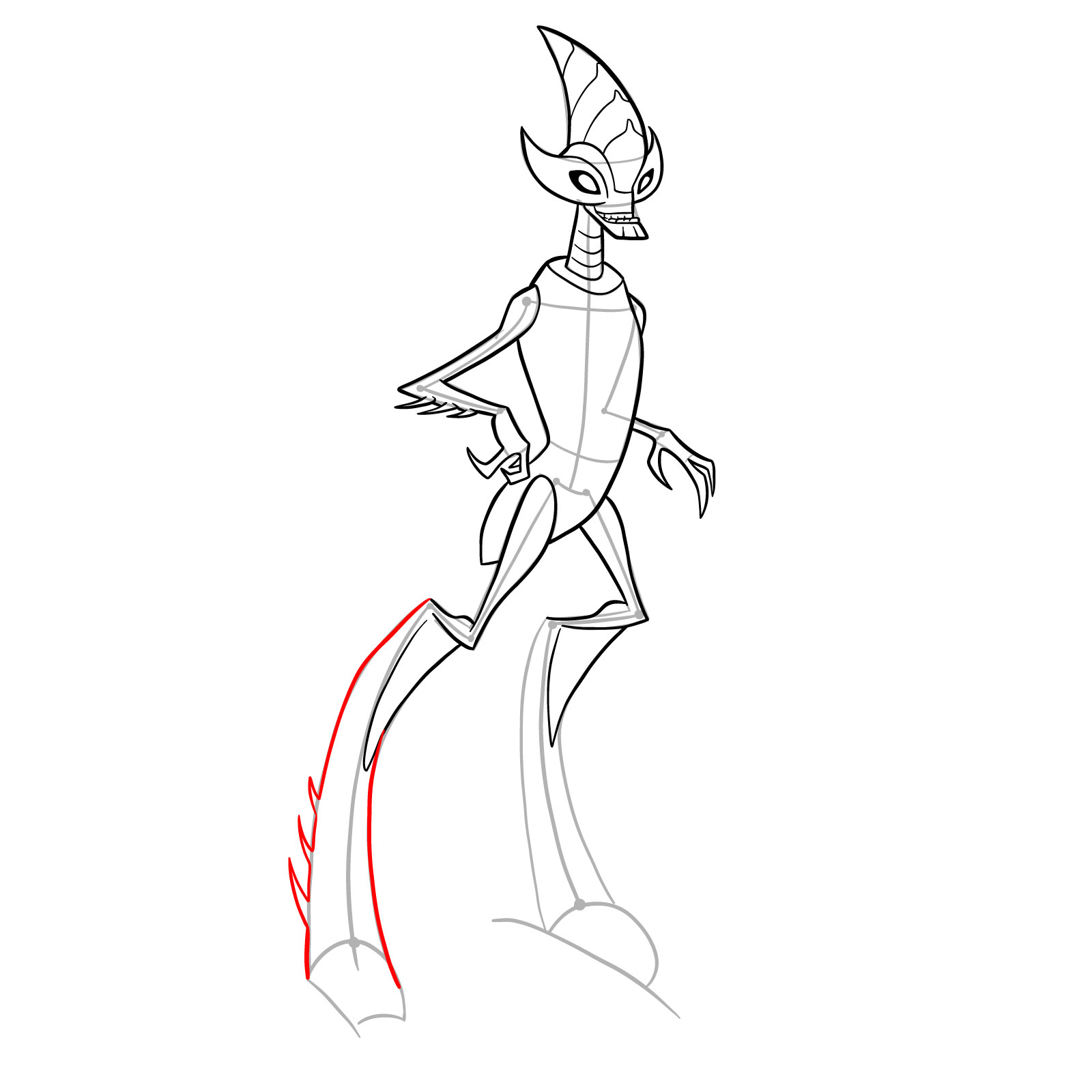
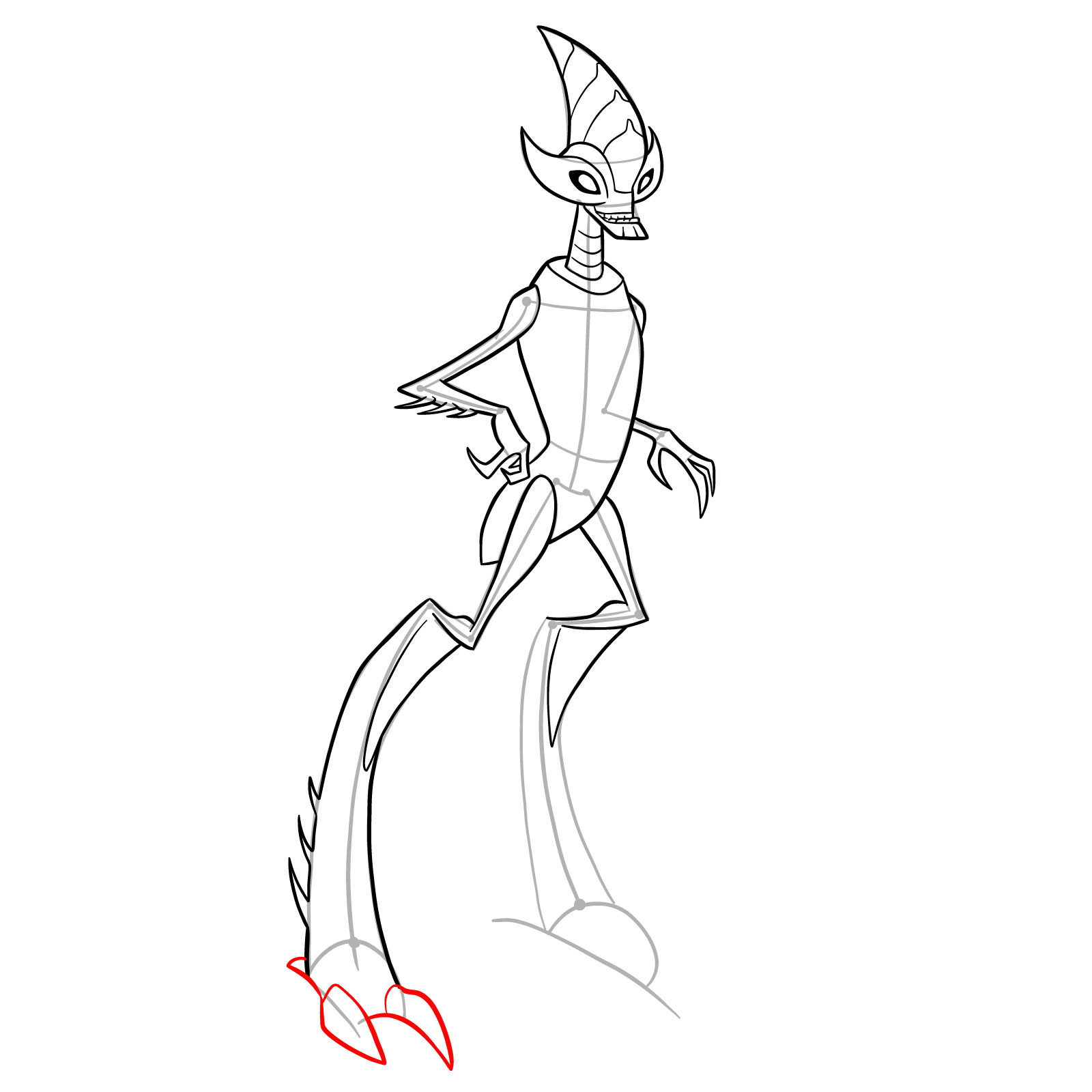
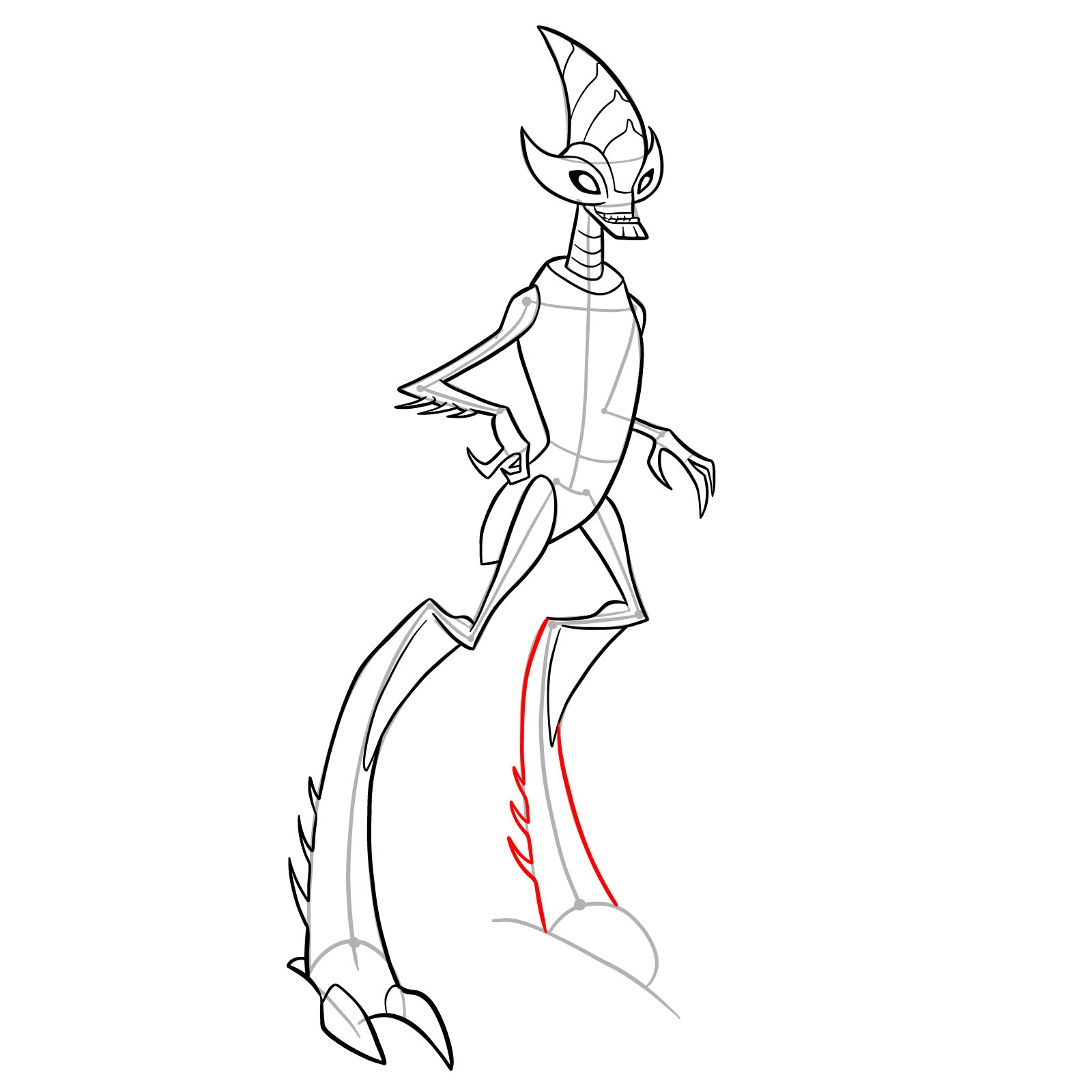
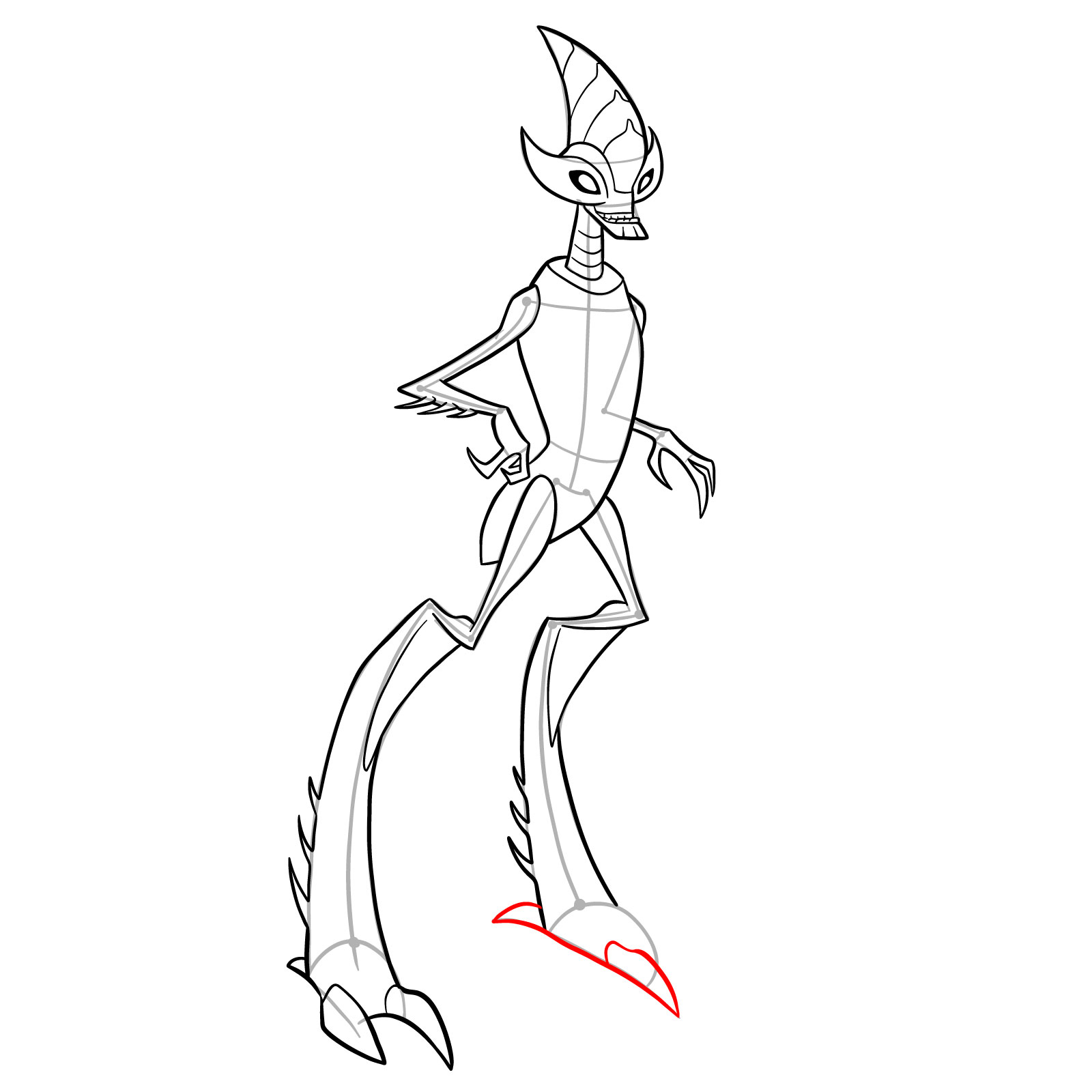
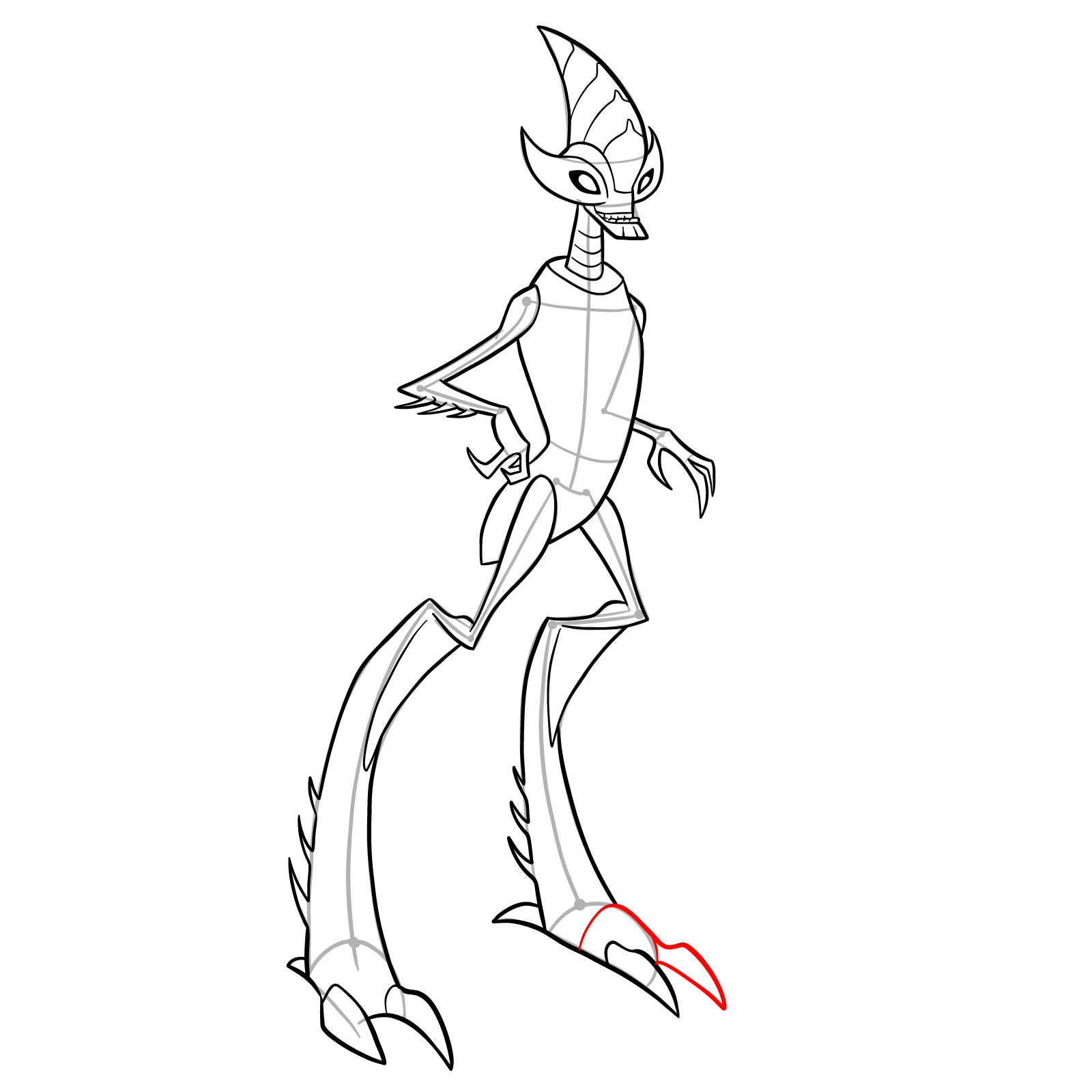
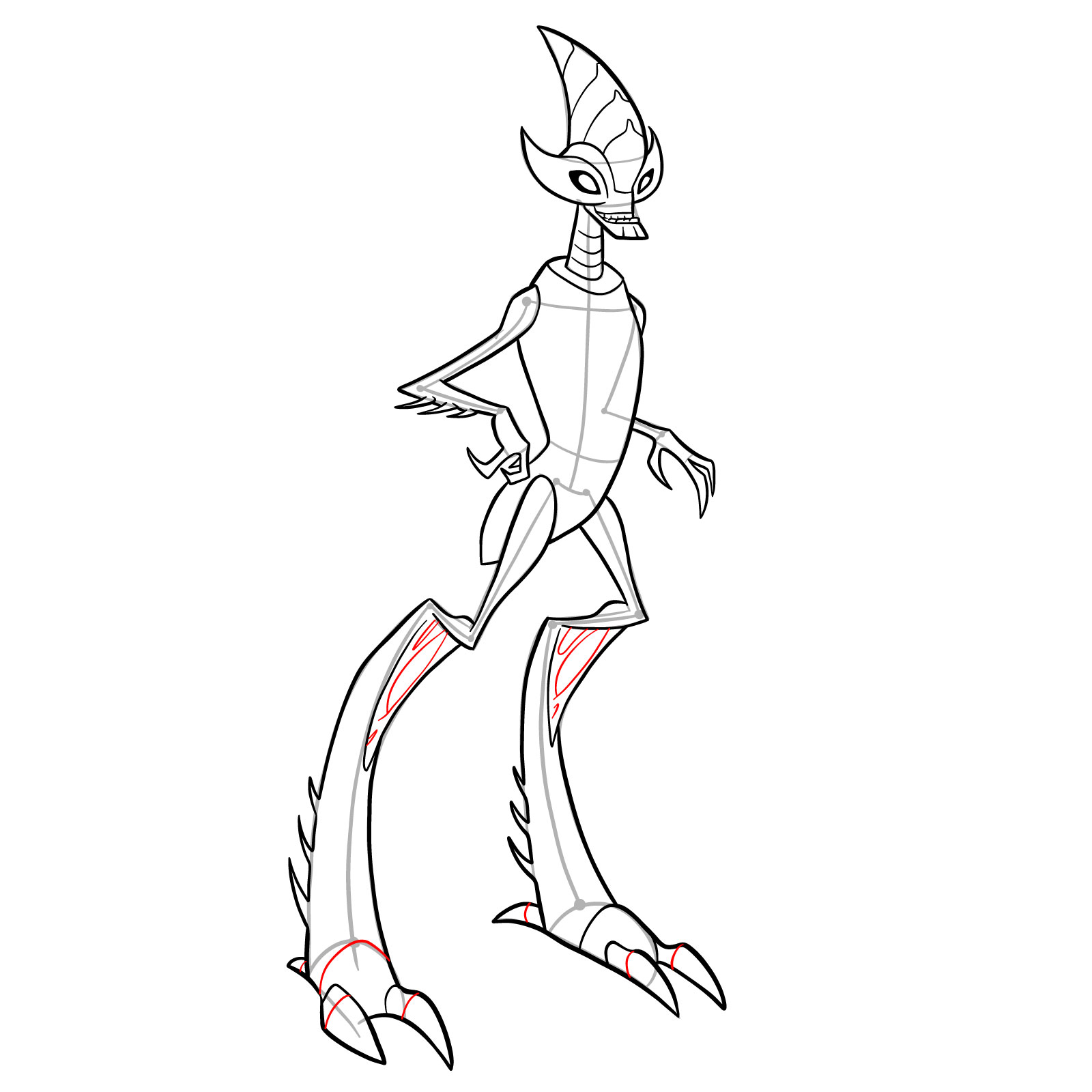
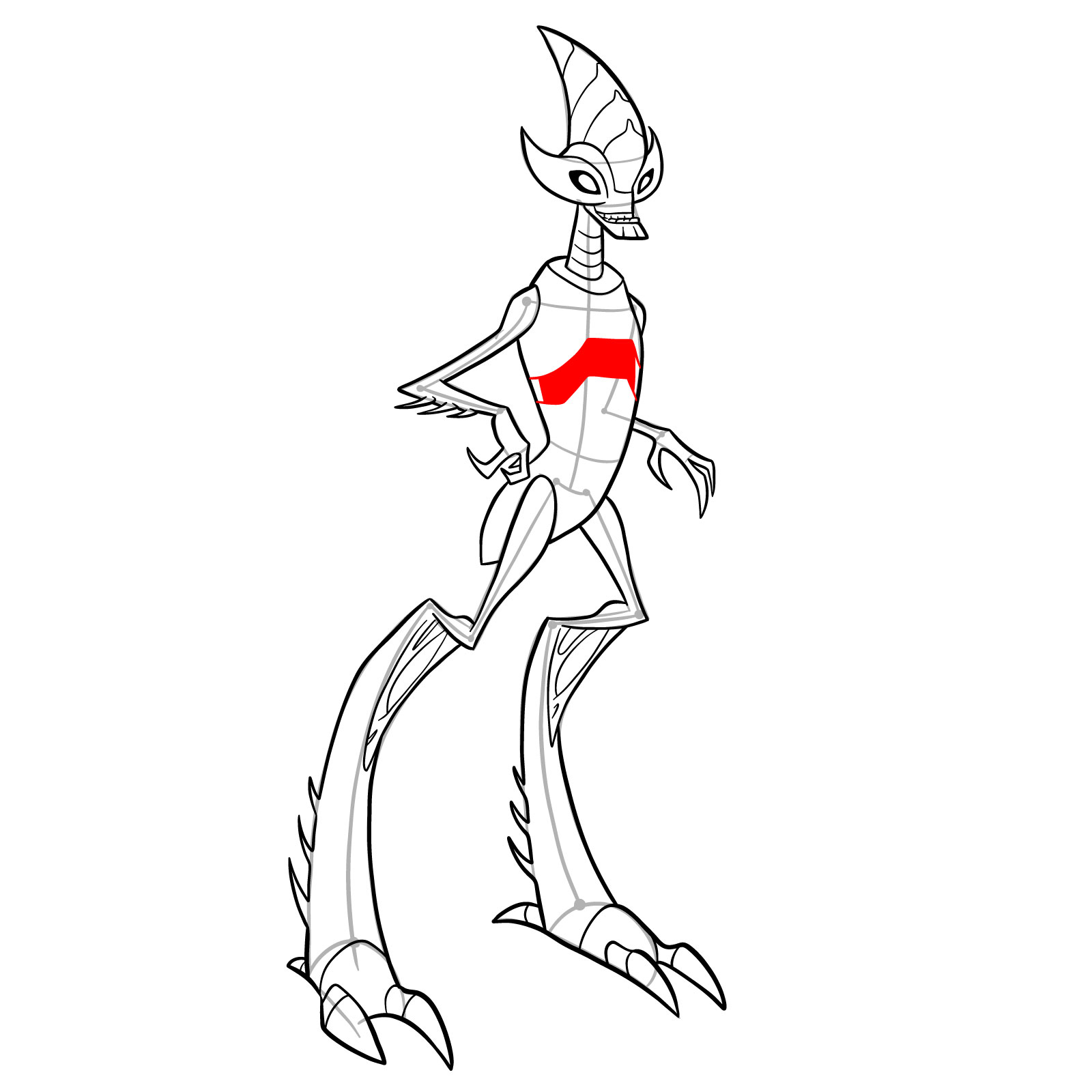
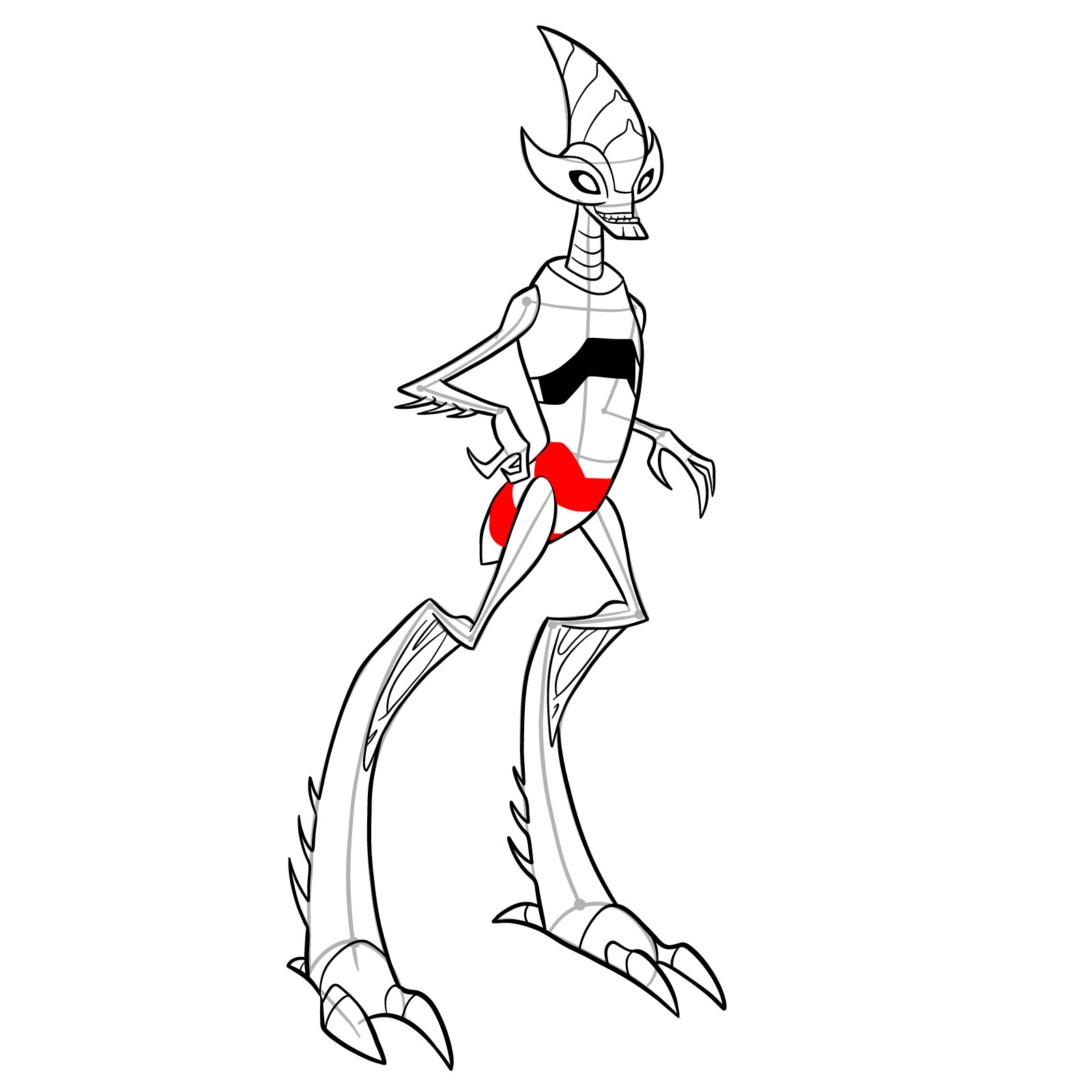
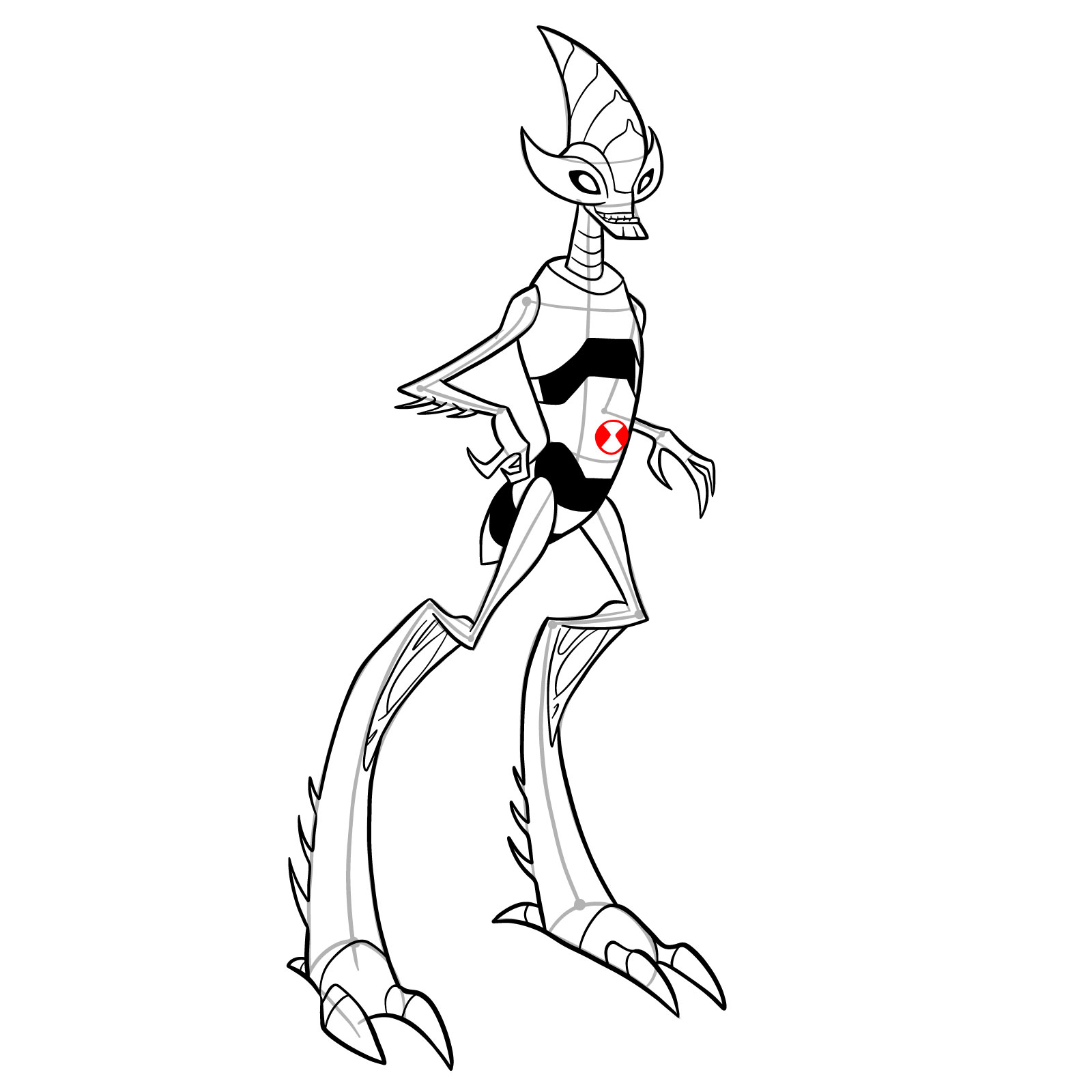
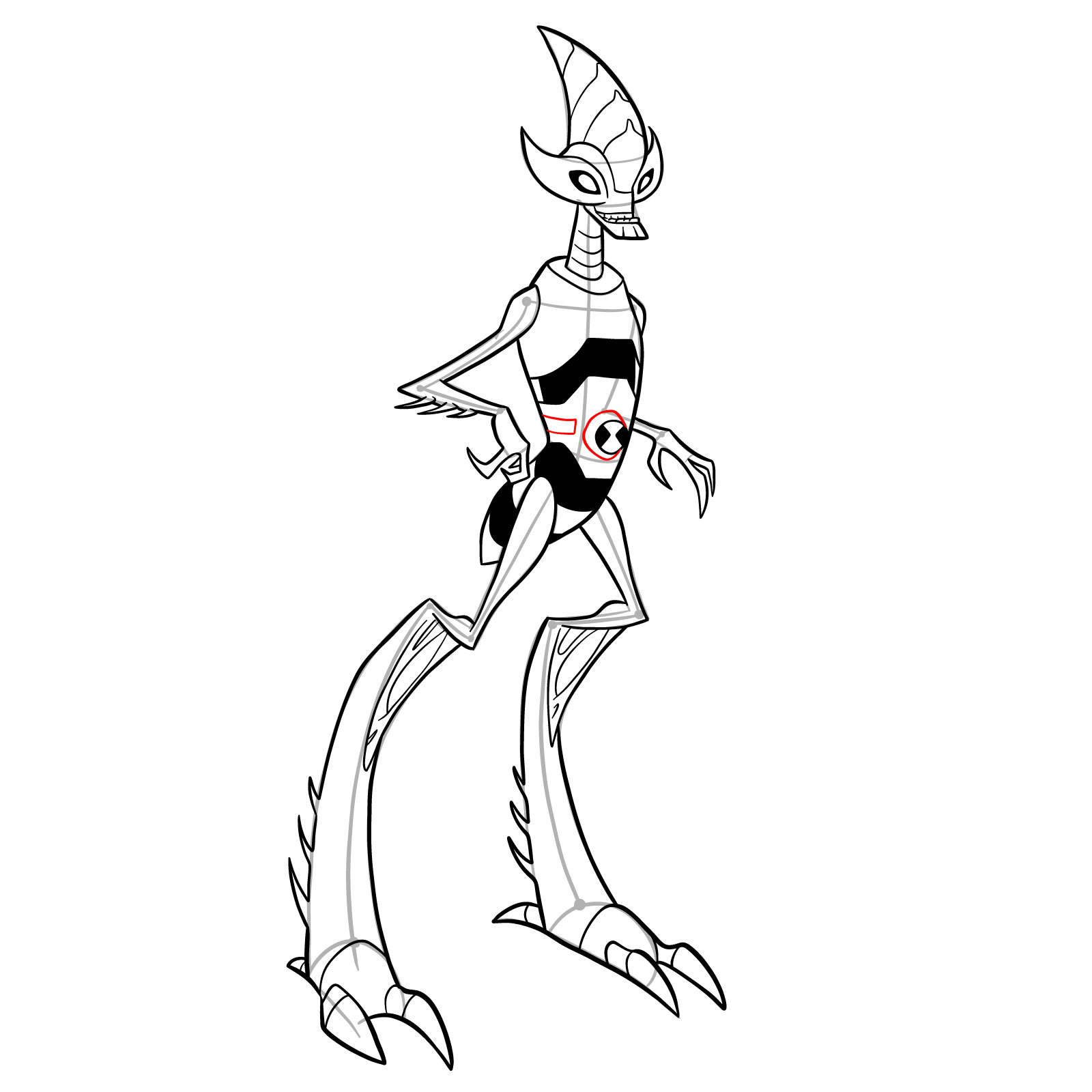
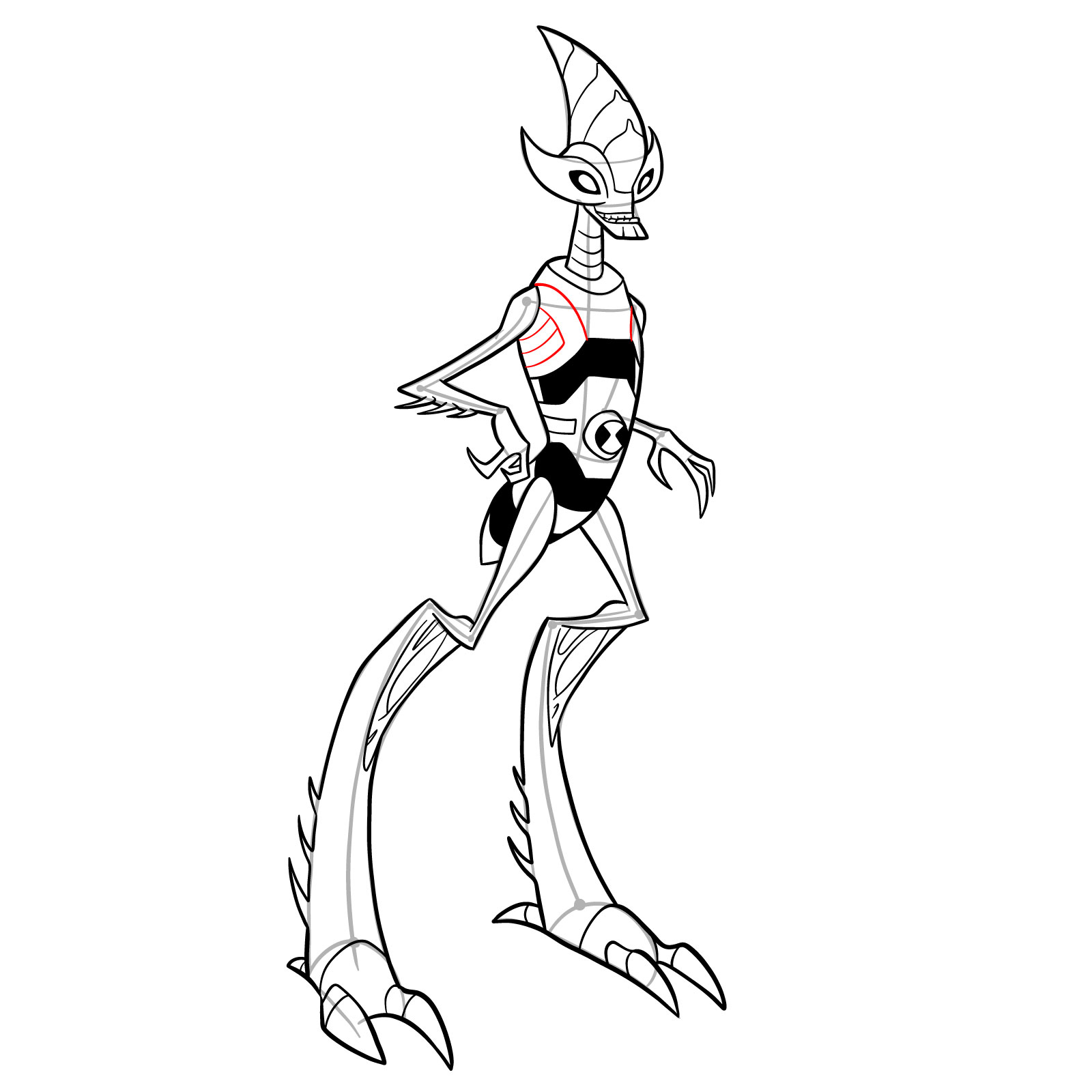
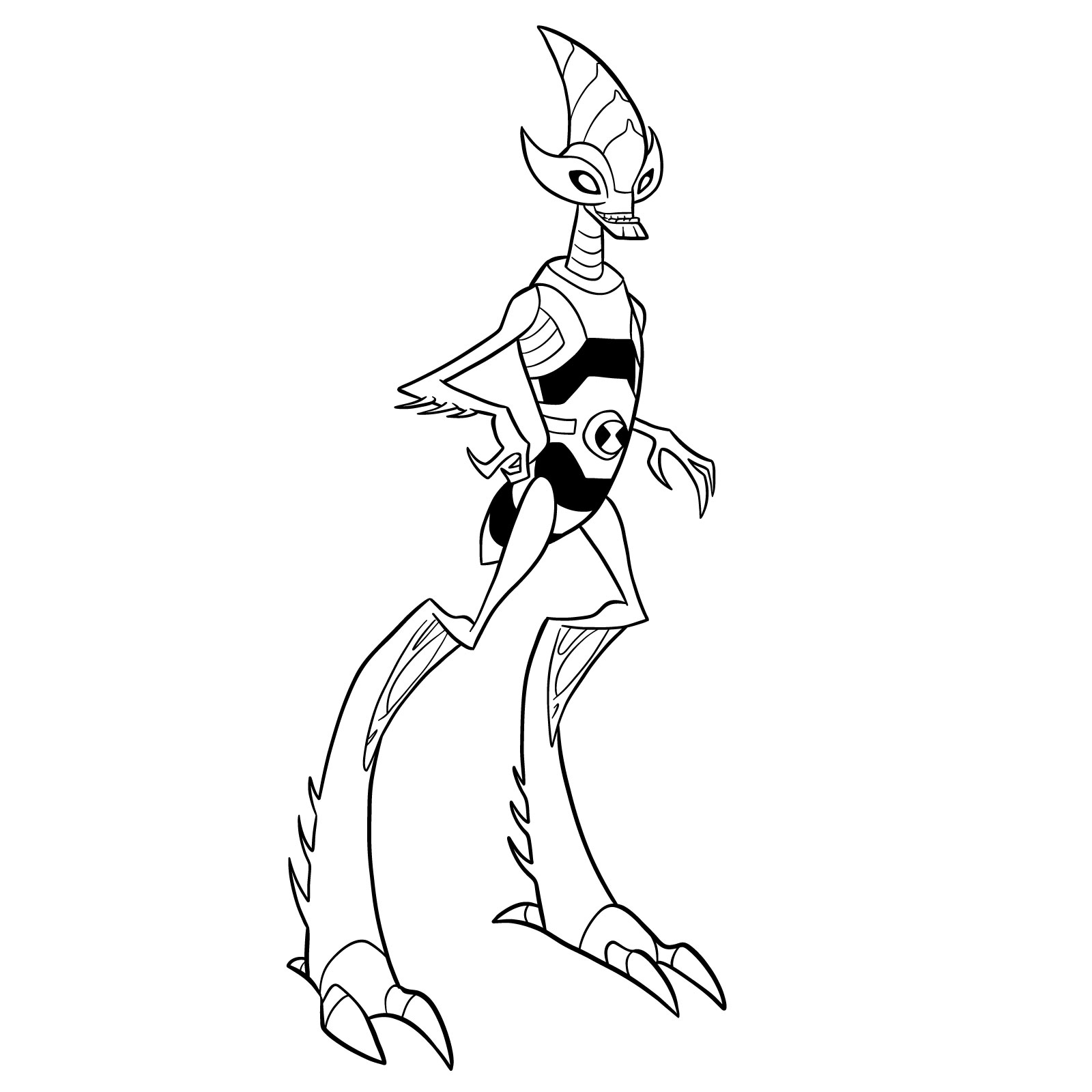
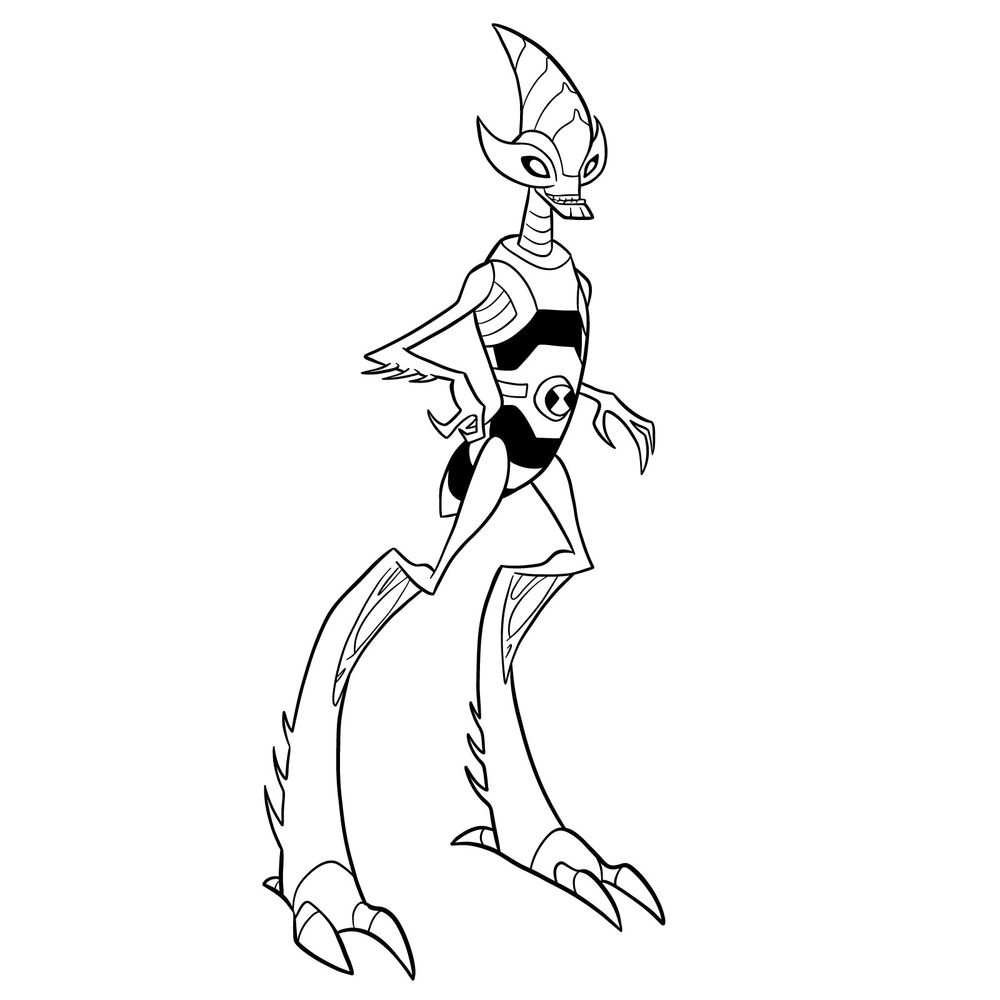
Powerful jumping legs and a reinforced skull plate make this Orthopterran a living battering ram. This tutorial shows how to draw Crashhopper from Omniverse Classic, featuring the grasshopper alien with his curved head horn, segmented body, and those massive digitigrade legs built for incredible leaps. Crashhopper Omniverse Classic appears in the Ben 10 series as a transformation designed for mobility and headfirst impact attacks. His sideways stance with arms crossed and those towering bent legs captures the confident pose of an alien ready to launch.

Drawing Crashhopper Omniverse Classic Style

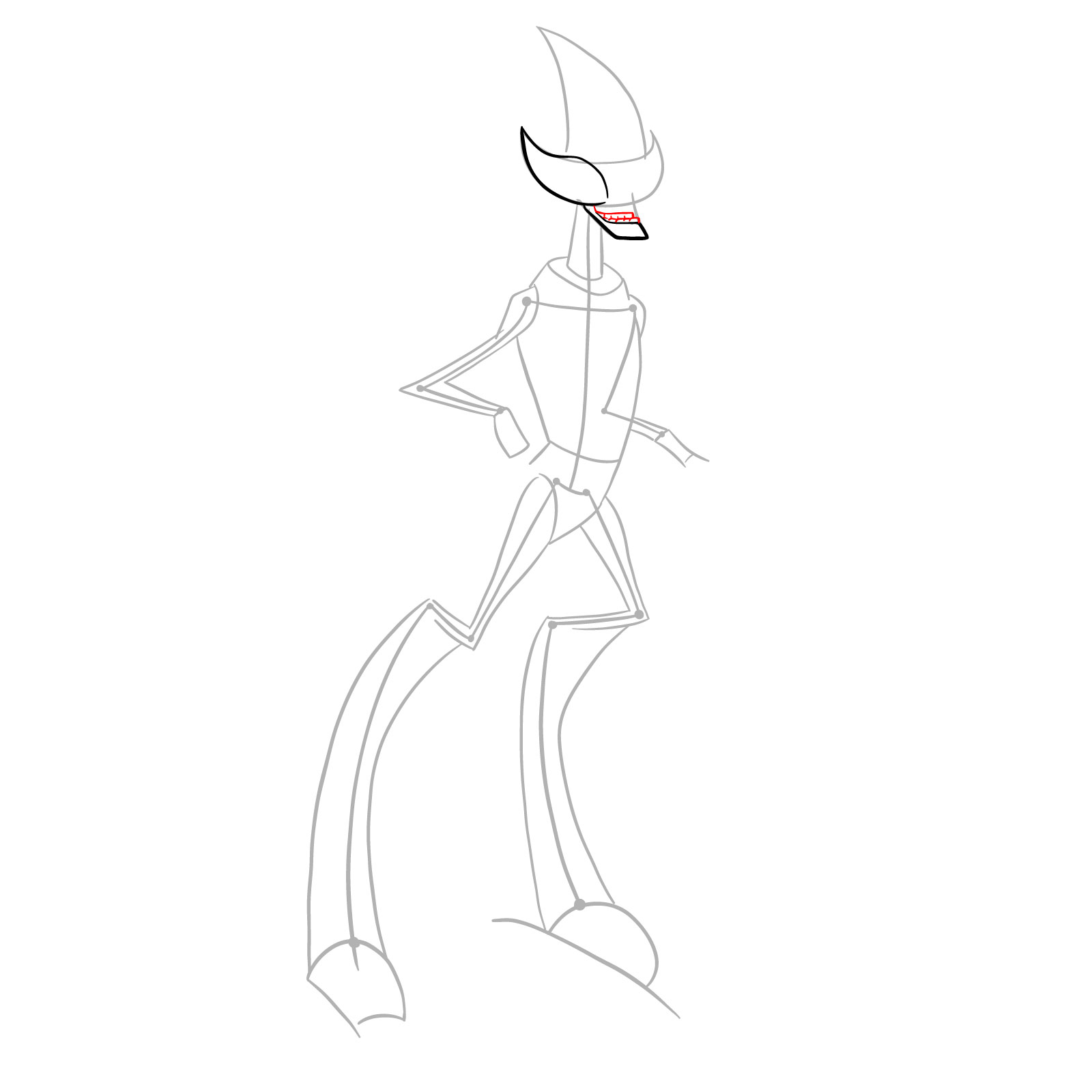
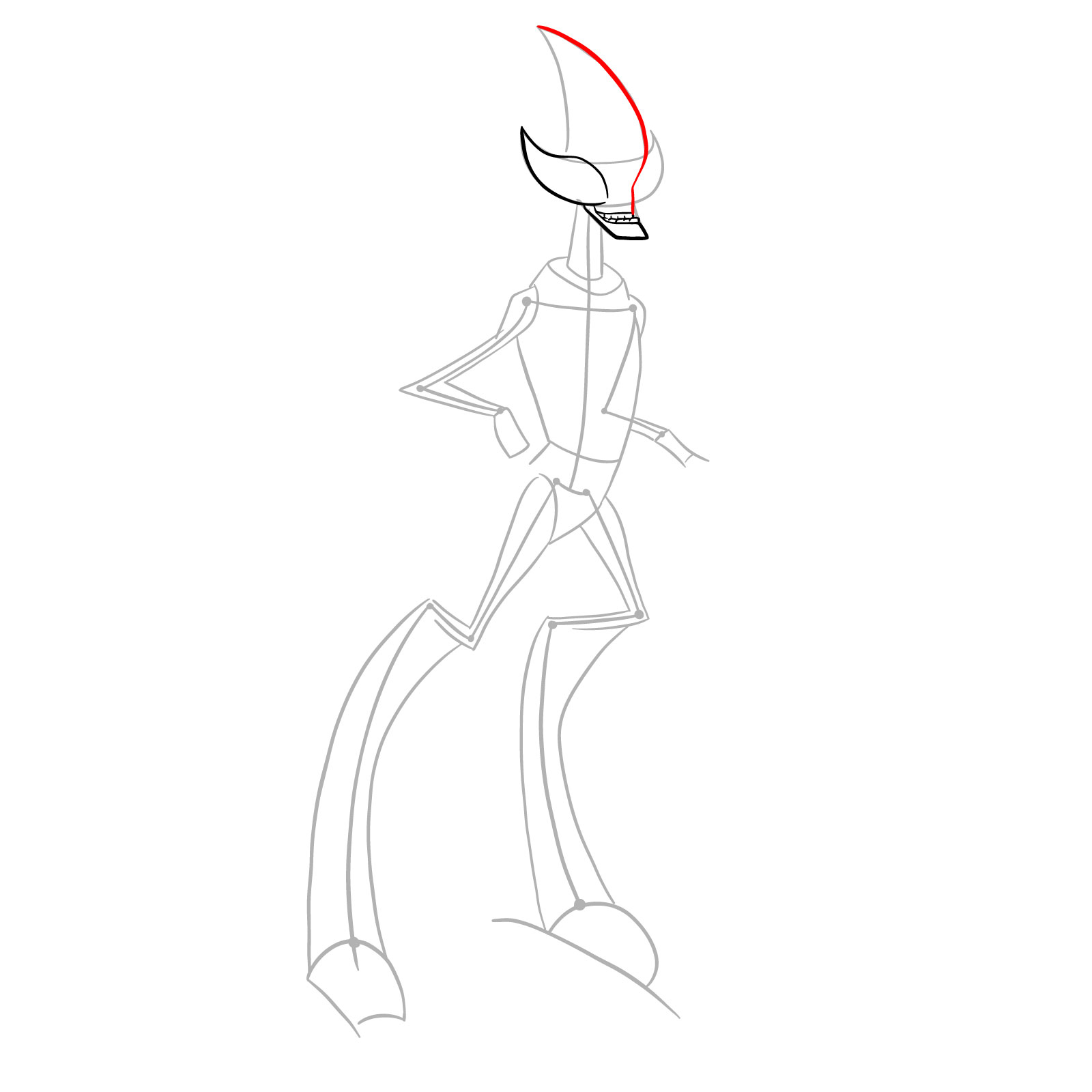
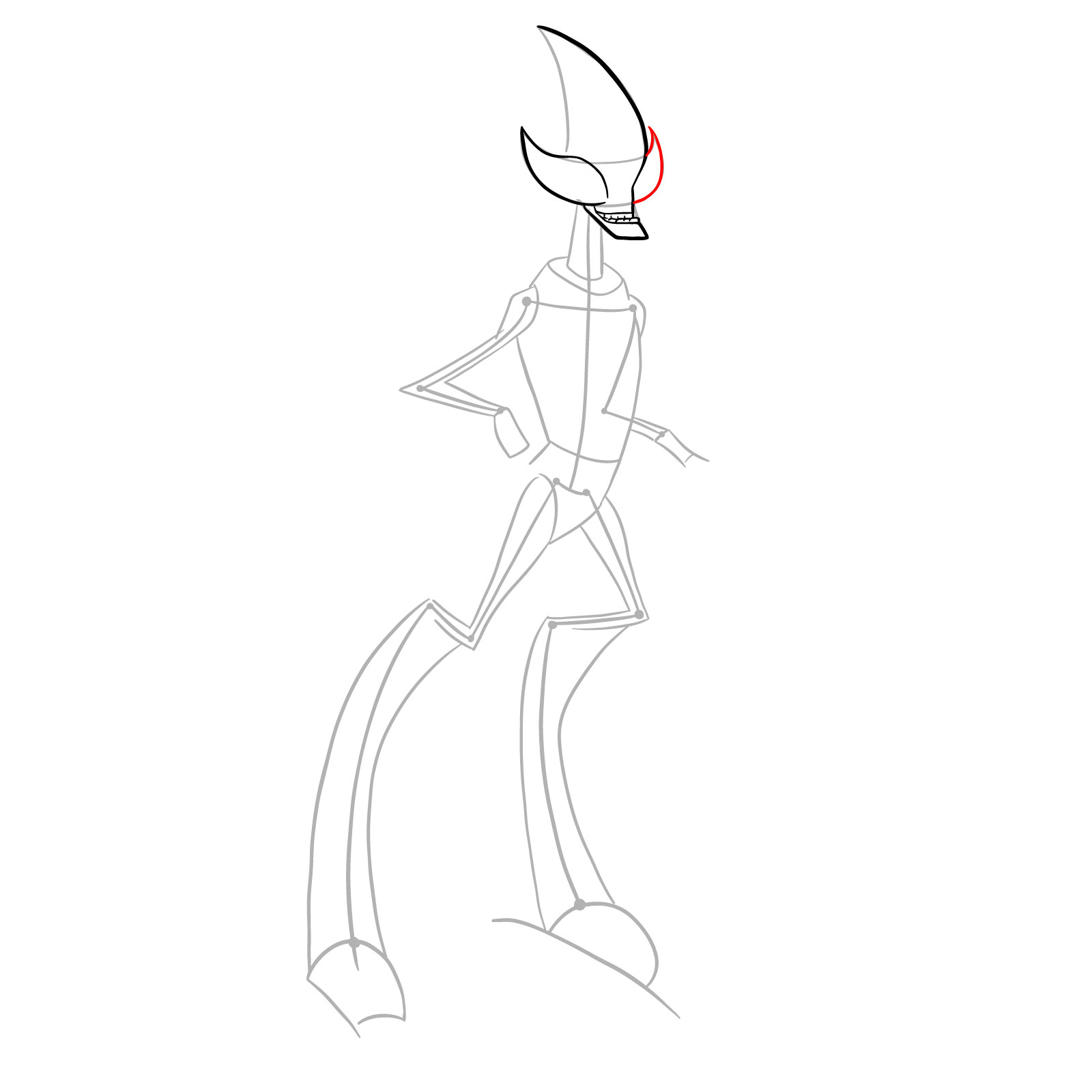
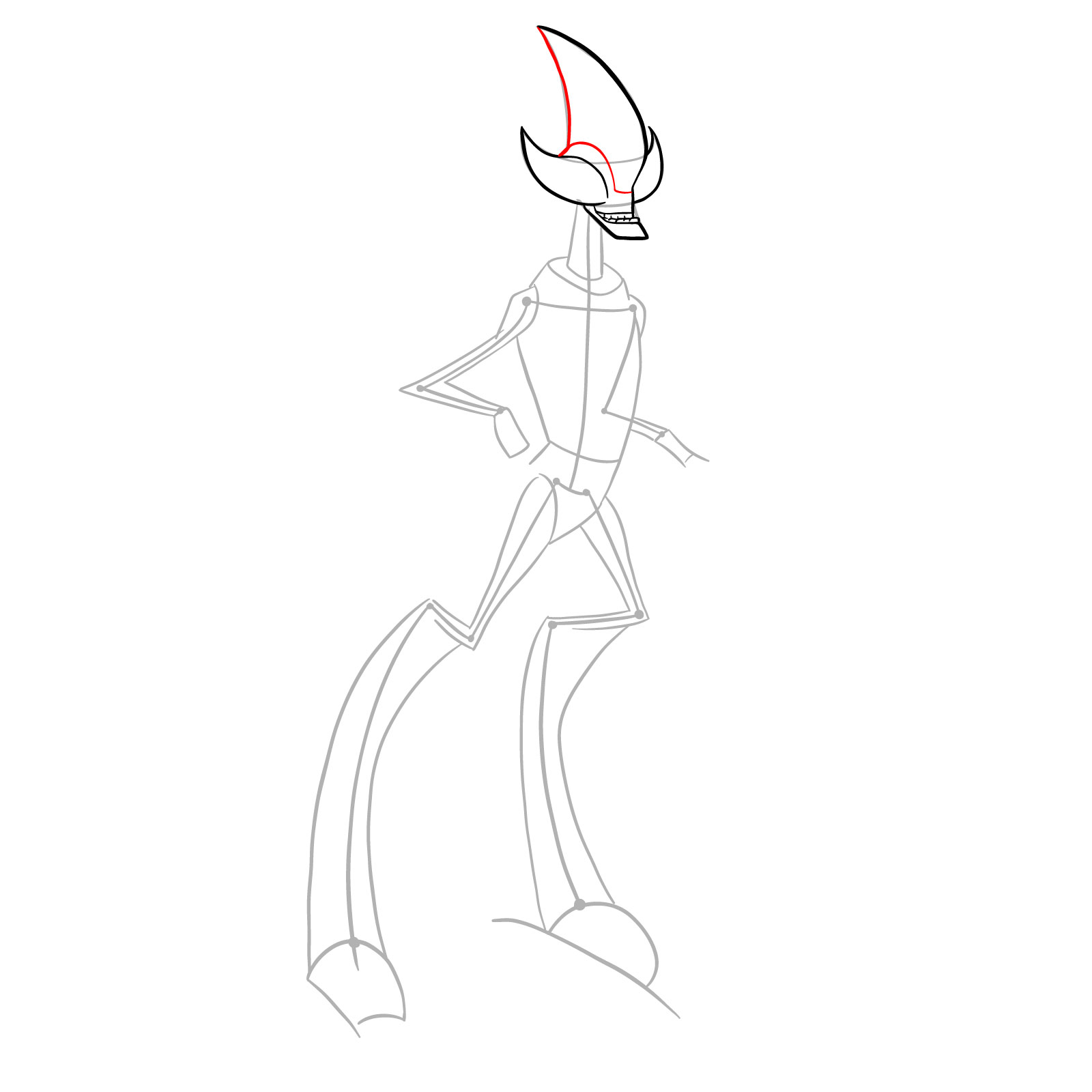
This guide consists of 33 steps that walk you through Crashhopper from his horn-tipped head down to his three-clawed feet, capturing that insectoid body with its distinctive proportions.

Crashhopper Omniverse Design Features

  • Curved horn blade rising from forehead
  • Elongated head with single side eye
  • Wide grinning mouth with visible teeth
  • Segmented neck with horizontal bands
  • Striped torso with black markings
  • Omnitrix symbol on lower abdomen
  • Small thin arms with three-clawed hands
  • Pointed elbow spikes on forearms
  • Massive bent grasshopper legs
  • Thigh spikes along leg segments
  • Wide three-toed clawed feet

Sketching Crashhopper Omniverse Classic requires capturing those exaggerated leg proportions against the smaller upper body. For another agile alien, check the Fasttrack Omniverse Classic tutorial. The Spidermonkey Omniverse Classic guide shows another acrobatic transformation, and XLR8 offers practice with a similarly dynamic movement-focused alien.

Step Color Reference

Track your progress with these colors:

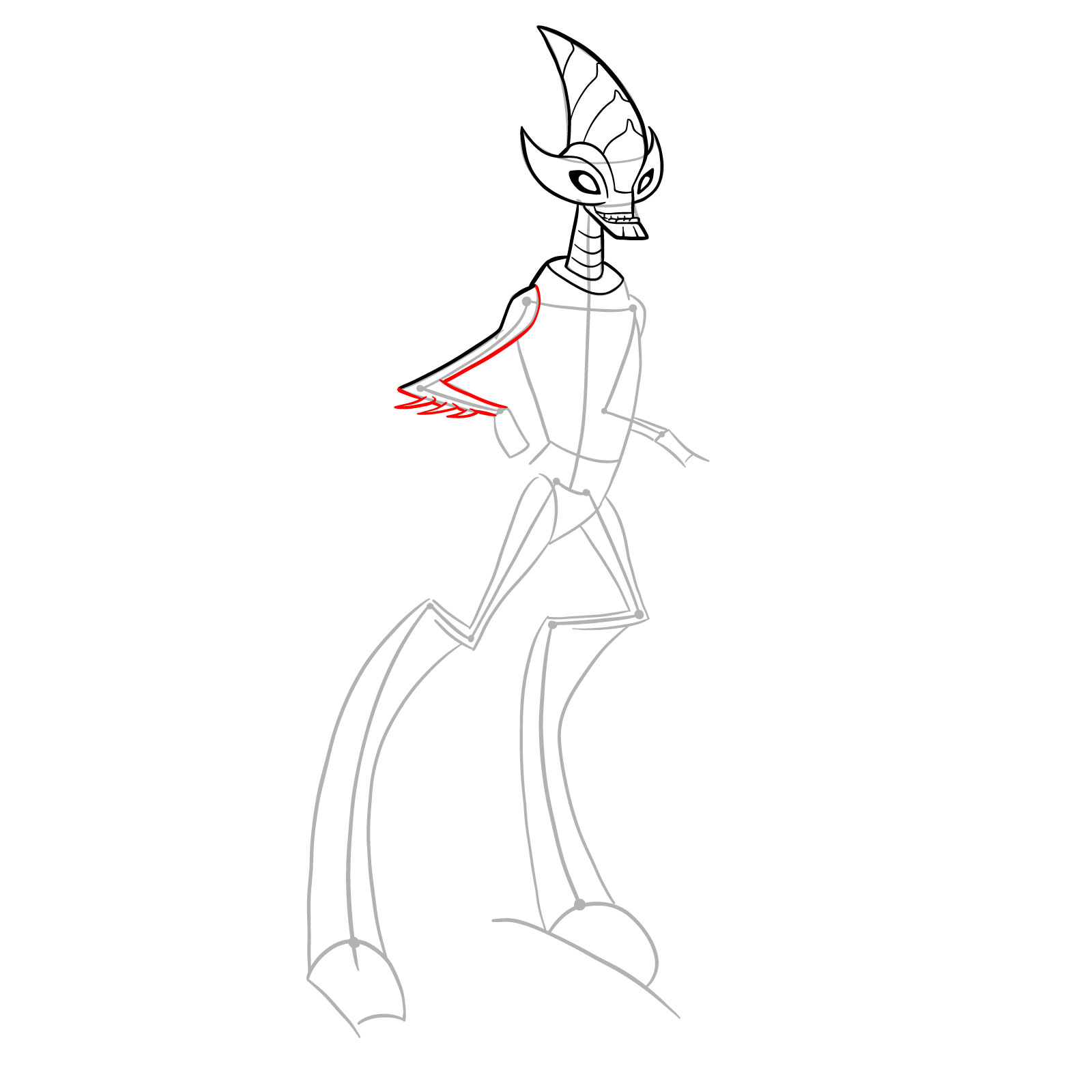
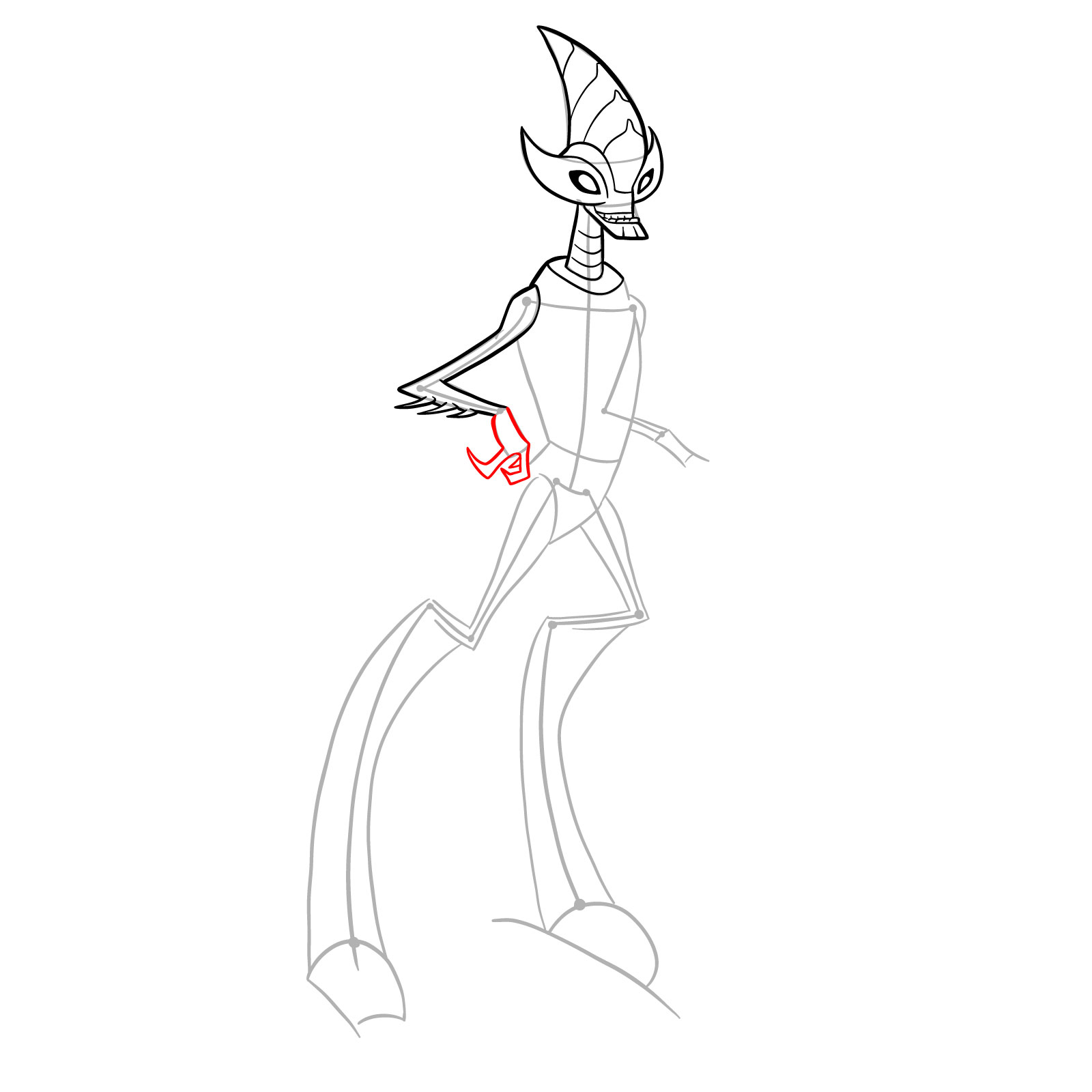
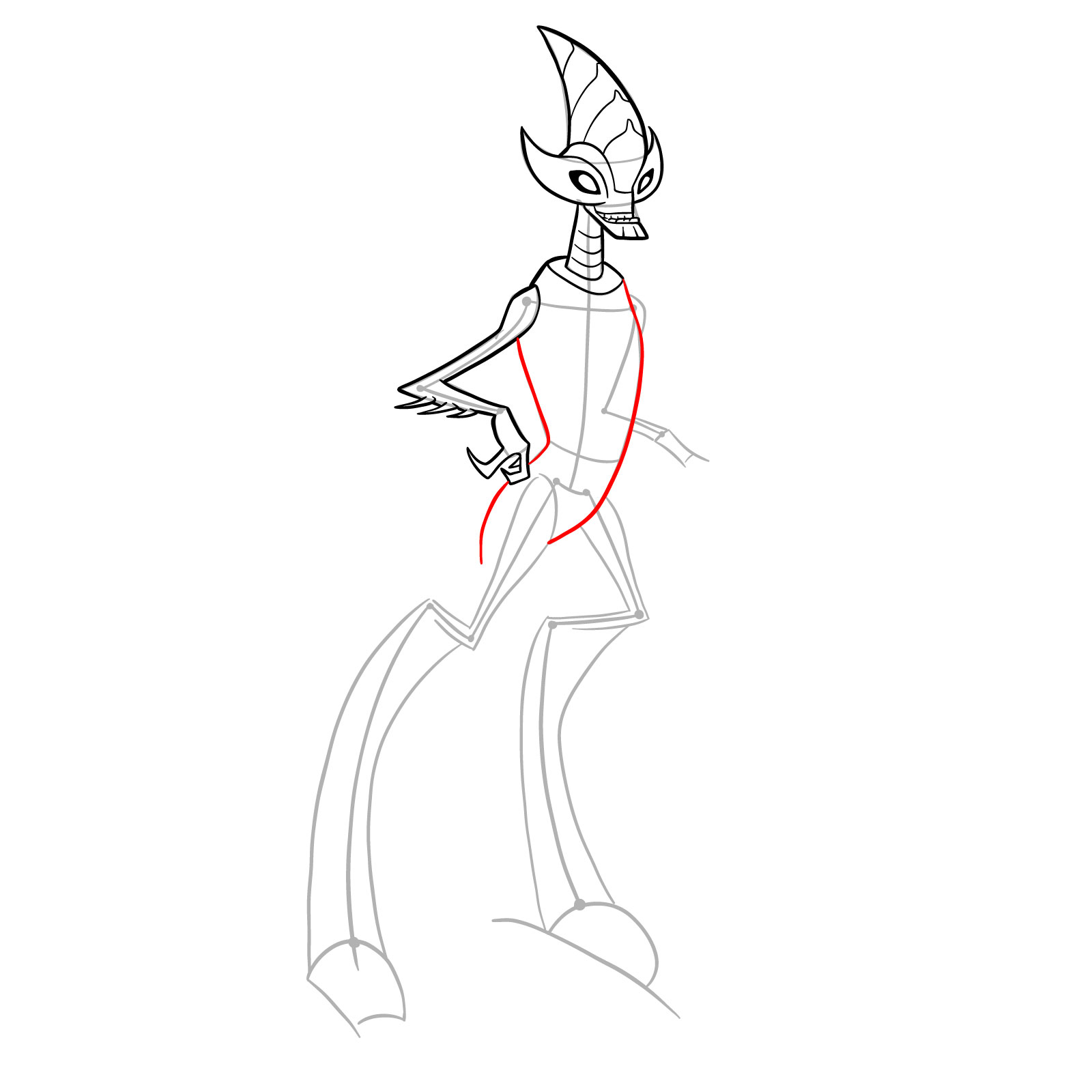
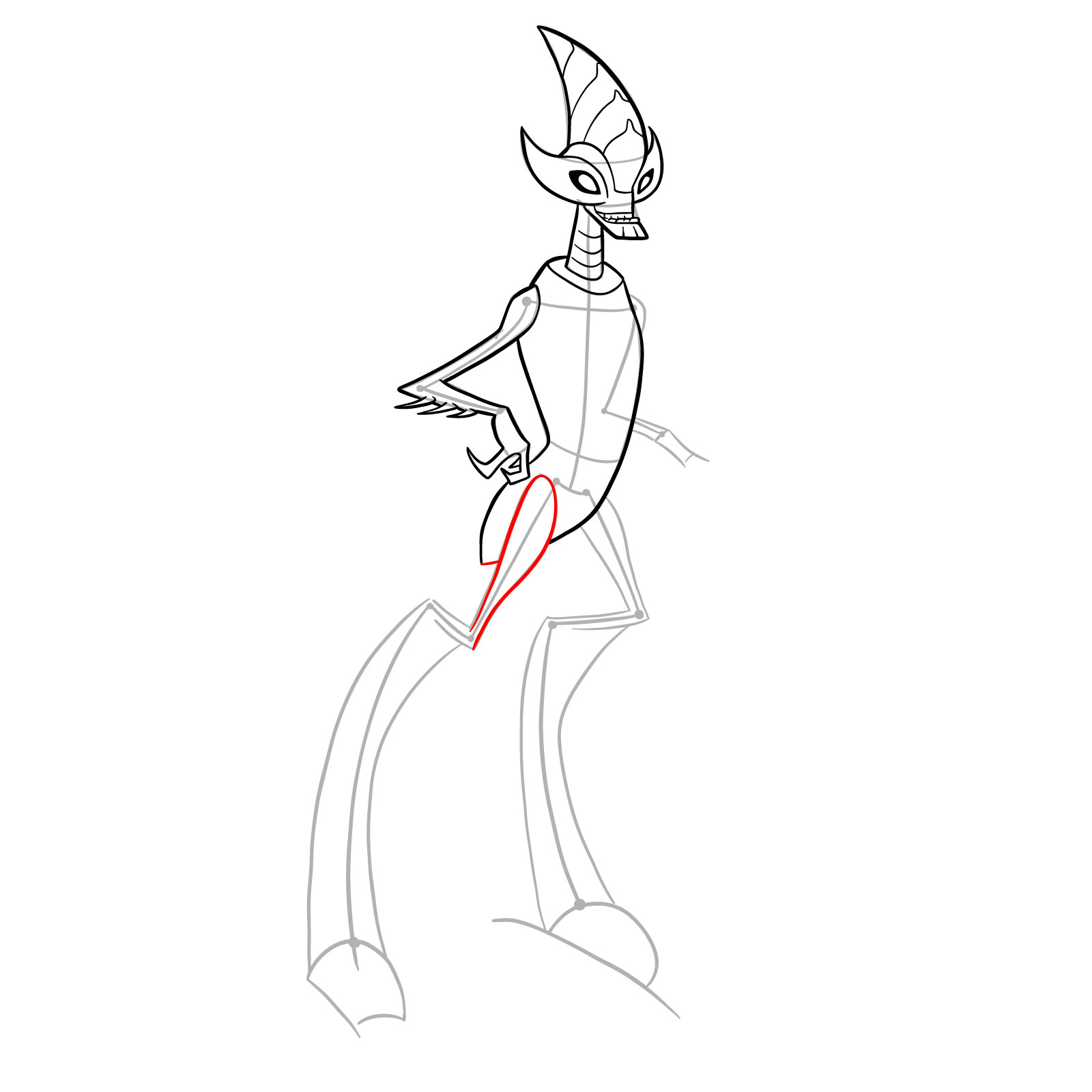
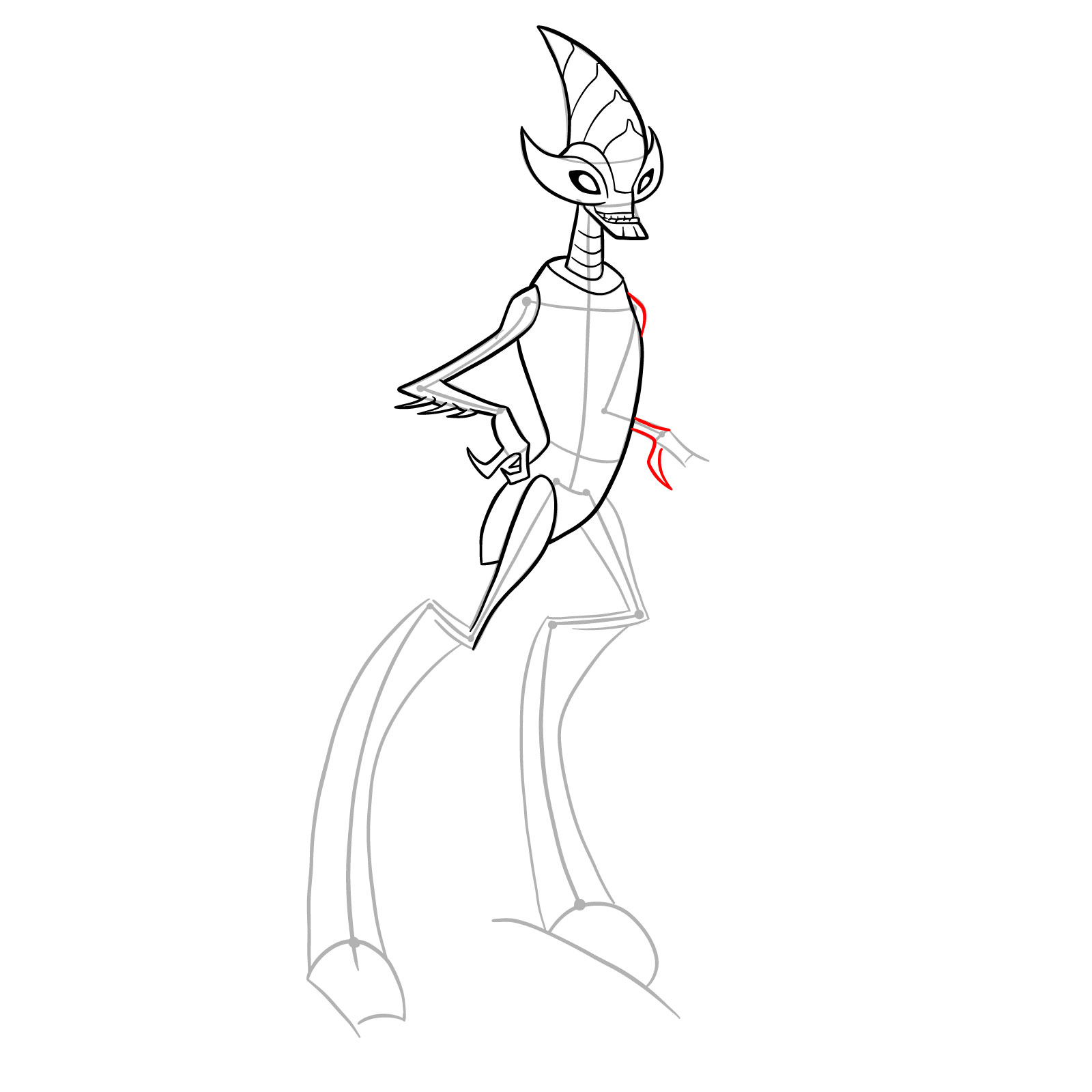
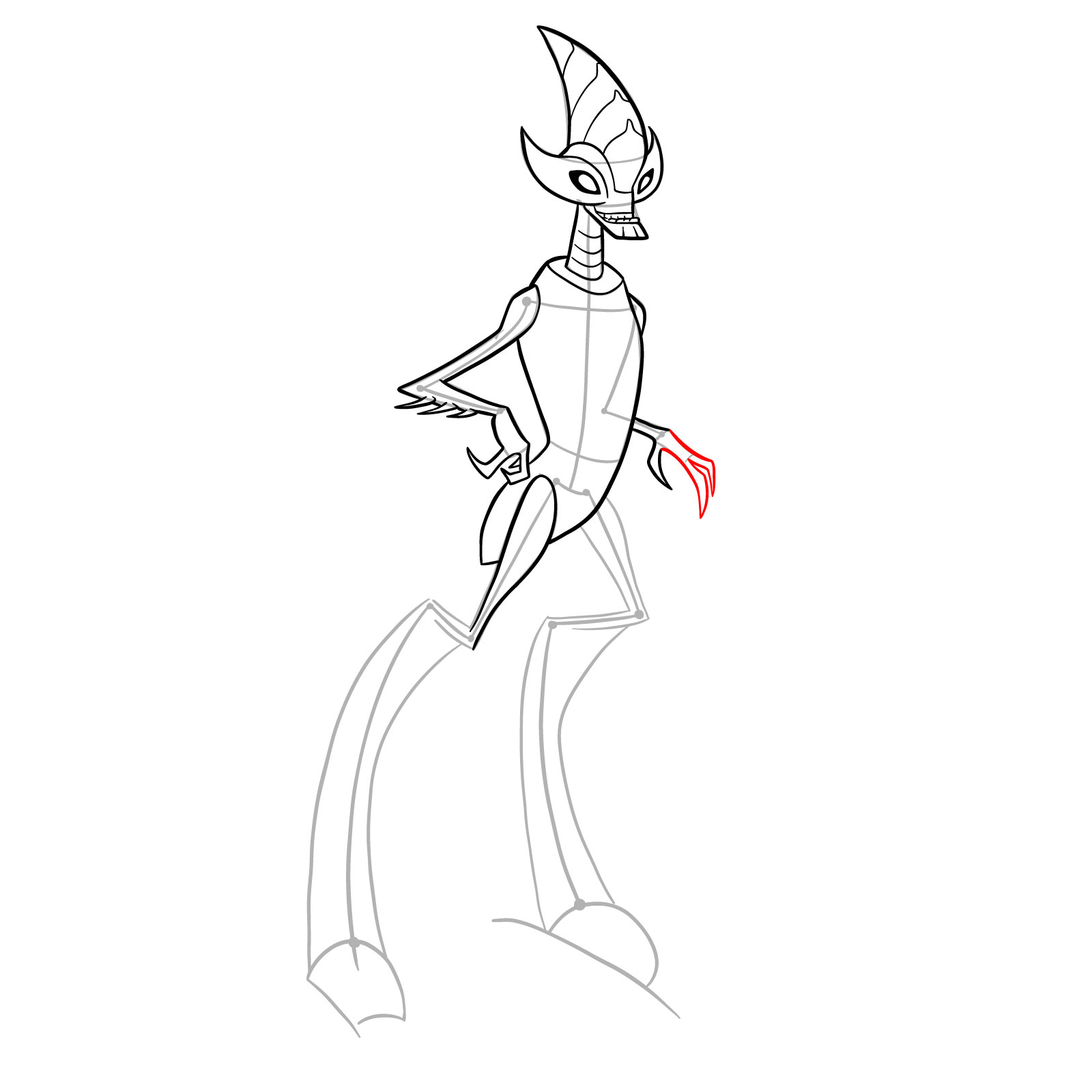
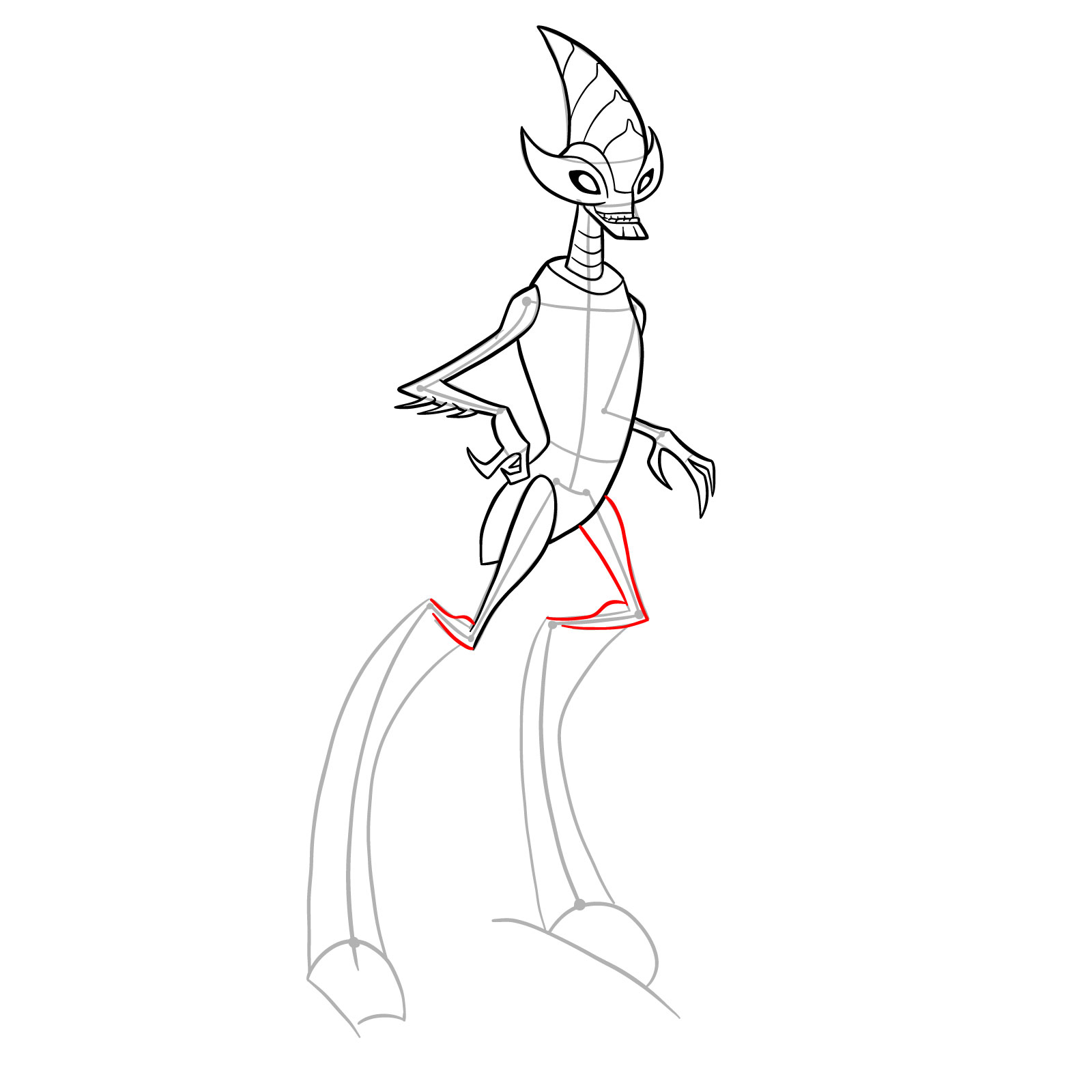
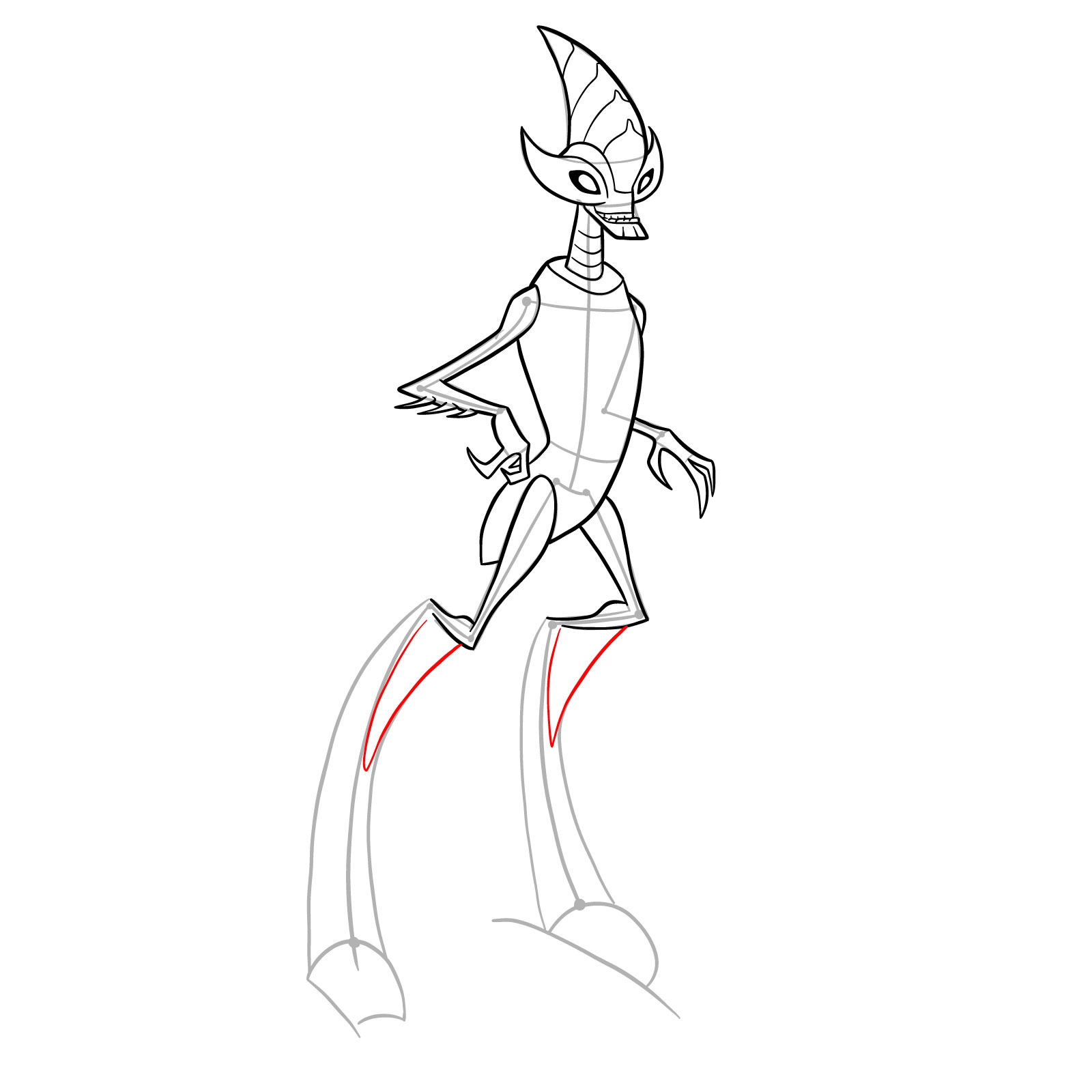
  • Red Color: lines added in the current step.
  • Black Color: lines completed earlier.
  • Gray Color: base sketch for structure.

How to Draw Crashhopper Omniverse Classic: Complete Tutorial
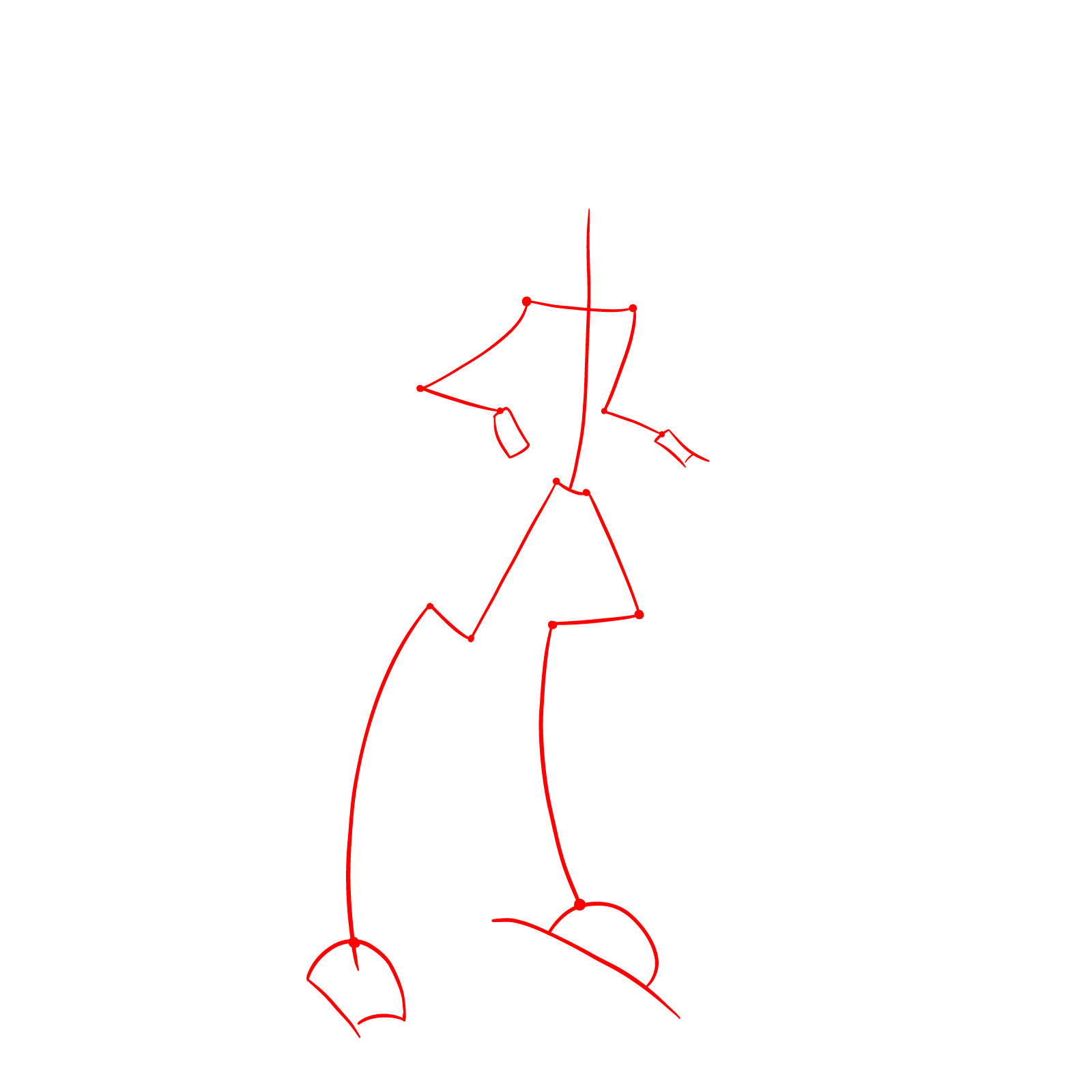
Step 01

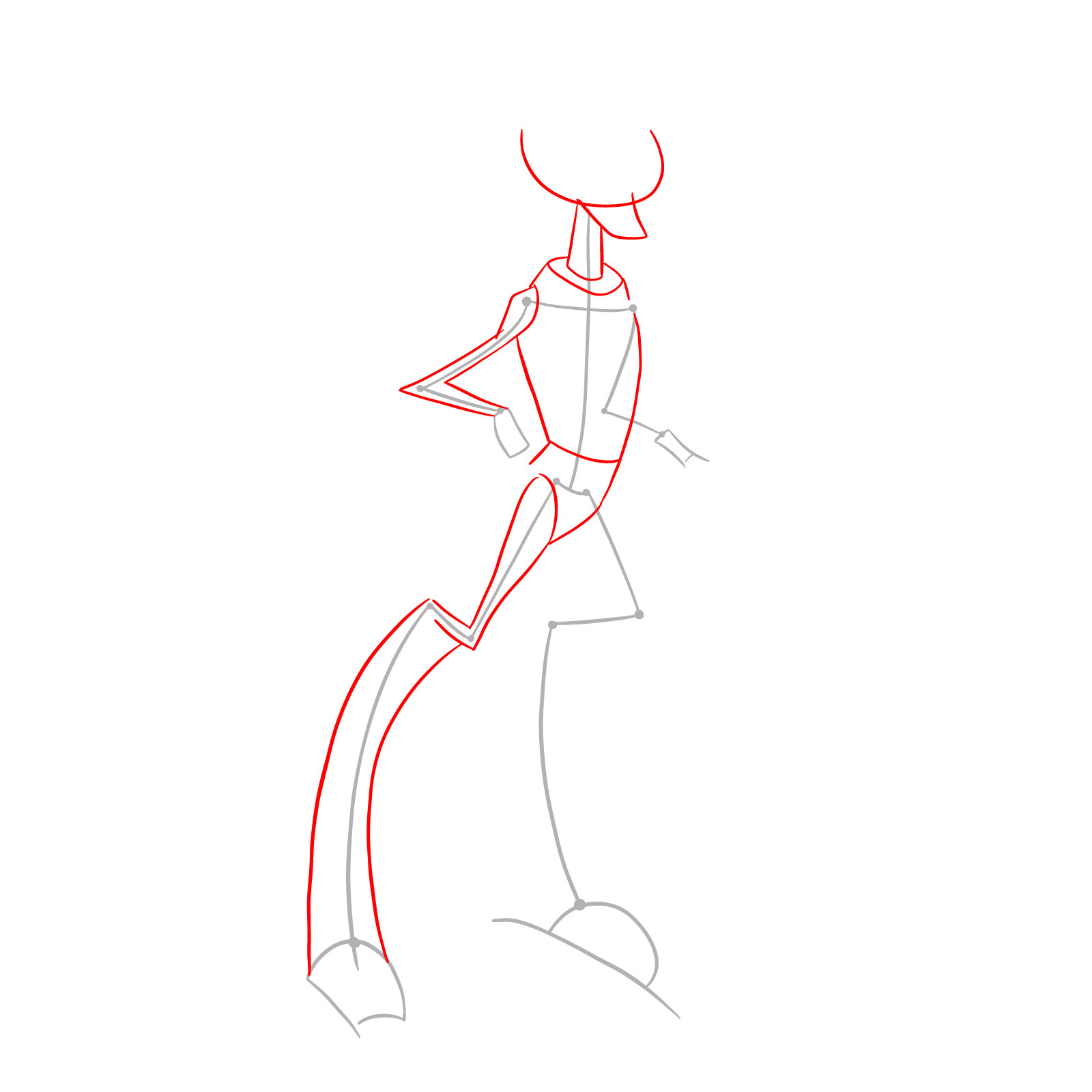
How to draw Crashhopper (Omniverse Classic) - step 01

Step 02

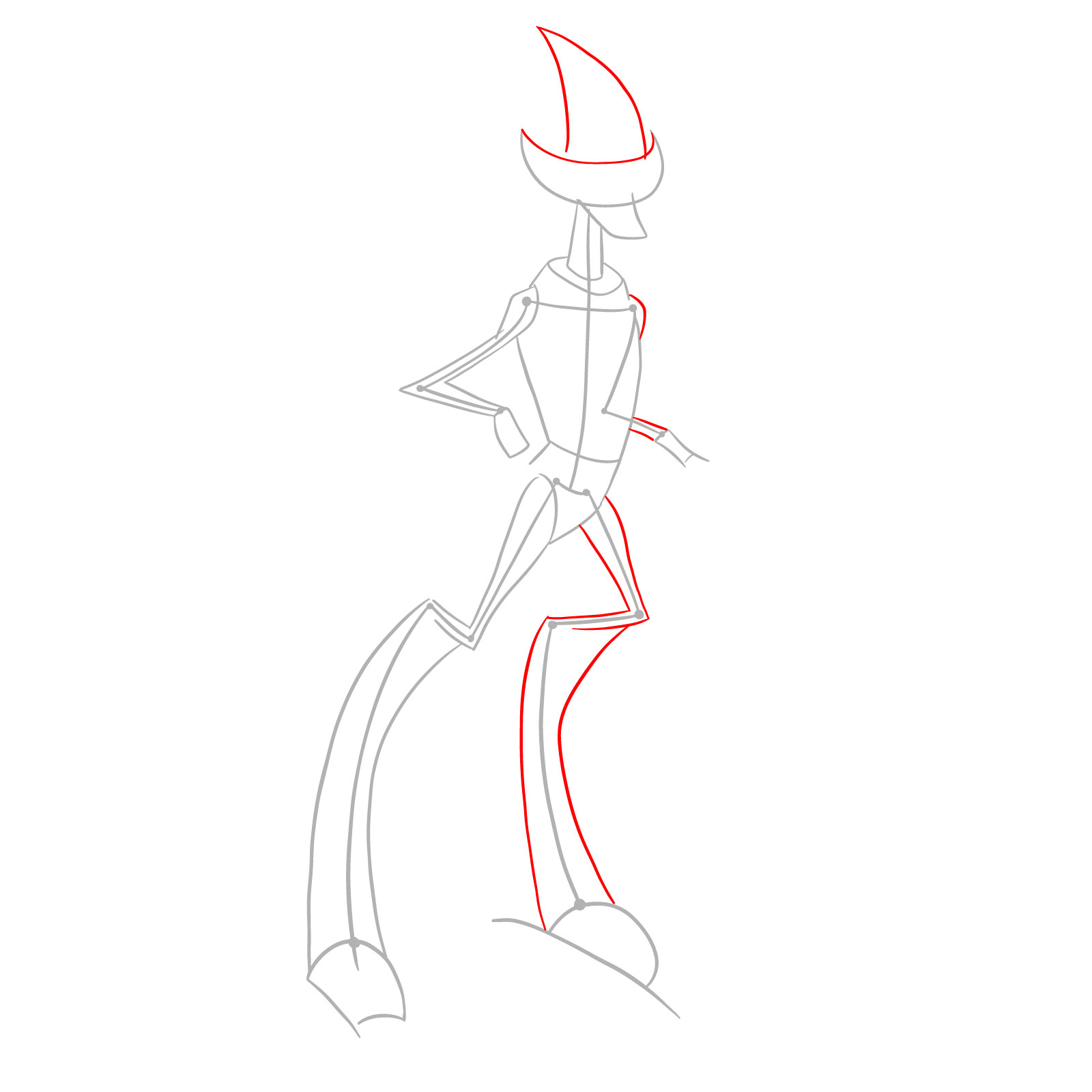
How to draw Crashhopper (Omniverse Classic) - step 02

Step 03

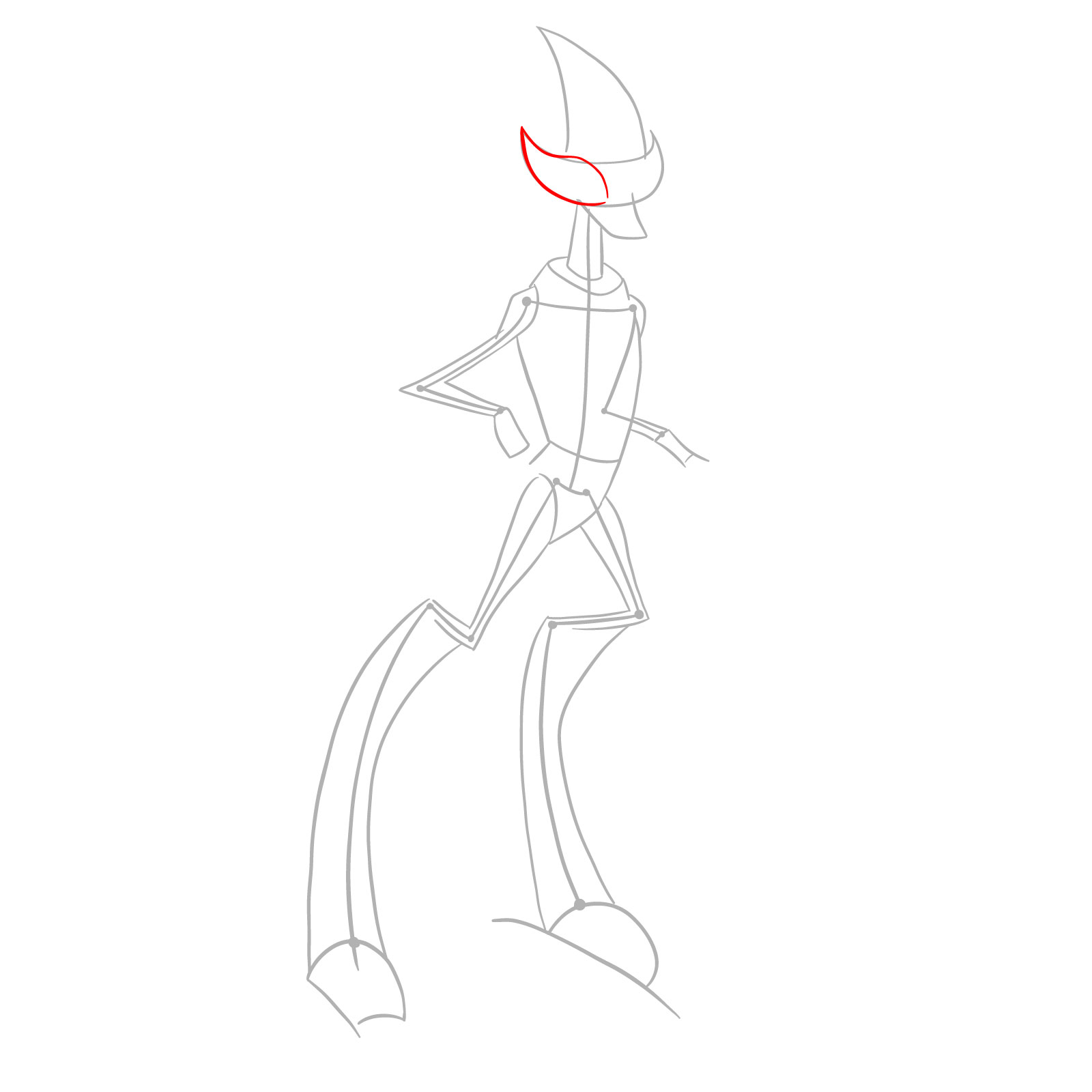
How to draw Crashhopper (Omniverse Classic) - step 03

Step 04

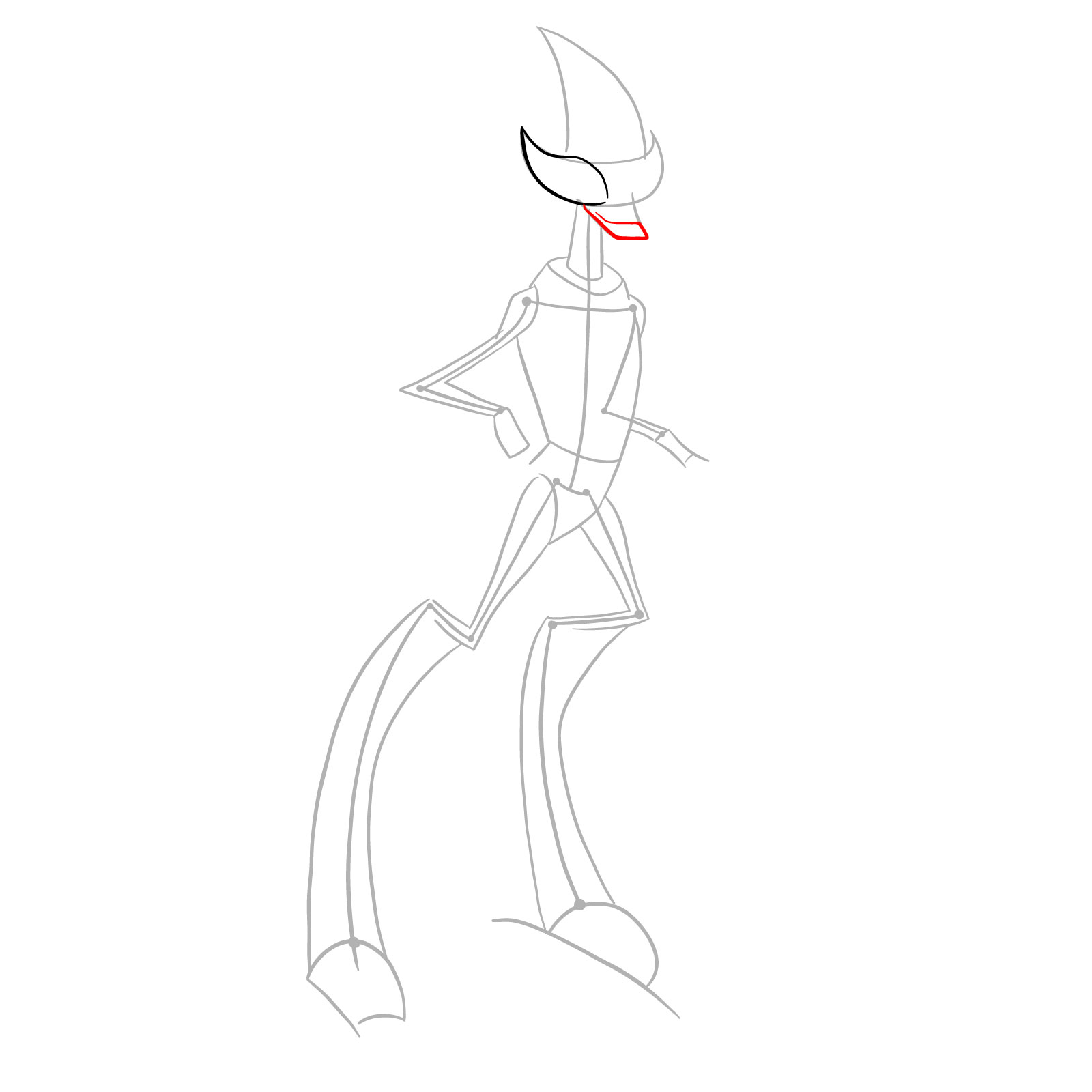
How to draw Crashhopper (Omniverse Classic) - step 04

Step 05

How to draw Crashhopper (Omniverse Classic) - step 05

Step 06

How to draw Crashhopper (Omniverse Classic) - step 06

Step 07

How to draw Crashhopper (Omniverse Classic) - step 07

Step 08

How to draw Crashhopper (Omniverse Classic) - step 08

Step 09

How to draw Crashhopper (Omniverse Classic) - step 09

Step 10

How to draw Crashhopper (Omniverse Classic) - step 10

Step 11

How to draw Crashhopper (Omniverse Classic) - step 11

Step 12

How to draw Crashhopper (Omniverse Classic) - step 12

Step 13

How to draw Crashhopper (Omniverse Classic) - step 13

Step 14

How to draw Crashhopper (Omniverse Classic) - step 14

Step 15

How to draw Crashhopper (Omniverse Classic) - step 15

Step 16

How to draw Crashhopper (Omniverse Classic) - step 16

Step 17

How to draw Crashhopper (Omniverse Classic) - step 17

Step 18

How to draw Crashhopper (Omniverse Classic) - step 18

Step 19

How to draw Crashhopper (Omniverse Classic) - step 19

Step 20

How to draw Crashhopper (Omniverse Classic) - step 20

Step 21

How to draw Crashhopper (Omniverse Classic) - step 21

Step 22

How to draw Crashhopper (Omniverse Classic) - step 22

Step 23

How to draw Crashhopper (Omniverse Classic) - step 23

Step 24

How to draw Crashhopper (Omniverse Classic) - step 24

Step 25

How to draw Crashhopper (Omniverse Classic) - step 25

Step 26

How to draw Crashhopper (Omniverse Classic) - step 26

Step 27

How to draw Crashhopper (Omniverse Classic) - step 27

Step 28

How to draw Crashhopper (Omniverse Classic) - step 28

Step 29

How to draw Crashhopper (Omniverse Classic) - step 29

Step 30

How to draw Crashhopper (Omniverse Classic) - step 30

Step 31

How to draw Crashhopper (Omniverse Classic) - step 31

Step 32

How to draw Crashhopper (Omniverse Classic) - step 32

Step 33

How to draw Crashhopper (Omniverse Classic) - final step
Don't Miss New Tutorials! Follow SketchOk
I publish new step-by-step drawing guides every single day. Follow on your favorite platform so you never miss a tutorial. Thousands of artists are already drawing along and I can't wait you to join in!
PATREON
Love Drawing? Help Me Create More Tutorials
On my Patreon you can grab unique hand-made coloring pages: each one drawn by me personally. Every purchase directly supports the creation of new drawing tutorials. It's the best way to practice your skills, keep the site going, and get something truly original at the same time.
Get Coloring Pages on Patreon

Post Your Crashhopper Drawing!

That finishes this guide on how to draw Crashhopper from Omniverse Classic. Did the horn blade and grasshopper legs come together correctly? Leave a comment sharing your thoughts or post a link to your finished artwork online. Drawing insectoid aliens with unusual leg structures helps develop understanding of non-human anatomy, and community feedback assists everyone in mastering these challenging proportions.

Disclaimer: All original artworks and photos used as references for the creation of these drawing tutorials are the property of their respective owners. If your work has been featured without proper credit, please kindly leave a comment below, and the issue will be promptly addressed. We greatly appreciate your exceptional art. Thank you.

3 thoughts on “How to Draw Crashhopper Ben 10 Omniverse Classic Version”

  1. Hey dude nice drawings of these aliens you did, btw could you do: zs’skayr from classic series, ultimate alien and omniverse, dr viktor classic, mad ben aliens, waybig omniverse, ultimate humungosaur albedo omniverse, wildvine omniverse, eyeguy omniverse, ultimate echo echo omniverse, wildvine omniverse, ghostfreak alien fusions(biomnitrix)

    Reply

Leave a Comment

FOLLOW