Last Updated on May 13, 2026
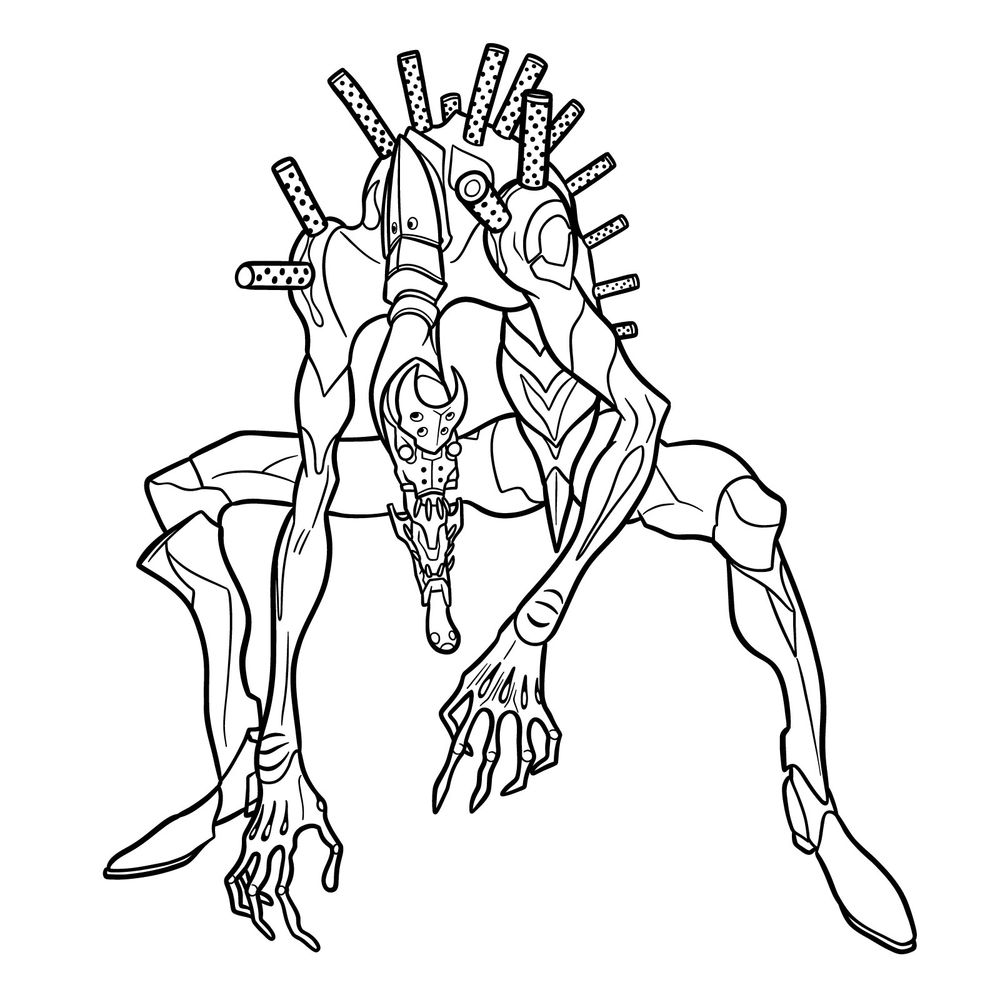
If you’re trying to figure out how to draw Eva-02 in Beast Mode from Evangelion, this guide breaks it down with all the details you need. This version appears in the Rebuild of Evangelion films and stands out for its transformation and complex biomechanical design. The drawing includes its iconic saurian head and those long rods extending from the back. This isn’t a beginner-level drawing, so expect something more advanced than the usual Evangelion drawing.
Key Visual Details of Beast Mode Eva-02
- Elongated limbs and crouched pose
- Saurian-style head with large open maw and sharp teeth
- Rods/spikes extending from the back
- Exposed spine and joint details due to armor shedding
- Large hands with a skeletal look
- Mechanical armor around the knees, chest, and ankles
- Distinct facial markings and segmented neck
You can also try drawing other mechas from the series next, like Eva-01 or Unit-00.
Sketching Eva-02 Beast Mode: Color Code Guide
- Red Color: shows the current step you need to focus on drawing
- Black Color: represents the lines you’ve already drawn
- Grey Color: marks the initial rough sketch to guide proportions


Now that you’ve worked through how to draw EVA-02 in Beast Mode, head over to the pinned post on SketchOk’s Pinterest page and drop your finished sketch in the comments. That’s where the community tends to gather, sharing their versions of EVA-02 and swapping tips on things like getting those feral proportions just right. If you prefer watching over reading, check out the SketchOk YouTube channel too, since video versions of some guides are available there.
