Last Updated on May 13, 2026
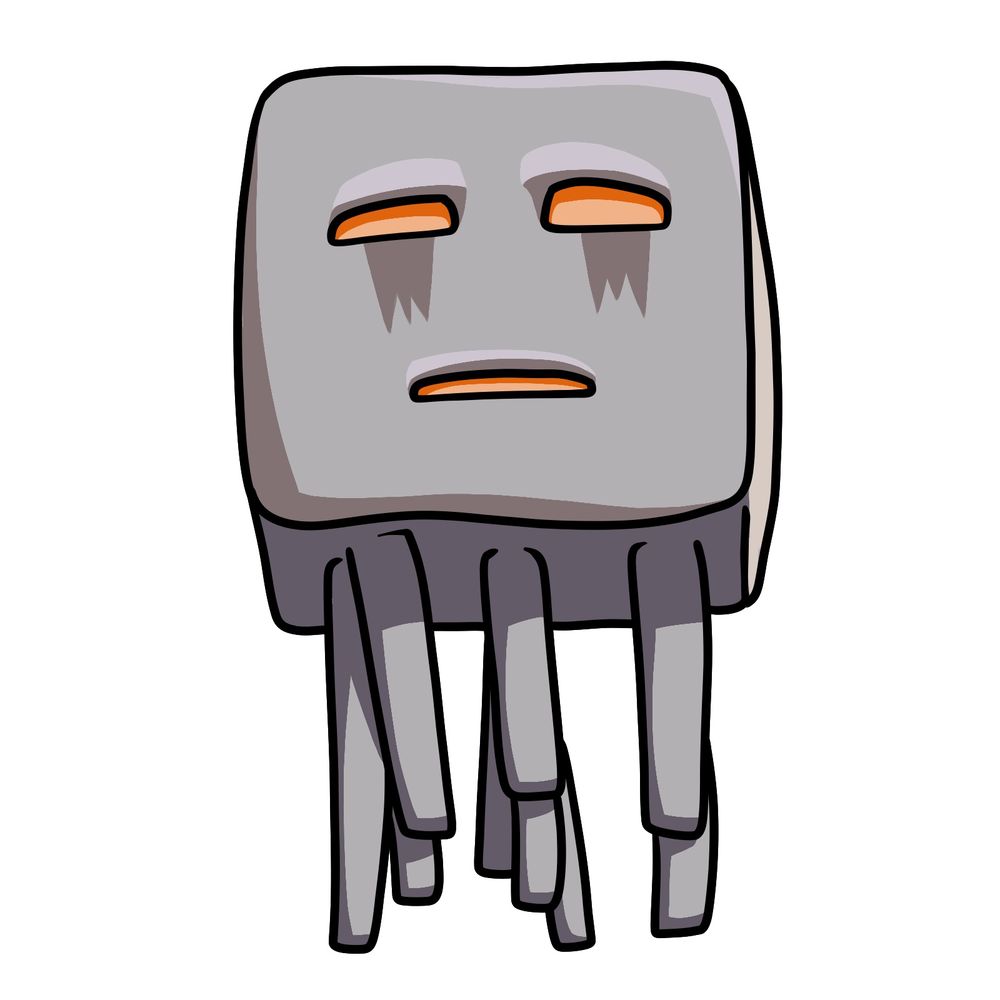
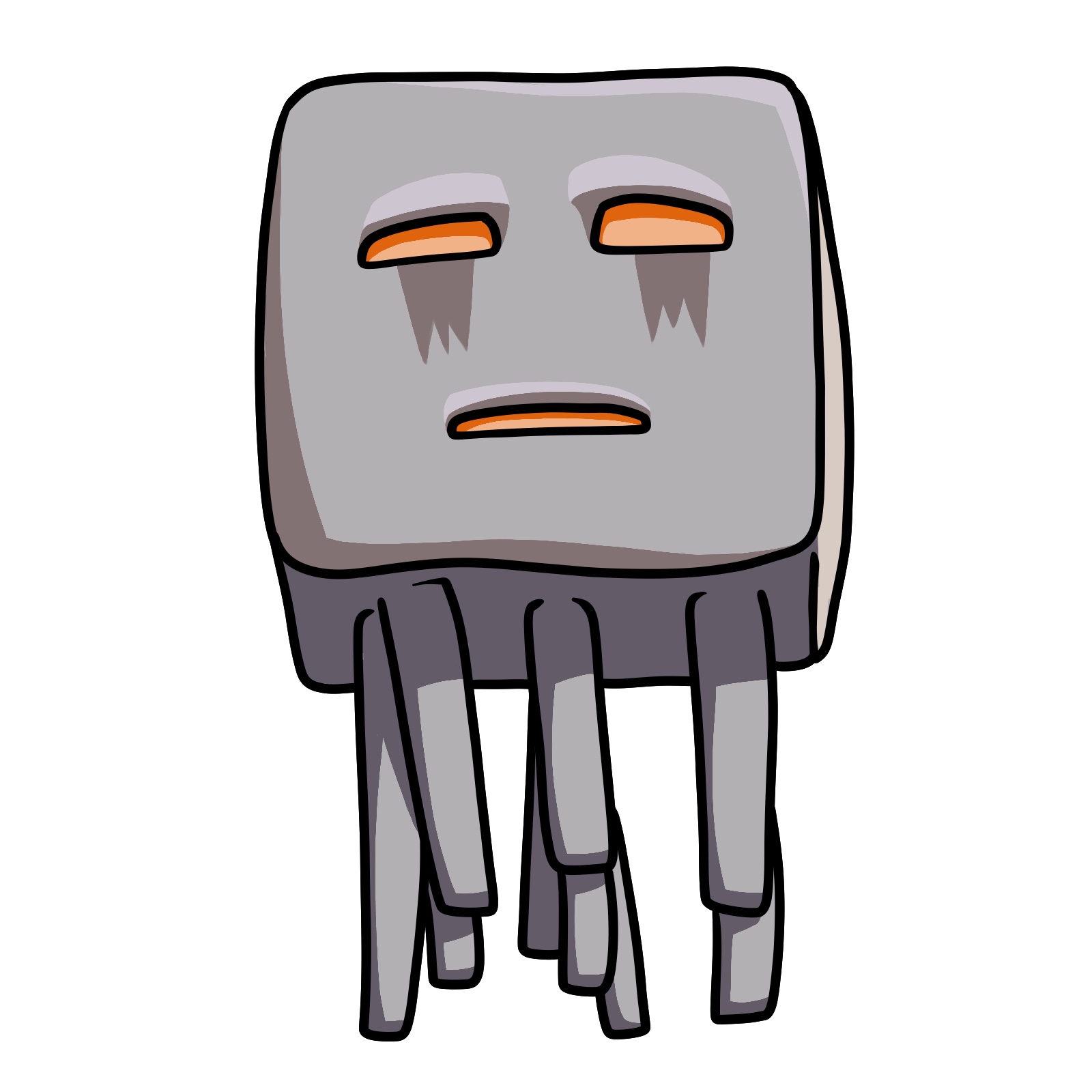
Here’s how to draw a Ghast from the Minecraft Movie. This version keeps the usual floating cube shape, but its face and legs have more character compared to the original game version. Overall, this one’s an easy drawing to work through — just keep the proportions of the head and tentacles balanced.
Main Things to Pay Attention To
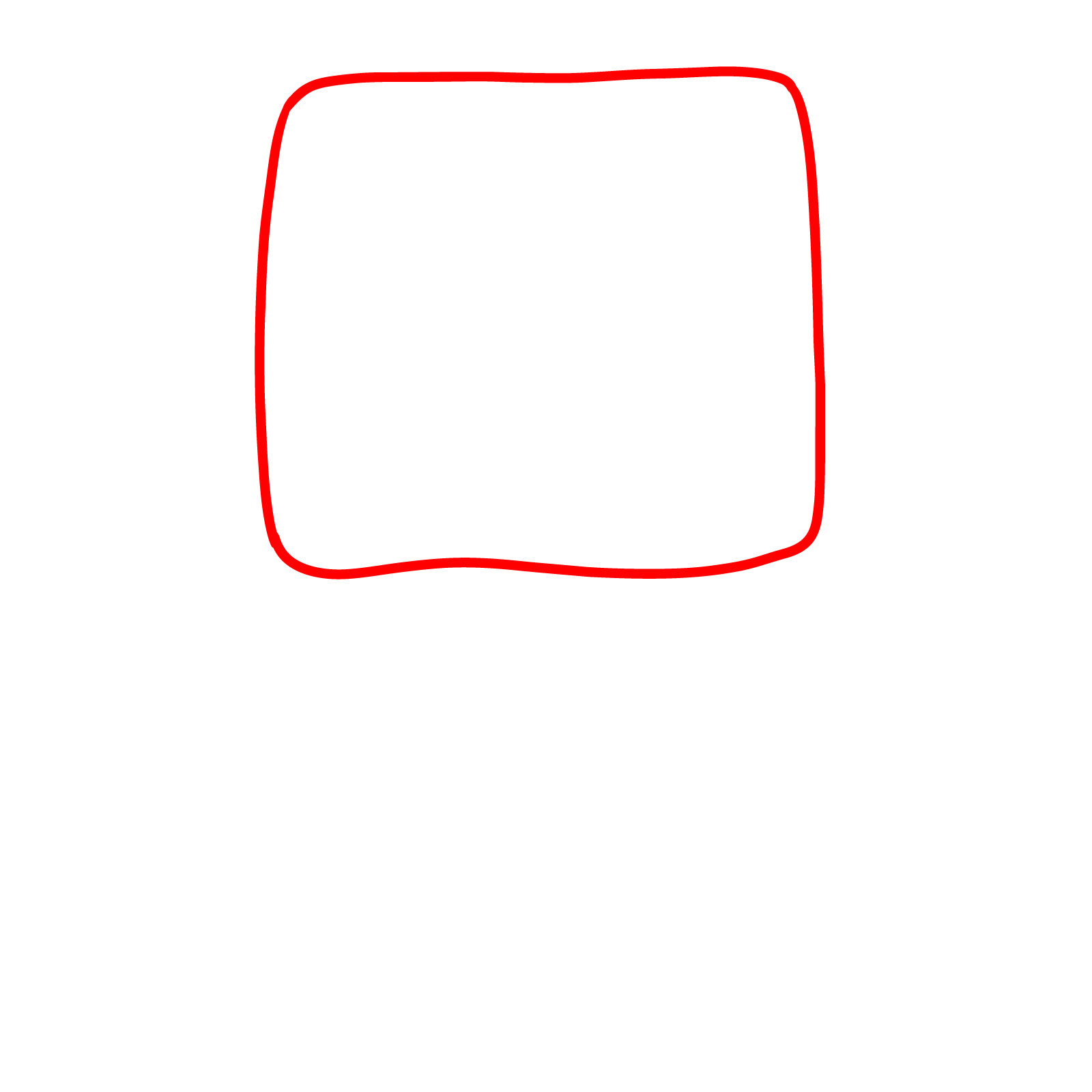
- Large square head with rounded corners
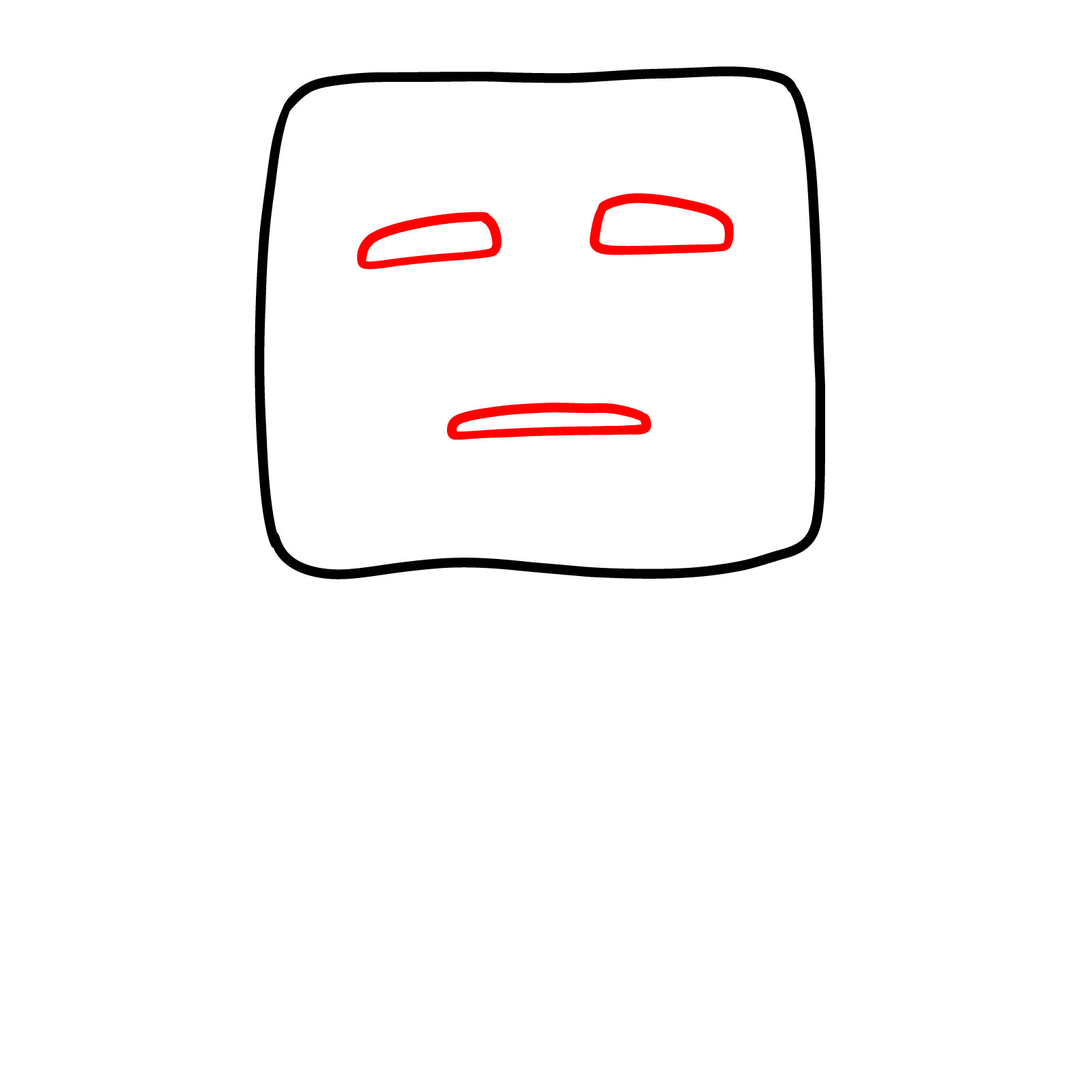
- Simple eyes with narrow orange lids and gray bags underneath
- Small, flat mouth drawn in a straight line with slight downturn
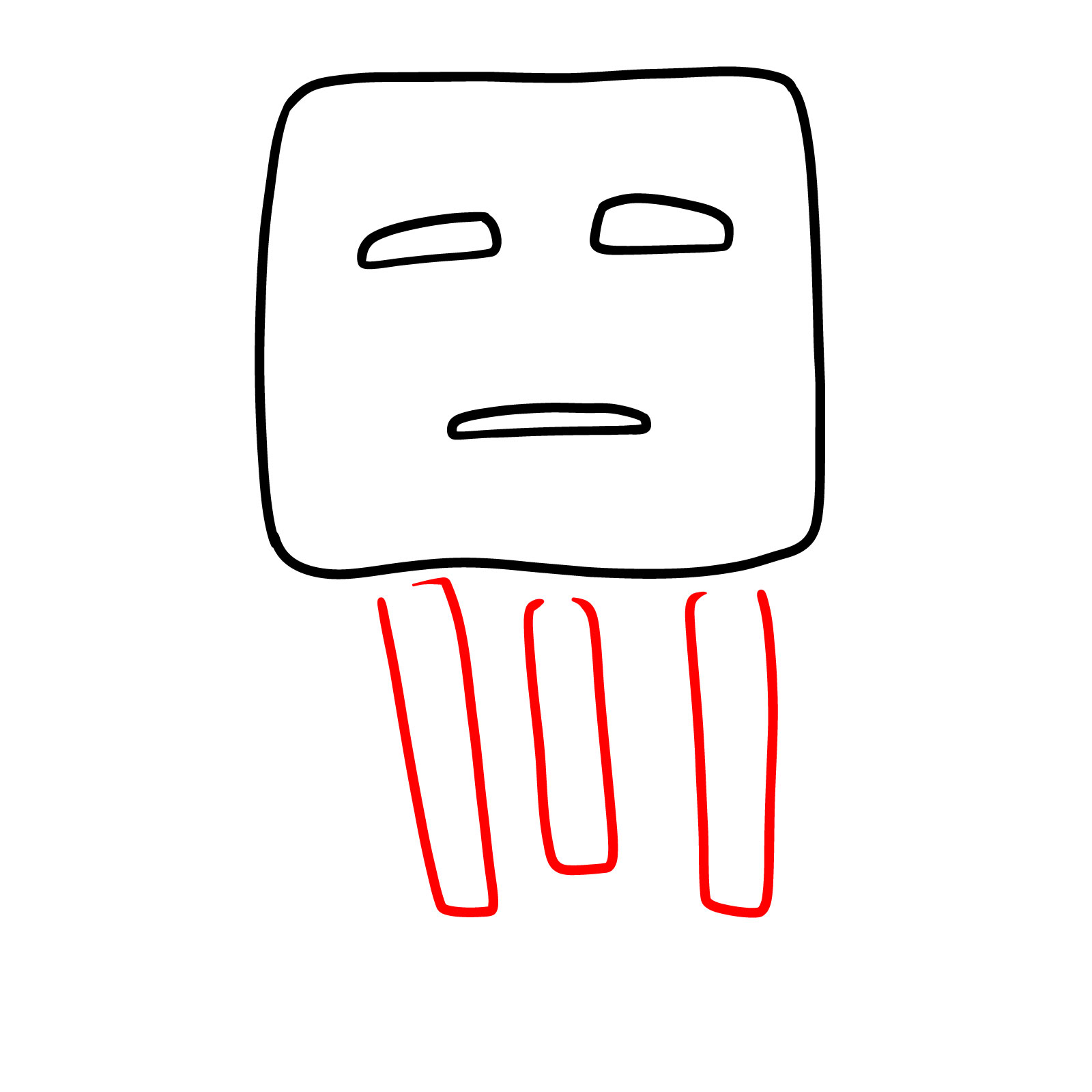
- Legs hanging below the head, unevenly spaced
- Minimal shading on the face — no texture work needed
If you’re working on a set of Minecraft Movie creatures, you could follow this one up with a Bee, Llama, or the Chicken Jockey to build out a full collection.
Guide Colors for Each Step
To make the steps easy to follow, I used a basic color system:
- Red Color: shows the new lines for the current step
- Black Color: shows the lines that were already drawn
These colors keep things clear while you go from the outline to the details.
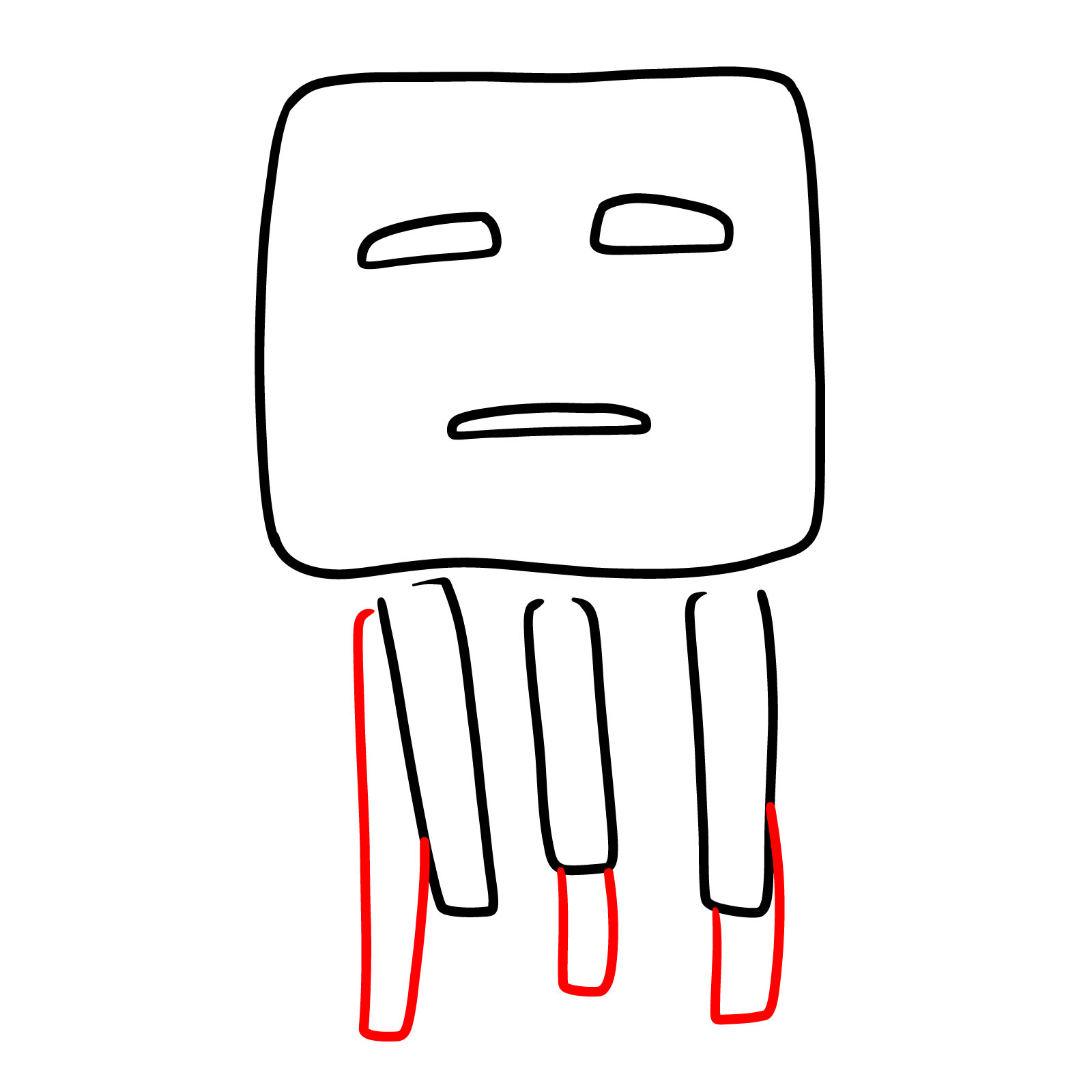
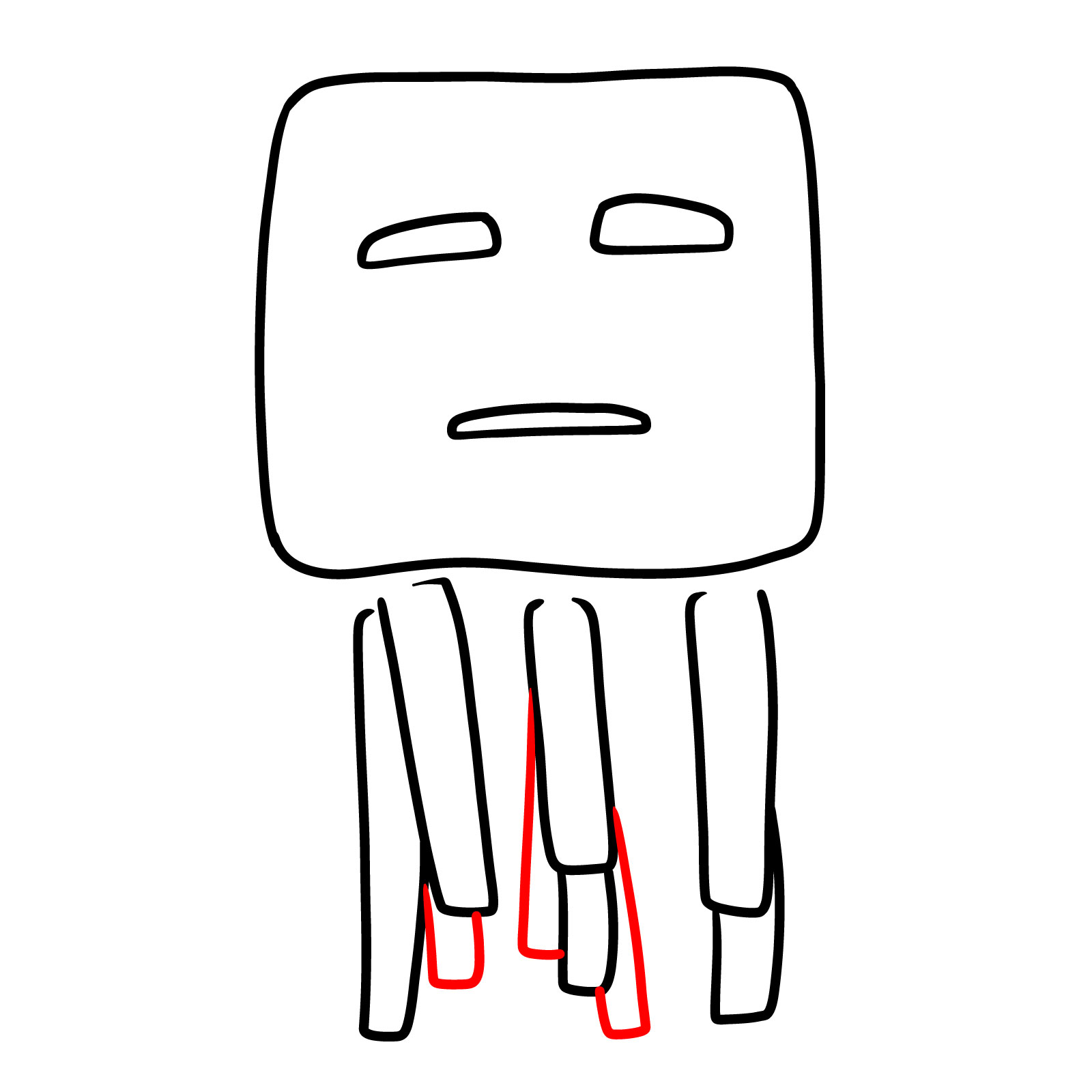
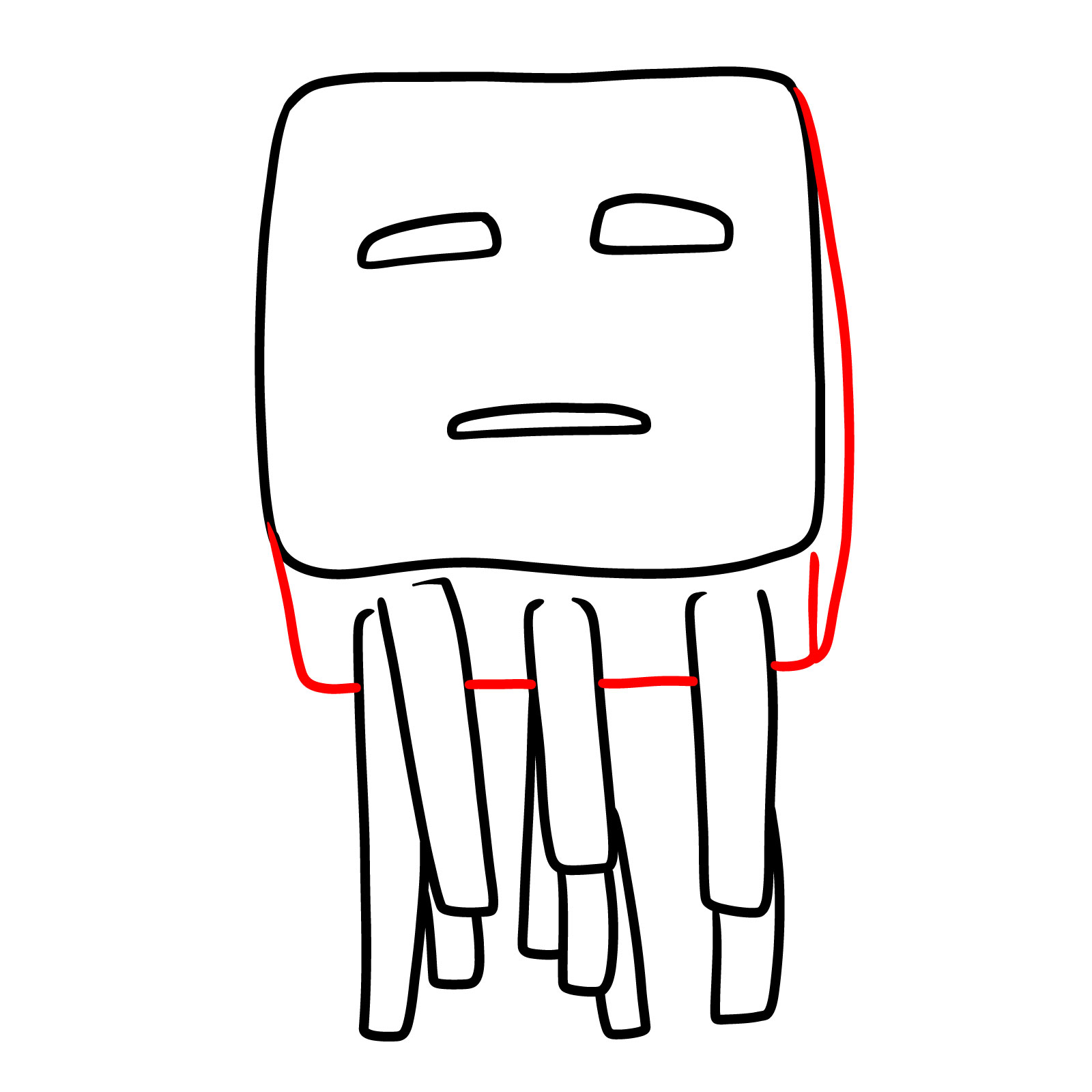
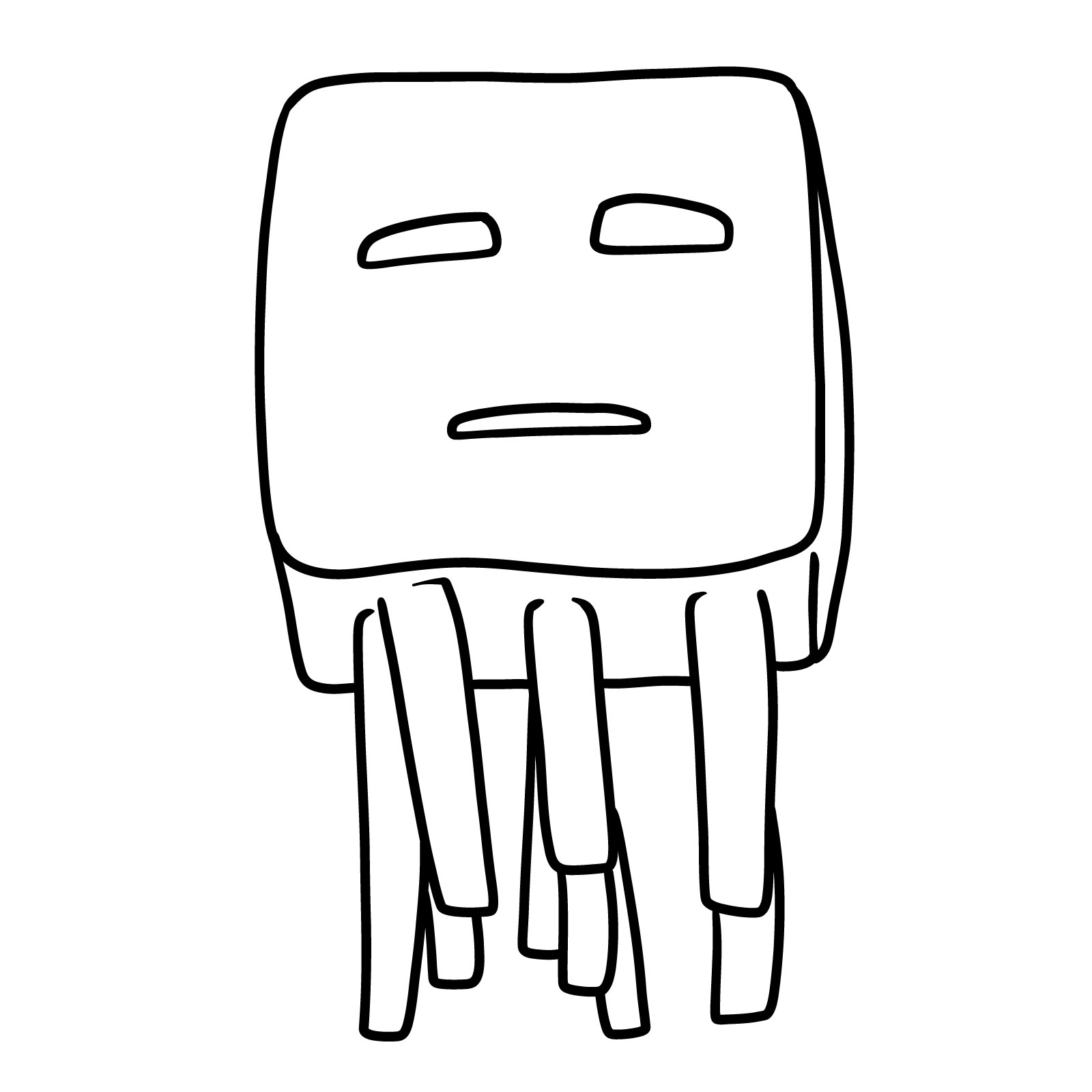
Now that you know how to draw Minecraft Movie Ghast step-by-step, try experimenting with different expressions on those nine tentacles or adding a moody Nether background behind him. If you want to keep up with new guides as they drop, the email signup at the top of the page sends a weekly digest, and the SketchOk Pinterest board is a good spot to share what you end up with.
