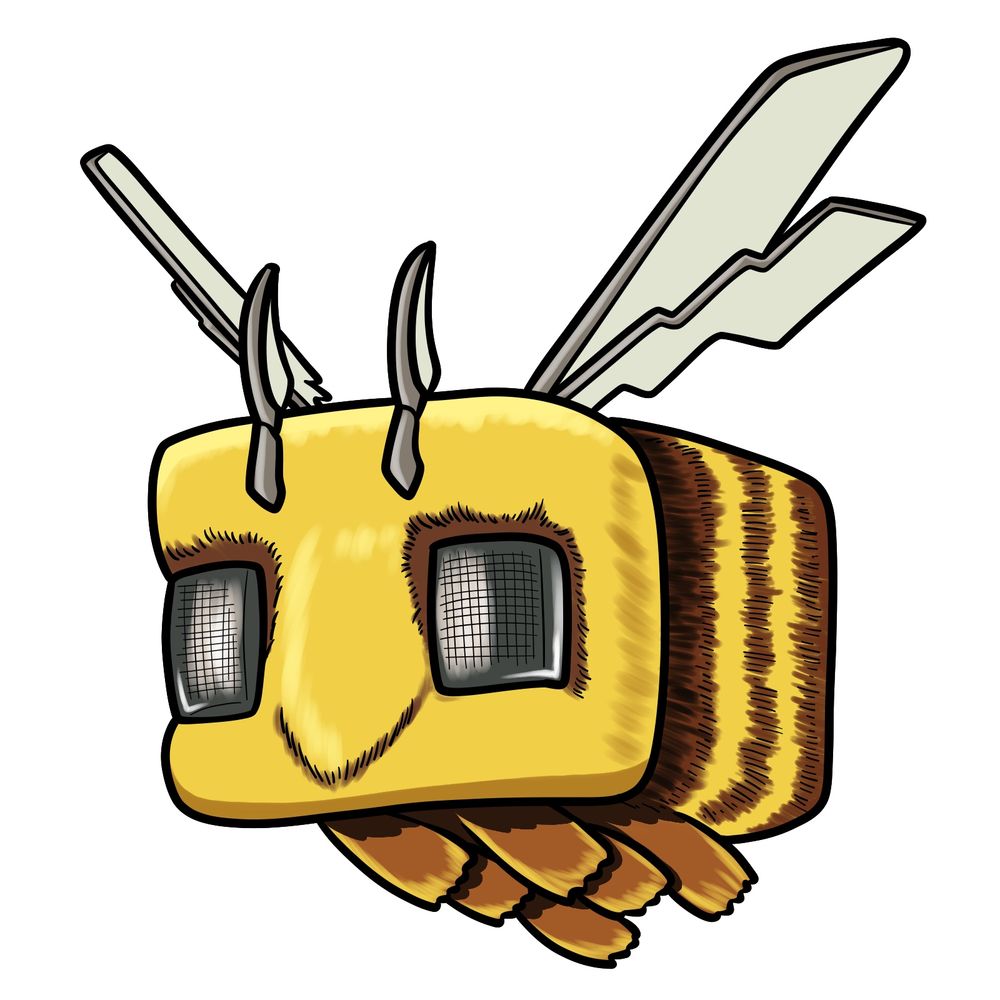
Let’s break down how to draw a bee from the Minecraft Movie. Compared to the regular in-game bee, this one’s more rounded and soft. It has that movie-style texture — sharper antennae, extra wing structure, and heavy square eyes that almost look like mesh.
Details You’ll Want to Notice
- Large square head with softly rounded corners
- Eyes shaped like rectangles with grid-texture screens
- Two pointed, curved antennae leaning forward from the top
- Segmented body with clear brown and yellow stripes in back
- Blocky wings, layered and angled with sharp zigzag cuts
- Five oval-shaped legs sticking out from the bottom in a row
- Nose area is minimal — just a faint line forming a soft “V”
If you’re planning to add more characters to match this bee, you might want to sketch the Chicken Jockey, a Llama, or even a stylized movie version of Ghast to match the movie’s look.
Drawing Colors in the Steps
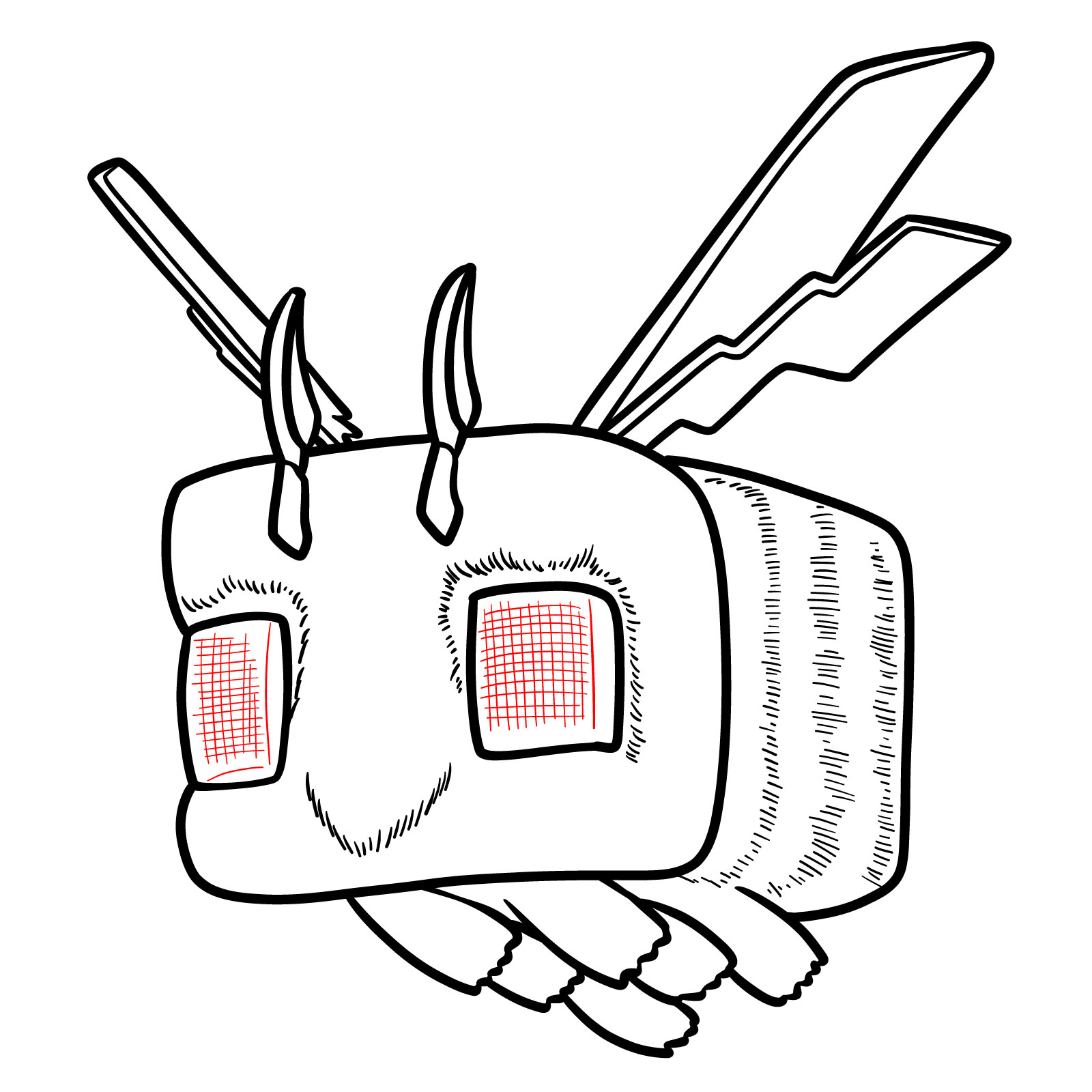
I used the standard two-color approach in the guide so it’s easier to follow each step:
- Red Color: current part you’re drawing in that step
- Black Color: all the lines already drawn in previous steps
The steps are laid out logically, so you can build up the body before adding wings, antennae, and texture details.




One thing that’s genuinely interesting about learning how to draw the Minecraft Movie Bee with Stylized Details is seeing how differently everyone interprets those stylized touches, since the fuzz texture, the eye shape, and the wing style all leave room for personal choices. Drop your version in the comments on the pinned Pinterest post and see how yours compares to what other people came up with. If you want a steady stream of new guides like this one, the email signup form at the top of the page sends a weekly roundup straight to your inbox.