Last Updated on May 13, 2026
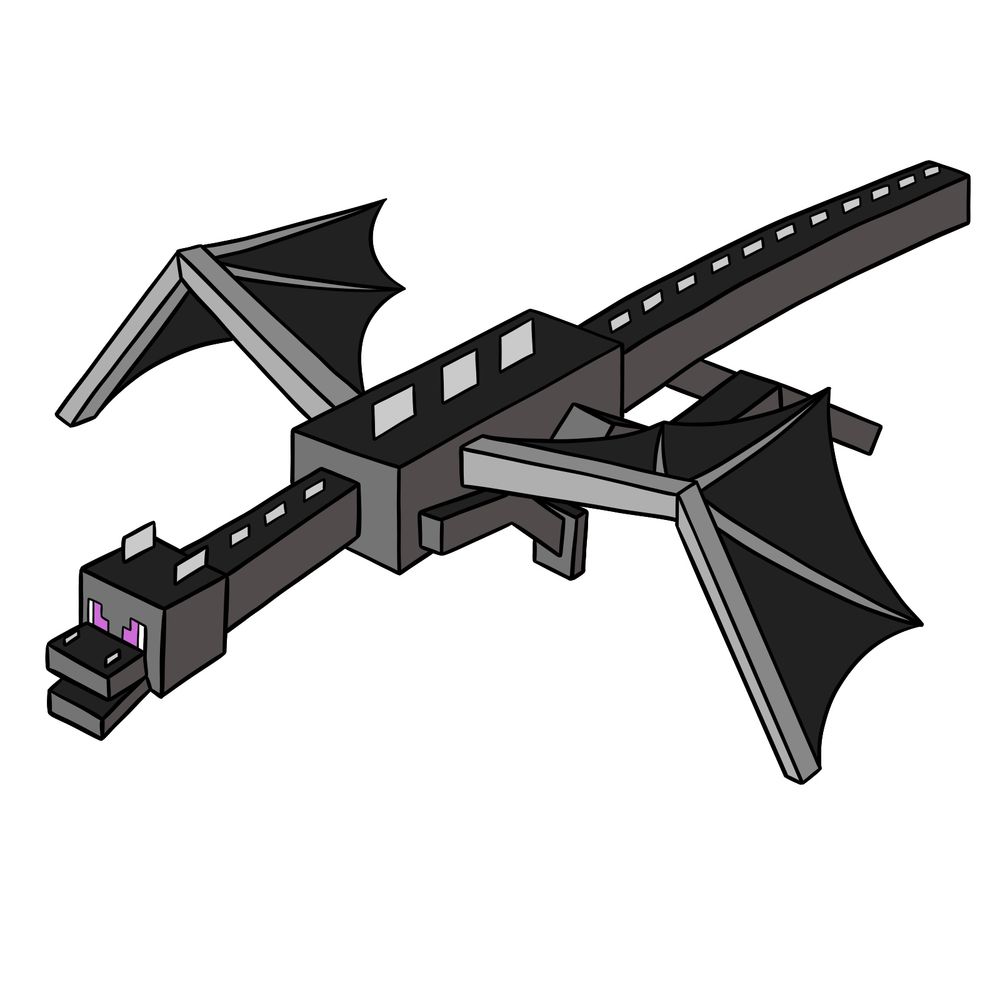
Here’s something a little bigger — today’s guide will show you how to draw the Ender Dragon from Minecraft. This version is set in a basic standing (well, gliding) pose, so everything’s outstretched but still simple to follow. There are more parts than most characters, but if you break them down, it’s just rectangles, triangles, and a lot of repetition. It’s a bit more detailed than drawing mobs like Creepers or Zombies, but totally doable if you go one step at a time.
Breaking Down the Ender Dragon’s Shapes
- Boxy rectangular head with small ear-like blocks on top
- Bright purple square eyes on a flat black face
- Long segmented neck leading into a rectangular body
- Two large angular wings—stretched out like a bat’s but built from blocky shapes
- Tail extends long and narrow from the back of the body with square segments
- Small legs and arms under the body with simple block feet
- Color palette is mostly dark greys and blacks with some light grey for the wing bones
After finishing the Ender Dragon, you might want to try drawing characters like the Steve, Alex, Enderman, or even the Axolotl to go with it.
Line Colors Used in the Guide
To make things easier to follow, I used a color code throughout the drawing process:
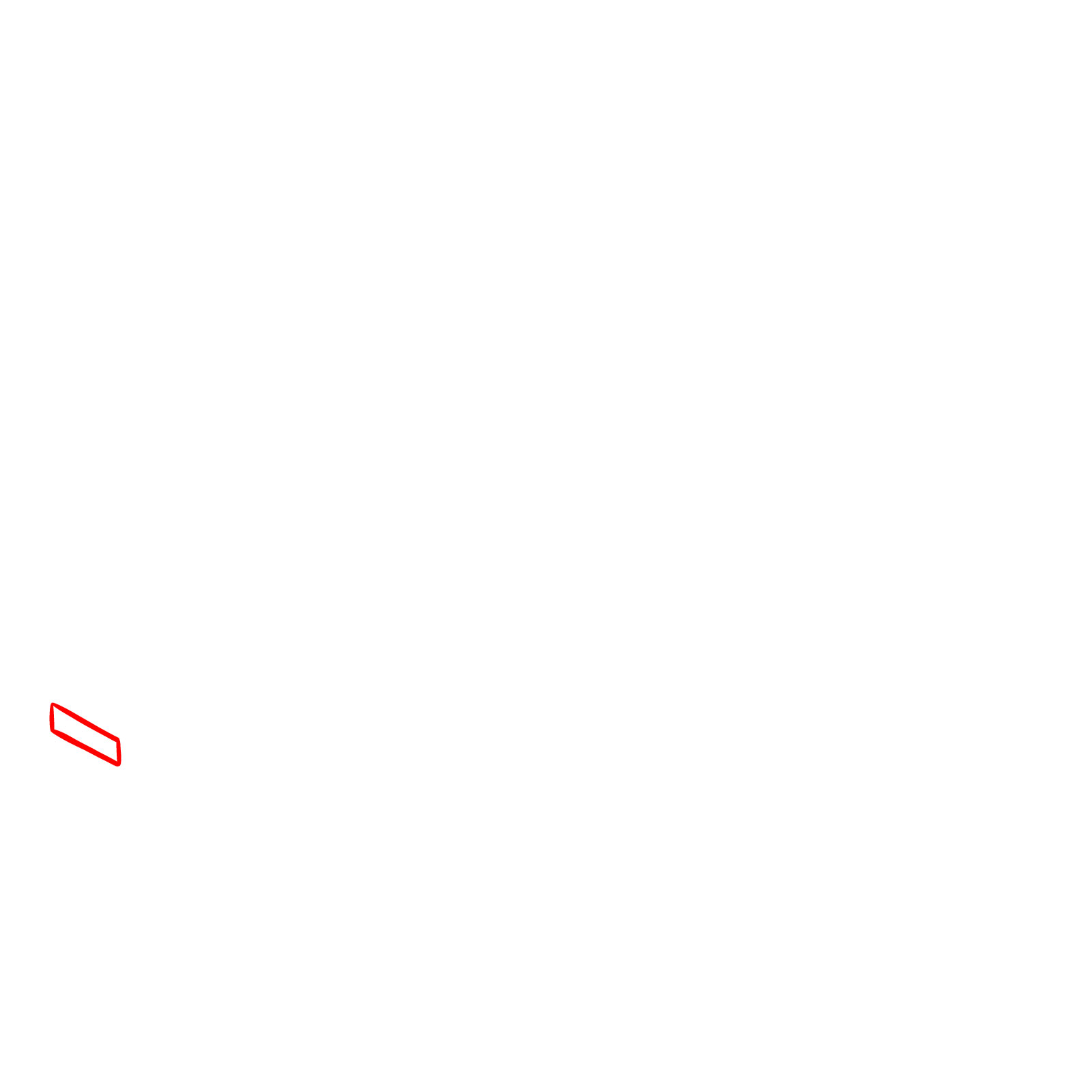
- Red Color: current lines you need to draw
- Black Color: lines that are already completed
Even though the Ender Dragon looks complex, once you start building the form section by section, it becomes a lot more manageable. The guide is set up to walk you through each part clearly.


Now that you know how to draw the Ender Dragon, you might be happy to hear that more Minecraft characters and creatures are planned for future tutorials. There’s a lot of good material to work through in that world, so stick around. Sign up for the weekly digest using the form at the top of the page, or follow along on Pinterest and Facebook to catch new guides as they go up.

مذهل لماينكرافت فيندمج الرسم الكتروني معا الرسم الواقعية للعب