Last Updated on May 13, 2026
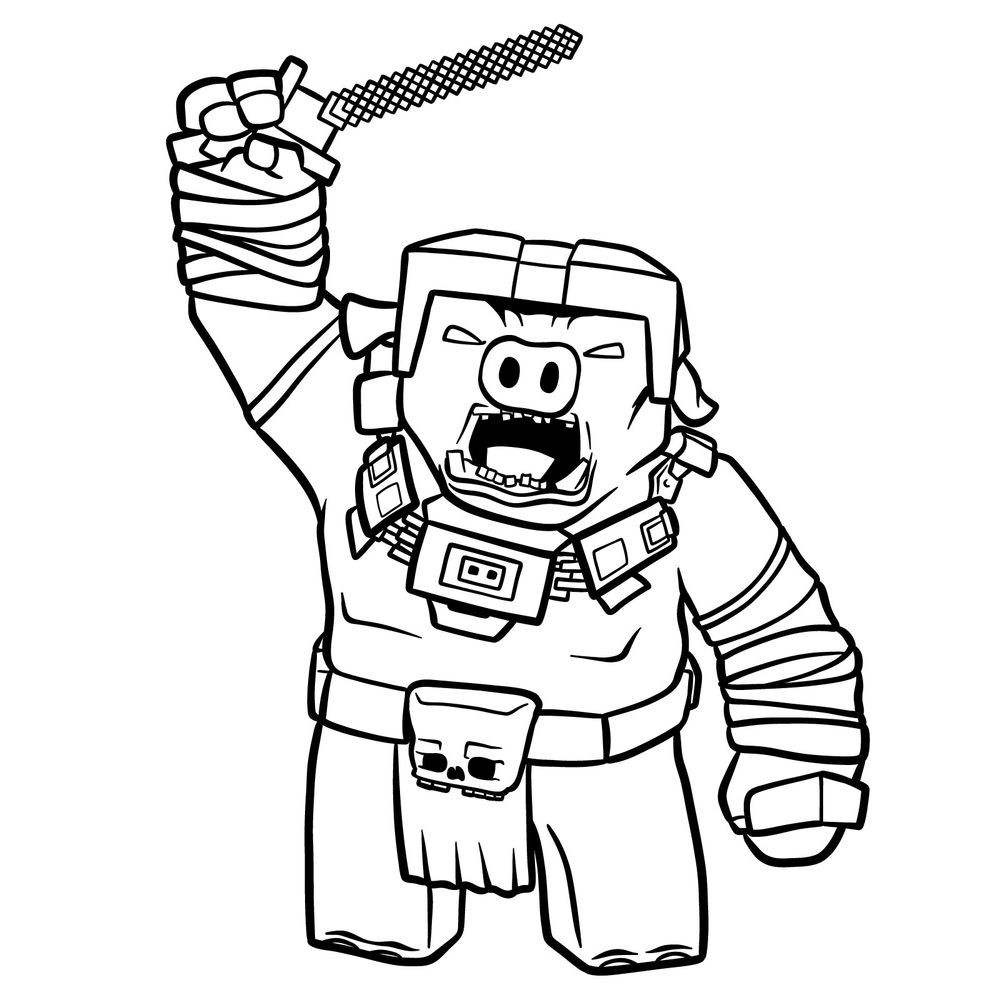
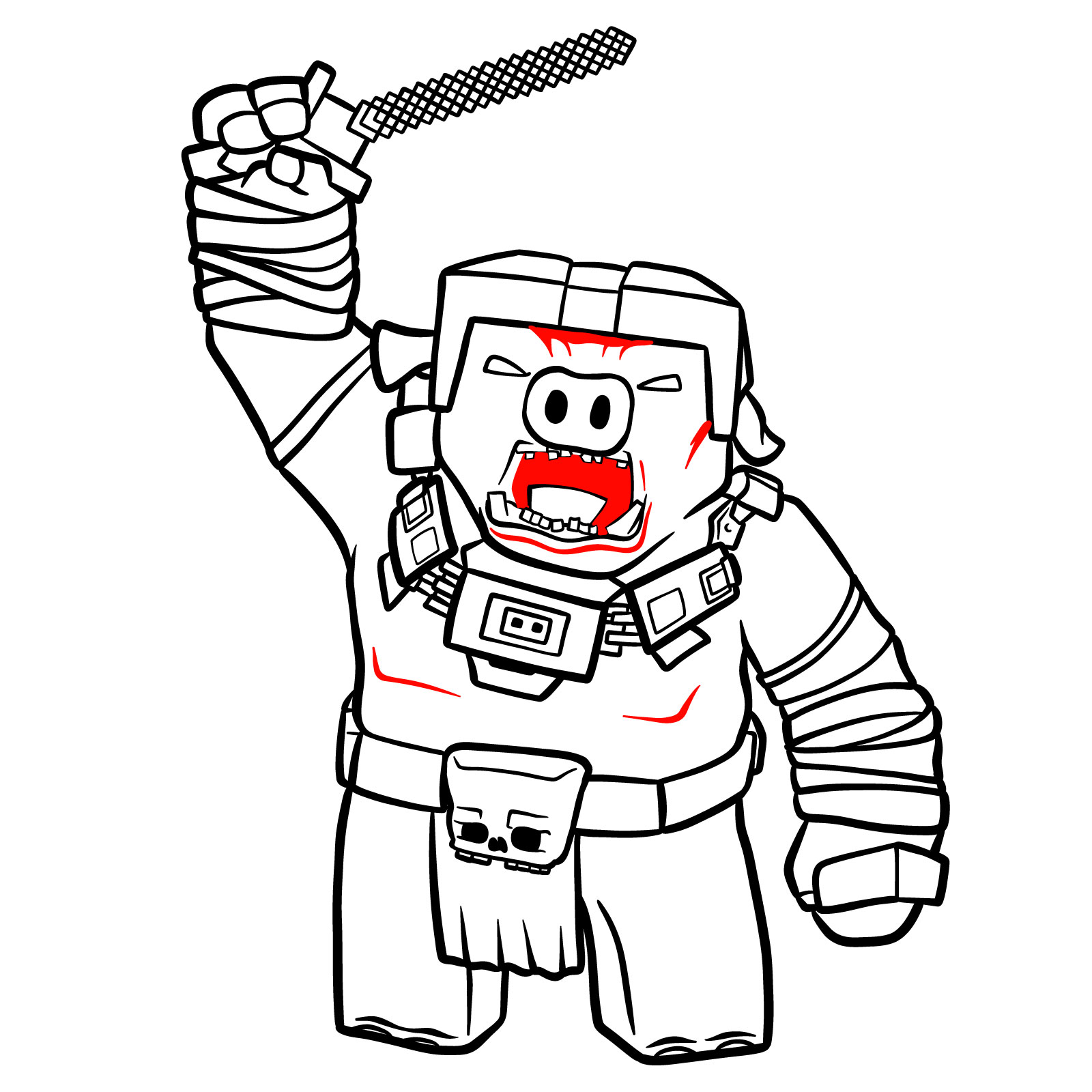
In this tutorial, I’m going to show how to draw General Chungus from A Minecraft Movie. It’s a full-body sketch of the Piglin general in a dynamic pose with his weapon raised. The character’s build is blocky and armored, so expect a few angles and thick outlines. Overall, it’s a mid-complexity design that mostly depends on symmetry and patience with details.
Key Features of General Chungus’s Design
- Square helmet with exposed pig snout and eyes
- Wide mouth open in mid-yell, showing uneven teeth
- Thick shoulder and chest armor with heavy rectangular shapes
- Raised arm holding a pixelated sword
- A skull on his waist flap
- Both arms wrapped in bandages and armor blocks
Once you finish this one, you could try drawing other Minecraft-style characters like a Chicken Jockey, an Iron Golem, or a Ghast.
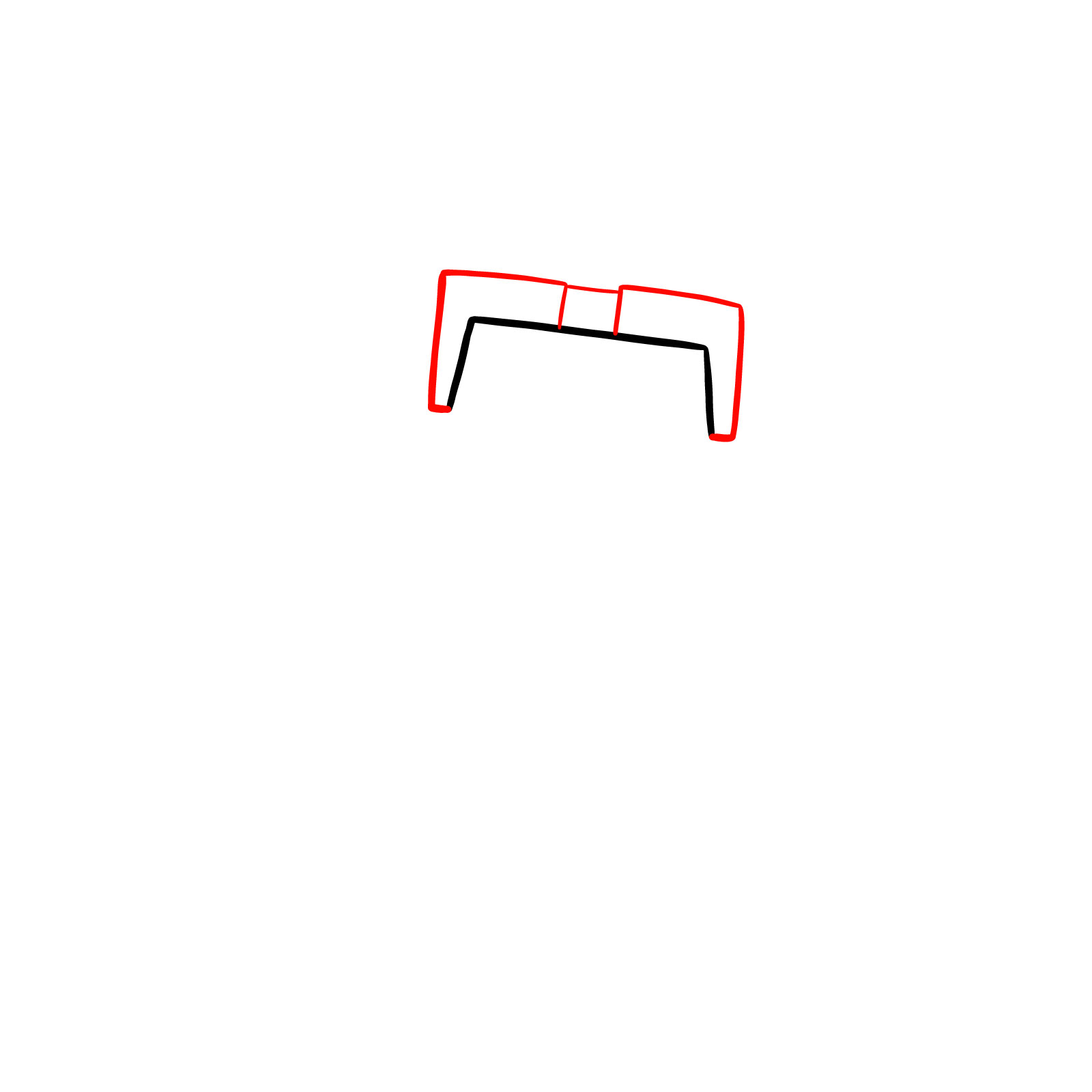
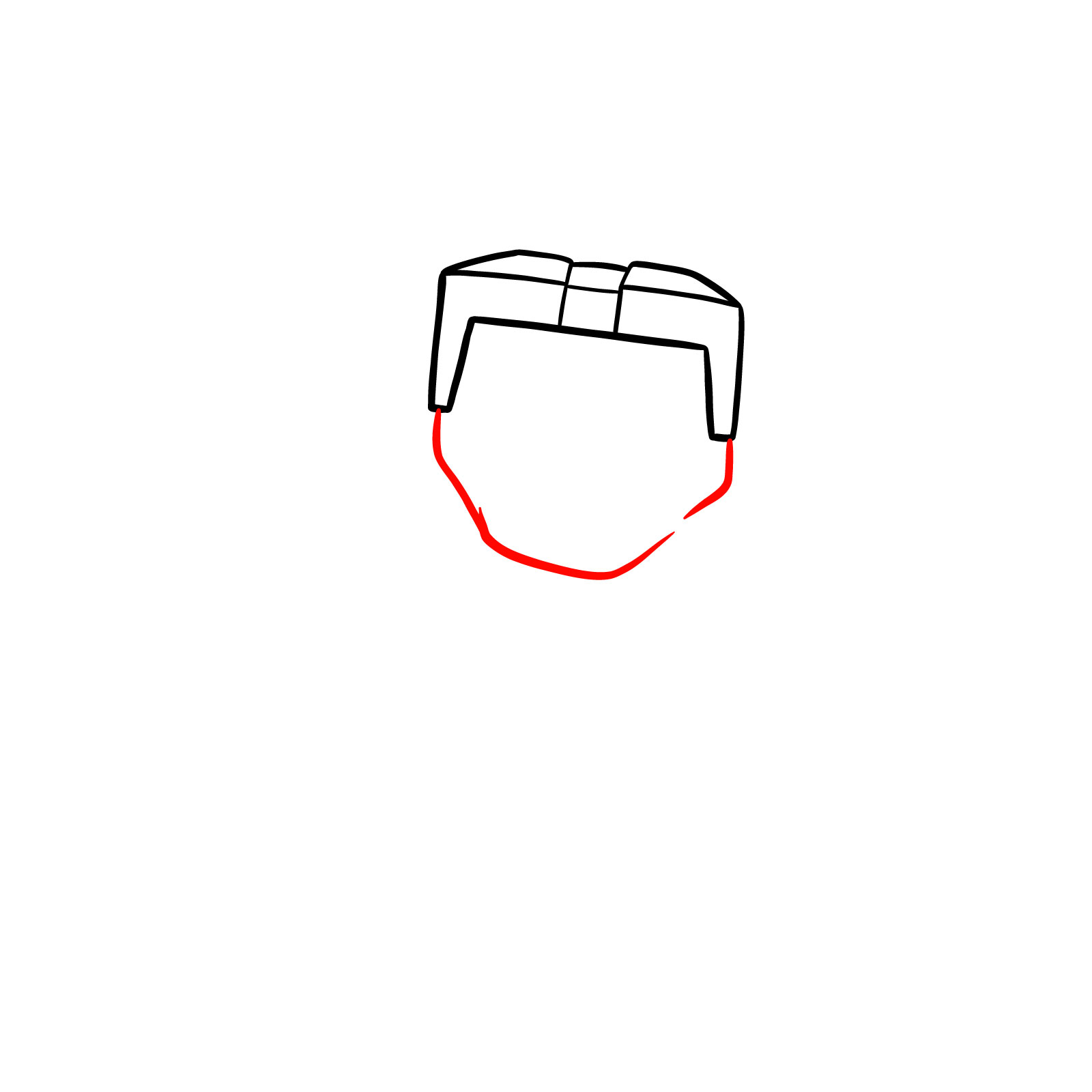
Color Reference and Step Indicators
- Red Color: lines for the current drawing step
- Black Color: lines from earlier steps





The best way to stay up on new tutorials is the weekly email digest, and you can sign up using the form at the top of this page. That way, whenever a new guide drops, including more Minecraft characters like General Chungus with Sword Raised, Minecraft, it lands right in your inbox without you having to hunt for it. You can also follow along on Pinterest, where people drop their finished drawings in the comments of each pinned post.
