Last Updated on May 13, 2026
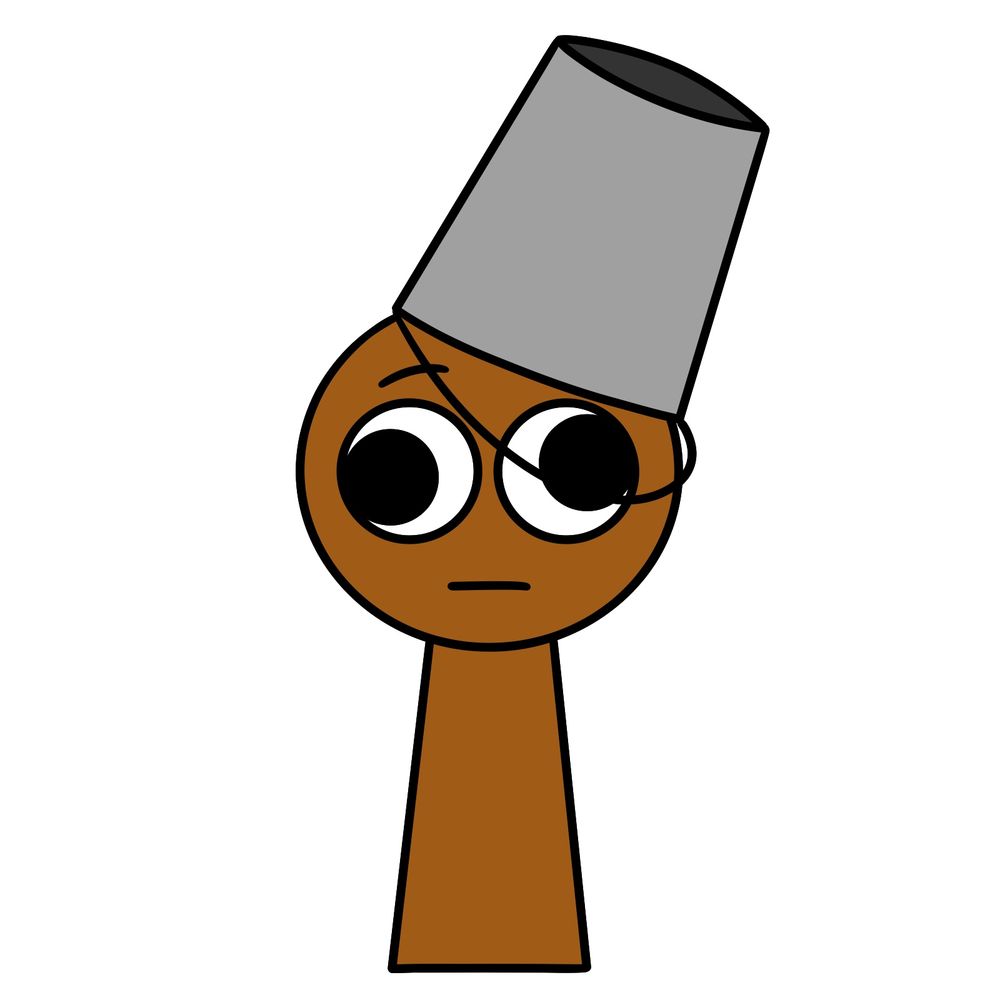
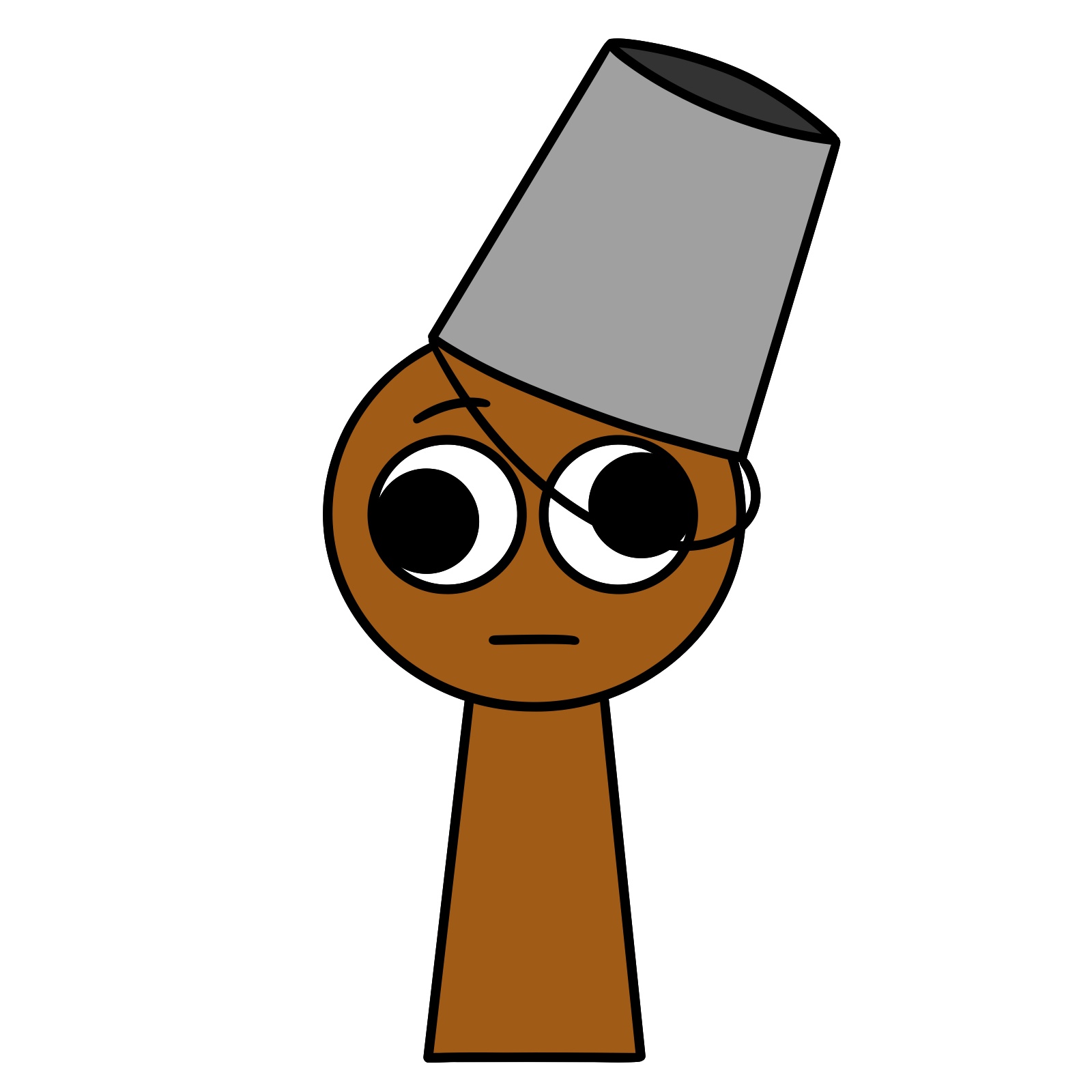
Here’s a simple guide on how to draw Brud from Incredibox Sprunki. Brud is the 7th character and the 2nd effect sound in the Incredibox – Sprunki mod. He’s a brown-colored Sprunki with a steel silver bucket sitting on the left side of his head. His derpy-looking eyes with outward-pointing pupils give him a very recognizable look. Drawing Brud is pretty straightforward, making him a good choice for beginners who want to practice simple shapes and character expressions.
Key Features to Pay Attention to When Drawing Brud
- Brown, keyhole-shaped body with no arms or legs drawn separately.
- Large, round eyes with pupils pointed outward for the derpy expression.
- Steel silver bucket tilted over the left side of his head.
- Simple, straight mouth and a slight eyebrow line for minimal facial expression.
After sketching Brud, you might want to try other Sprunki characters like Clukr, Durple, or Fun Bot, since they share a similar simple and playful style.
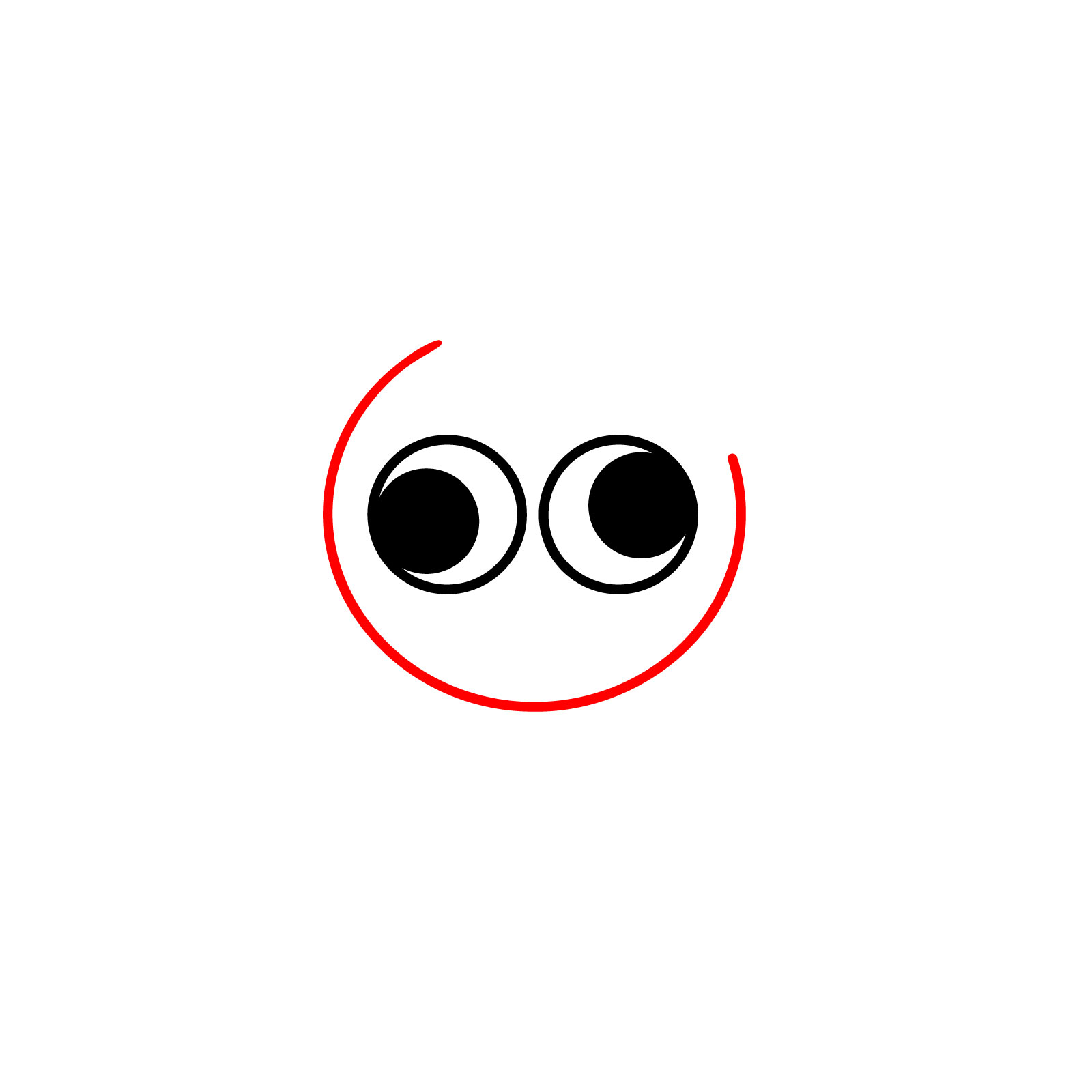
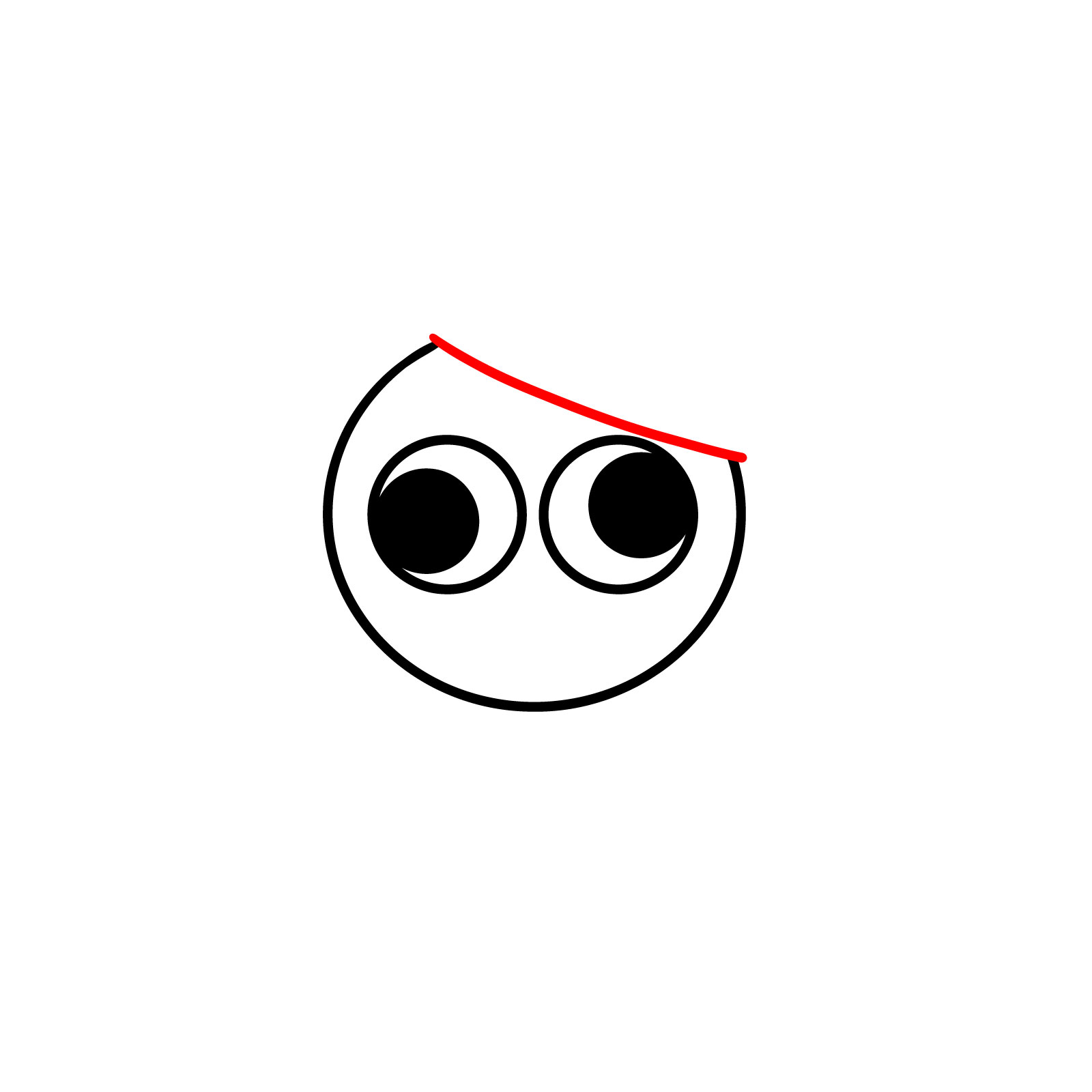
How the Color Coding Works in the Drawing Guide
- Red Color: Highlights the current step you’re focusing on.
- Black Color: Represents the parts you’ve already drawn.




The best way to stay in the loop on new guides is the weekly email digest, and the signup form is right at the top of this page. Once you feel good about how to draw Brud, that steady stream of new tutorials will keep your sketchbook busy. You can also find video versions of some guides over on the SketchOk YouTube channel if you prefer watching the process.
