Last Updated on May 13, 2026
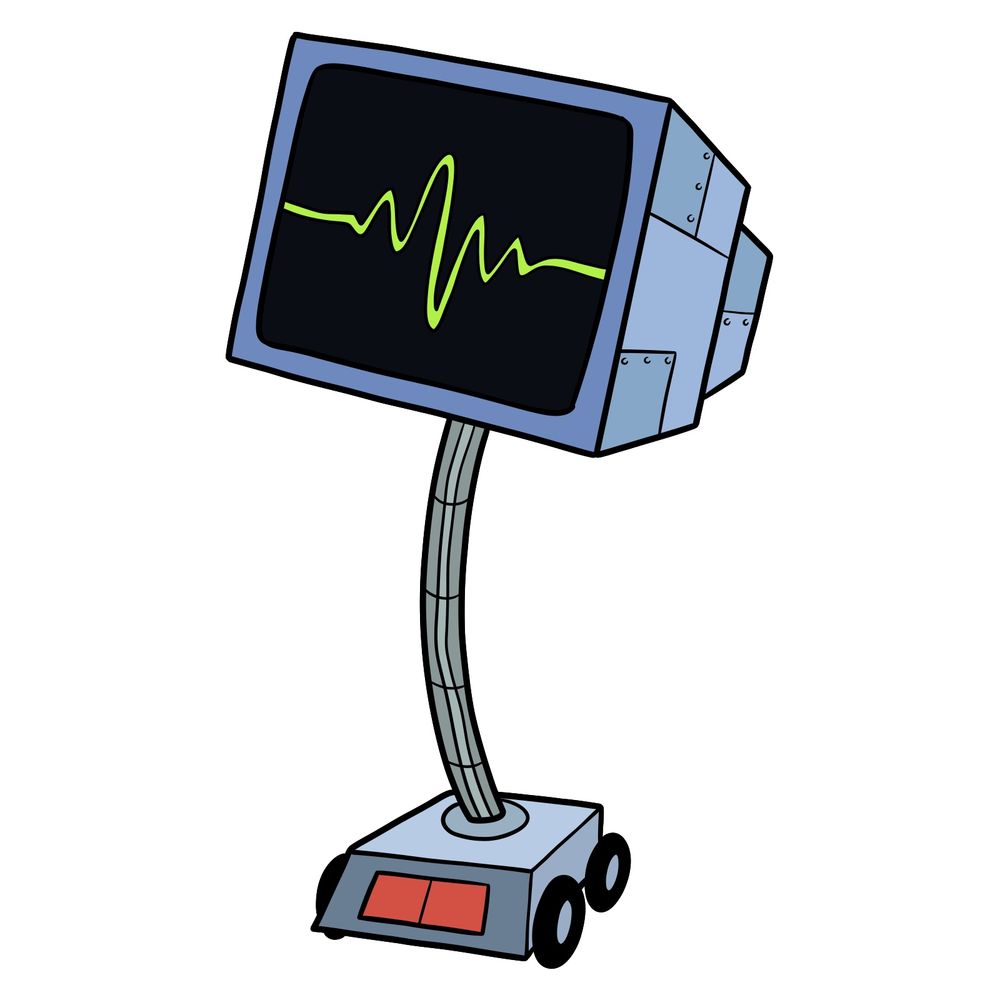
In this tutorial, I’ll walk you through how to draw Karen Plankton from SpongeBob SquarePants. This version focuses on her portable body, which includes the rolling base and flexible neck holding the monitor. The drawing takes 14 steps, so it’s a medium complexity design compared to other SpongeBob SquarePants drawings.
Character Overview of Karen Plankton
- Head/Monitor: Rectangular dark screen with neon green line forming her “face.”
- Body/Neck: Flexible tube-like neck that connects the monitor to the base.
- Base: A square computer base with wheels and red panel in front.
- Details: Side casing on her monitor has bolts and structural lines.
- Colors: Blue casing, black screen, neon green line display, and red button panel.
If you’d like to keep practicing SpongeBob SquarePants drawing, there are also guides for Plankton, SpongeBob, and Mr. Krabs that work well alongside Karen.
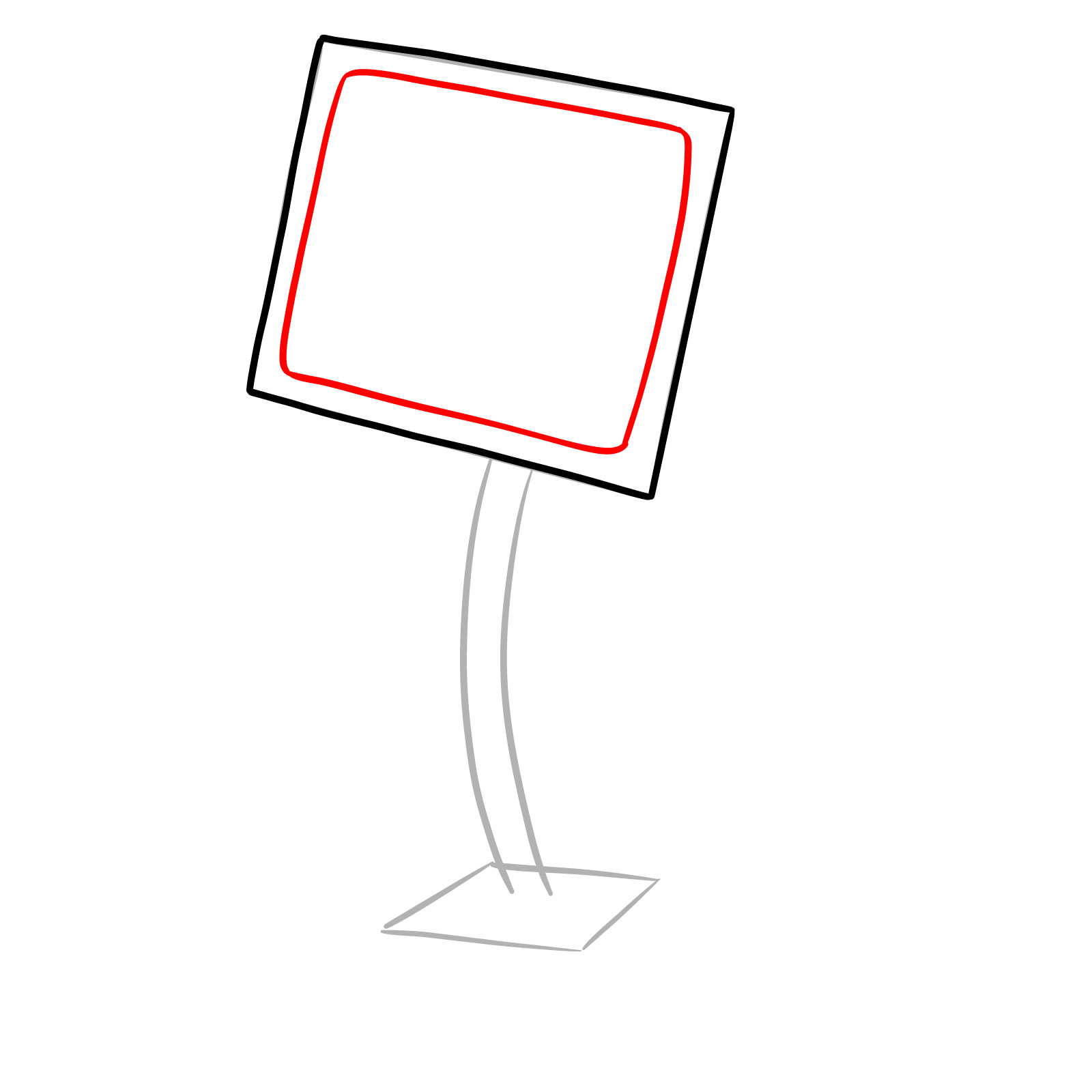
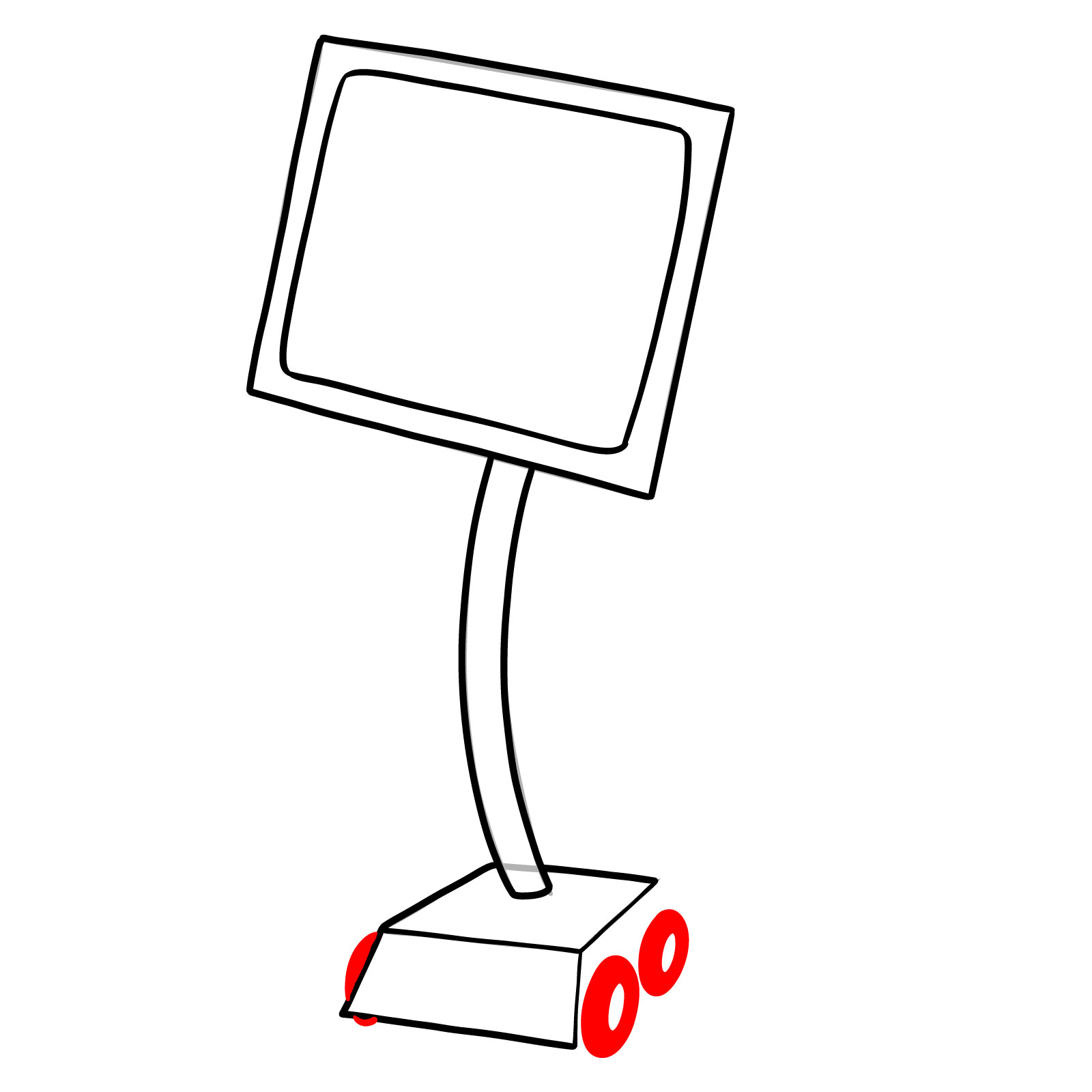
Color-Coded Drawing Guide
The images in this guide use three colors to help you follow along:
- Red Color: current step to focus on
- Black Color: completed lines from earlier steps
- Grey Color: basic sketch for proportions






Now that you know how to draw Karen, the snarky computer wife from Spongebob, go ahead and share what you made with the rest of the community. The pinned Pinterest post for this tutorial is where people drop their finished sketches and chat about techniques, so that’s a great spot to show yours off and see what others came up with. If you prefer learning by watching, video versions of some guides appear on the SketchOk YouTube channel too.
