Last Updated on May 14, 2026
The art of drawing isn’t just about shapes and lines; it’s about bringing characters to life. In this tutorial, we’ll explore how to draw The Great Gazoo, a whimsical alien character that added a twist of magic to the Flintstones. With his vibrant green complexion and knack for granting wishes, Gazoo offers artists a chance to explore the blend of the ordinary and extraordinary.
Zooming in on The Great Gazoo
- Physical Features: Gazoo is depicted as a small green man, emanating an otherworldly aura.
- Magical Abilities: He possesses magical powers that allow him to grant wishes, providing a unique interaction between him and the Flintstone characters.
- Unique Interaction: Remember, only Fred and Barney can see him! This can be played up in multi-character sketches for added humor and depth.
If you’re looking to expand your Flintstones collection, consider drawing the iconic duo, Fred and Barney, alongside Gazoo, or even adding Wilma and Betty laughing at their tales of their alien friend.
Decoding The Drawing Guide
- Red Color: This represents the current step you’re working on. It highlights the active lines and shapes to be drawn.
- Black Color: Represents lines that were drawn in previous steps, guiding your progress and ensuring accuracy.
- Grey Color: Indicates the initial, basic sketch. These are light pencil strokes that help set the proportions right.
This guide will take you through 11 detailed steps. The journey starts with a basic sketch to get the proportions right. And for those looking to elevate their artwork, consider inking your sketch. Inking adds depth and sharpness, but remember to wait for the ink to dry fully before erasing your pencil marks to avoid smudging. And if you’re looking to paint a vivid picture, the final colored image serves as a perfect reference to get Gazoo’s green hue just right.

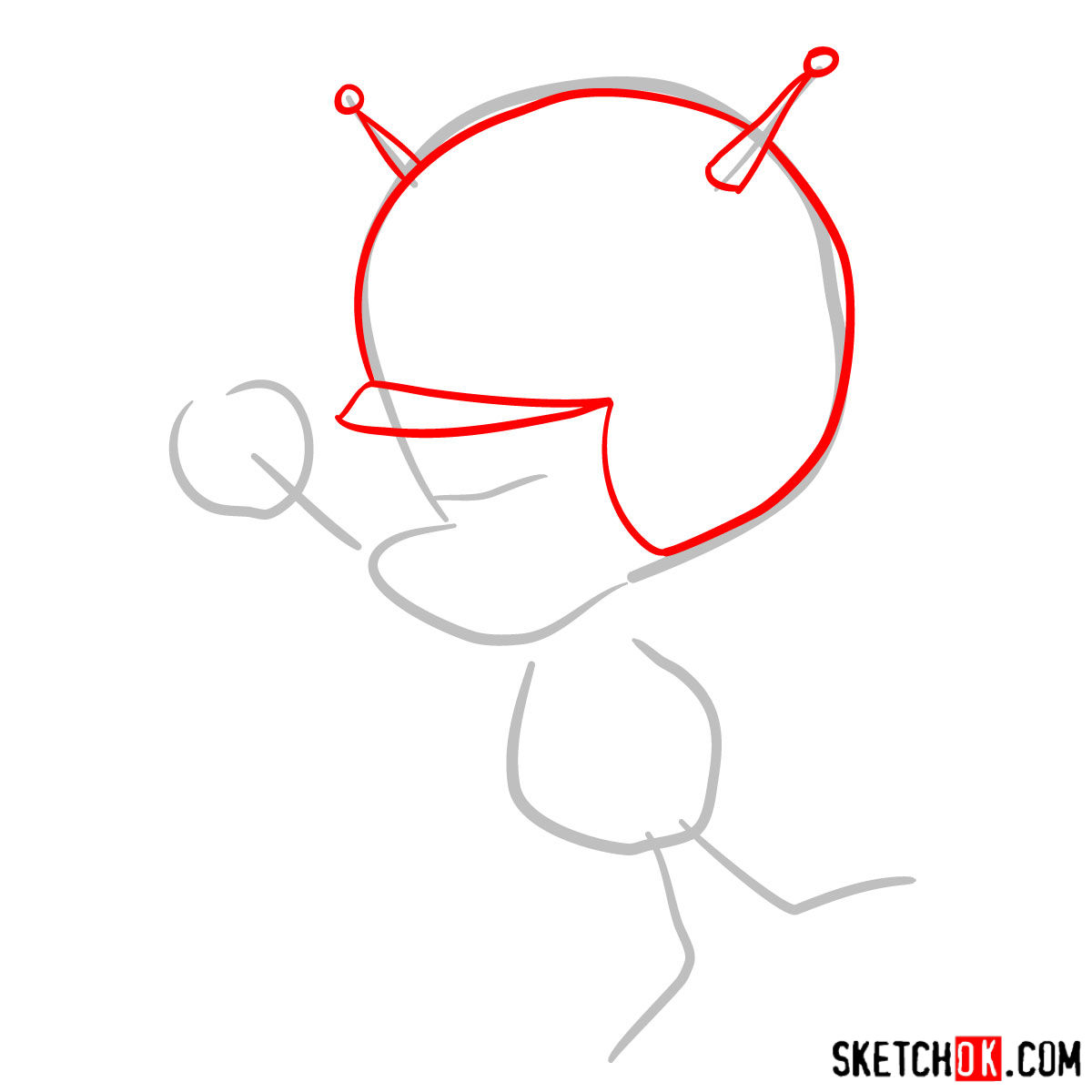
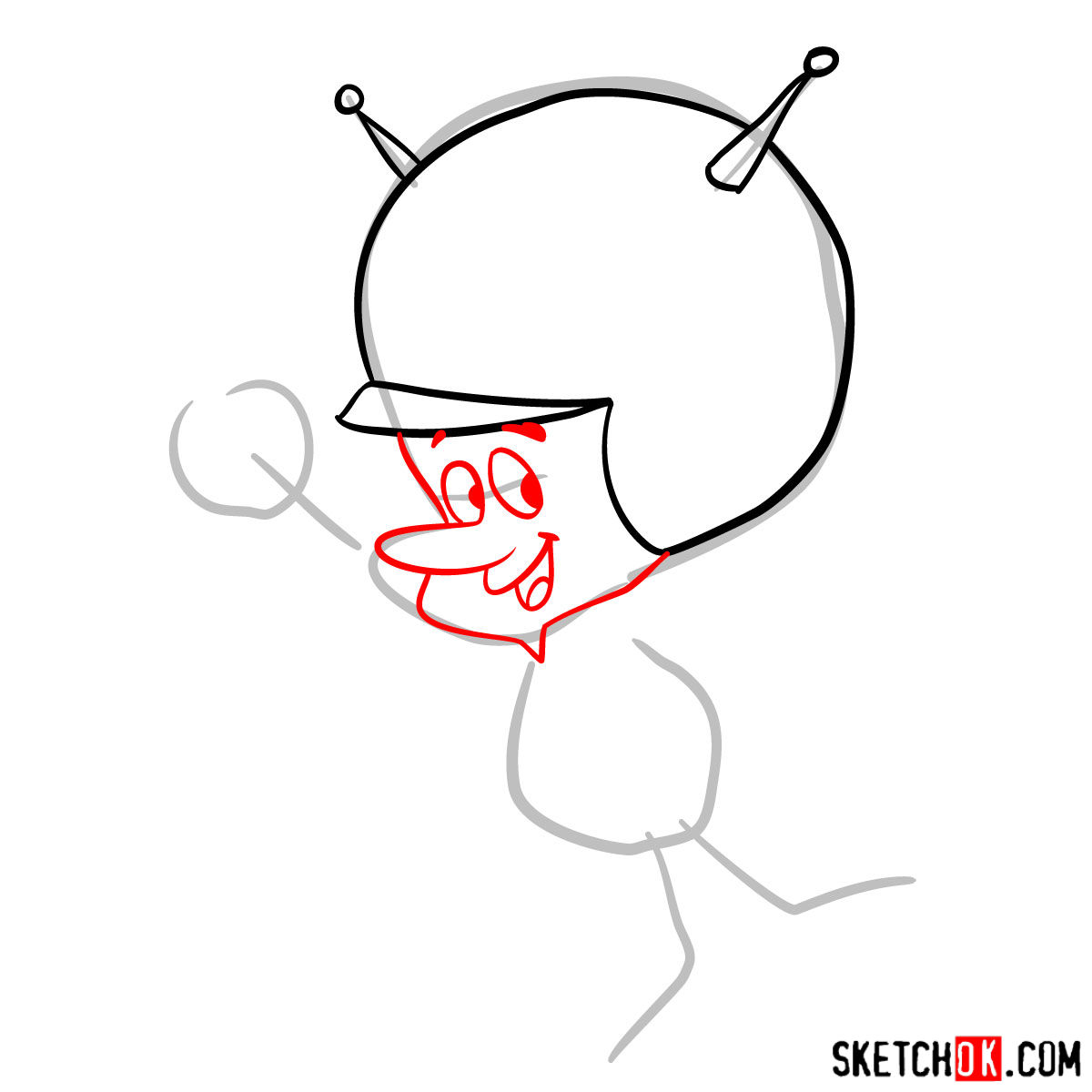
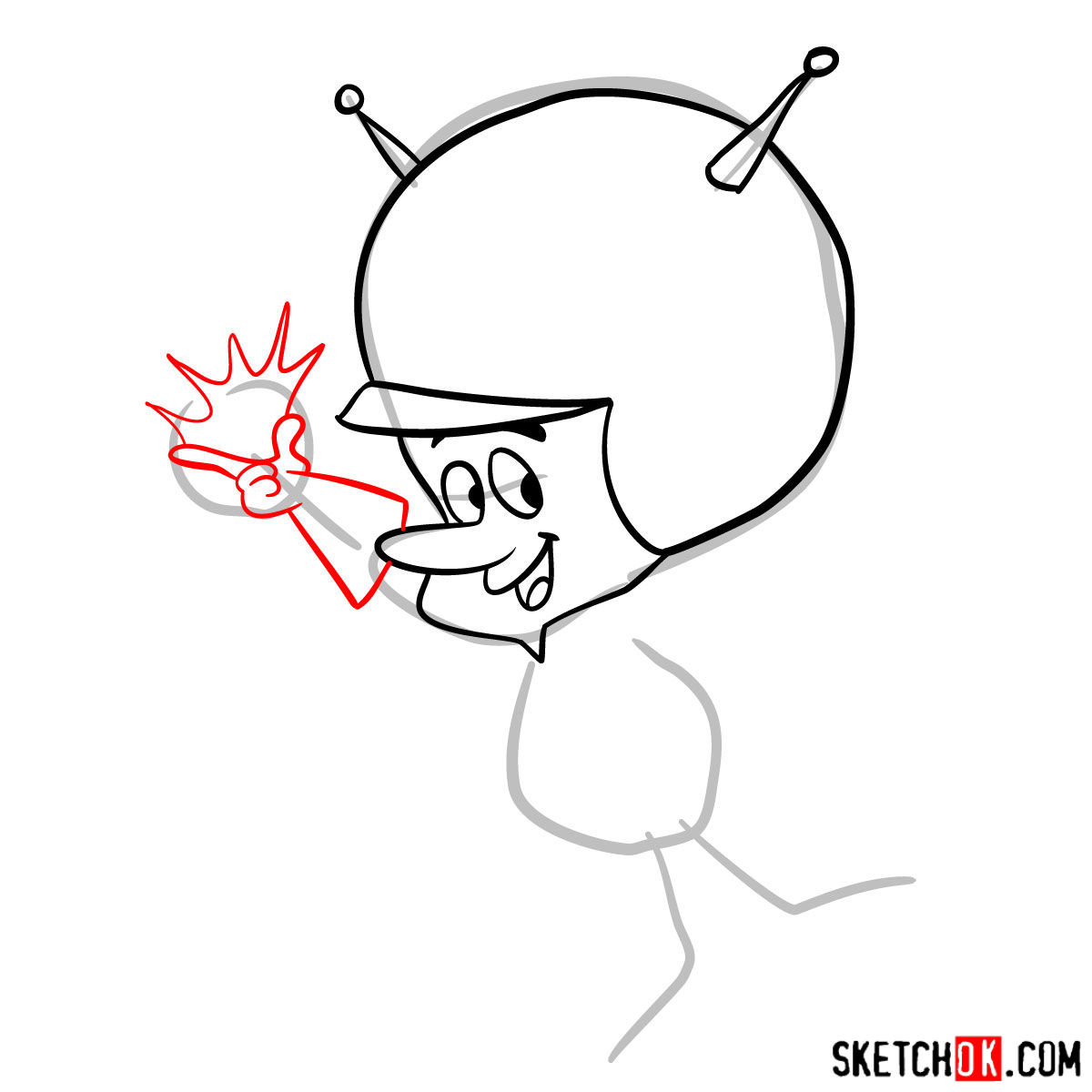
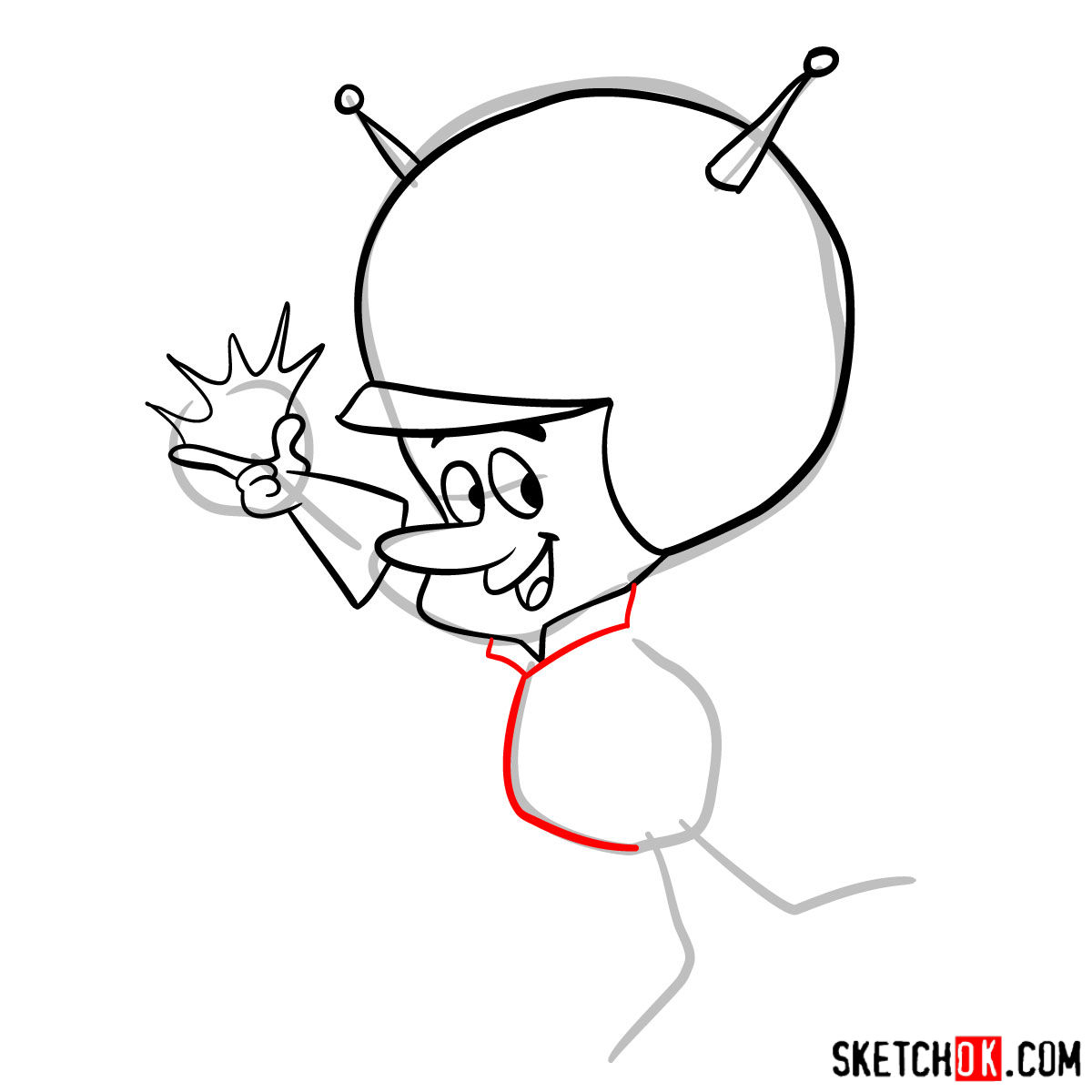
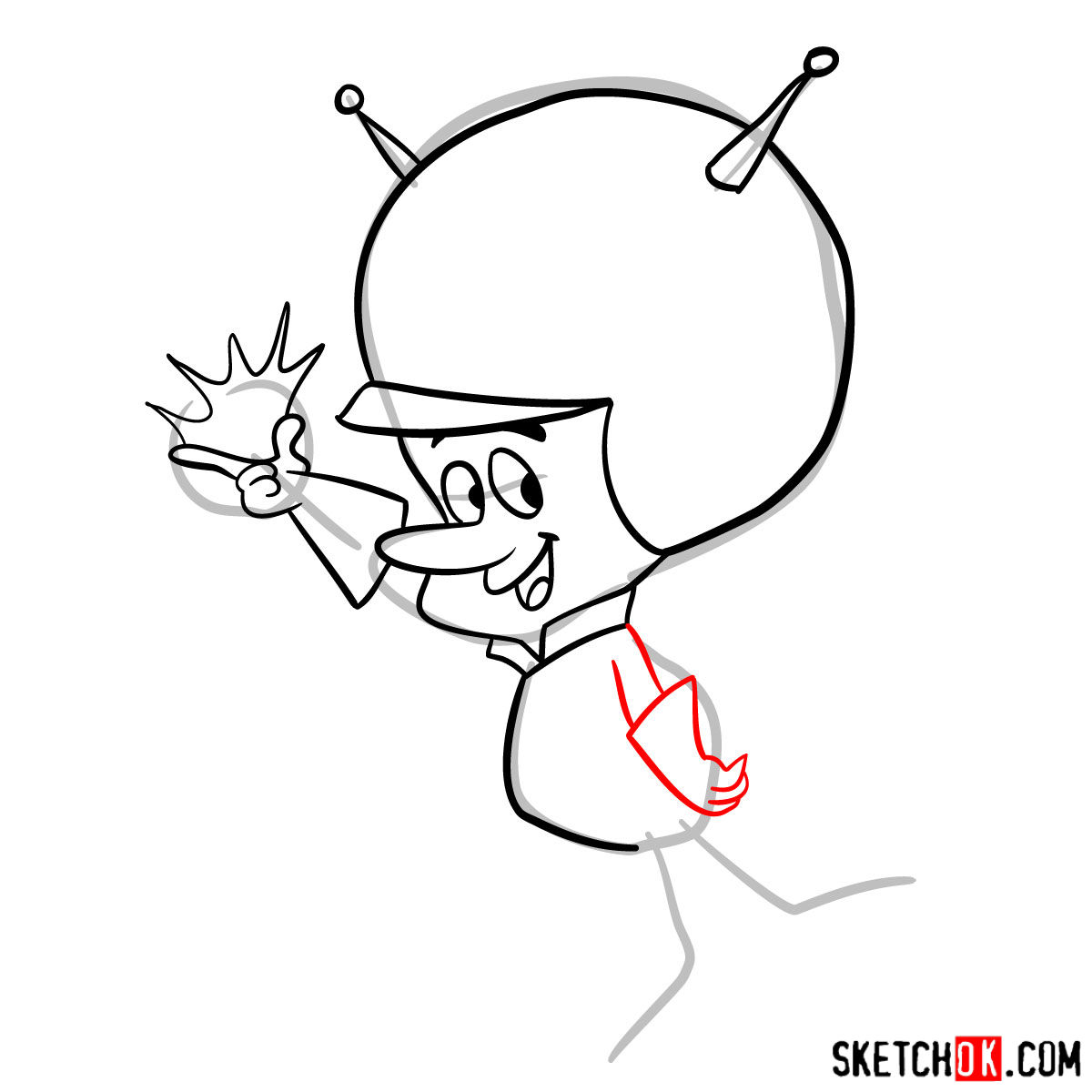
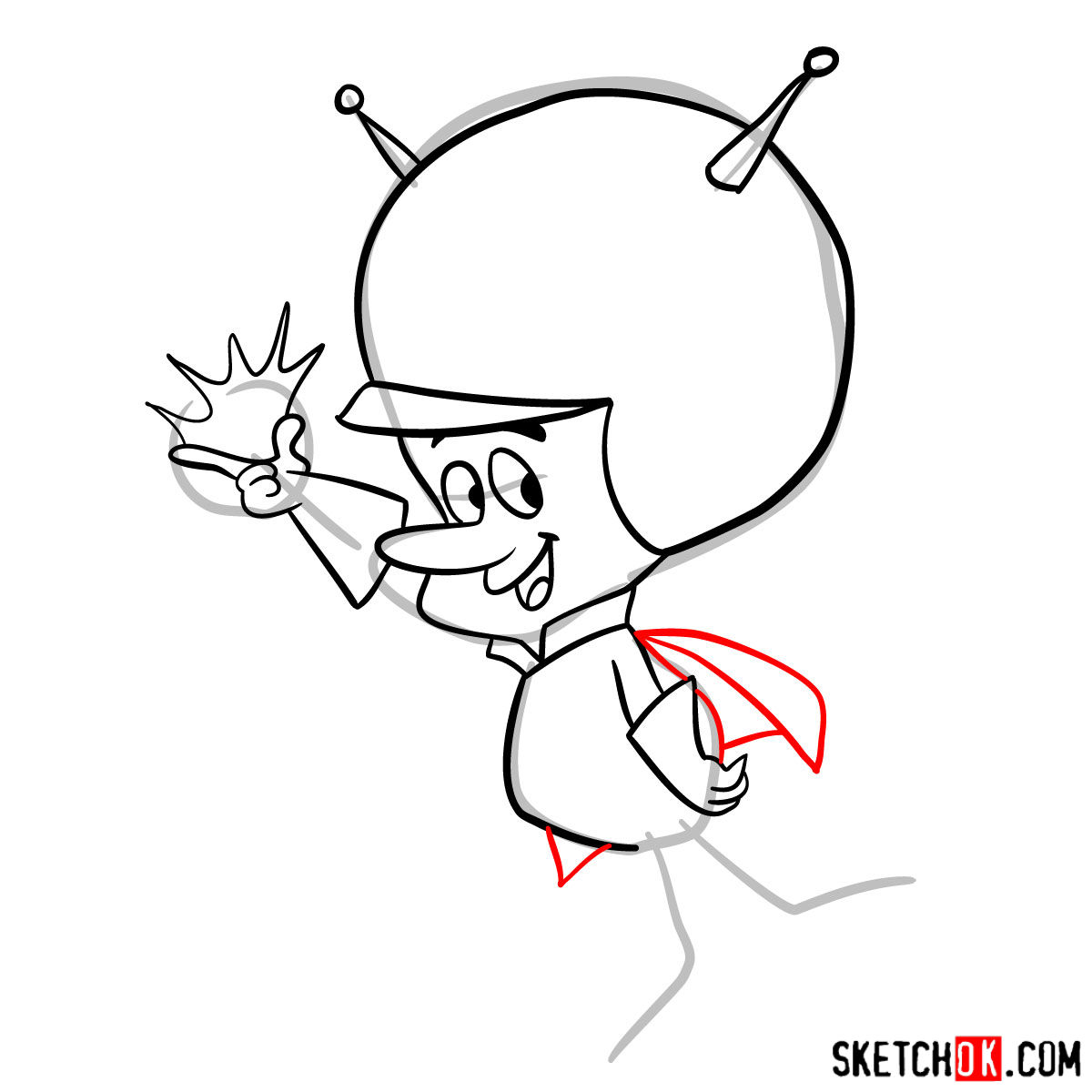
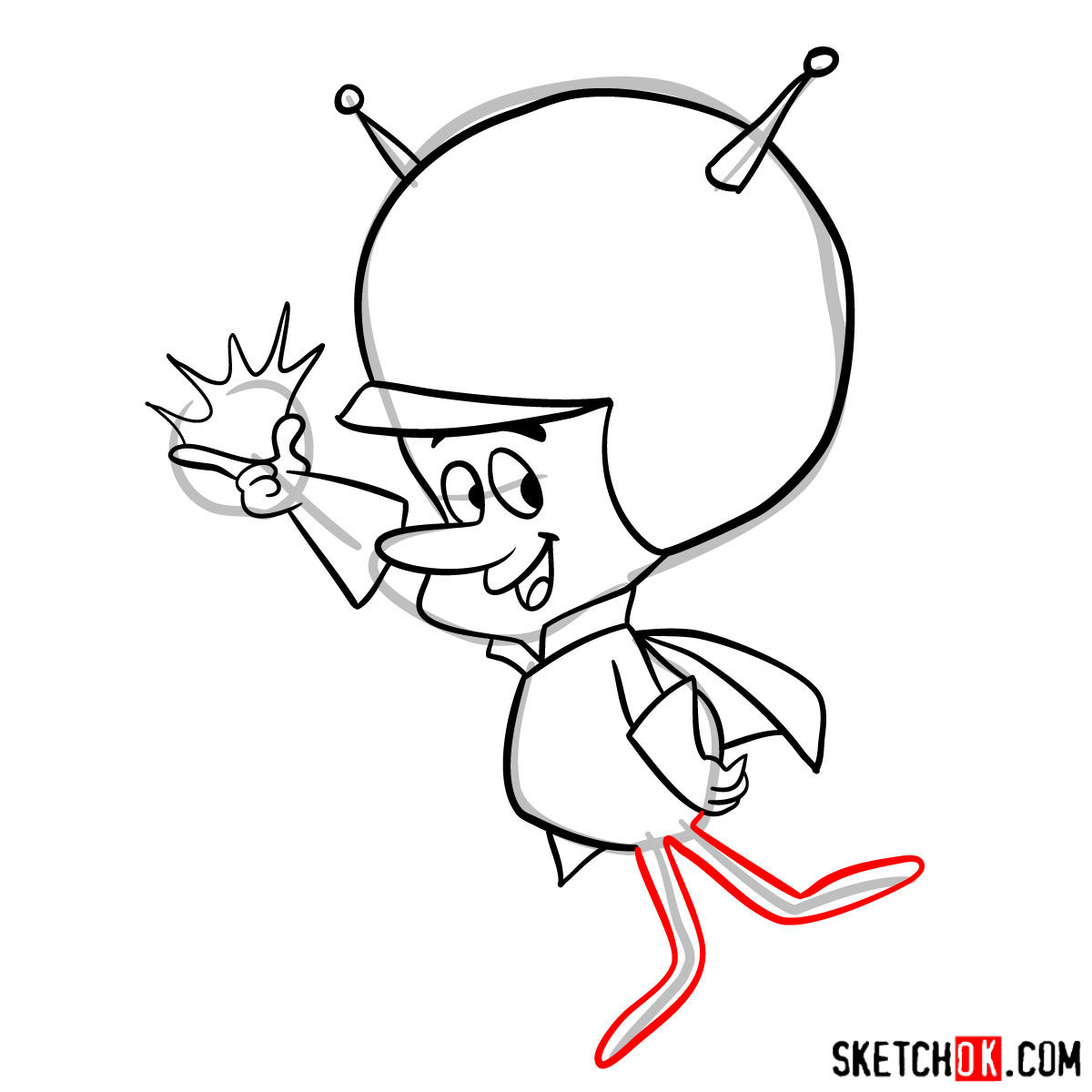
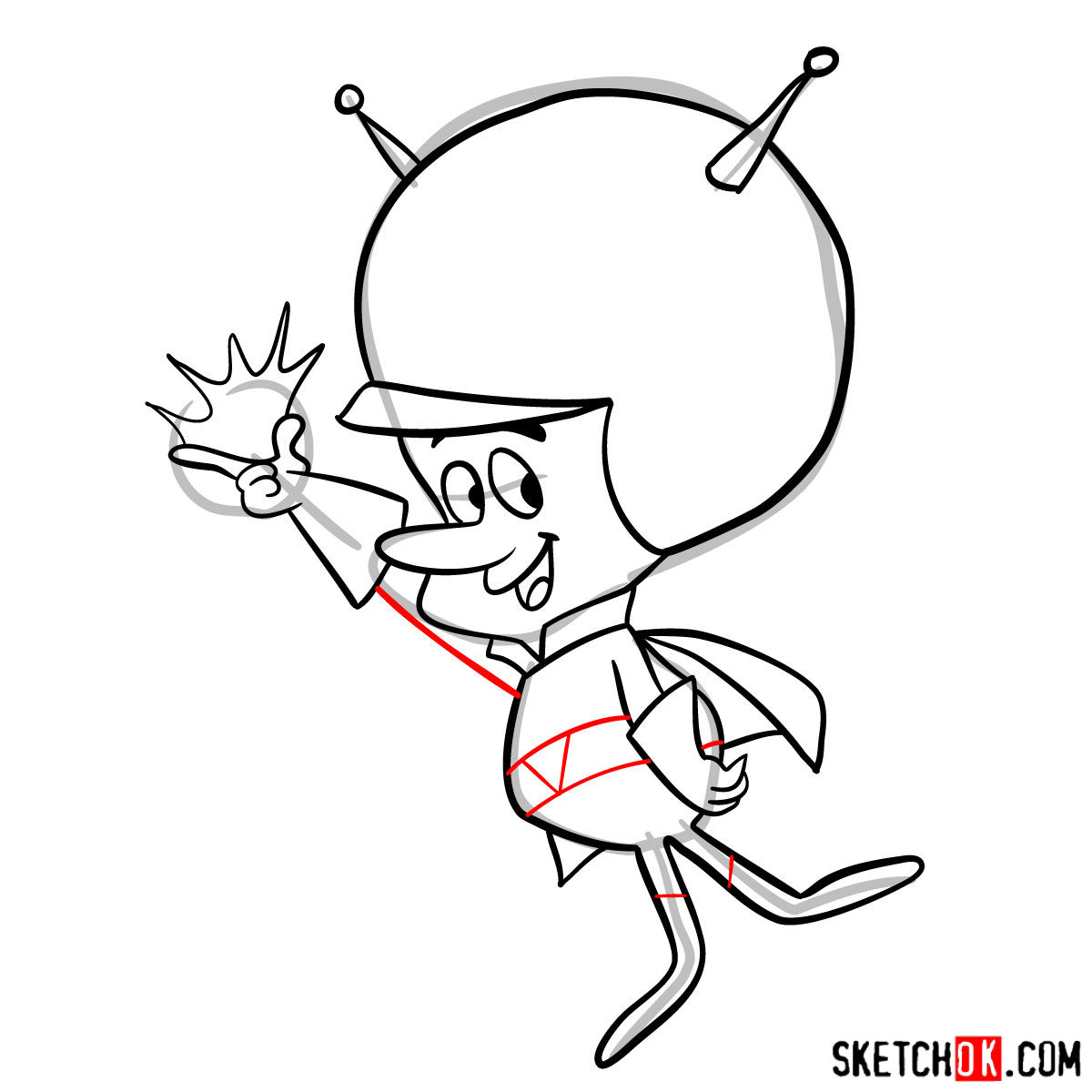
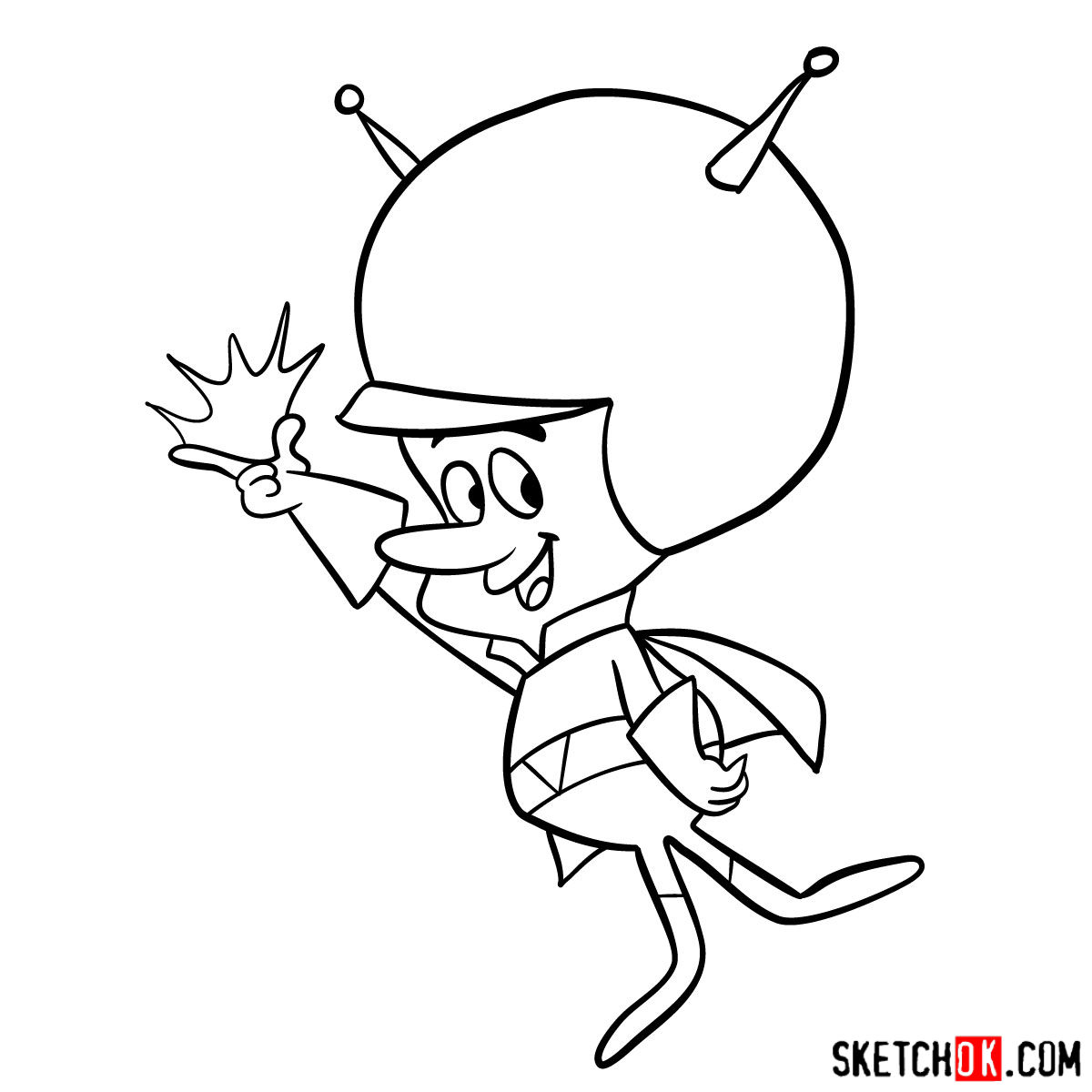
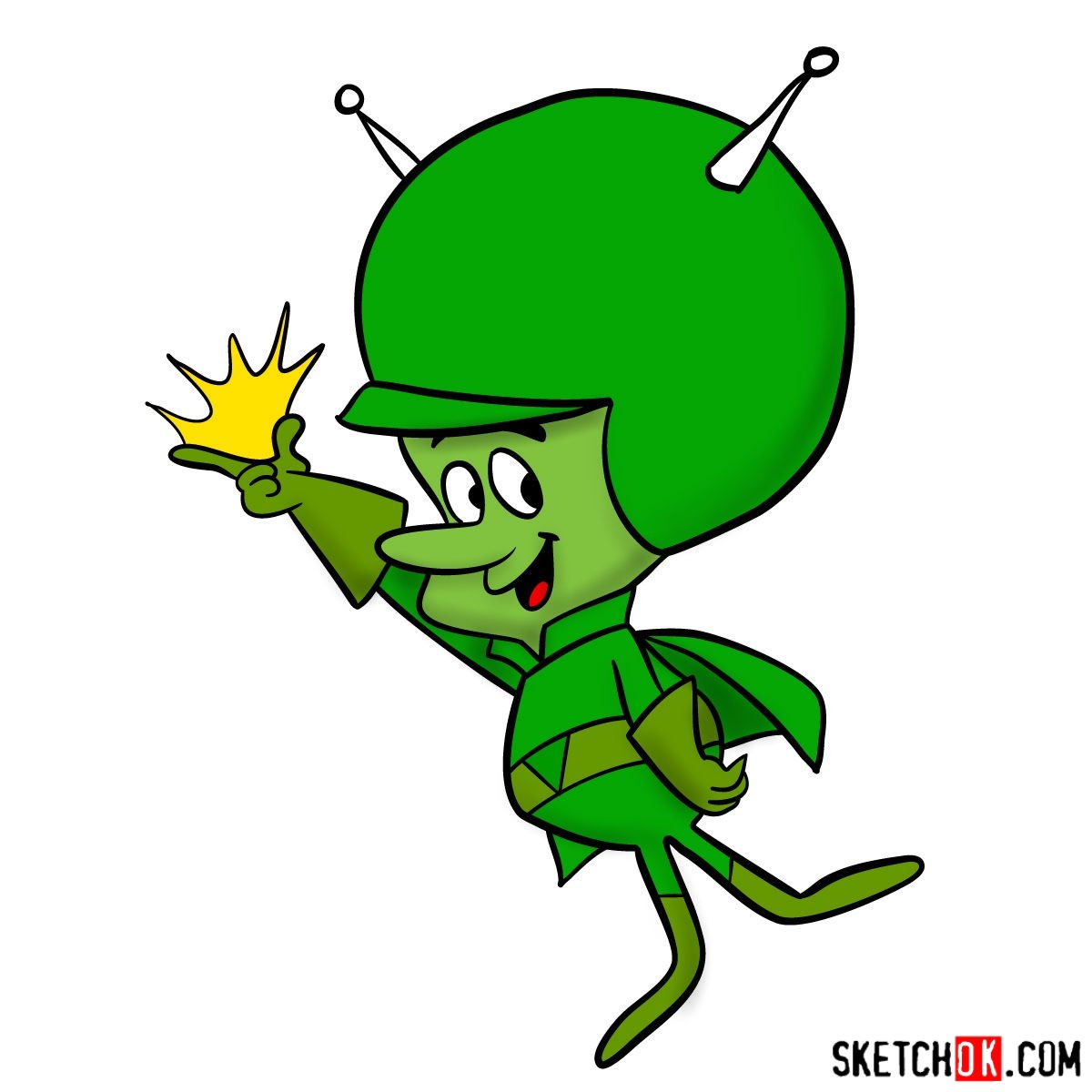
That covers how to draw The Great Gazoo, the tiny green alien who showed up in Bedrock and annoyed Fred to no end. If you want to see what others have sketched, the Pinterest post for this guide is a good place to check out and drop your own version. You can also sign up for the weekly email digest using the form at the top of the page to catch new guides as they come out.
