Last Updated on May 13, 2026
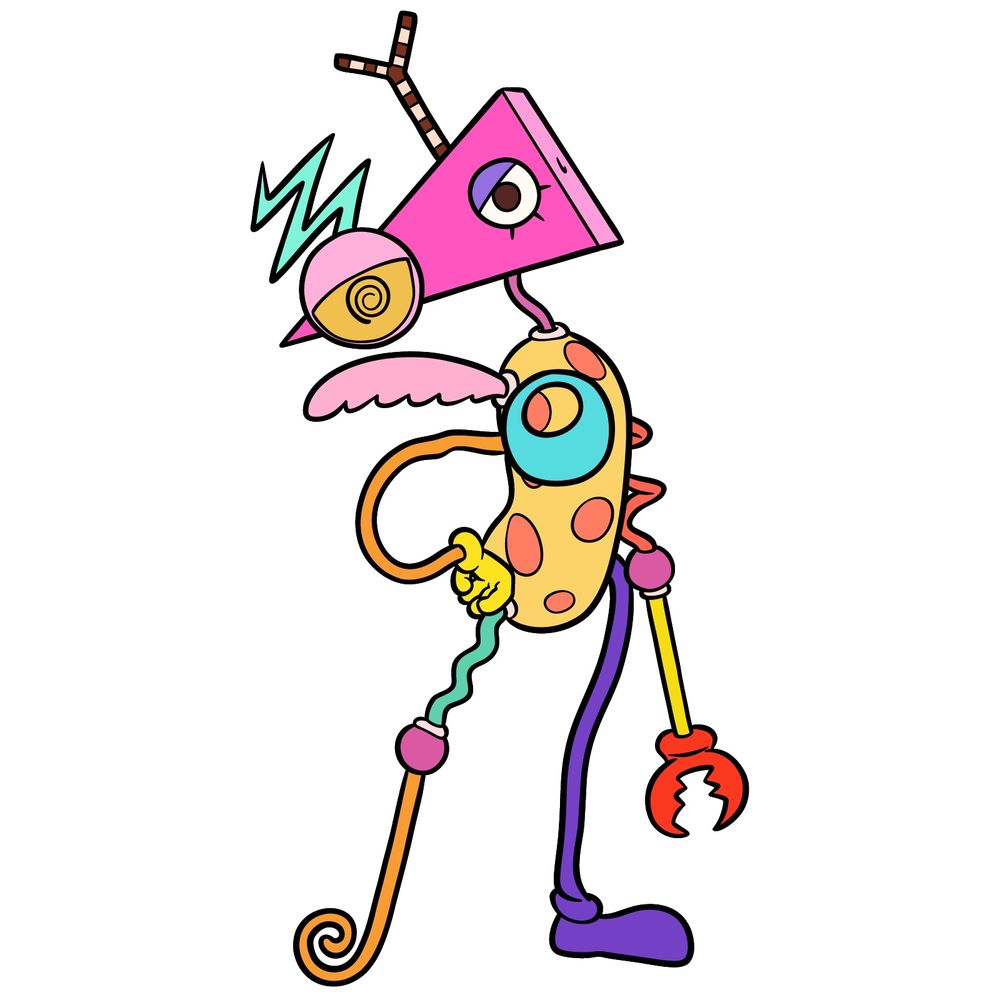
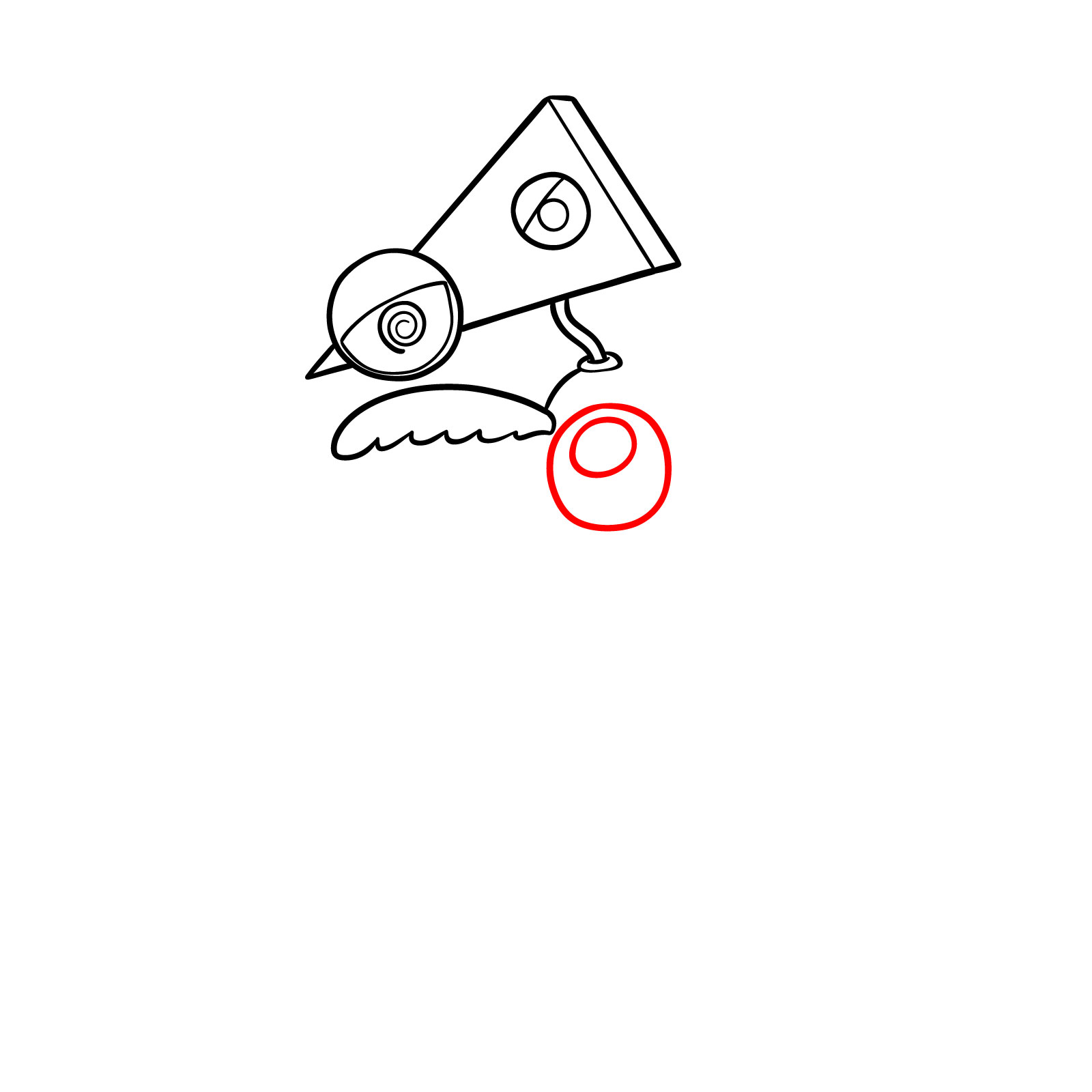
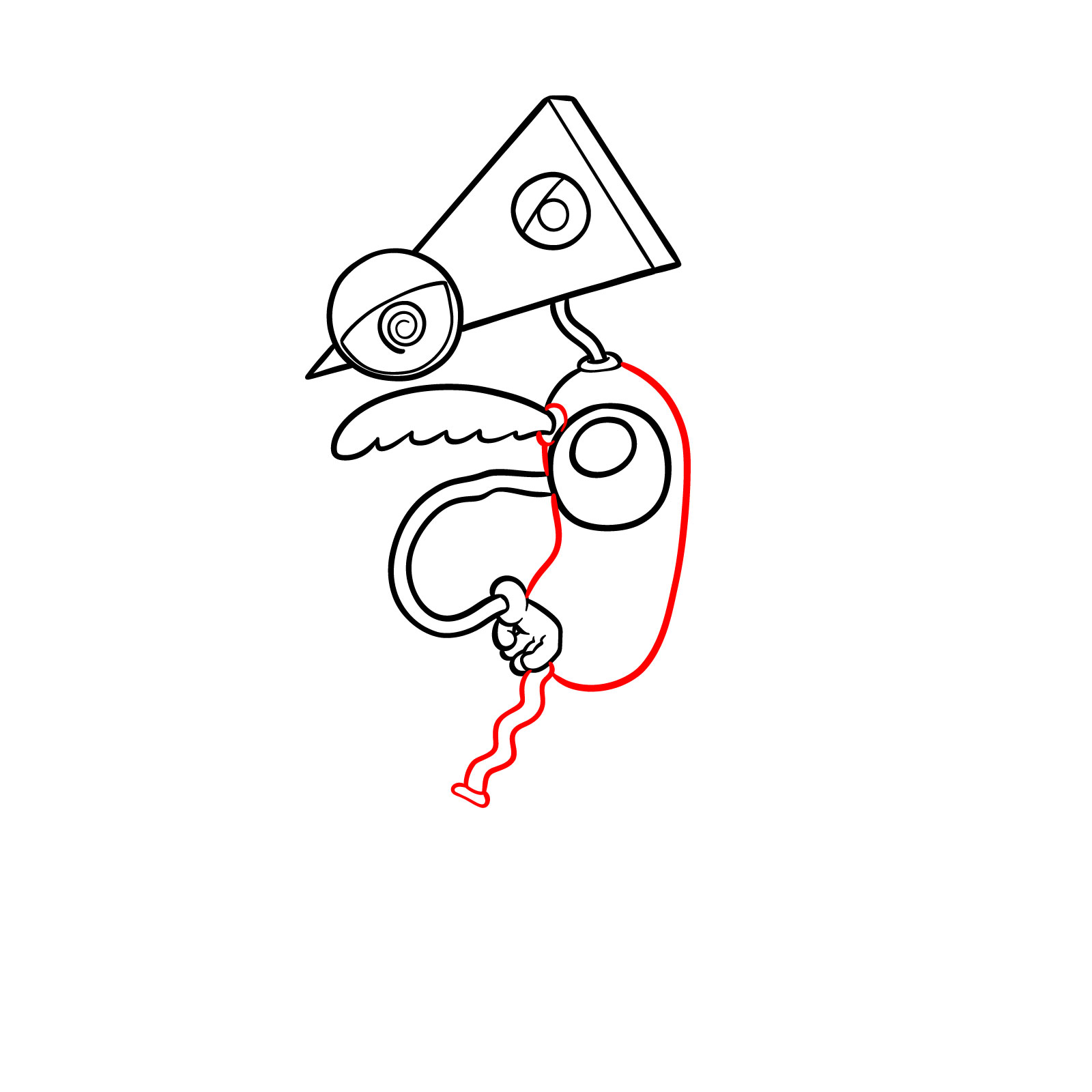
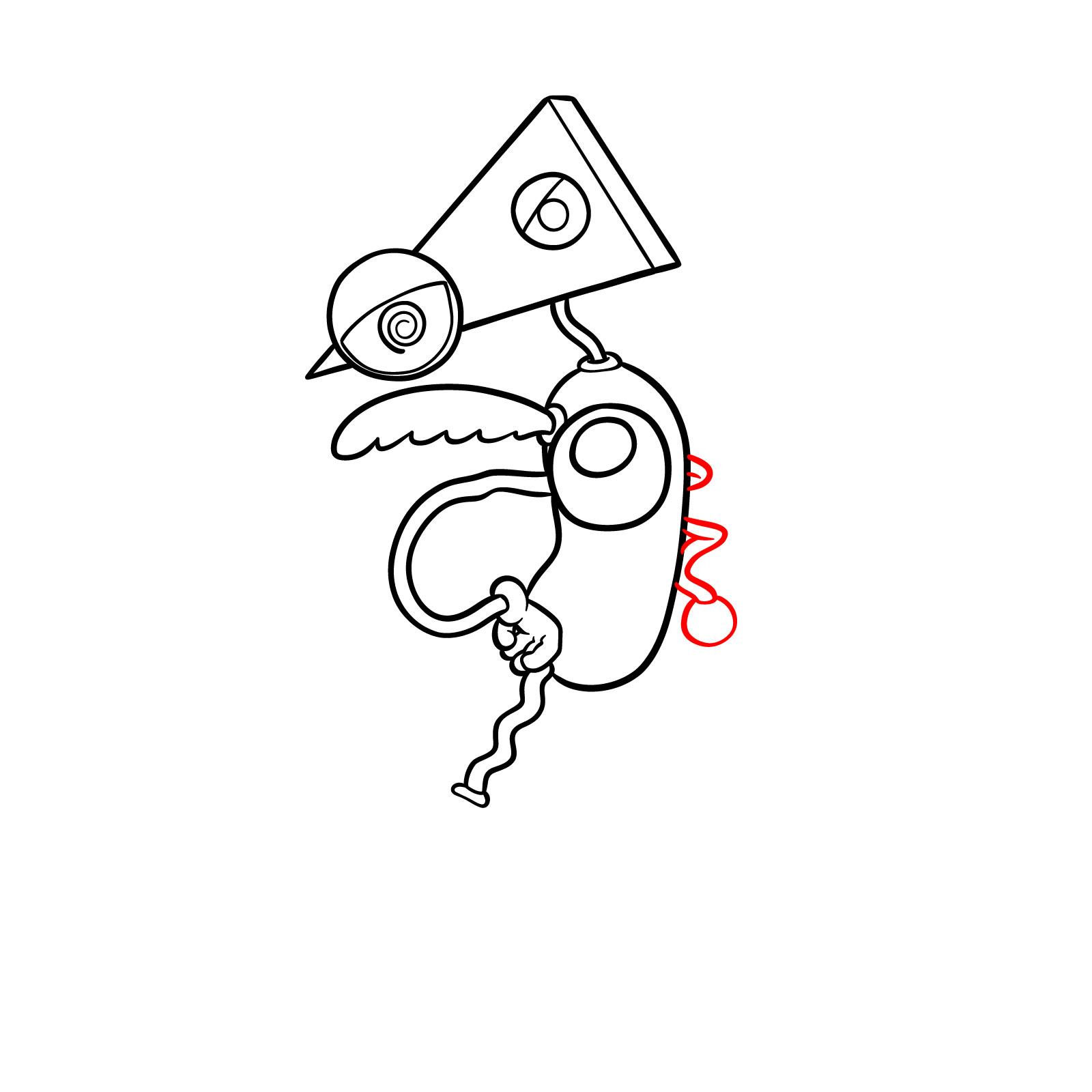
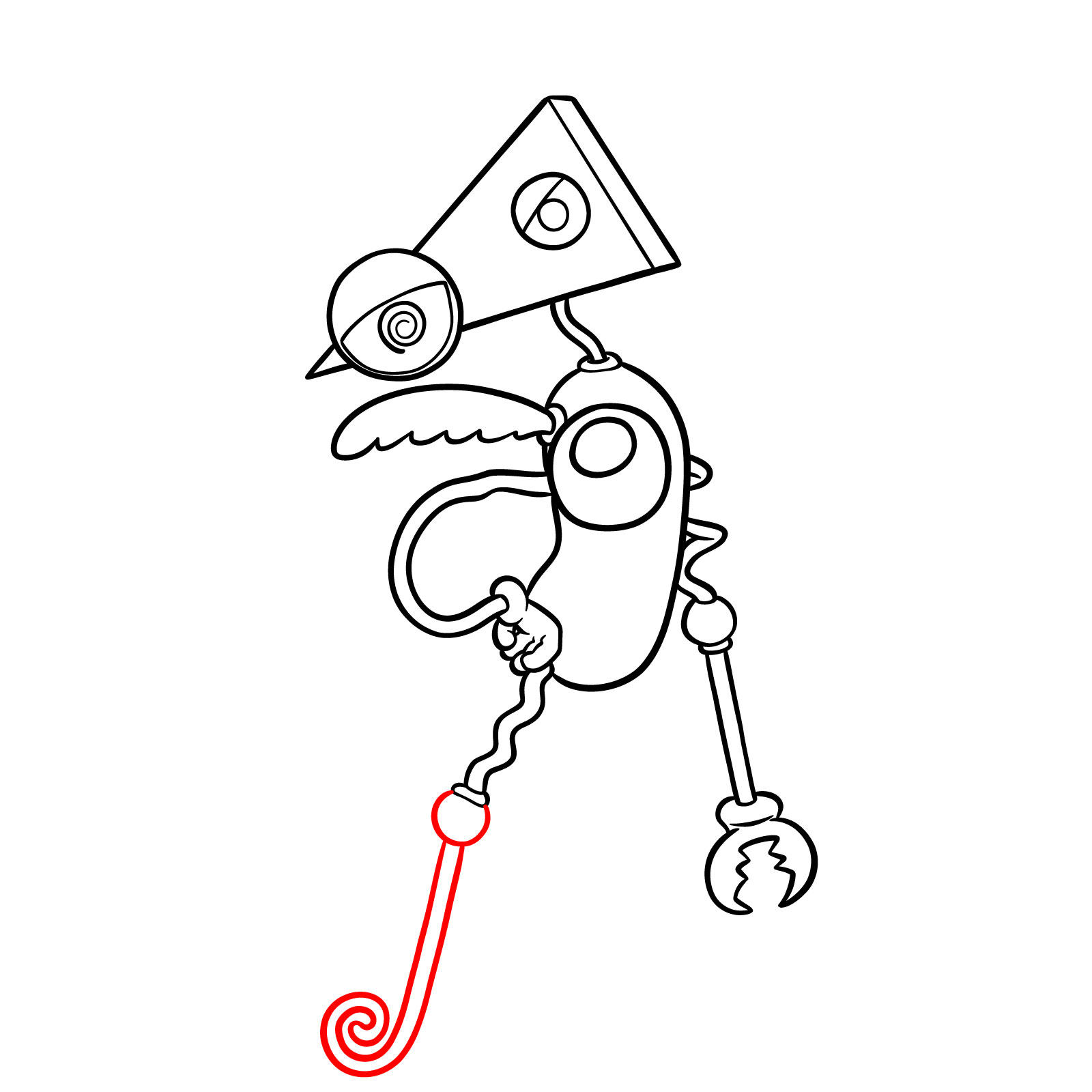
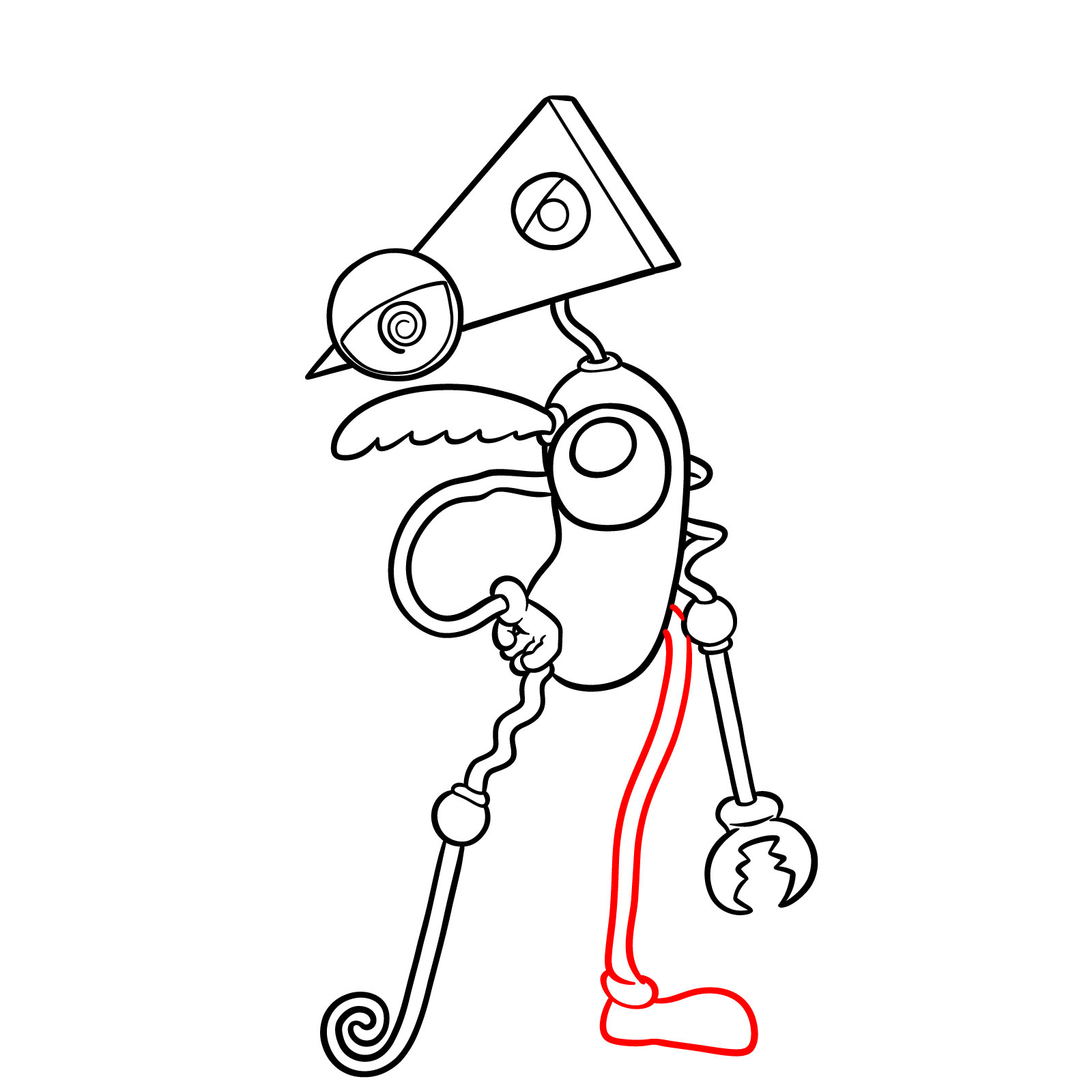
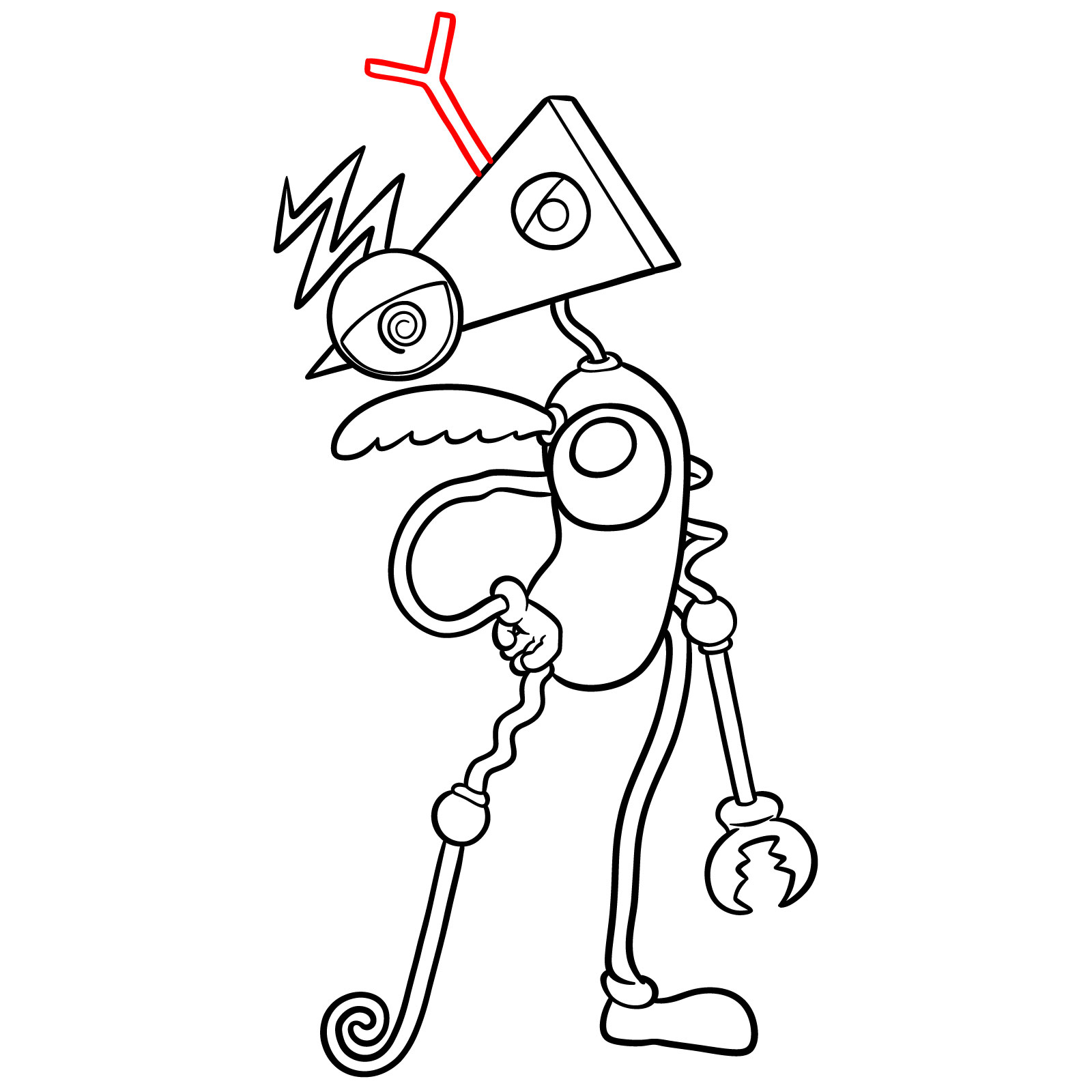
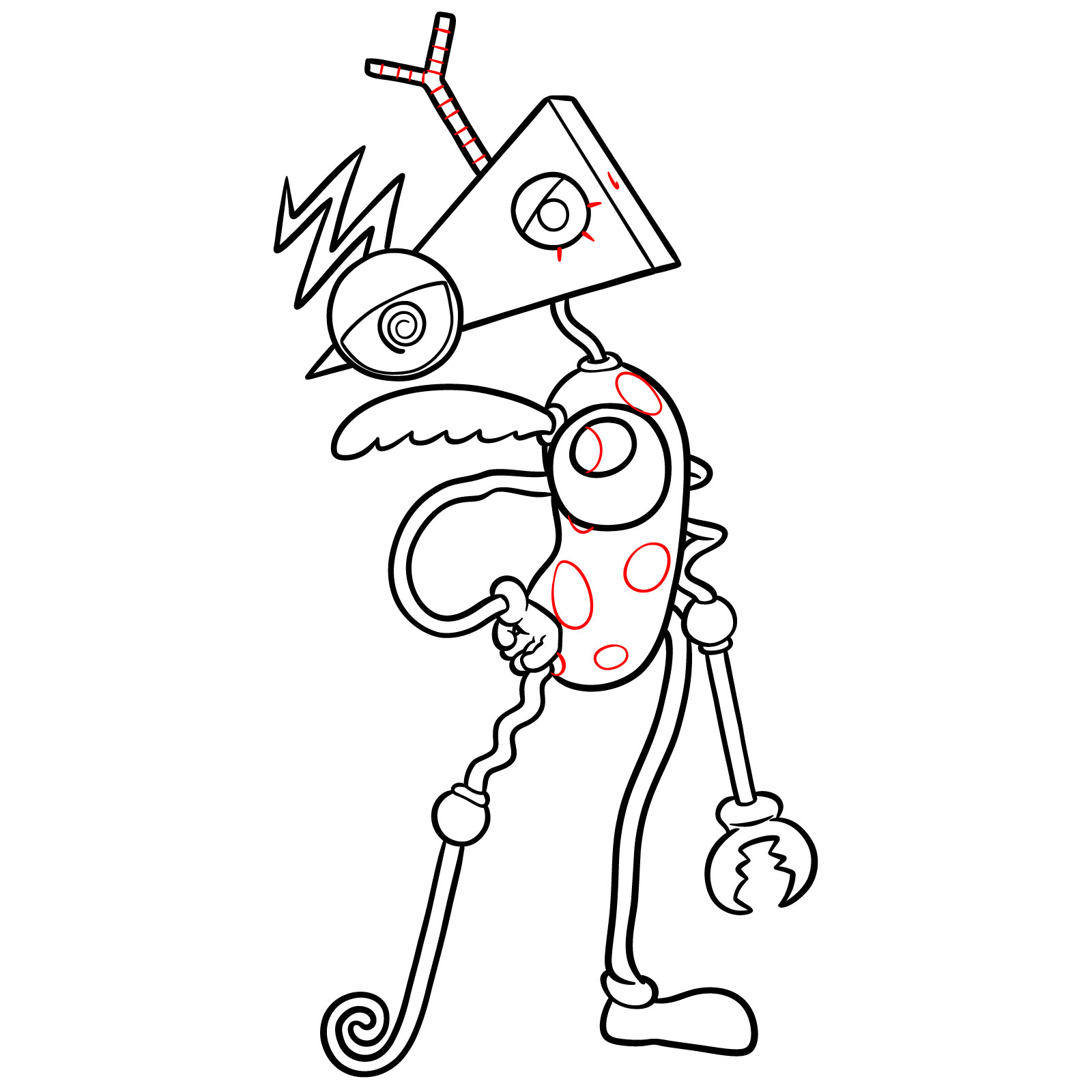
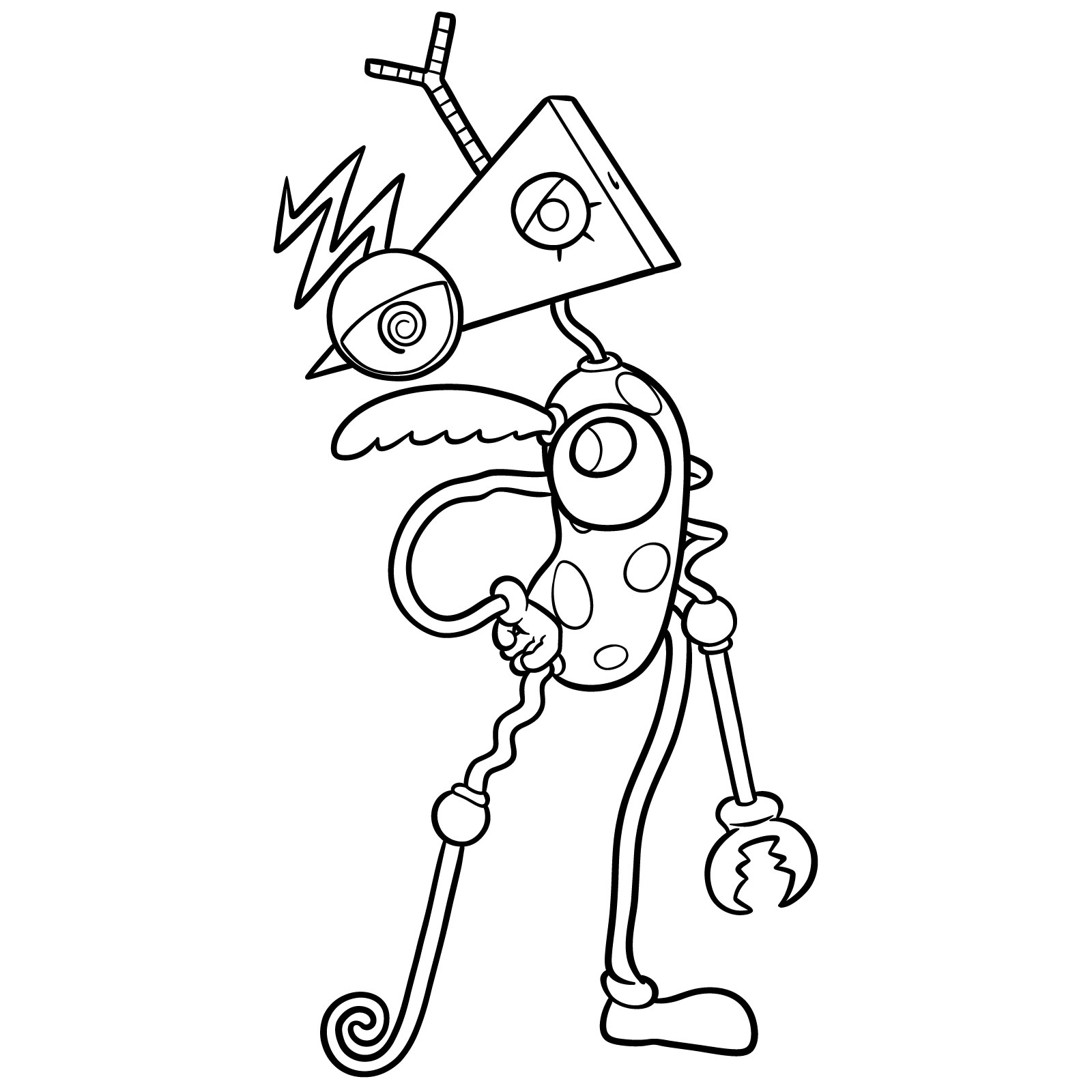
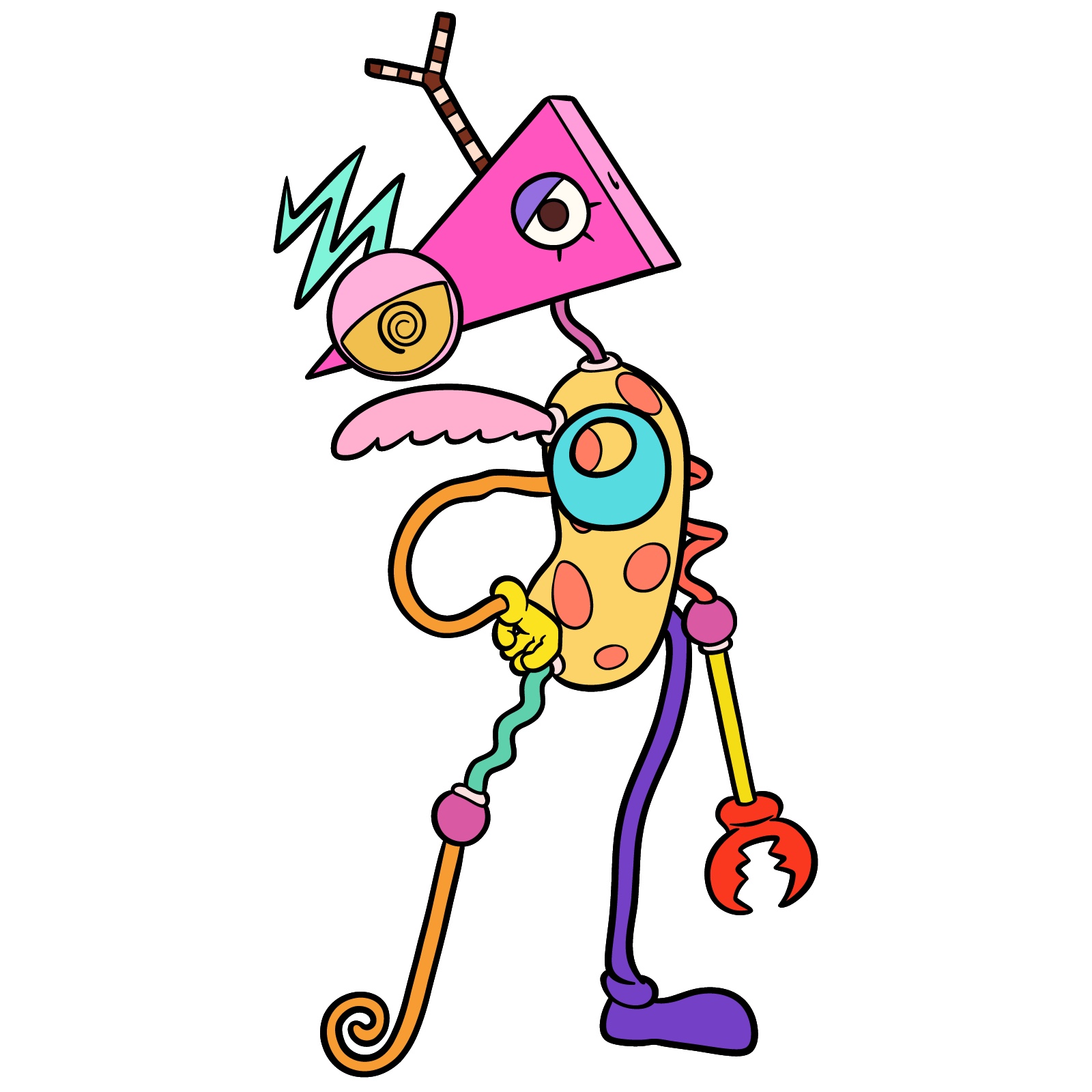
This guide explains how to draw Zooble from The Amazing Digital Circus in 19 steps, using simple shapes and clear outlines. The design is very shape-heavy, so the difficulty is moderate and mostly depends on keeping the parts consistent.
Key Visual Elements of Zooble
- Head: Hot pink isosceles triangle tilted downward.
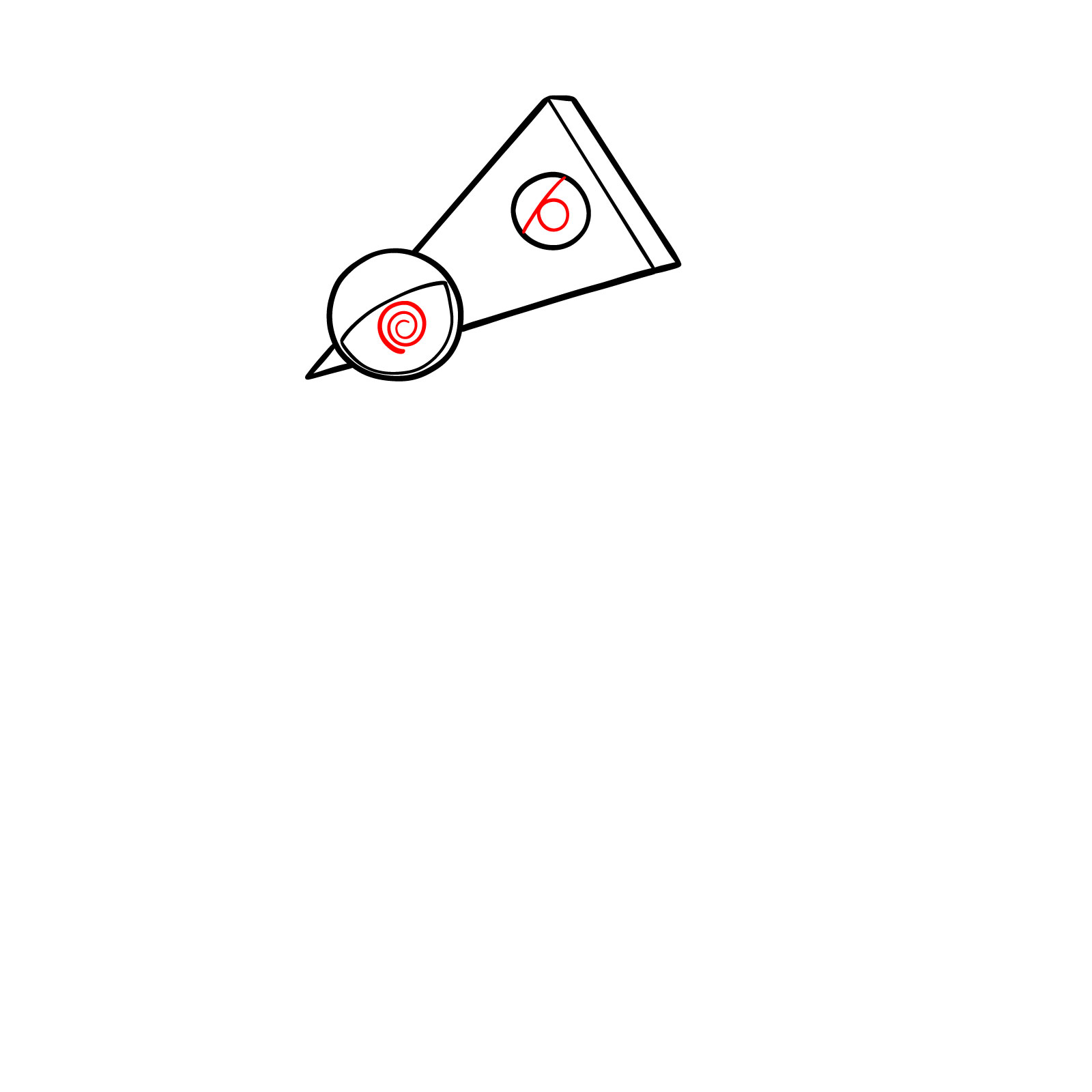
- Right Eye: Yellow sclera with black spiral iris and pink eyelid.
- Left Eye: White sclera, black iris, blue eyelid, three thin lower lashes.
- Body: Yellow bean-shaped torso with orange dots.
- Arms: Non-matching limbs, bent in different colors.
- Hands: Mismatched shapes, one sometimes claw-like.
- Legs: Long and varied, each built from different shapes and colors.
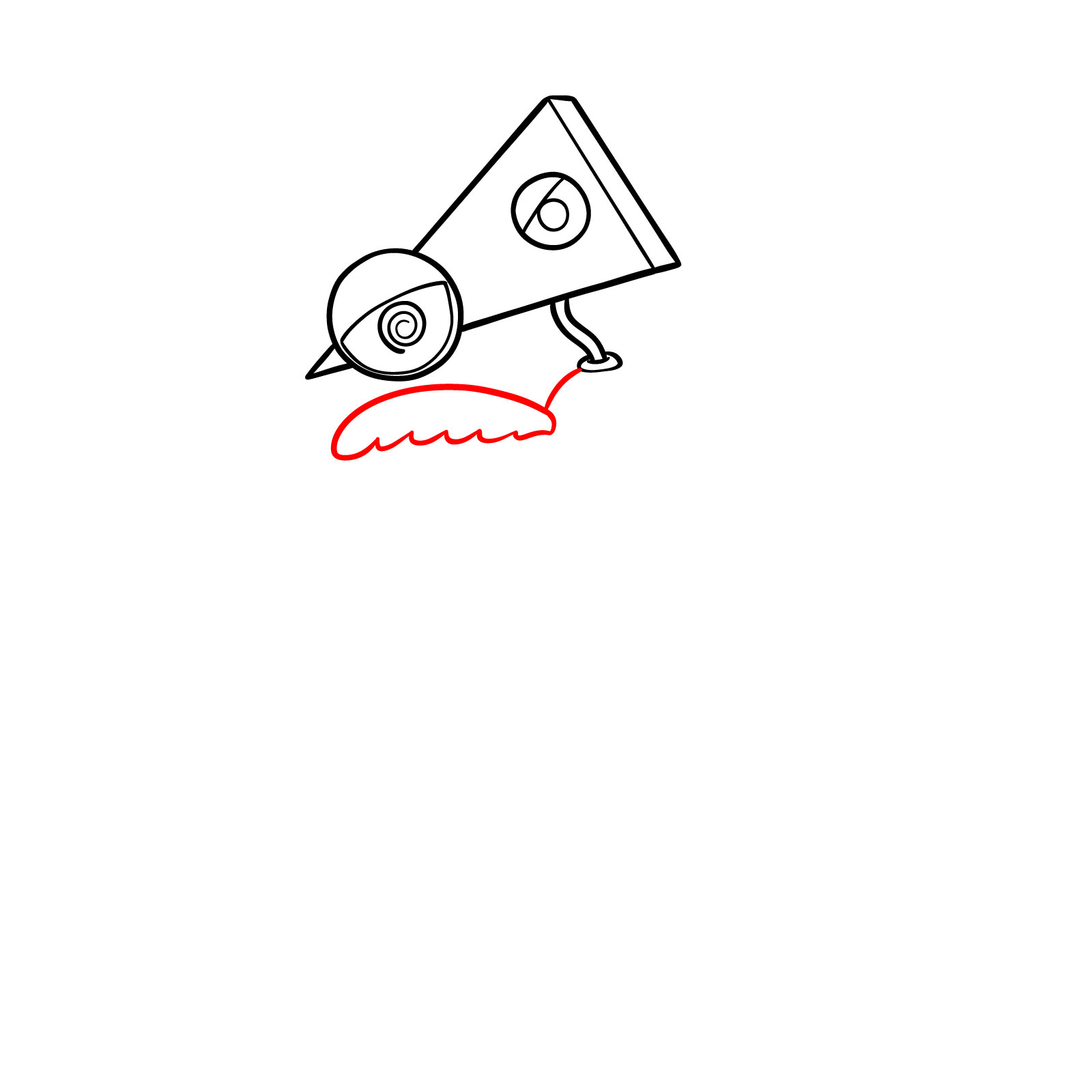
- Extras: Small wing-like or decorative part attached to the torso.
It may be interesting to draw other The Amazing Digital Circus characters afterward, such as Pomni, Jax, Ragatha or Gangle to build a set.
How the Zooble Tutorial Is Structured
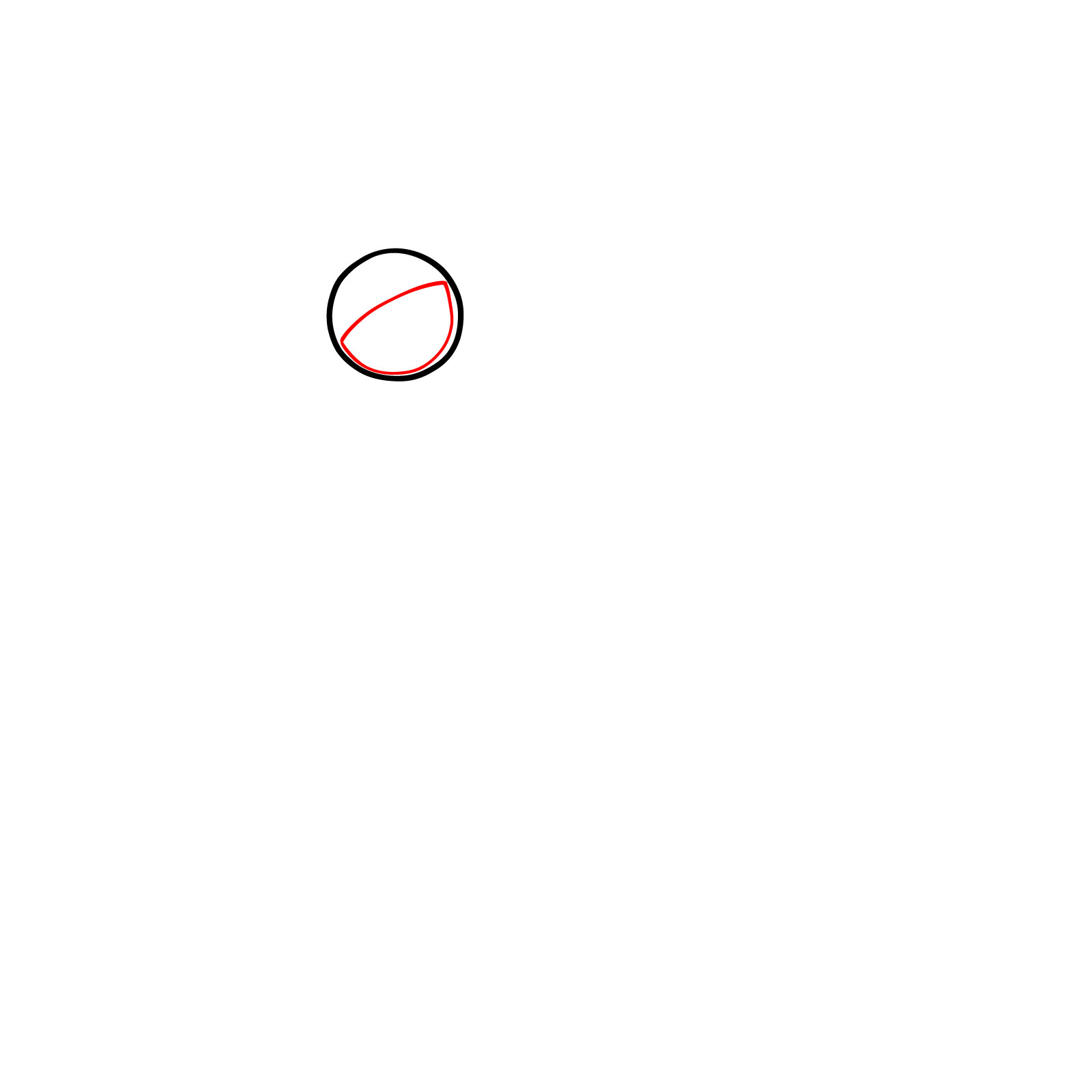
The tutorial uses a simple color system to make the order of drawing clear:
- Red Color: lines to draw in the current step.
- Black Color: lines already completed.







PATREON
Love Drawing? Help Me Create More Tutorials
On my Patreon you can grab unique hand-made coloring pages: each one drawn by me personally. Every purchase directly supports the creation of new drawing tutorials. It's the best way to practice your skills, keep the site going, and get something truly original at the same time.
Get Coloring Pages on Patreon
That covers how to draw Zooble, one of the more visually unpredictable characters to come out of The Amazing Digital Circus. If you want to share what you ended up with, drop it in the comments on the Pinterest pinned post for this guide.

Disclaimer: This is a non-commercial, fan-made educational site. All characters belong to their respective owners. We are not affiliated with any rights holders.
Read full Disclaimer