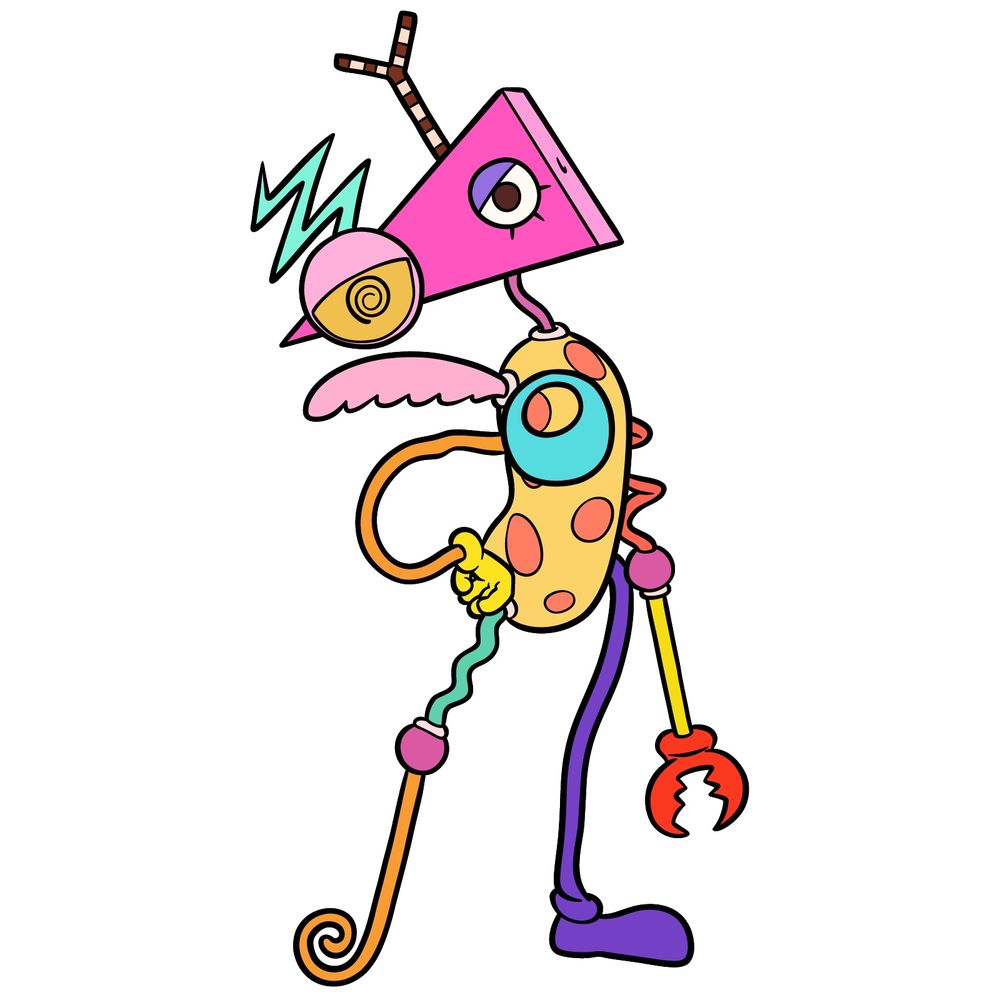
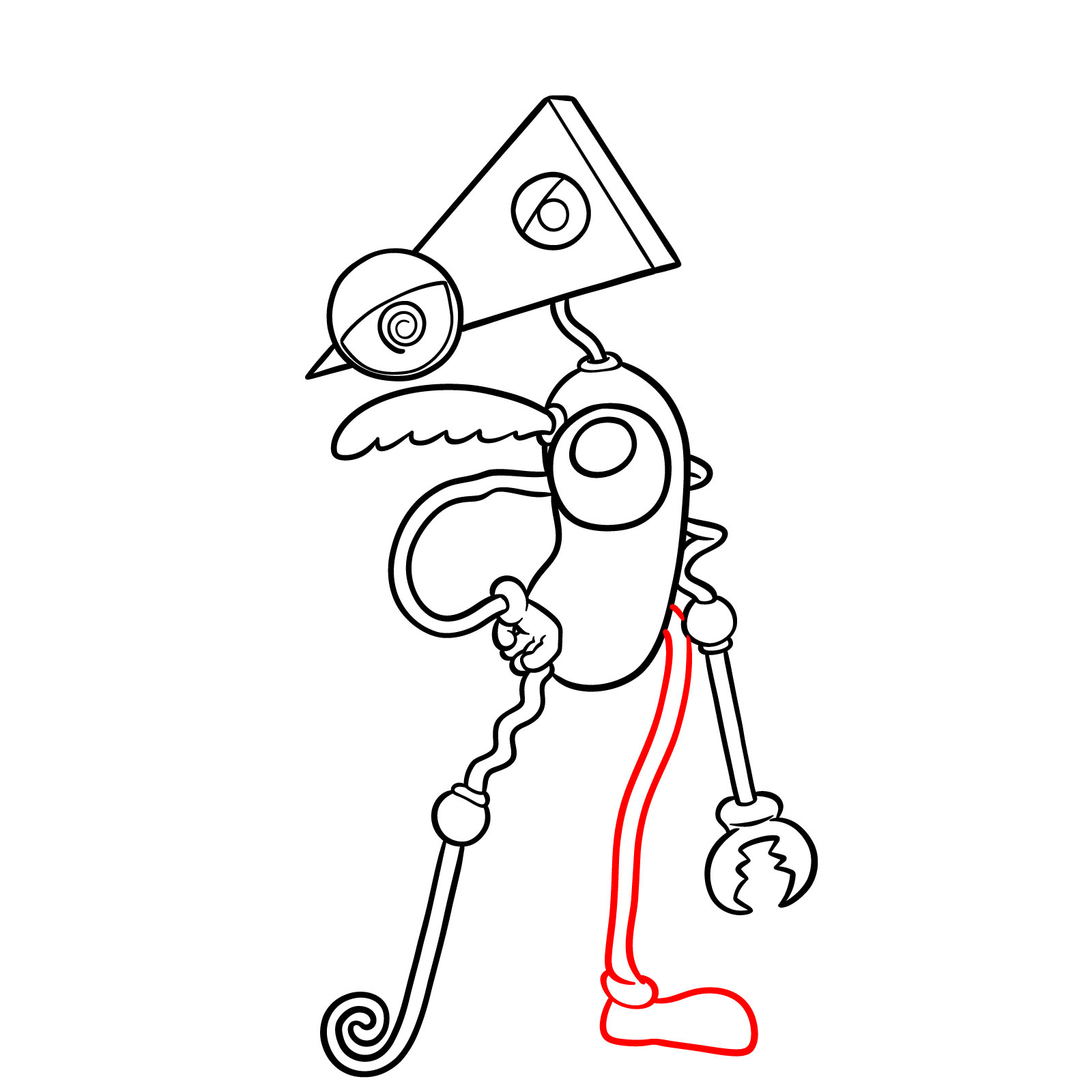
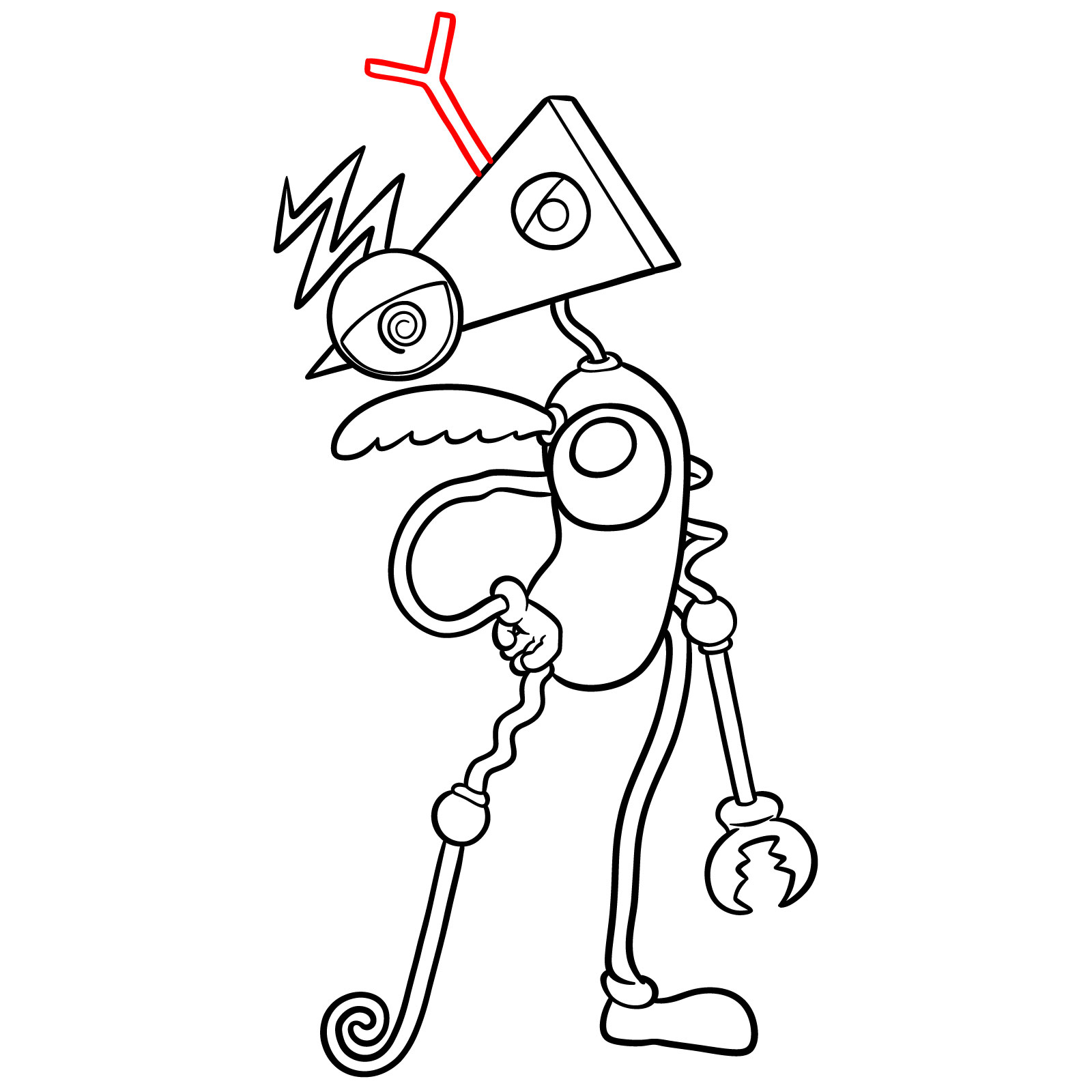
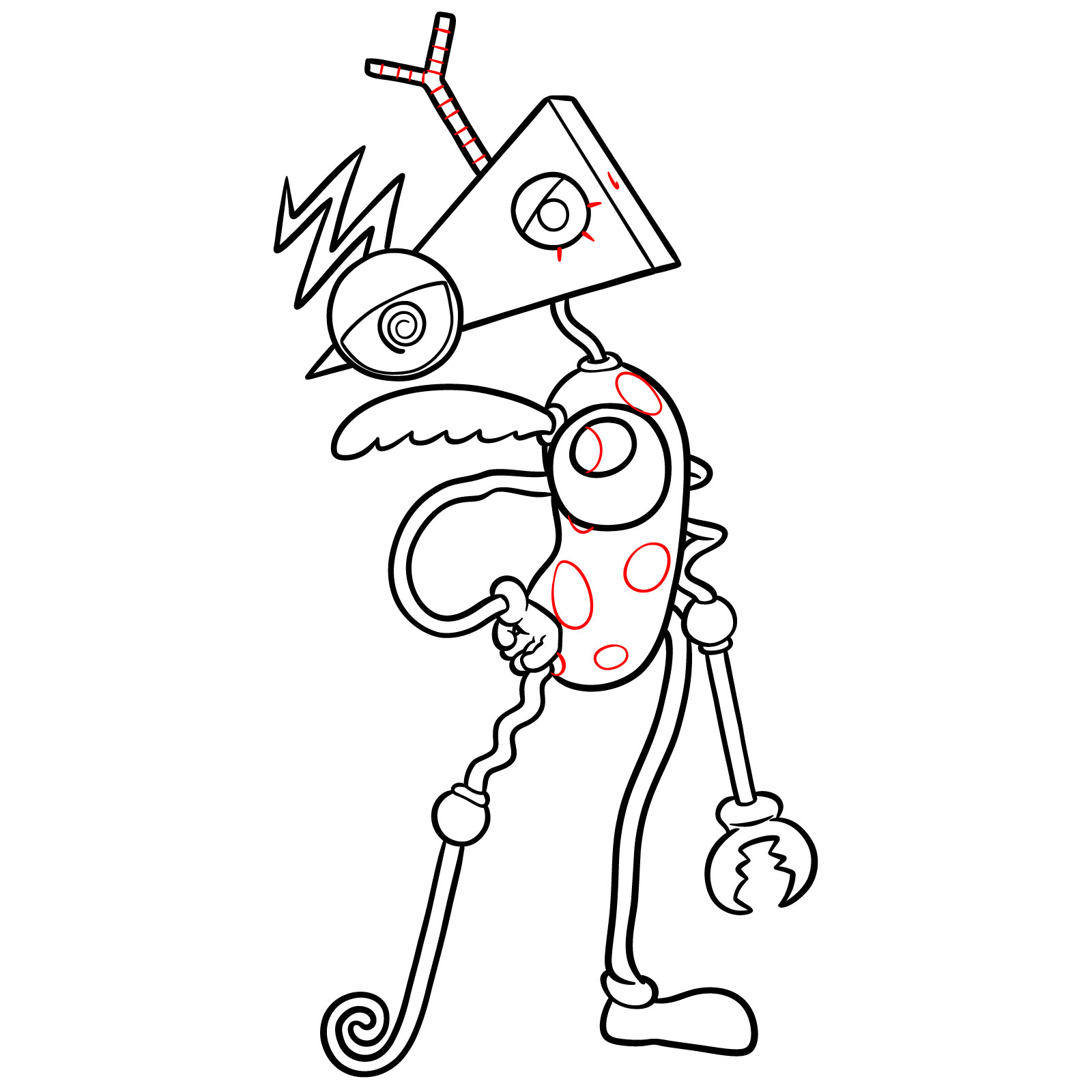
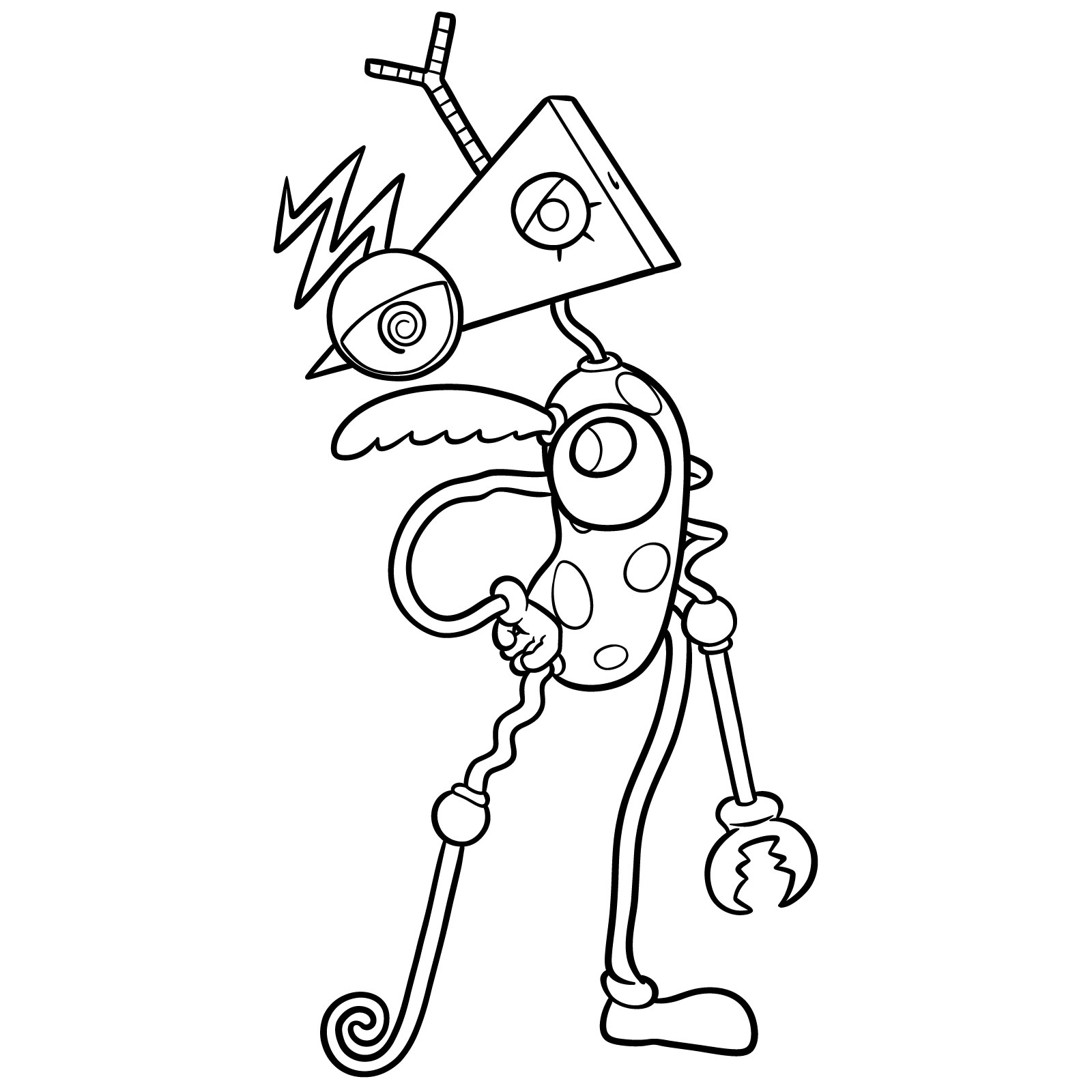
This guide explains how to draw Zooble from The Amazing Digital Circus in 19 steps, using simple shapes and clear outlines. The design is very shape-heavy, so the difficulty is moderate and mostly depends on keeping the parts consistent.
Key Visual Elements of Zooble
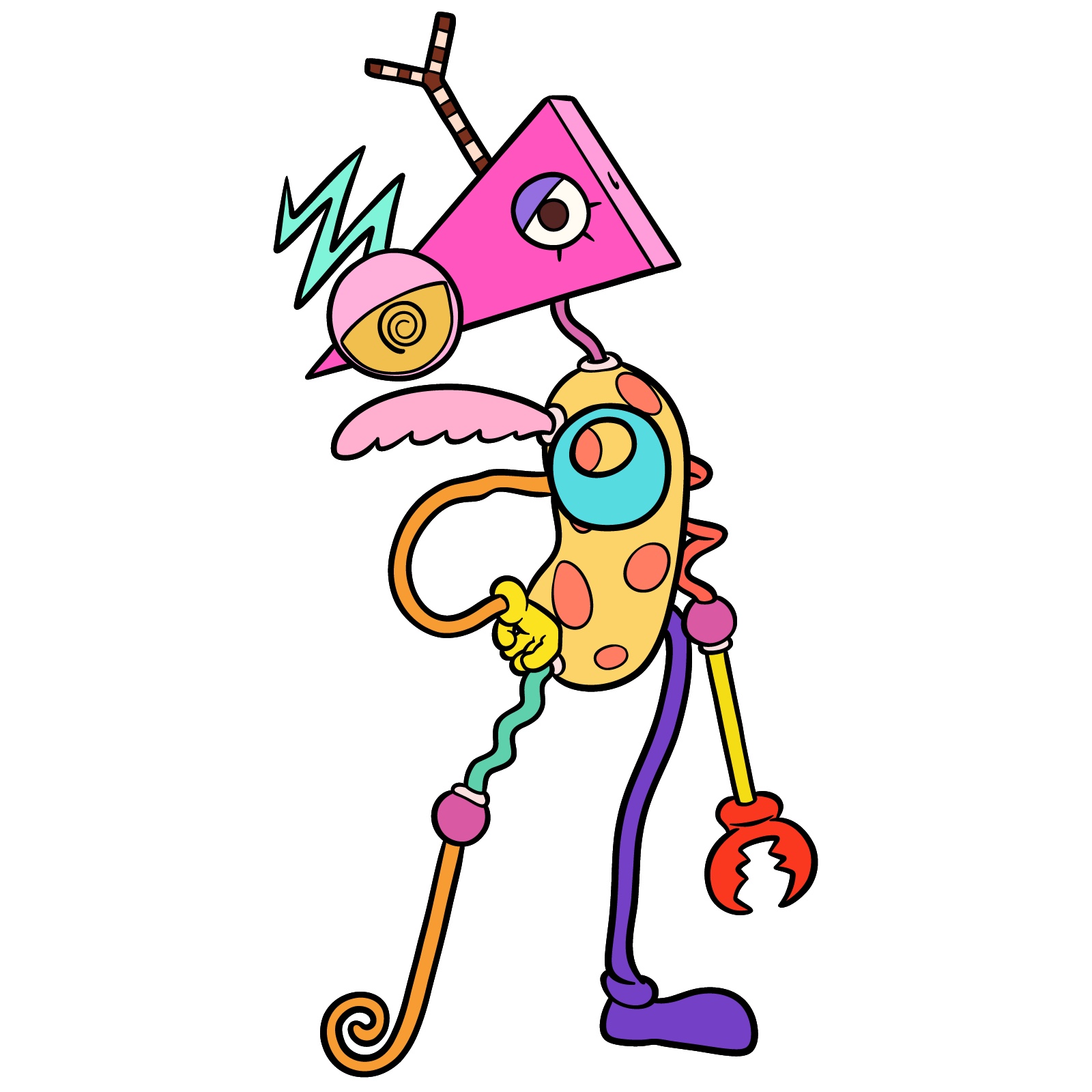
- Head: Hot pink isosceles triangle tilted downward.
- Right Eye: Yellow sclera with black spiral iris and pink eyelid.
- Left Eye: White sclera, black iris, blue eyelid, three thin lower lashes.
- Body: Yellow bean-shaped torso with orange dots.
- Arms: Non-matching limbs, bent in different colors.
- Hands: Mismatched shapes, one sometimes claw-like.
- Legs: Long and varied, each built from different shapes and colors.
- Extras: Small wing-like or decorative part attached to the torso.
It may be interesting to draw other The Amazing Digital Circus characters afterward, such as Pomni, Jax, Ragatha or Gangle to build a set.
How the Zooble Tutorial Is Structured
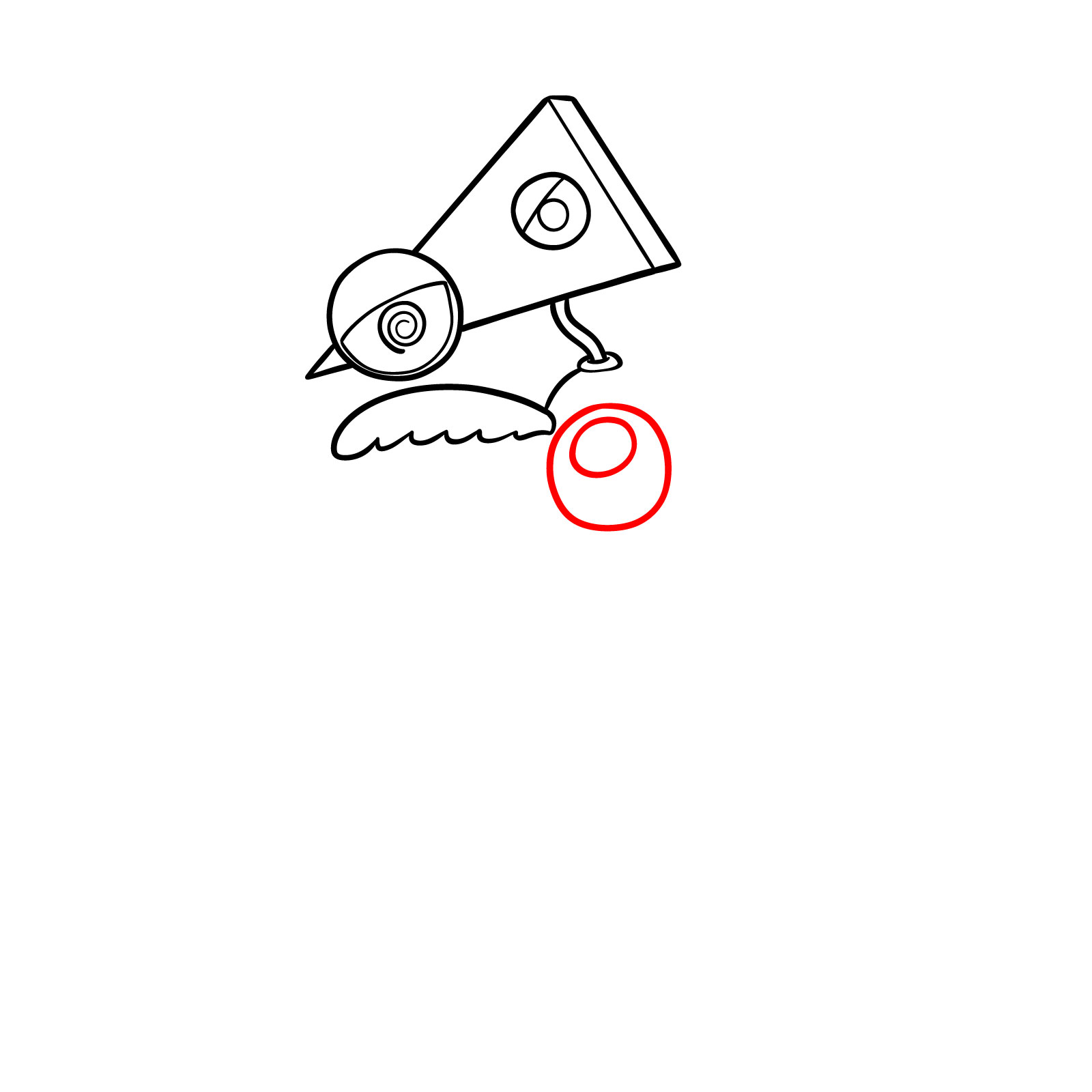
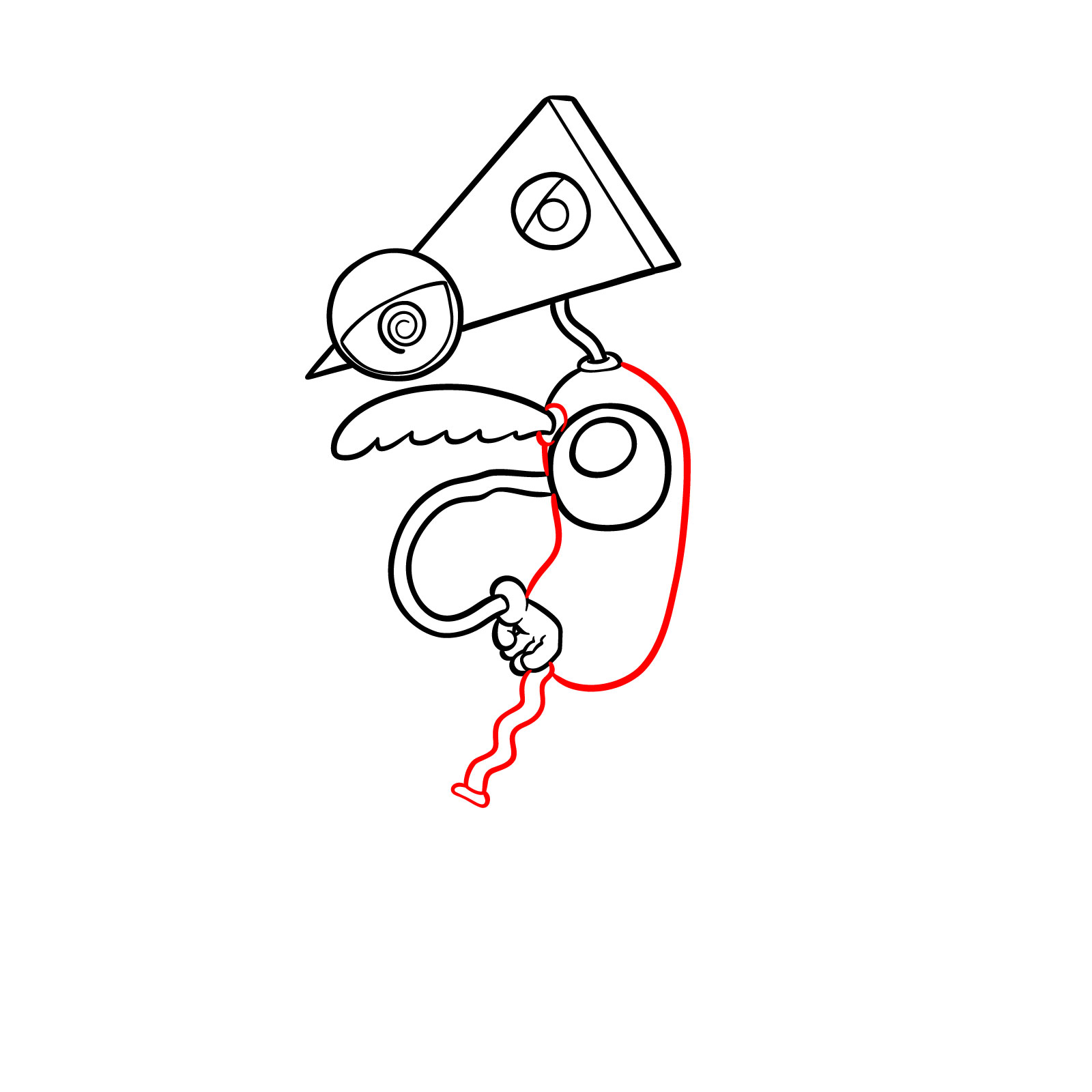
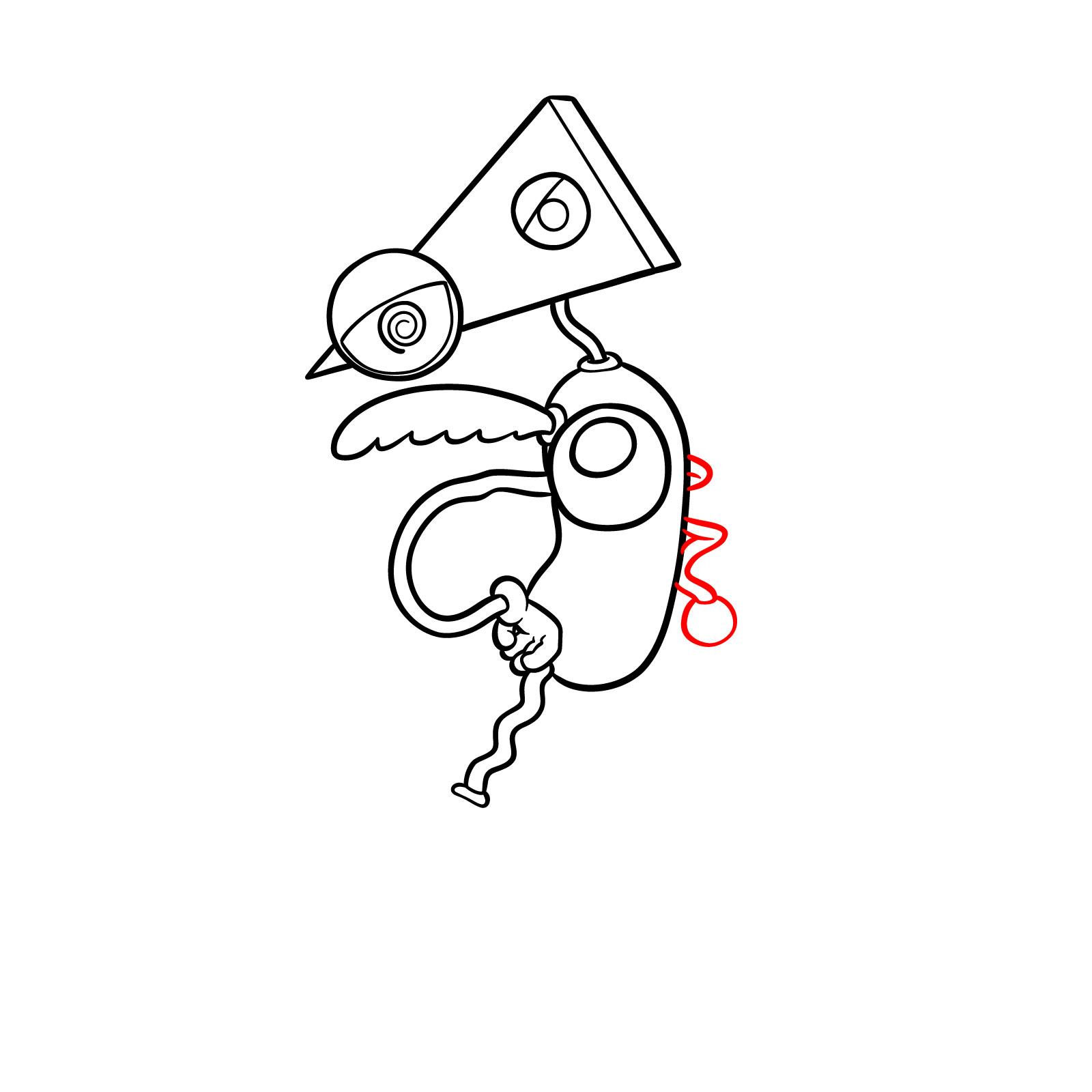
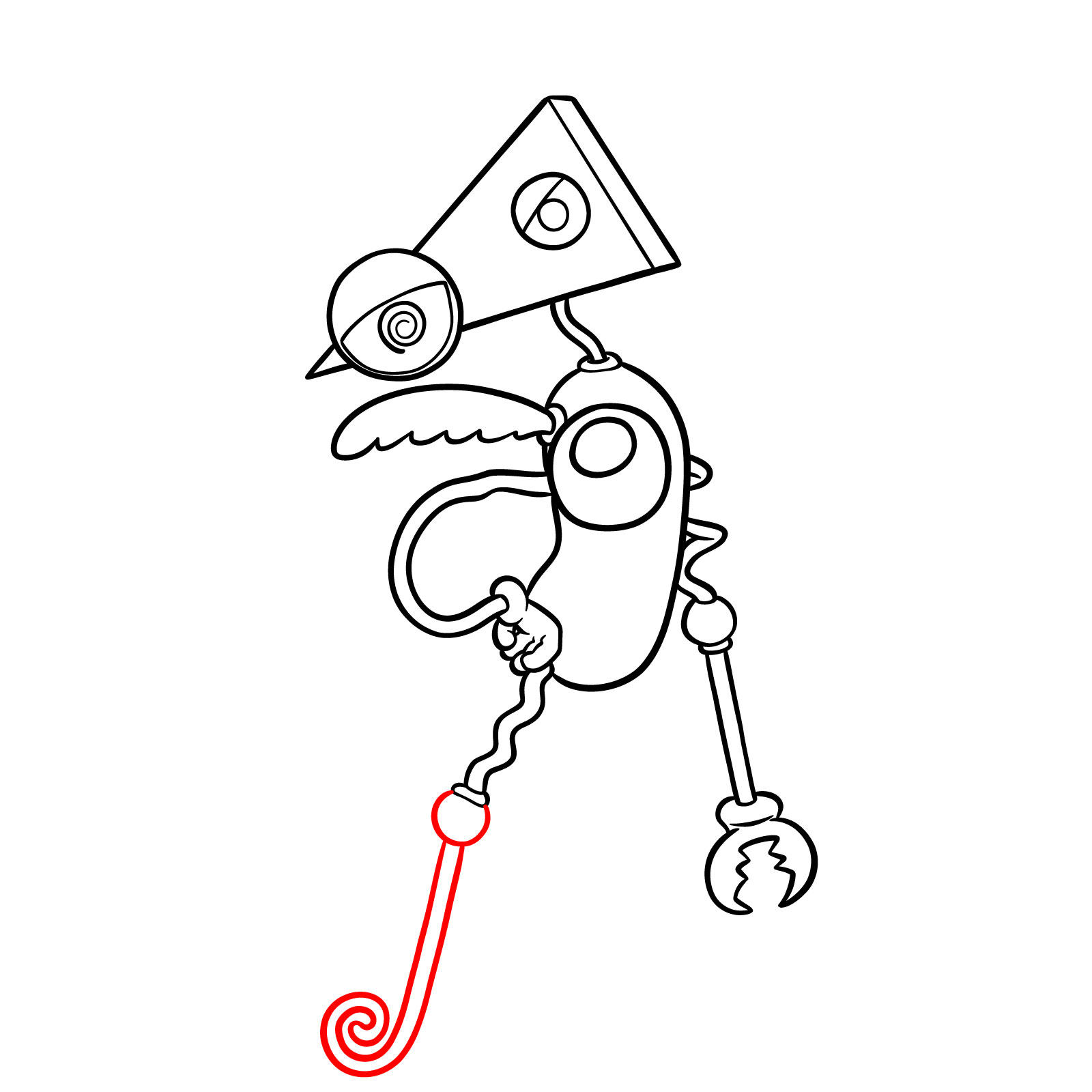
The tutorial uses a simple color system to make the order of drawing clear:
- Red Color: lines to draw in the current step.
- Black Color: lines already completed.

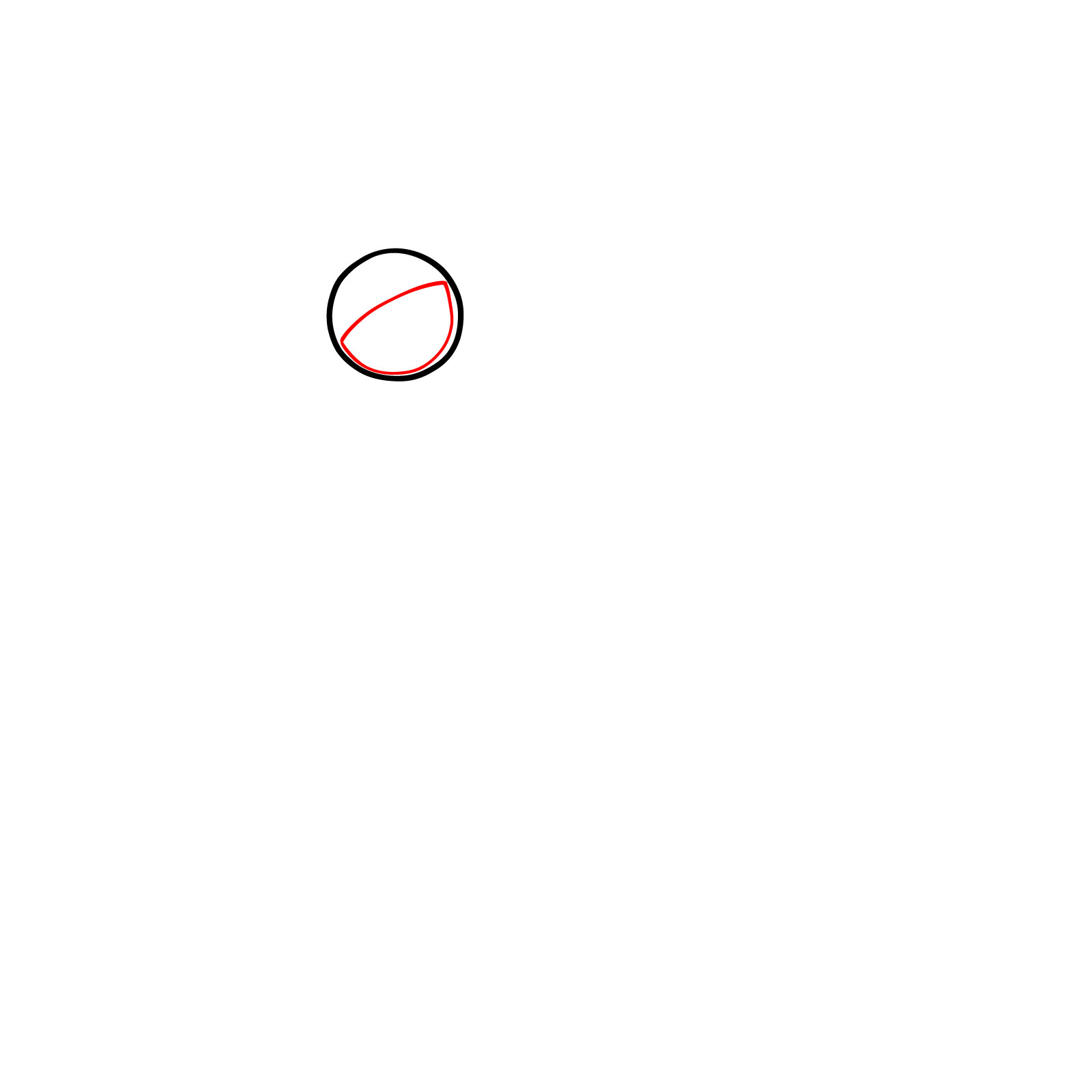


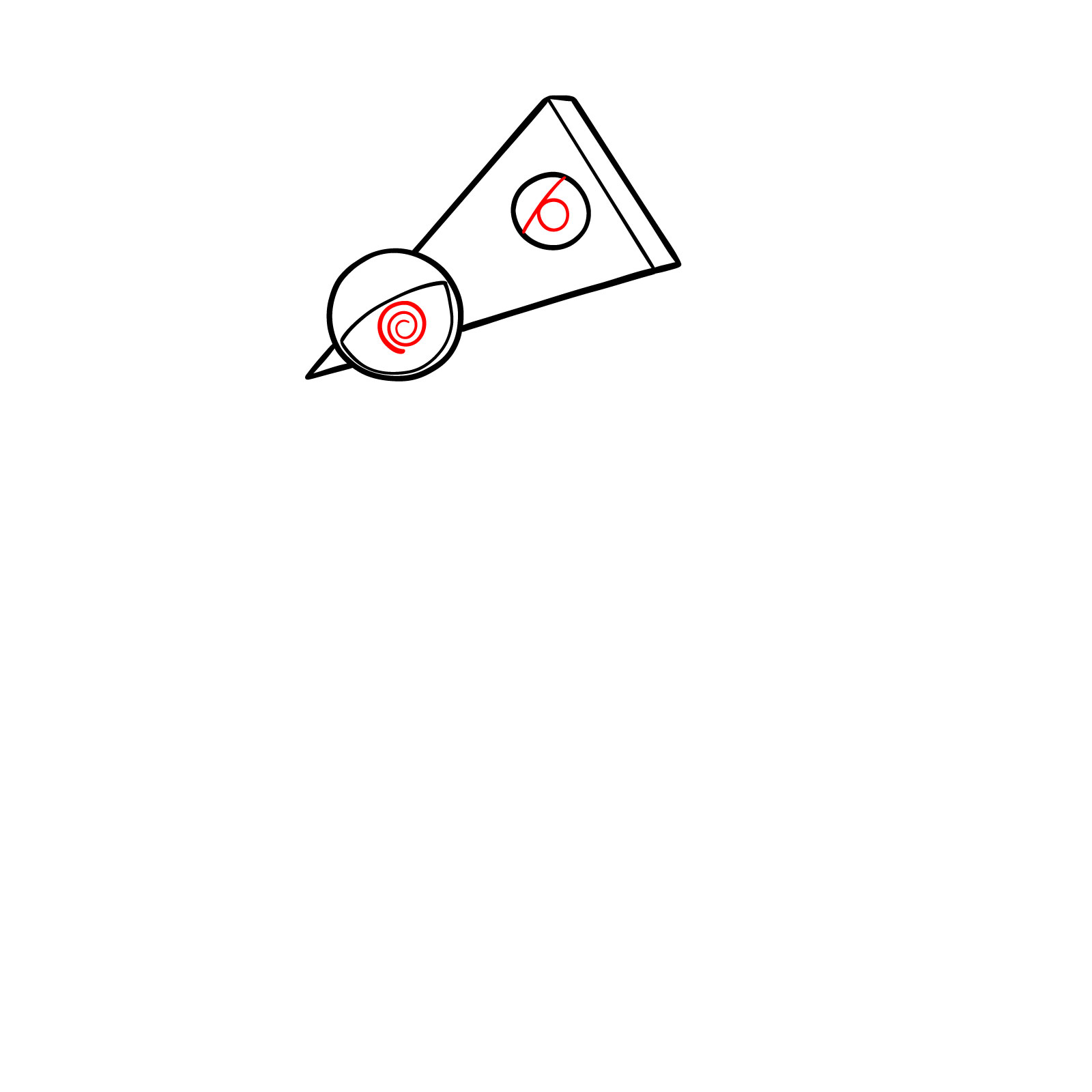

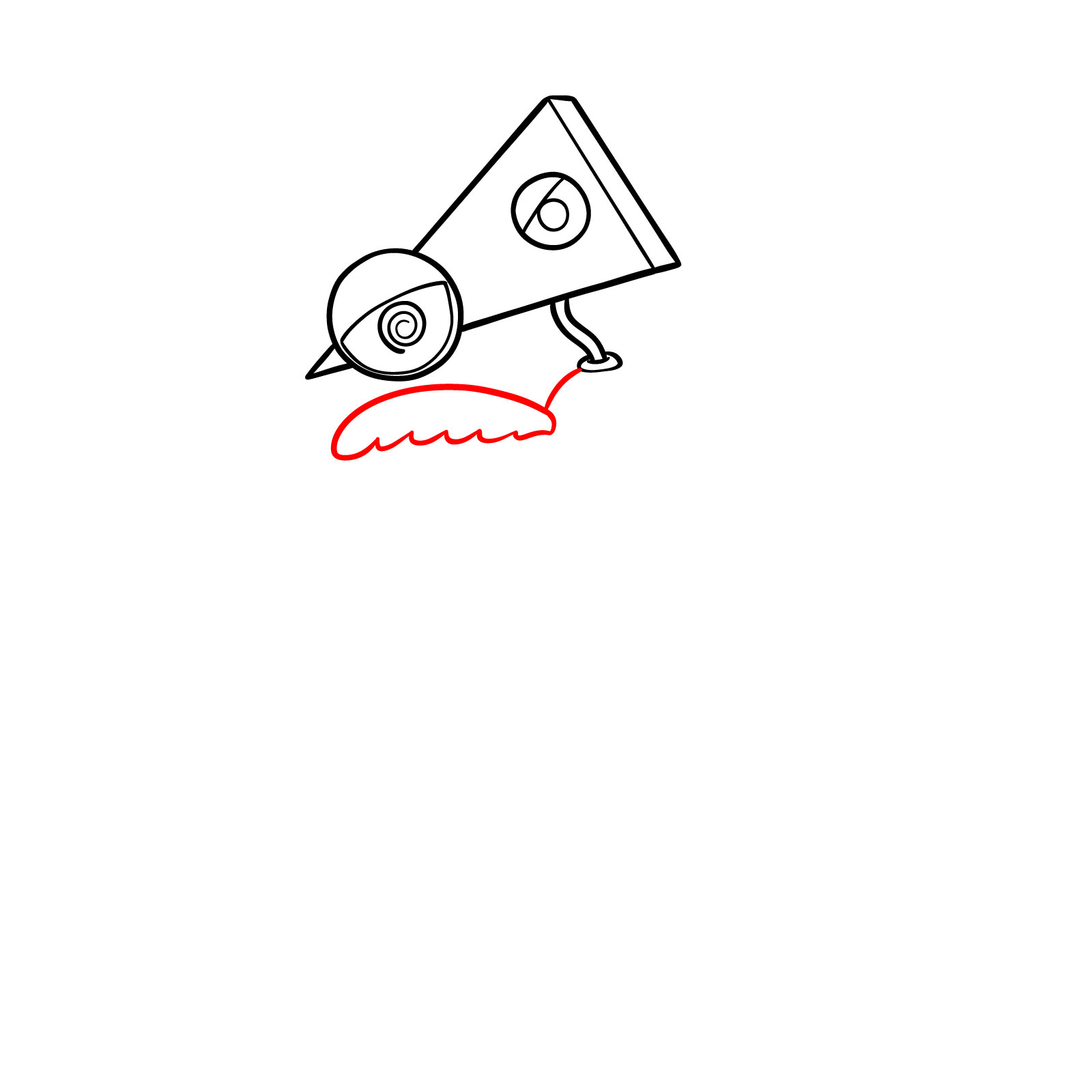



If you’d like to support the project, you can donate using the button below.

Your finished Zooble drawing can be shared in the comments of the pinned Pinterest post, where artists usually attach their versions.
For more how to draw Zooble and other The Amazing Digital Circus drawing tutorials, feel free to follow SketchOk on social media. New videos appear on YouTube every other day.