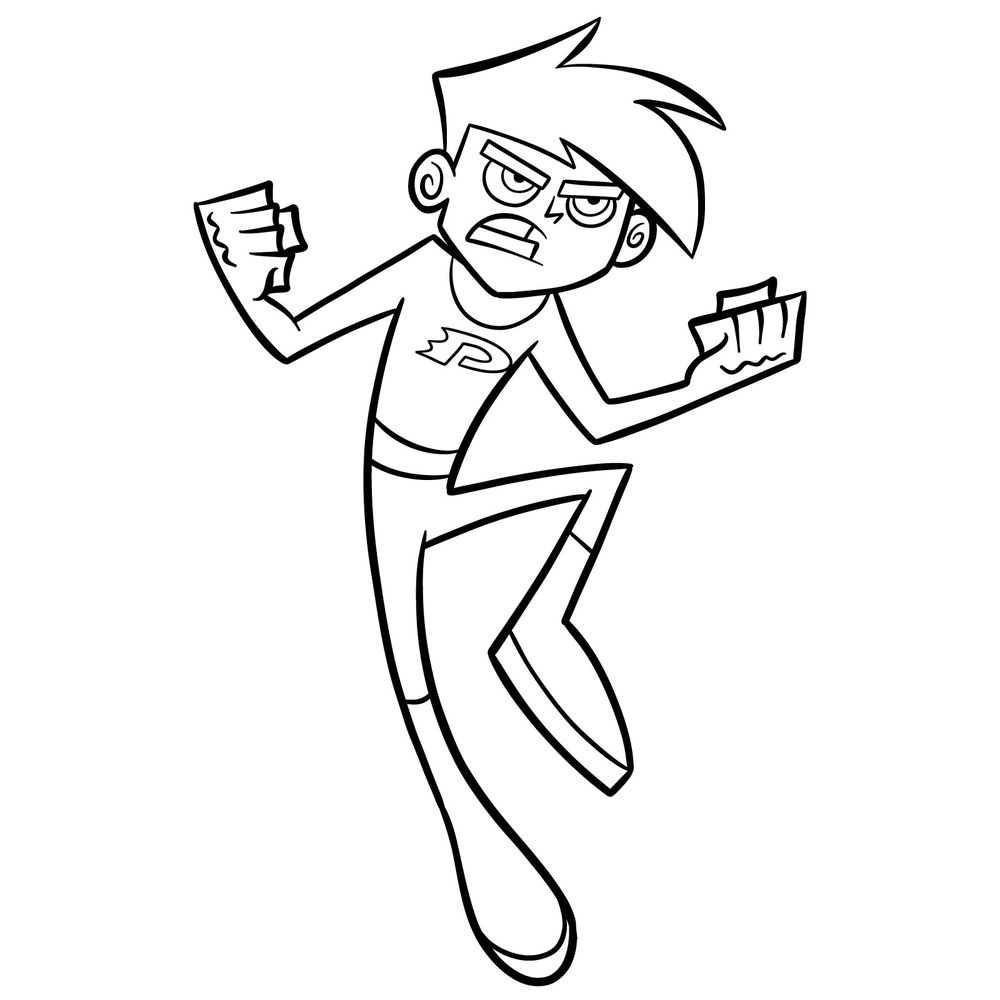
If you’re excited about learning how to draw Danny Phantom from the animated series in an action-packed pose, this guide will walk you through the process step by step. Danny’s design in this pose captures his ghostly powers. Let’s break down his defining features so you can nail his look.
Key Features of Danny Phantom
- Distinct, angular hairstyle with his iconic side-swept bangs.
- Intense expression with furrowed brows and determined eyes.
- The signature “DP” logo on his chest, marking his ghostly uniform.
- A dynamic stance featuring clenched fists and bent leg, giving a sense of movement.
- Sleek gloves and boots that add to his streamlined design.
Keep these features in mind as they are crucial to capturing Danny’s appearance in this action pose. Once you’re done, why not challenge yourself by sketching him in normal standing pose?
Understanding the Color Guide
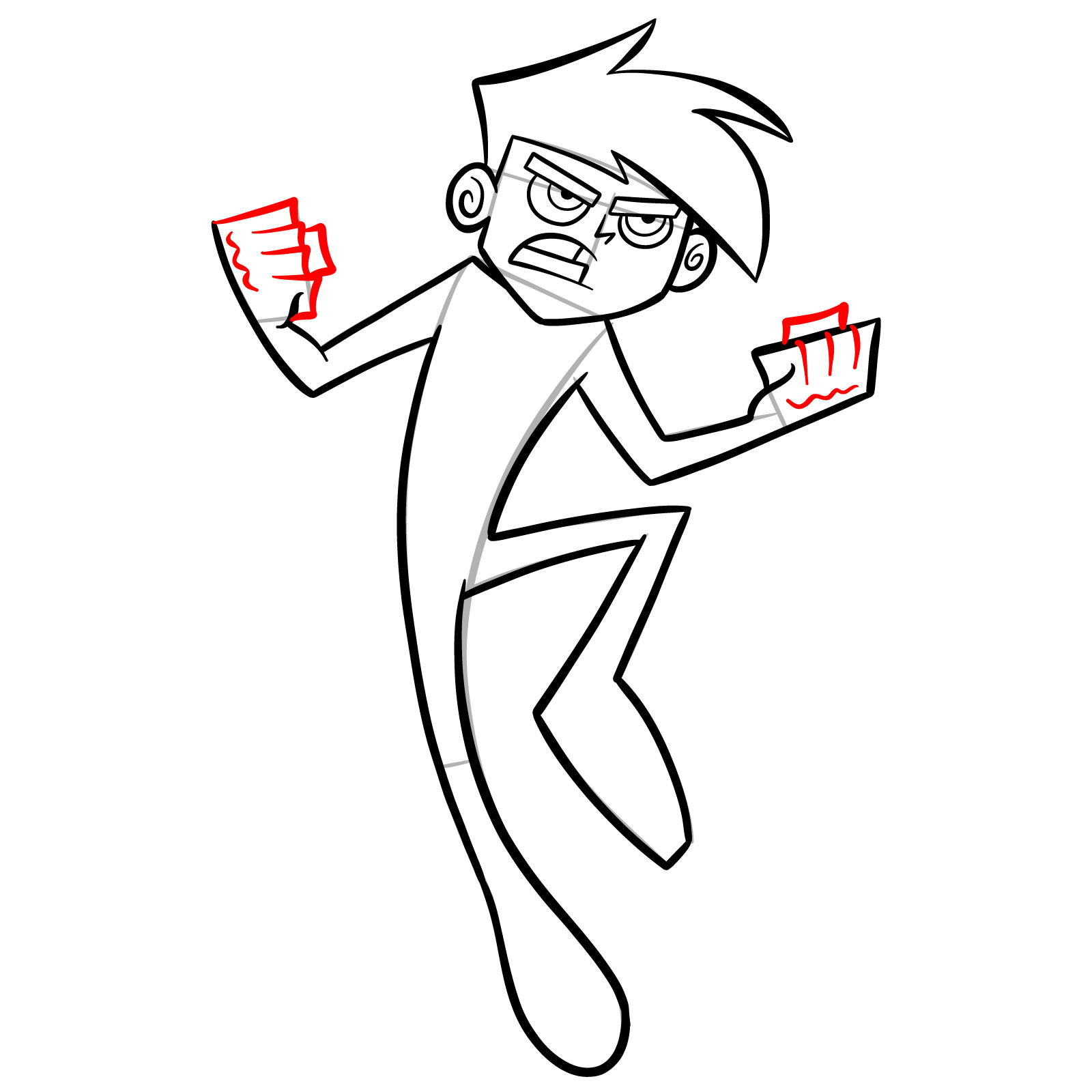
This guide includes color codes to make the drawing process simpler and more organized:
- Red Color: Indicates the step you’re currently working on.
- Black Color: Represents finalized lines from previous steps.
- Grey Color: Shows the initial sketch outline for guidance.
These colors will help you stay on track and make the entire drawing process more efficient and enjoyable.




Now that you know how to draw Danny Phantom in a dynamic pose, head over to the pinned post for this tutorial on Pinterest and share what you came up with. That’s where the SketchOk community drops their finished sketches and talks through techniques, so it’s a great spot to get feedback or just see how others tackled the tricky bits like his ghost tail and that mid-flight energy. If you prefer watching over reading, check out the SketchOk YouTube channel where video versions of some guides are available.