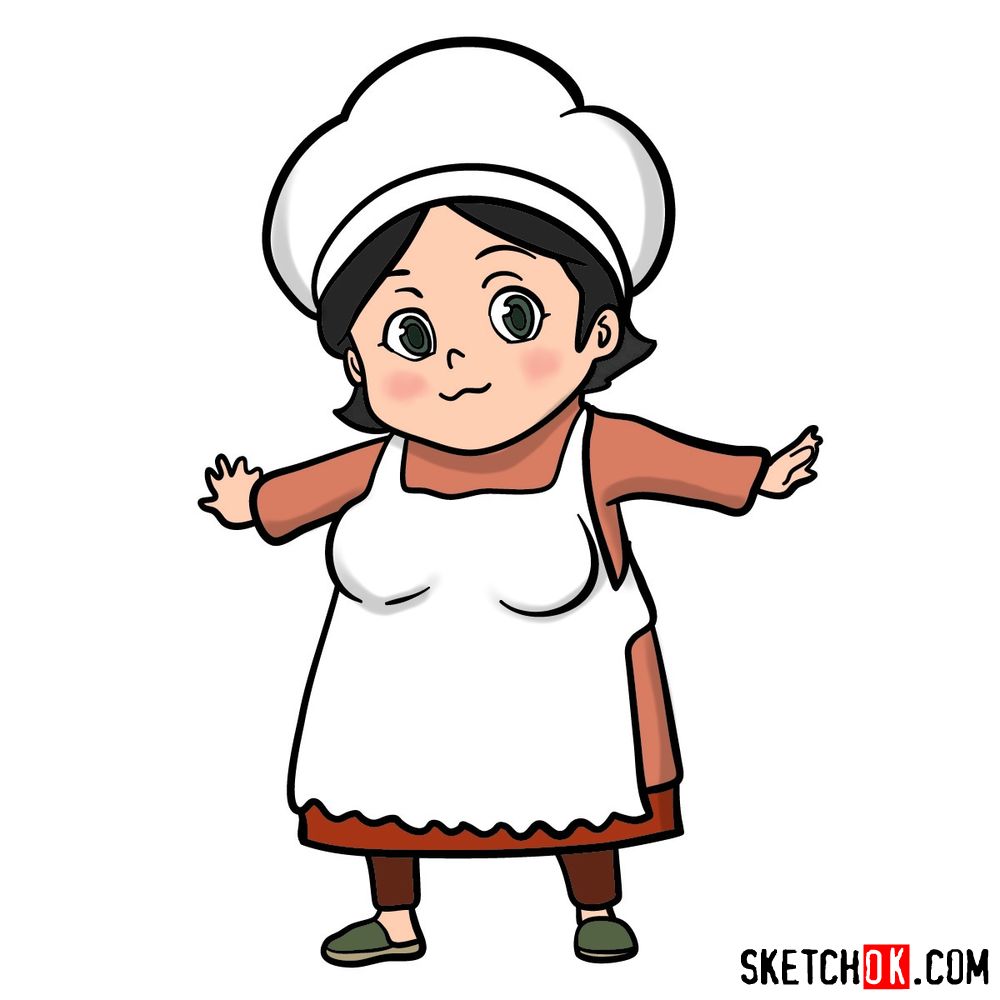
A chef hat sitting slightly crooked on short black hair and arms spread wide gives Kamado Ueshita her instantly readable silhouette, and this step-by-step guide walks through how to draw Kamado Ueshita in chibi form from the Future Diary anime.
Chibi Proportions and What to Expect From This Walkthrough
The tutorial runs 13 steps and ends on a fully colored result, so the color choices for the apron, dress, and shoes are all accounted for by the final stage. The chibi build means the head takes up a large share of the total height, which keeps the early steps focused on getting that ratio right before the body and arms come in.
Kamado Ueshita’s Key Visual Traits
- Short black hair with white chef hat
- Round face with green eyes and rosy cheeks
- White apron over rust-red long-sleeve dress
- Dark brown pants with green flat shoes
- Arms spread wide in welcoming pose
If you want to keep building out the Future Diary roster, Ai Mikami (Ikusaba) and Reisuke Houjou both use comparable step counts, and Yuno Gasai is a natural next pick once you are comfortable with the series’ chibi style.
Reading the Step Colors in the Images
Each step image uses a three-color system to show exactly what is new and what came before:
- Red Color: lines added in the current step.
- Black Color: lines completed earlier.
- Gray Color: base sketch for structure.
How to Draw Kamado Ueshita: Step-by-Step Tutorial


Finished Your Drawing? Here’s Where to Share It
Once you have the coloring done, drop your finished Kamado Ueshita in the comments below. It’s always good to see how different people handle the apron details or get the rosy cheeks just right. New tutorials go up on Facebook and Telegram as soon as they are published, a new YouTube video based on existing guides goes live every day, and Pinterest gets updated regularly too. Other Future Diary characters worth trying next include Takao Hiyama and Tsubaki Kasugano, both of which have their own distinct outfit challenges. If you want to support the project and get access to hand-drawn coloring pages, the Patreon page is the place to do it.